How to Understand How Fall Detection Technology Works
November 4, 2026
Medical Alert Systems for Couples: Dual vs Single Plans in 2026
November 5, 2026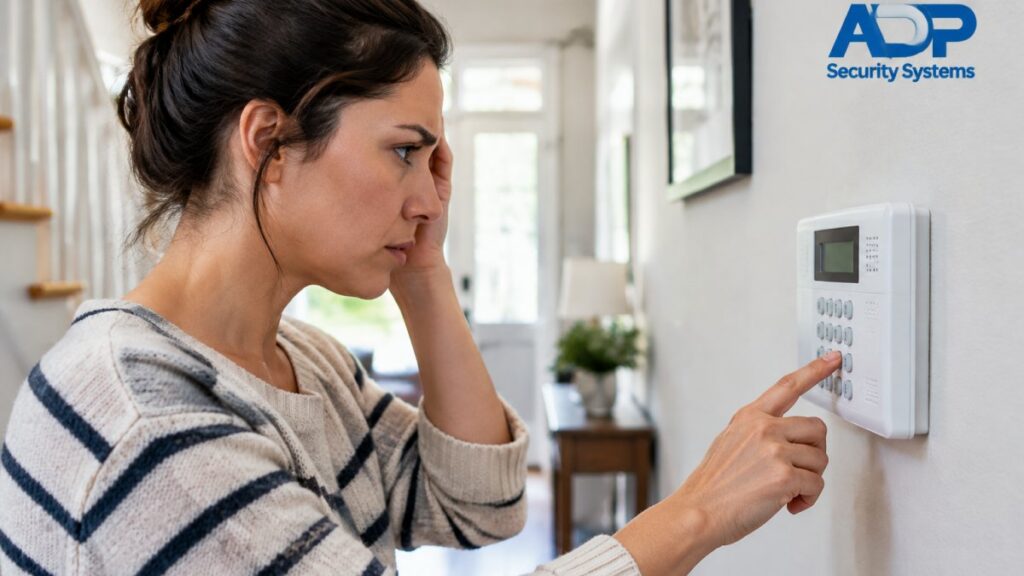
Last Updated: November 4, 2026
Quick Summary
Most false alarms come from small, fixable issues rather than bad equipment, and human error is the single biggest cause. Prevent them by training everyone who uses the system, lowering motion detector sensitivity, replacing batteries on schedule, and auditing smart home automations that arm or disarm the alarm.
- Human error is the single biggest cause of false alarms in home security systems.
- Turn down motion detector sensitivity before replacing any hardware.
- Run a monthly quick check and a quarterly full walkthrough of your system.
- Many local governments fine homeowners for repeated false alarms, so check your ordinance.
- Ask your monitoring company whether call-first verification is available on your account.
Table of Contents
- Why False Alarms Happen More Than You Think
- 1. Human Error and User Training
- 2. Troubleshooting Motion Detector False Alarms
- 3. Door, Window, and Glass Break Sensors That Trigger by Mistake
- 4. Battery, Power Source, and Wireless Interference Problems
- 5. Smart Home Integration Conflicts Nobody Warns You About
- 6. Your Security System Maintenance Checklist
- 7. False Alarm Fines and Ordinances: What They Cost You
- Frequently Asked Questions
Why False Alarms Happen More Than You Think
Most false alarms don’t come from bad equipment. They come from small, fixable issues that pile up over time. A dusty sensor, an untrained family member, a battery on its last legs: any one of these can trigger a dispatch call.
The consequences are real. Many cities across the country now fine homeowners for repeated false alarms, and some monitoring services charge extra after the first few.
Below, we break down the nine most common causes and exactly how to fix each one. For a practical method to reduce them, see how to use video verification to cut false alarms. We’ll also show you how to test your sensors properly with a step-by-step sensor testing guide so you catch problems before they trigger a call.
1. Human Error and User Training
Human error is the single biggest cause of false alarms in home security systems. Someone opens a door before disarming. A guest punches in the wrong code. A child wanders into a motion zone after bedtime.
Here’s what most guides miss: the fix isn’t more technology. It’s training. Every person with a key or code needs to know three things:
- How to arm and disarm the system correctly
- The verbal password for canceling a false alarm with the central station
- Who to call when something goes wrong
Update your emergency contacts every time someone moves in or out. A stale contact list means the monitoring service calls the wrong person at 2 a.m.
2. Troubleshooting Motion Detector False Alarms
Motion detectors trigger more false alarms than any other sensor type. The good news: most issues trace back to settings or placement, not broken hardware.
Sensitivity Settings and Pet Immunity
Turn down the sensitivity before you replace anything. High sensitivity catches every curtain flutter and sunbeam shift. Pet immunity settings let cats and dogs under a certain weight move freely without tripping the alarm.
A common mistake is buying pet-friendly sensors but placing them where pets climb. Mount motion detectors high on the wall and angle them away from furniture pets use.
Environmental Interference and Debris Obstruction
Dust, cobwebs, and insects inside the sensor lens cause false positives. So do heating vents, space heaters, and sunlight hitting the detector directly.
Check these spots:
- Vents blowing air across the sensor’s field of view
- Balloons or curtains moving in drafts
- Dust buildup on the lens cover
If you’re deciding between sensor types, our comparison of glass break versus motion sensors explains which one fits each room.
3. Door, Window, and Glass Break Sensors That Trigger by Mistake
Door and window sensors misfire when the gap between magnet and contact widens. A warped door frame, loose mounting screw, or a door that swells in humid weather can all do it.
Glass break sensors are trickier. They listen for the specific sound of shattering glass, so loud noises nearby can set them off.
Fix the cheap stuff first. Tighten every mounting screw. Replace worn adhesive. Test each contact by opening and closing the door slowly.
4. Battery, Power Source, and Wireless Interference Problems
A low battery is the most predictable false alarm cause, and the easiest to prevent. Most panels chirp a warning before the battery dies, but people tune it out.
Watch for these signals:
- A beeping keypad or panel
- A “trouble” light on the display
- Sensors that drop offline and reconnect
Wireless interference is the sneaky one. Baby monitors, Wi-Fi routers, cordless phones, and even microwave ovens can disrupt wireless sensor signals. Move your router away from the panel and check for devices sharing the same frequency band.
Get a Free Security Assessment →
5. Smart Home Integration Conflicts Nobody Warns You About
This is the gap most guides skip.
Picture this: a smart lock unlocks, the automation disarms the alarm, but the door sensor still reads “open.” The system flags a fault.
Watch out: automations that arm the system on a schedule without checking occupancy can cause surprise alarms.
The conflicts fall into four patterns, and each one hits a different sensor type.
Motion Detectors vs. Robot Vacuums and Smart Fans
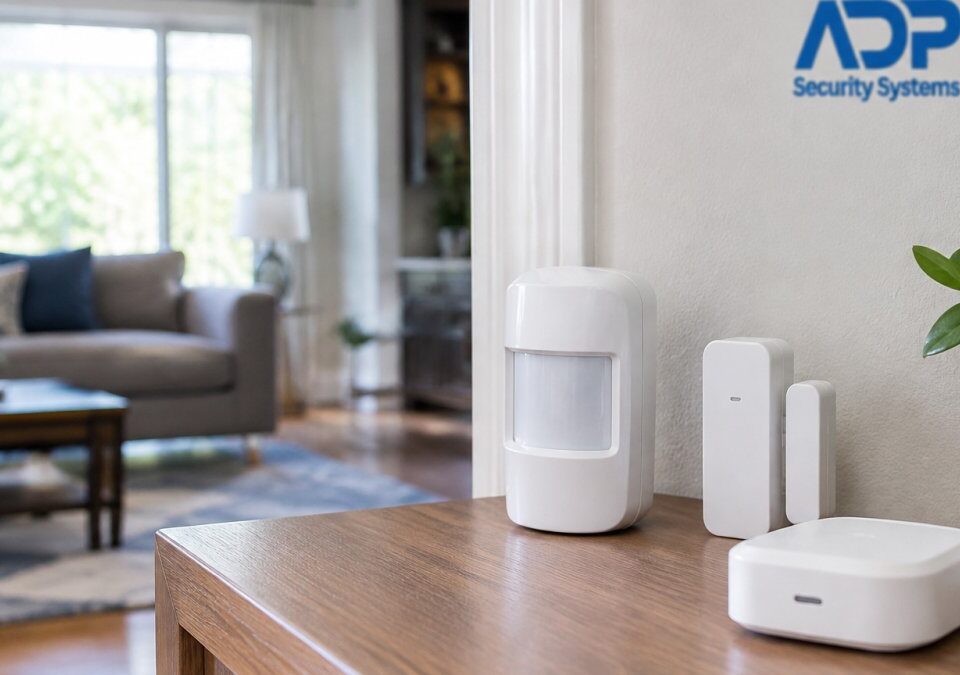
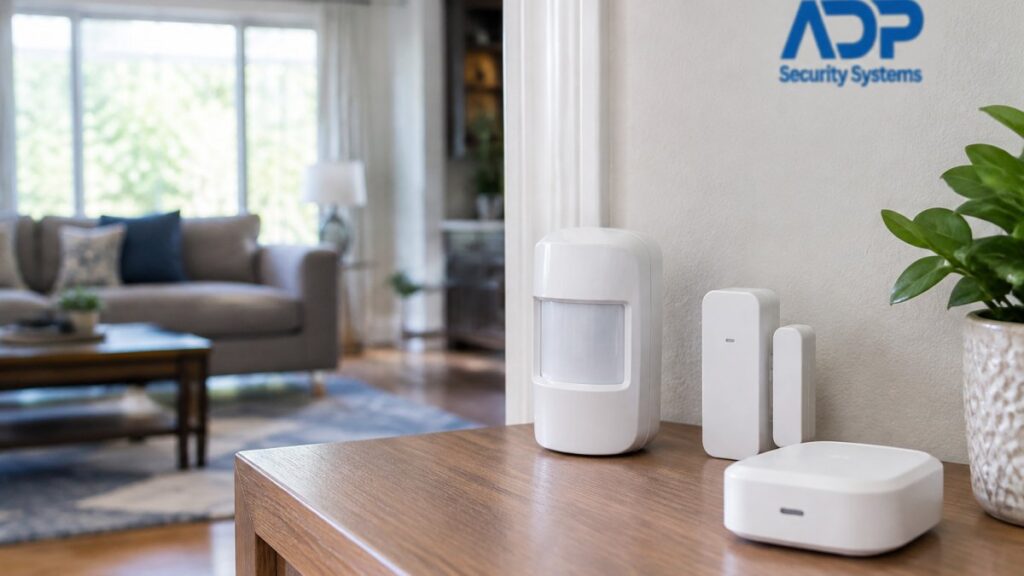
A PIR motion detector reads moving heat, not motion itself. A robot vacuum crossing the room carries a warm battery and motor, and a smart fan or air purifier that kicks on at a scheduled time moves curtains and shifts air across the lens. Both can look like an intruder to a sensor that is armed.
- Keep robot vacuum schedules outside armed hours, or set the vacuum to pause when the panel is armed.
- Point smart fans and air purifiers away from motion zones, and avoid scheduling them to start while the system is armed.
- If a vacuum routinely crosses a hallway zone, use a pet-immune or lower-sensitivity setting on that detector rather than disabling the zone.
Smart Locks vs. Door and Window Contacts
A magnetic contact sensor reports open or closed based on the gap between magnet and reed switch. A smart lock that unlocks remotely, or a motorized deadbolt that throws itself, can leave the door ajar just enough to hold the contact open. The panel sees a fault, and a fault during arming can turn into an alarm.
- Confirm the door fully latches after every remote unlock, and check the contact state in the app.
- Avoid automations that unlock and disarm at the same moment; sequence them so the door closes before the system arms.
- If a door swells with humidity and no longer seats in the frame, fix the frame before blaming the sensor.
Cameras and Voice Assistants vs. Arming State
Cameras with person detection and voice assistants that run routines can change the arming state without a human confirming occupancy. A voice routine that arms “when everyone leaves” depends on presence detection that is often wrong, especially when a phone is left at home or a guest is still inside.
- Audit every routine that arms or disarms, and require a confirmation step before arming.
- Check that presence detection uses more than one signal, such as phone location plus a keypad code, before it arms the system.
- Keep voice-assistant arming limited to disarming with a spoken PIN, not silent scheduled arming.
Glass Break Sensors vs. Smart Speakers and Appliances
Glass break detectors listen for the frequency signature of shattering glass. A smart speaker playing loud music, a dropped dish in a nearby kitchen, or a slammed cabinet can produce a similar sharp transient and trip the sensor.
- Move glass break sensors away from speakers and entertainment centers.
- Test the sensor with its built-in test mode after adding any new speaker or appliance nearby.
- If a sensor keeps tripping, check whether its coverage pattern overlaps a room with frequent sharp sounds.
The fix is simple. Audit every automation that touches the alarm. If a zone keeps causing trouble, learn how to manage alarm zones so you can isolate it without disabling protection for the whole house.
6. Your Security System Maintenance Checklist
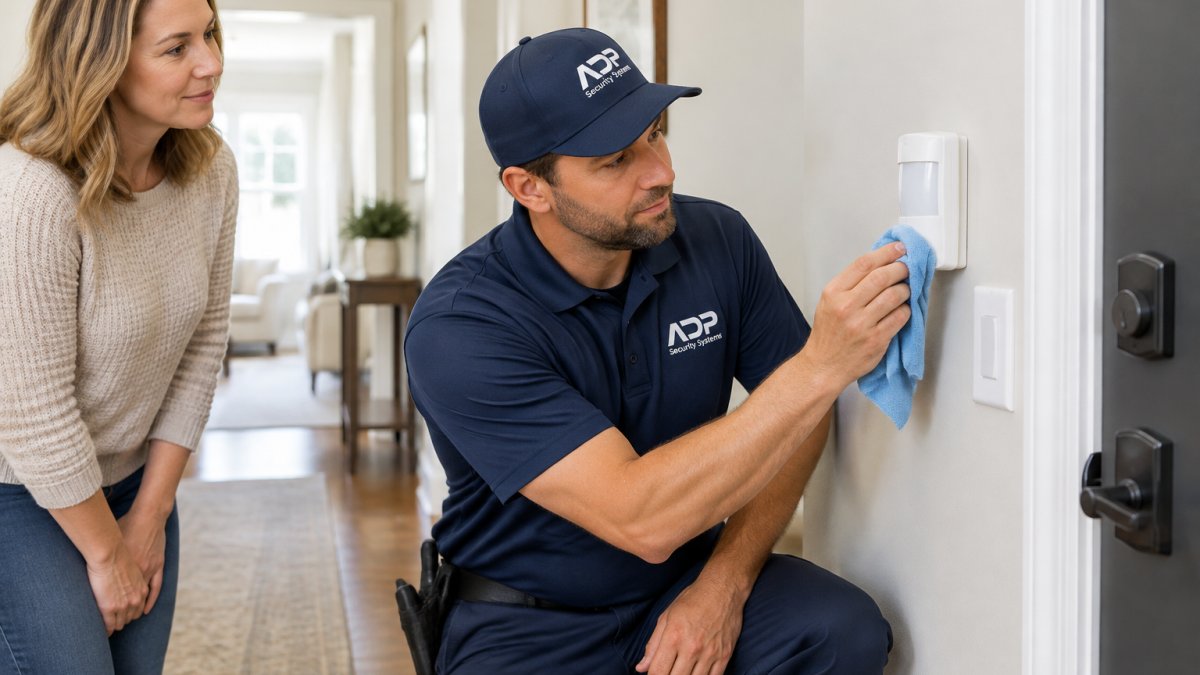
A security system maintenance checklist is a short, repeatable set of tasks that keeps sensors clean, batteries fresh, and settings correct. Run it monthly for a quick check and quarterly for a full walkthrough.
Test the keypad and confirm all zones report ready
- Wipe dust from motion detector lenses
- Check the panel for low-battery or trouble alerts
Quarterly full check:
- Walk-test every door and window sensor
- Replace batteries on schedule, not when they fail
- Clear cobwebs and debris from outdoor sensors
Seasonal Maintenance Calendar
| Season | Focus | Key Tasks |
|---|---|---|
| Spring | Outdoor sensors | Clear winter debris, check exterior contacts |
| Summer | Heat and sun | Angle sensors away from direct sunlight, check AC vents |
| Fall | Batteries | Replace batteries before cold weather, test backup power |
| Winter | Doors and windows | Check for swelling frames, tighten loose magnets |
7. False Alarm Fines and Ordinances: What They Cost You
Many local governments fine homeowners for repeated false alarms, and the penalties can climb with each incident. Some cities require a permit for your alarm system. The rules vary by city, so check your local ordinance directly.
The Permit Layer
A growing number of jurisdictions require an alarm permit before a system can summon police. The permit usually carries an annual fee, and the registration ties your address to a dispatch history. If you move or change monitoring companies, the permit often has to be updated, and an unregistered system can be treated as a violation on its own.
- Confirm whether your jurisdiction requires an alarm permit and keep the registration current.
- Note the permit number where your monitoring company can see it; some central stations ask for it before requesting dispatch.
- Update the permit when you change monitoring providers or add zones.
The Fee Schedule Pattern
Most ordinances follow a similar ladder: a warning or small fine for the first false alarm in a defined period, higher penalties for each subsequent one, and a much steeper charge once you cross a threshold. Some cities also bill for the cost of the police response itself, and a few suspend police response entirely after a set number of false alarms in a rolling window.
- Ask your monitoring company for the false-alarm history on your account; the central station keeps a record of every dispatch request.
- Track the rolling window your city uses, since a clean year can reset your count in some ordinances.
- If a fine arrives, check the ordinance’s appeal process; many allow a written appeal when the alarm was caused by a documented equipment fault or a power outage.
The Consequence That Hurts Most
Suspended police response is the penalty that changes the math. When responders start deprioritizing your address, a real emergency gets the same treatment as a burnt dinner. Some departments move verified alarms, confirmed by audio, video, or a second sensor, to the front of the queue while unverified alarms wait.
- Ask whether your monitoring company offers verified alarm response, which can preserve priority dispatch.
- Keep your emergency contact list current so the central station can reach a human before requesting dispatch.
- Know what happens when your alarm goes off so you understand where in the chain a false alarm can be caught.
Preventing the Fine Before It Arrives
The cheapest false alarm is the one that never reaches dispatch. Many monitoring services offer a call-first verification step, where an operator calls you before requesting police, which can catch many accidental trips.
- Ask your monitoring company whether call-first verification is available on your account.
- Review your dispatch history quarterly and look for repeat zones; a zone that trips twice is a maintenance problem, not bad luck.
- Keep the written appeal window for your jurisdiction on file, because a documented sensor fault is often the difference between a waived fine and a paid one.
Frequently Asked Questions
What is the number one cause of false alarms in home security systems?
Human error leads the list. User mistakes such as entering the wrong code, opening a protected door without disarming, or forgetting that a pet is loose in a motion zone are a common source of false alarms. The fix is simple: rehearse arm and disarm procedures with every authorized user, set a verbal password for the central station, and update your emergency contacts whenever someone moves out or changes a phone number.
Are there local ordinances or fines for excessive false alarms?
Many municipalities across the country fine homeowners for repeated false alarms, and some require a permit before a system can be monitored. Penalties often start after a set number of police dispatches and can climb with each repeat. Check your city or county ordinance directly, register your alarm if required, and ask your monitoring service whether they offer verified response or enhanced call verification to cut unnecessary dispatches.
Why did my alarm randomly go off in the middle of the night?
Nighttime triggers usually come from one of four sources: a low battery in a wireless sensor, a draft moving curtains or balloons across a motion detector’s view, insects or debris inside a sensor housing, or a loose door contact after seasonal wood swelling. Check the event log on your keypad first, then inspect the sensor named in the log.
How does professional maintenance reduce false alarm triggers?
Regular upkeep can help catch small sensor faults before they lead to dispatches. ADP Security Systems offers customizable maintenance schedules for homes and commercial properties, so sensors get checked on a rhythm that matches how much traffic your system sees.