How to Respond to Alarm Alerts Without Delay
October 31, 2026
How to Improve Audio Clarity on Outdoor Security Cameras
November 2, 2026
Quick Summary
Video verification gives businesses a visual check before police or fire responders are dispatched, so a monitoring operator can confirm whether a person is present or the alarm was caused by something harmless. This gatekeeping step reduces unnecessary callouts and gives you footage to share with police if a real incident occurs.
- An operator reviews footage after a sensor triggers and escalates only if a person is seen in a restricted area.
- Verified alarms help reduce unnecessary callouts, which can matter under local alarm ordinances and fee schedules.
- Raising sensor sensitivity alone usually produces more false triggers; pairing sensors with cameras filters out the noise.
- Cameras need clear fields of view covering entry points, or operators will have nothing to verify.
- Remote video monitoring lets one team apply the same verification protocol across several locations.
Table of Contents
- What Video Verification Is and How It Works
- Video Alarm Verification: Cutting False Alarms at the Source
- False Alarm Reduction and What It Saves Your Business
- Remote Video Monitoring for Multi-Site Operations
- How to Compare Video Verification With Other Methods
- Protecting Footage, Privacy, and Data Handling
- Video Verification Best Practices for Your Facility
- Scheduling Your Free Security Assessment
- Frequently Asked Questions
What Video Verification Is and How It Works
Last Updated: October 31, 2026
Video verification is the practice of using a live or recorded camera feed to confirm an alarm event before a monitoring center dispatches police or fire responders.
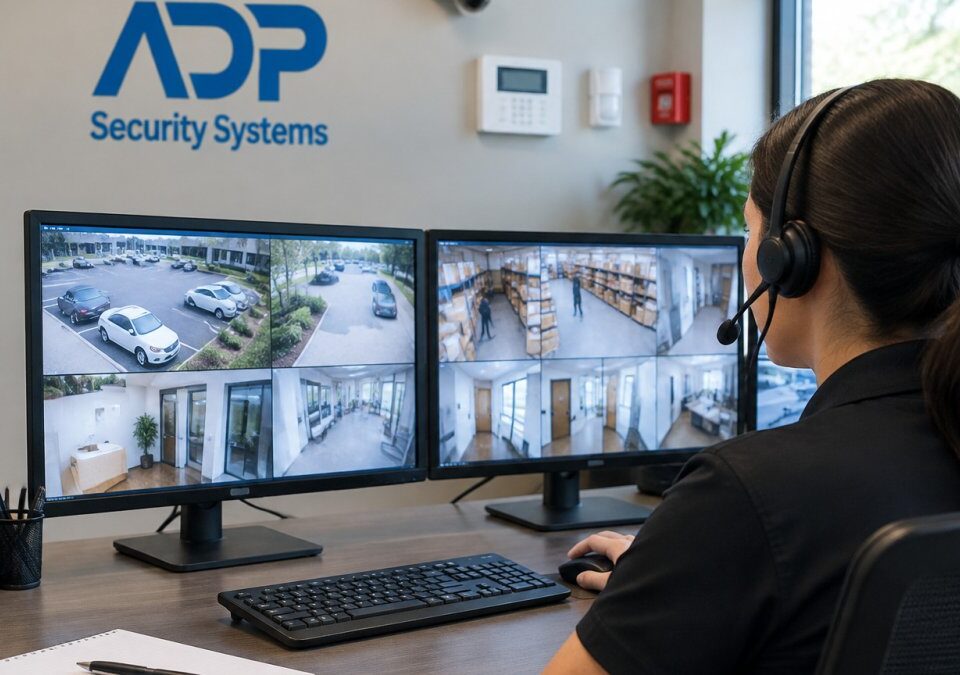
Here is the basic workflow. A sensor triggers, the system captures a short clip or opens a live view, and a trained operator reviews the footage.
The advantages of video verification for businesses come from that gatekeeping step. Verified alarms can help reduce unnecessary callouts, and footage may be available to share with police if an incident does occur.
Video Alarm Verification: Cutting False Alarms at the Source
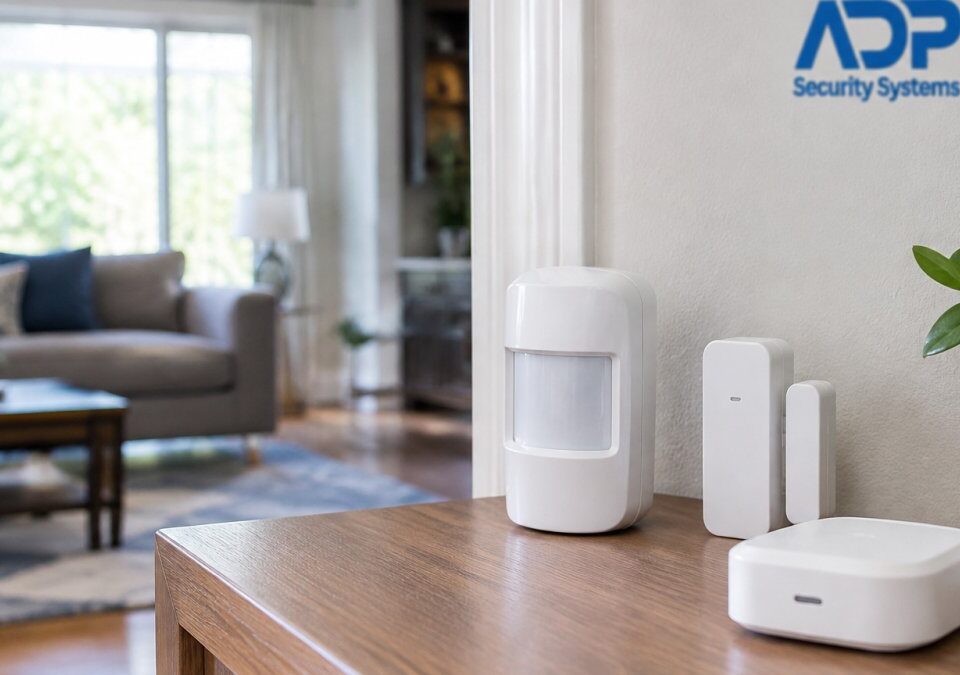
Video alarm verification works by adding visual confirmation to the sensor data that a conventional alarm already collects. Most false alarms originate from motion detectors, door contacts, or glass-break sensors reacting to something other than an intruder.
A common mistake is assuming a more sensitive sensor will improve results. Higher sensitivity usually produces more false triggers. Pairing the sensor with camera confirmation lets you keep detection strong while filtering out the noise.
Watch out: if cameras are installed without clear fields of view covering the entry points, operators will have nothing to verify and may default to dispatching anyway.
False Alarm Reduction and What It Saves Your Business
False alarm reduction matters for businesses for reasons beyond the cost of a single callout. Repeated unverified alarms can lead municipalities to impose fines or restrict police response to alarm systems that generate frequent false dispatches.
There is also an operational cost. Each false dispatch pulls a manager or key employee away from their work to meet an officer, reset a system, or explain what happened. Verification reduces those interruptions. Learn how to respond to alarm alerts calmly and efficiently once fewer false alarms reach you.
Remote Video Monitoring for Multi-Site Operations
For businesses running several locations, remote video monitoring lets one team oversee many properties from a central view.
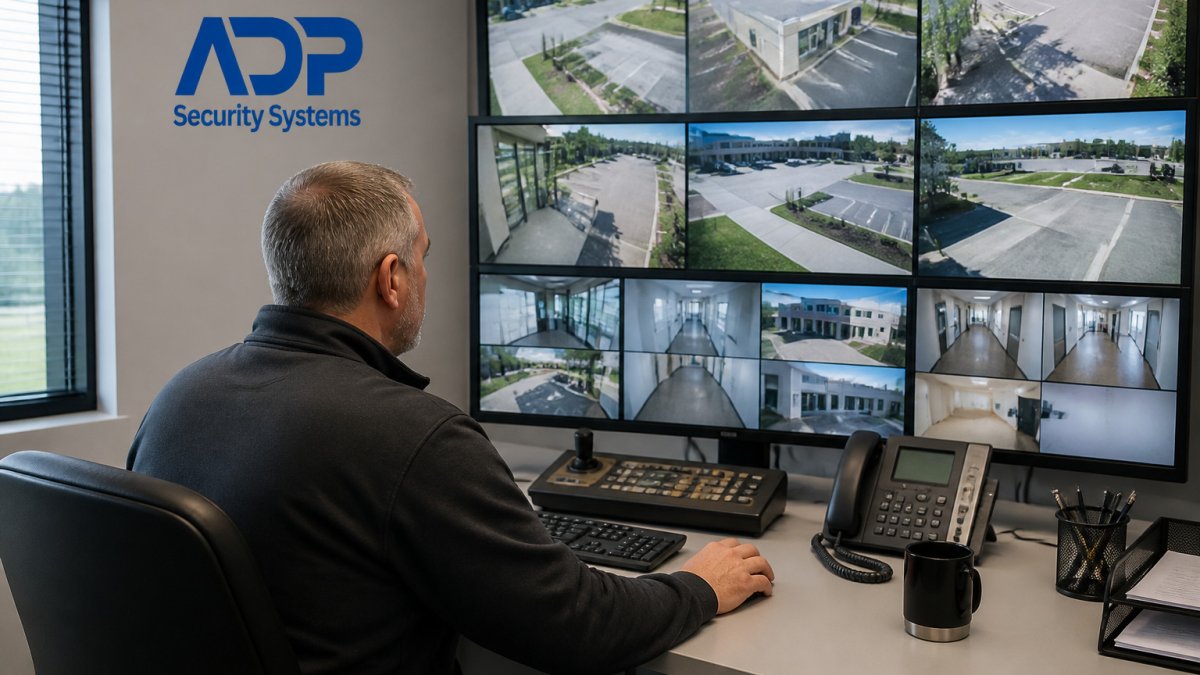
Consistency is the main benefit. Each site follows the same verification protocol, so a manager reviewing alerts knows exactly what the footage should show and what action to take. Standardizing the process also makes it easier to compare performance across locations and identify which sites generate the most false triggers.
How to Compare Video Verification With Other Methods
Video verification is not the only way to confirm a business location or reduce false alarms, and the right choice depends on what you are trying to prove. Two distinct comparisons matter for most businesses: how video stacks up against other listing-verification methods, and how it stacks up against other alarm-confirmation technologies.
Listing verification methods side by side
When a platform such as Google Business Profile asks you to prove you operate at an address, it typically offers several methods. Eligibility varies by business category, account history, and whether the address is staffed during posted hours.
| Method | What it confirms | Typical effort | Typical speed | Evidence required |
|---|---|---|---|---|
| Video recording | Location, signage, interior, and access in one pass | Medium, one continuous recording, no edits | Often same day to a few days | Uncut footage showing street, signage, entry, and interior |
| Phone or SMS code | A reachable phone number tied to the listing | Low | Minutes | A code sent to the listed number |
| Email code | A reachable email tied to the listing | Low | Minutes | A code sent to the listed address |
| Postcard | Mailing address control | Low effort, high wait | Usually one to two weeks | A code mailed to the street address |
| Live video call | Location and identity in real time | Medium, scheduled appointment | Scheduled slot | A live walkthrough with an agent |
| Official document | Business existence and address | Medium, document retrieval | A few days | Utility bill, lease, or government filing |
A common pattern is that phone and email codes are offered first and fail when the listed number or address is outdated, shared with a virtual office, or routed to a call center. Postcards fail when mail is not reliably delivered to the suite. Video is usually offered when the other methods are exhausted or when the category is considered higher risk.
Before starting any method, confirm that the phone number, email, and address on the listing are current. Most failed verifications are caused by stale contact data, not by a bad video.
Alarm-confirmation methods side by side
The second comparison is the one most security articles cover. It matters because video verification is often sold alongside, not instead of, other detection technologies.
| Method | What it confirms | Main limitation |
|---|---|---|
| Video verification | Visual cause of the alarm | Depends on camera placement, lighting, and bandwidth |
| Dual-technology sensors | Two detection methods agree | Confirms a trigger, not the cause |
| Audio verification | Voices or unusual sounds | Silent intrusions go unheard |
| Standard sensors only | Movement or contact | Highest false-alarm rate |
For most commercial sites with existing cameras, video verification offers the most complete picture because it answers the dispatcher’s real question: is a person present, and where. To weigh that against other options, see a side-by-side comparison of professional monitoring and self monitoring. Sites with limited camera coverage may find dual-technology sensors a practical starting point, then add cameras at the highest-risk openings first.
Get a Free Security Assessment →
How to decide
Work backward from the outcome you need. If the goal is to get a listing verified, choose the fastest method you are eligible for and keep video as the fallback. If the goal is to cut false dispatches, compare the cost of a false callout, including any municipal fine, staff time, and lost productivity, against the cost of adding camera coverage at your weakest entry points. If the goal is both, a single camera installation can often serve both workflows, provided the footage is clear enough for a human reviewer to act on.
Alarm management standards and false dispatch guidance
Protecting Footage, Privacy, and Data Handling
Verification footage is sensitive in a way that a sensor log is not. A clip can show employees, customers, visitors, license plates, computer screens, and the interior layout of your facility. It is the part of video verification most likely to create legal and operational exposure. Treat the footage as regulated business data, not as a security byproduct.
What a verification recording can reveal
A single clip can capture more than the event that triggered it. Common exposures include:
- People who did not consent to being recorded, including customers and visitors in retail or lobby areas.
- Employee activity, such as break areas, time clocks, or conversations near a camera.
- Operational detail, such as cash handling, inventory placement, access codes written on a wall, or screen contents.
- Neighboring property, if a camera angle reaches a shared hallway, parking lot, or adjacent suite.
A practical first step is a camera-by-camera review of what each field of view actually captures, not what it was intended to capture. Reposition or mask any camera that reaches restrooms, changing areas, or other spaces where people reasonably expect privacy.
Access, retention, and deletion
Set rules in three layers:
- Who can view. Assign access by role. Monitoring operators need live and recent clips; managers may need historical clips; most staff need neither. Keep a log of who reviewed which clip and when.
- How it is transmitted and stored. Use encrypted transmission between cameras and the monitoring center, and encrypted storage at rest. Confirm whether footage is stored on-site, at the monitoring center, or in a cloud service, because the answer determines who you must notify if something goes wrong.
- How long it is kept. Retention should match a stated business purpose. Keeping footage longer than necessary increases exposure; deleting it too quickly can leave you without evidence after an incident. Review retention settings with your security provider and, where appropriate, your legal counsel. For practical guidance on how long recordings should be kept, see this security camera retention guide for SC properties.
Do not assume your security provider’s default retention period matches your obligations. Ask for the retention setting in writing and confirm how deletion is verified.
Legal and notice considerations
Video surveillance and the handling of recorded footage can be governed by state and local rules, and some states impose notice, consent, or retention requirements. Confirm the rules that apply to your location. Many businesses post signage at entrances and in areas where cameras operate, and some maintain a written camera-use policy that covers purpose, scope, access, and retention. If you operate across state lines or handle footage that may be subject to a legal hold, involve counsel before changing retention settings.
Practical safeguards
- Post camera notices at entrances and in customer-facing areas.
- Keep an up-to-date camera map so you know what each device sees.
- Restrict clip sharing to a need-to-know basis and use expiring links when sending footage to police or insurers.
- Review access logs quarterly and remove accounts for departed staff and former vendors.
- Include video verification footage in your incident-response plan, so staff know who to contact and what to preserve.
Small business cybersecurity guidance
Video Verification Best Practices for Your Facility
Start with an assessment of your entry points, high-value areas, and blind spots. Place cameras so each protected opening has a clear view, and confirm that lighting supports usable footage both day and night.
Train staff to know who to expect on the premises and when. Give monitoring teams an accurate list of authorized users and schedules so they can distinguish a legitimate after-hours visit from a genuine threat.
If you operate a retail location, verification workflows are especially useful for checking after-hours activity and monitoring loss prevention areas.
Scheduling Your Free Security Assessment
Every facility is different, and the right verification setup depends on your layout, your existing equipment, and how often your alarms currently trigger. A free security assessment from ADP Security Systems gives you a clear picture of where verification will cut false alarms and where your current system needs attention.
We have served South Carolina businesses and homeowners for over 30 years, and our installers, monitoring team, and maintenance staff work together to keep your system reliable. Request your free security assessment today and find out how video verification can reduce false dispatches at your site.
Frequently Asked Questions
What is video verification?
Video verification is the process of checking an alarm event with live or recorded video before a response is dispatched. When a sensor trips, a monitoring operator views the camera footage from that area to see whether a person, a threat or a harmless cause, such as a moving shadow or a pet, triggered the alarm. Confirmed events are escalated to police or the responsible party, while non-events are closed without dispatch. The result is a faster, more accurate response and fewer unnecessary calls for service.
Can video verification reduce false alarms?
Yes. Most false alarms come from sensors reacting to non-criminal causes such as wind, temperature swings, animals or a misconfigured door. Because an operator can see what triggered the sensor, these events can be closed without a dispatch. The exact reduction depends on the site, sensor placement and how the system is configured.
Does video verification cost extra for a business security system?
Costs depend on the number of cameras, the monitoring plan, the equipment already installed and the service level you choose. Video verification may add equipment and a monitoring fee compared with a basic intrusion alarm. Pricing is not published here because it varies by site. For current pricing or a quote, contact ADP Security Systems through its website or request a free security assessment.
How should businesses protect video footage and customer privacy?
Limit who can view live and recorded footage, use unique logins, and ask how video is protected in transit and at rest. Define how long footage is kept and delete it on schedule. Post signage where cameras are used, and avoid pointing cameras at private areas such as restrooms or changing spaces. Ask your provider how it handles access logs and whether it can produce an audit trail if footage is requested.