Best Emergency Contacts for Seniors to Keep Ready
November 22, 2026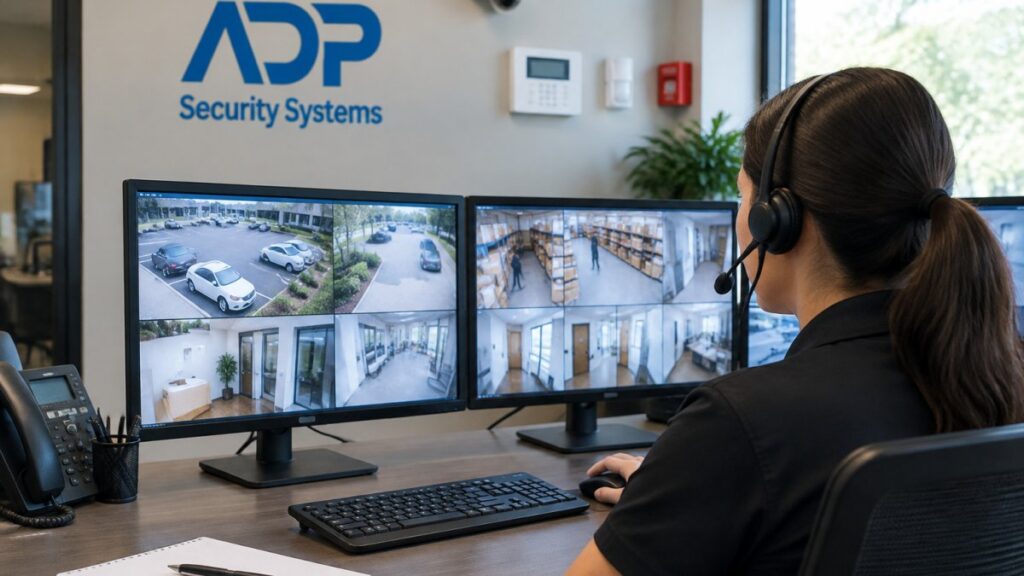
Quick Summary
Unified security monitoring brings alarms, video surveillance, access control and fire or life safety signals into one oversight layer that a single team can watch and act on. Its main benefits are one view of the property, faster threat detection, shorter incident response and cleaner records.
- Operators work from one interface instead of switching between separate vendor apps.
- Track time to detect, time to respond and false-positive rate before and after deployment.
- Integrating access control with video lets investigators search badge logs alongside footage.
- Start rollout with a discovery inventory of every alarm, camera, reader and safety device.
- Require exportable event data and documented APIs in contracts to avoid vendor lock-in.
Table of Contents
- What Unified Security Monitoring Means for Your Business
- Core Benefits of Unified Security Monitoring
- Access Control and Video Surveillance Integration
- Integrated Security Systems for Businesses: Architecture and Data Governance
- Unified vs. Siloed Monitoring: Side-by-Side Comparison
- Risks, Trade-Offs and a Practical Rollout Plan
- Business Security Monitoring: Choosing Your Next Step with ADP Security Systems
- Frequently Asked Questions
What Unified Security Monitoring Means for Your Business
Last Updated: November 20, 2026
Unified security monitoring is the practice of bringing alarms, video surveillance, access control and fire or life safety signals into one oversight layer that a single team can watch and act on.
Consider a typical commercial site. The alarm company sends its notifications to one app, the camera system has its own recorder and viewer, and the badge reader runs on a separate server managed by a different vendor. When something happens after hours, the guard or manager must check three screens to piece together what occurred.
How a unified platform differs from siloed systems
A siloed setup treats each device as a standalone product. Each system raises its own alarms, stores its own logs and requires its own maintenance contract. A unified platform connects those inputs so that a door forced open at 2:14 a.m. can trigger a camera clip, notify the on-call manager and log the event against the badge that was used or not used.
The practical difference is correlation. Siloed systems tell you that something happened. A unified system helps you see how the events relate, which is what shortens the time between detection and decision.
Core Benefits of Unified Security Monitoring
The benefits of unified security monitoring are only credible when you can measure them. Tying each benefit to a metric you can baseline before deployment and track afterward turns a sales claim into an operating case.
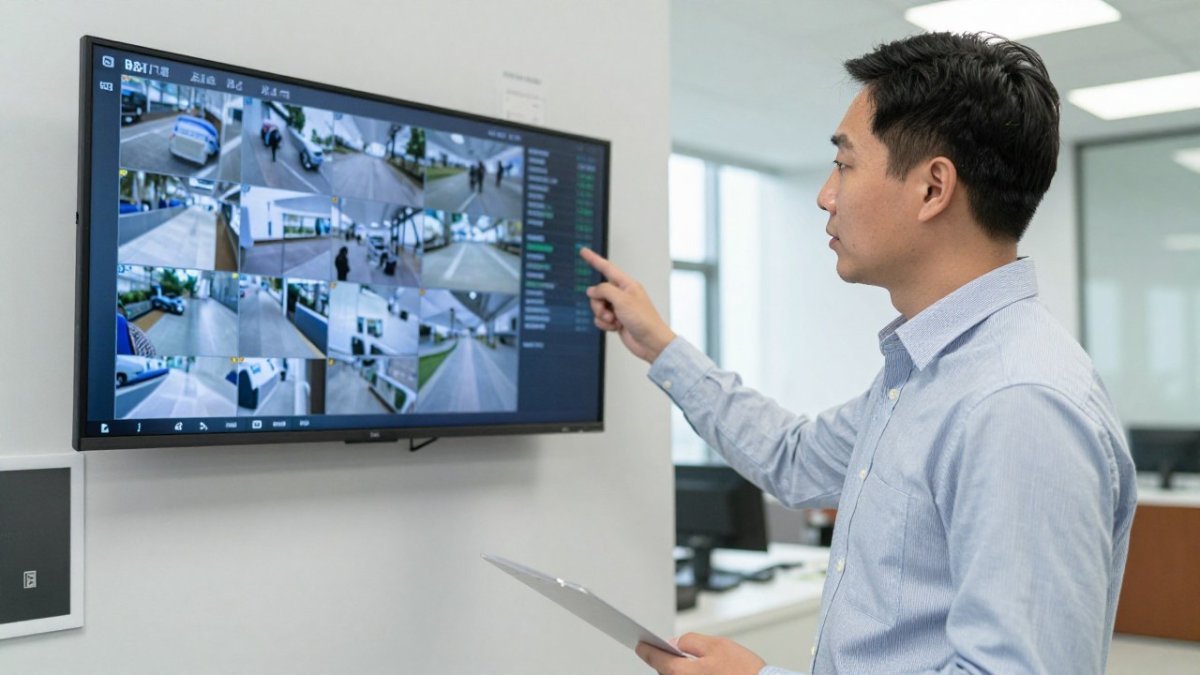
The five benefits that matter, and how to measure each
- One view of the whole property. Operators work from a single interface instead of switching between vendor apps. Measure it as the number of separate logins or consoles an operator touches per shift and the average time to locate a camera or door status. A common pattern is a drop from four or five interfaces to one.
- Faster threat detection. Correlated events surface patterns that individual alerts bury. Measure time to detect (TTD): the interval between the first sensor event and a human acknowledging it. Baseline it from your existing alarm and video logs before you integrate anything.
- Shorter incident response. When the alert and the video arrive together, responders verify before dispatching. Measure time to respond (TTR) and the share of incidents resolved remotely without a physical dispatch.
- Cleaner records. One event log simplifies audits, insurance claims, and internal reviews. Measure the hours spent assembling an incident report and the number of systems queried per investigation.
- Less tool sprawl. Fewer platforms mean fewer renewal dates, passwords, and vendors to coordinate. Measure the count of active contracts, the number of passwords managed, and the annual hours spent on vendor coordination.
Alert fatigue is the benefit most often lost
Reducing alert fatigue is frequently cited but rarely quantified. Track the false-positive rate (alerts that require no action divided by total alerts) and operator workload (alerts per operator per hour). If those numbers do not improve after integration, the platform is routing noise faster rather than reducing it.
Business outcomes beyond the security team
Unified monitoring also affects functions outside security. Insurance underwriters increasingly ask for documented retention and access policies, and a consolidated log makes those answers faster. Finance benefits from fewer line-item renewals and a clearer total cost of ownership. Operations benefits when access events and video can be reviewed together during a customer dispute or a workplace investigation. None of these are automatic; they follow from configuring the platform around the workflows that actually generate cost.
A simple before-and-after scorecard
Before deployment, record four baselines: time to detect, time to respond, false-positive rate, and alerts per operator per hour. Also record the number of interfaces and the number of vendor contracts. Revisit the same six numbers at 30, 90, and 180 days. Detection and response often improve first, while false-positive reduction can take longer because it depends on tuning rules against real site activity. That scorecard is the difference between claiming benefits and proving them.
Access Control and Video Surveillance Integration
Integrating access control with video is one of the most useful steps a business can take. When a badge is presented at a door, the matching camera can record the person, and the access log can be searched alongside the footage.
Integration also supports policy enforcement. A rule can require that a door held open for more than thirty seconds triggers a camera alert, or that after-hours entry to a server room automatically notifies the IT lead.
To understand how the two systems connect at the technical level, read our explainer on integrating video surveillance with access control. If you are evaluating local options, our commercial video surveillance in South Carolina page outlines what the installation process typically covers, and our security camera systems in Greenville, SC page describes the commercial camera and remote guarding services available in that area.
Integrated Security Systems for Businesses: Architecture and Data Governance
Integration works only when the underlying architecture is sound. Before committing to a unified platform, ask how it connects to each device type, whether it uses open or proprietary protocols and where the event data is stored.
Data governance deserves equal attention. Video and access records often contain personal information, so you need clear answers about who can view footage, how long it is retained and how it is backed up. Written retention and access policies make both audits and employee questions easier to handle.
Unified vs. Siloed Monitoring: Side-by-Side Comparison
The table below summarizes how the two approaches differ across the factors most business owners weigh.
| Factor | Unified Monitoring | Siloed Monitoring |
|---|---|---|
| Operator interface | One dashboard | Multiple vendor apps |
| Event correlation | Automatic across systems | Manual, by timestamp |
| Response to a single incident | Alarm, video and access log together | Checked separately |
| Audit and reporting | One consolidated log | Exported from each system |
| Vendor management | Fewer contracts to coordinate | One contract per system |
| Upgrade path | Planned across the platform | Device by device |
| Initial cost | Typically higher up front | Lower up front, higher over time |
Risks, Trade-Offs and a Practical Rollout Plan
Unified monitoring is not free of drawbacks, and the trade-offs should shape the rollout rather than appear as an afterthought. The most common risks are integration complexity with legacy devices, vendor lock-in when a platform uses proprietary protocols, a single point of failure if the central service goes offline, privacy and retention concerns around video and access records, and the risk of consolidating so much into one platform that an outage affects every function at once.
Phase 1: Discovery and inventory
List every alarm panel, camera, reader, and fire or life safety device, with vendor, model, age, and the protocol it speaks. Note which devices are end-of-life and which already expose an API. This inventory is where integration complexity is either confirmed or ruled out. Watch out: legacy panels that speak only proprietary protocols are the most common cause of budget overruns, because they may require replacement rather than integration.
Phase 2: Integration planning and architecture review
Decide how the platform connects to each device type, whether it relies on open standards or vendor-specific APIs, and where event data is stored. Confirm data retention periods, access permissions, and backup arrangements in writing. Address vendor lock-in here by requiring exportable event data and documented APIs in the contract. This is also the phase to design redundancy: local recording, backup connectivity, and a documented fallback if the central service is unavailable.
Phase 3: Phased deployment
Start with one integration that removes the most friction, typically access control to video. Deploy to a single site or building first, then expand. Phasing limits the blast radius of a single point of failure and gives you a controlled environment to test. Define a go/no-go gate before expanding: the pilot must meet agreed thresholds for time to detect, time to respond, and false-positive rate.
Phase 4: Testing and alert tuning
Run the integrated system in parallel with existing processes for a defined period. Compare alert volumes, false positives, and operator workload against the baselines recorded earlier. Tune thresholds against real site activity rather than vendor defaults. Initial periods often generate more alerts than expected, and tuning, not hardware alone, usually determines whether operators trust the system.
Phase 5: Change management and training
Document who receives each alert type and who has authority to dispatch staff or call responders. Train operators on the single interface, but also on the fallback procedure if the platform is unavailable. Review the configuration quarterly and after any major site change. Change management is where many rollouts quietly fail: the technology works, but staff revert to old habits because the new workflow was never reinforced.
Deployment models and total cost of ownership
Cloud, on-premises, and hybrid models carry different trade-offs. Cloud reduces upfront hardware and simplifies remote access but depends on connectivity and raises data-residency questions. On-premises keeps data local and can survive an internet outage but requires capital and maintenance. Hybrid balances the two but adds architectural complexity. Total cost of ownership should include licensing, integration labor, hardware replacement for incompatible devices, training, and ongoing maintenance, not just the platform subscription. Comparing those line items across models is the most reliable way to avoid a surprise in year two.
Business Security Monitoring: Choosing Your Next Step with ADP Security Systems
Unified monitoring pays off when it is designed around how your property actually operates. Start by mapping the systems you already have, then decide which integration would remove the most friction. ADP Security Systems has served South Carolina residential and commercial clients for over 30 years, and can review your current setup and suggest realistic options.
Ready to see how a unified system would work at your site? Get a free security assessment from ADP Security Systems and see which integrations would give your team the clearest view.
Frequently Asked Questions
What is unified security monitoring?
Unified security monitoring combines separate security tools, such as alarms, security cameras, access control and fire or life safety systems, into one platform that is watched and managed from a single interface. Instead of checking several apps or control panels, staff see alerts and video from all connected systems in one place. For businesses, this creates a shared view of the premises, makes it easier to correlate events, and shortens the time between an alert and a response. ADP Security Systems designs and monitors these integrated setups for commercial properties across South Carolina.
Can unified security monitoring reduce false alarms?
It can help. When cameras, access control logs and alarm sensors feed into one system, operators can check whether a door event, motion trigger and video clip point to the same incident before they escalate it. That cross-checking reduces alert fatigue, which is one of the most common complaints about standalone systems. Results depend on how the system is configured, how sensors are placed and how often maintenance is performed, so ADP Security Systems recommends a site assessment to tune alert rules for your facility.
What systems can be integrated into a unified security platform?
Most unified platforms can bring together intrusion alarms, IP and analog security cameras, access control readers and door hardware, and fire alarm or life safety panels, depending on the equipment’s compatibility. Older legacy systems may need gateways or upgrades before they can connect. ADP Security Systems evaluates your existing wiring and equipment during an assessment so you know what can be integrated and what would need replacement. Pricing depends on the equipment involved, so request a quote for your specific site.
How does unified security monitoring improve incident response?
When an alarm, door forced-open event and camera motion trigger appear together, responders get full context in seconds rather than piecing it together across systems. Video can be pulled directly from the event, and staff can lock doors or notify the right people from the same interface. Faster verification and coordinated action generally shorten response time. Continuous 24/7 monitoring from ADP Security Systems ensures someone is watching the integrated feed at all hours.