Medical Alert Systems for Seniors Living Alone: A Complete Guide
July 30, 2026
What Medical Alert Fall Detection Can Do
August 2, 2026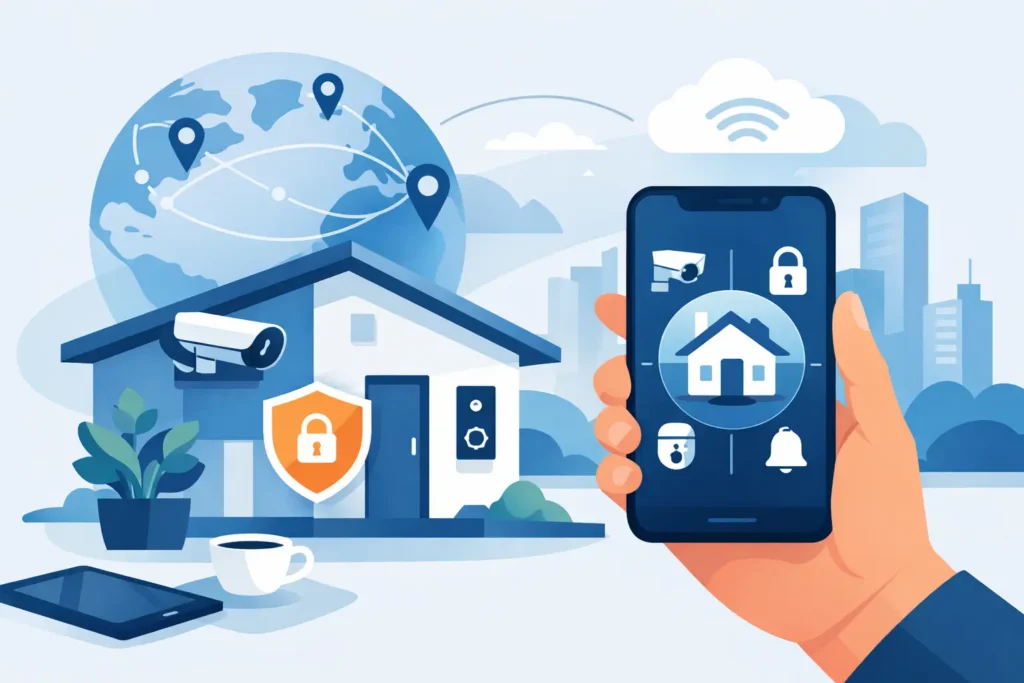
A security system should not stop working for you when you pull out of the driveway. The ability to control home security remotely gives homeowners a clear view of what is happening at home, plus practical control over alarms, cameras, locks, lights, and temperature settings from a smartphone. For South Carolina families who travel, commute, manage second homes, or simply want to check on loved ones, that visibility can make a real difference.
Remote access is not about filling a house with complicated gadgets. It is about making sure the right protection is available when you need it, whether you are at work in Greenville, away for the weekend, or responding to an alert in the middle of the night.
What Remote Home Security Control Can Do
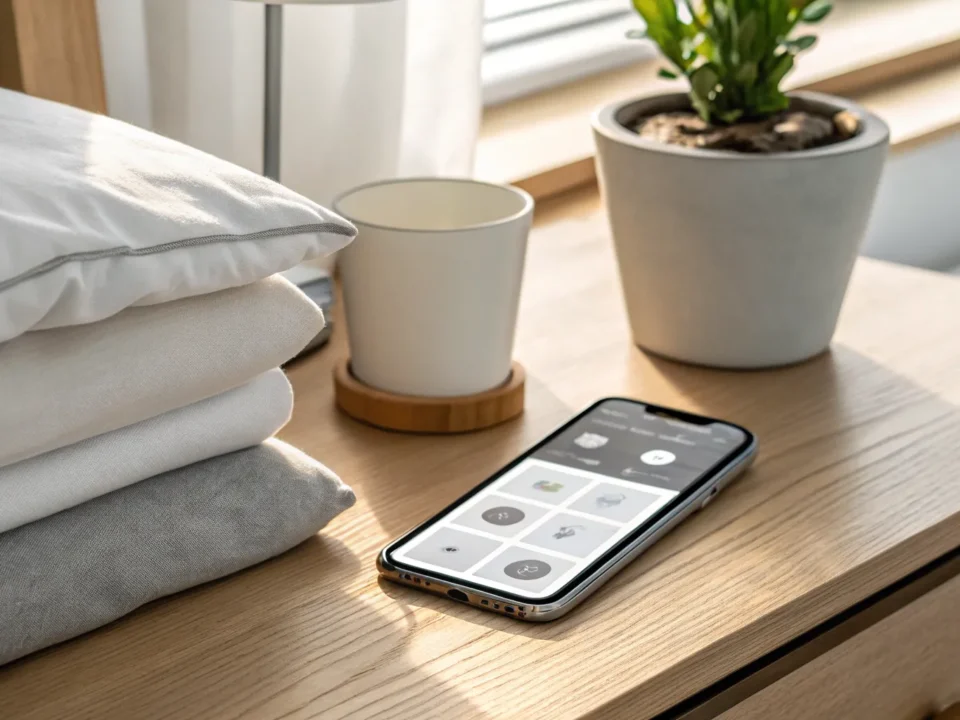
A professionally installed connected security system places key controls in one easy-to-use mobile app. Depending on the equipment selected for your home, you may be able to arm or disarm your alarm, receive activity notifications, view live or recorded video, lock or unlock supported doors, adjust connected lights, and manage your thermostat.
The most valuable feature is context. A motion alert alone can be unsettling. A motion alert paired with a quick camera view lets you see whether a package was delivered, a family member arrived home, or someone is approaching an area they should not be near. Instead of guessing, you can make a better decision quickly.
Remote control also supports everyday routines. If you leave for work and cannot remember whether you armed the system, you can check its status and arm it from your phone. If a child gets home from school before you do, a door notification can confirm their arrival. If a trusted service professional needs temporary access, a connected lock may allow you to let them in without leaving a hidden key outside.
Start With Professional Installation and Monitoring
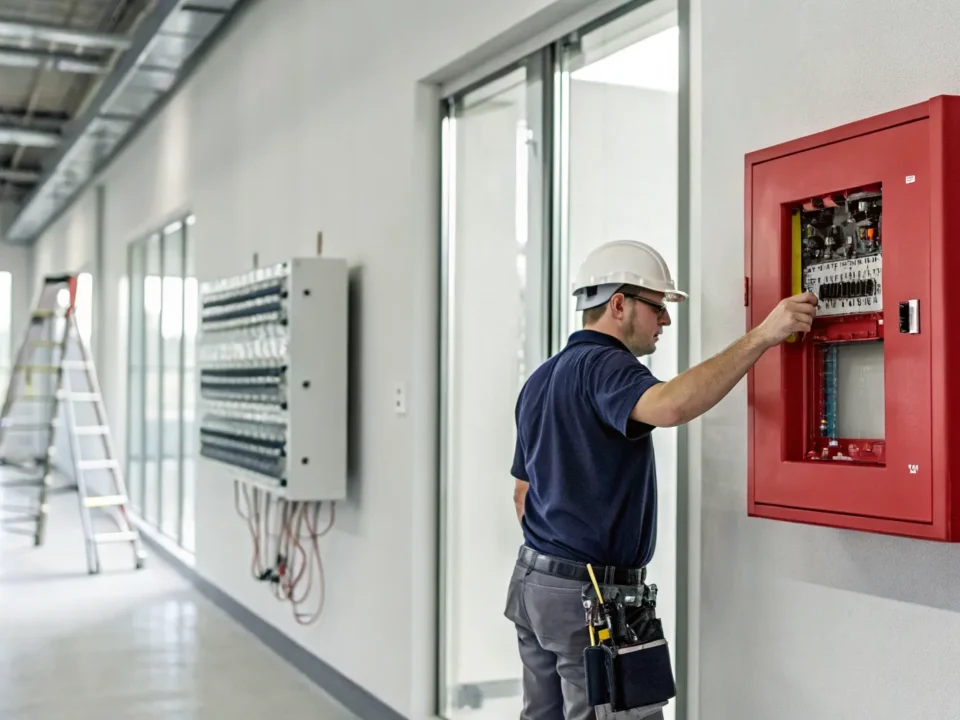
Remote features are only as dependable as the system behind them. Wi-Fi cameras and do-it-yourself devices can be useful in limited situations, but they do not always provide the coverage, placement, backup communication, or ongoing support a professionally designed system can offer.
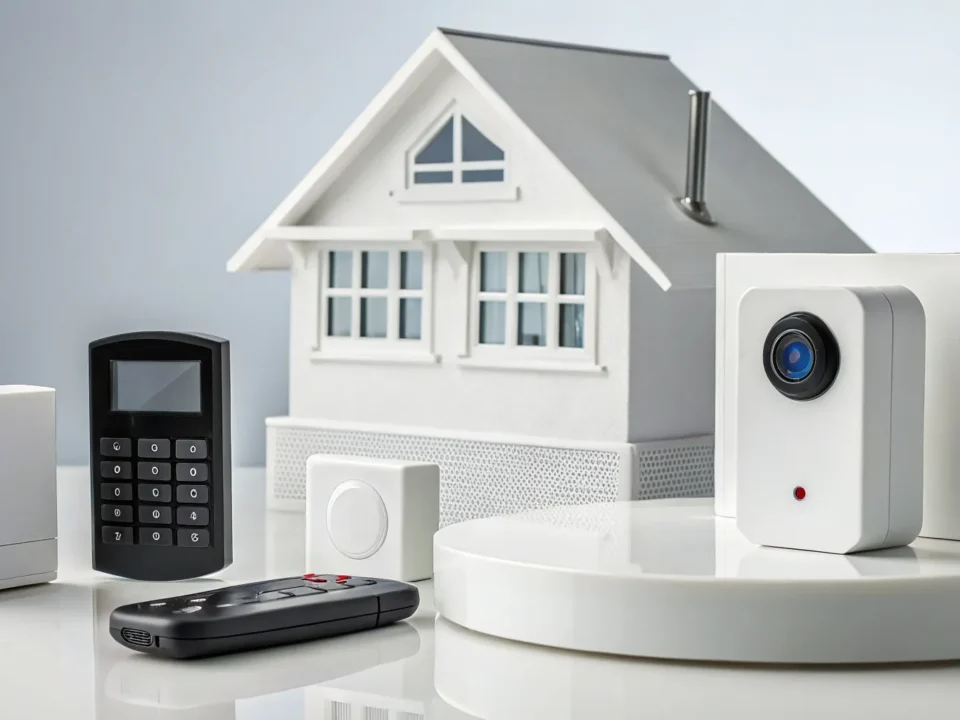
A security assessment should begin with your home and your routine. Entry points, detached garages, pets, children, older family members, blind spots around the property, and travel habits all affect the right design. A professional can recommend where sensors and cameras will be most effective, then make sure the equipment communicates reliably.
Professional 24/7 alarm monitoring adds another layer of protection. Your app can notify you, but you may be in a meeting, asleep, without service, or unable to respond during an emergency. When a monitored alarm is triggered, trained central-station operators can follow the appropriate response procedures and contact emergency services when needed.
For many homeowners, that backup is the reason remote control feels reassuring rather than burdensome. You have access and awareness, with professional help available when you cannot be the one watching.
Ways to Control Home Security Remotely Every Day
Arm and disarm with confidence
Remote arming is one of the simplest and most useful capabilities. Before bed, you can confirm that the system is armed without walking through the house to check a keypad. When leaving in a hurry, you can arm it after you are already on the road if you realize it was overlooked.
Disarming remotely should be handled thoughtfully. It can be helpful when a family member is arriving, but it should never replace sound access practices. Every adult in the household should have their own code or app credentials rather than sharing a single login. That creates clearer accountability and makes access easier to change if circumstances shift.
See what matters with smart video
Security cameras can help you check the front door, driveway, backyard, or other priority areas from almost anywhere. Video doorbells are especially useful for deliveries and visitors, while exterior cameras can provide a view of activity around entryways and vehicles.
Camera placement matters more than camera quantity. A camera aimed directly into strong afternoon sun may produce poor footage. A camera mounted too high may miss faces, while one mounted too low can be easily damaged or moved. A professional installer can account for lighting, viewing angles, local conditions, and the areas that matter most to your family.
Use notifications selectively. Alerts for every passing car or gust of wind become background noise. Fine-tuning motion zones and alert settings helps ensure you notice the events that deserve attention.
Manage doors, lights, and comfort settings
Connected door locks can make daily access more manageable. You can verify whether a door is locked after leaving home, provide access for a relative or approved visitor, and avoid the risk of spare keys hidden under mats or planters. Some systems can also send an alert when a door is opened, which is helpful for families with children or caregivers checking on an older loved one.
Connected lighting can support security as well as convenience. Turning on exterior lights before you arrive home improves visibility. Scheduling lights while you are away can make the home look occupied, although schedules should vary enough that they do not become overly predictable.
Remote thermostat control is another practical feature. You can reduce energy use when the house is empty, then adjust the temperature before returning. In periods of extreme heat or cold, temperature alerts may also help you address a problem before it affects pets, pipes, or vulnerable family members.
Protect the App That Protects Your Home
Remote control depends on account security. The same phone that opens your banking app may also arm your alarm or unlock your door, so a few basic habits are worth adopting.
Use a strong, unique password for the security account and enable multi-factor authentication when available. Keep your phone protected with a passcode, fingerprint, or facial recognition. Install app and device updates promptly, since they may address security issues as well as add features.
Be careful about who has access. Former roommates, contractors, house sitters, and adult children who move away may not need ongoing control of the system. Review users and access codes periodically, especially after a move, staffing change, or major life event. If your home Wi-Fi equipment is old or unreliable, discuss an upgrade and ask about cellular backup options for the security system.
Build a Response Plan Before an Alert Happens
The best time to decide what you will do during an alarm is before one occurs. Discuss a simple plan with everyone in the household. Know who receives alerts, who can verify cameras, who should call a neighbor, and when to contact emergency services.
A remote alert does not always mean you should rush home. If a camera shows suspicious activity or an alarm has been triggered, avoid putting yourself in danger by confronting someone. Let trained monitoring professionals and local law enforcement handle an active emergency. Your role is to provide information, remain reachable, and follow the plan.
It is also wise to test the system periodically. Check that notifications arrive, camera views load, and family members know how to arm and disarm the system. Seasonal checks are a good time to review smoke and carbon monoxide detection, replace batteries where applicable, and update emergency contacts.
Choose Features That Fit Your Household
Not every home needs every connected device. A family with school-age children may prioritize door alerts, a video doorbell, and easy remote arming. A frequent traveler may want exterior cameras, monitored intrusion protection, automated lighting, and thermostat control. Someone supporting an aging parent may benefit from a connected home system alongside a personal medical alert device with one-touch emergency response and fall detection.
The right balance depends on your risks, your daily routine, and how much you want to manage yourself. More equipment can provide more coverage, but only when it is installed correctly and configured in a way your household will actually use. ADP Security Systems helps South Carolina homeowners match professionally installed technology and monitoring to the protection they need without making the experience harder to manage.
A well-planned remote security system gives you more than an app full of buttons. It gives you a practical way to stay connected to your home, act quickly when something needs attention, and know that help is available when you cannot be there yourself.