Monitored Versus Unmonitored Alarms Compared
August 14, 2026
How to Protect Elderly Parents at Home Safely
August 16, 2026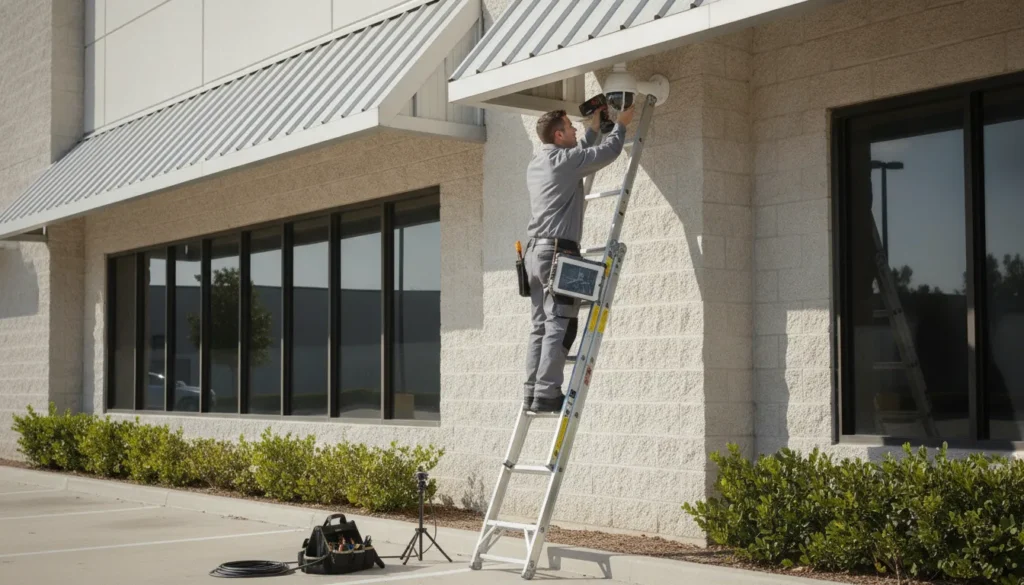
A camera system is only useful when it helps your team see the right scene, in enough detail, to make a timely decision. For a small or mid-sized business, that may mean watching a sales floor. Confirming activity at a loading door, reviewing an incident, or checking who entered an office after hours.
Commercial security cameras are integrated video systems that combine cameras, network or coaxial connections, recording storage, and remote access to protect a facility around the clock. The right setup depends on your building, lighting, coverage goals, retention needs, and the task each camera must support.
Choosing equipment by resolution alone can leave important blind spots, wasted storage, or footage that is difficult to use. Start by matching the camera design to the areas and events you need to monitor, then compare the types that fit each location.
Schedule a consultation for your business camera system
The main types of commercial security cameras
Different camera designs solve different visibility problems. A discreet indoor camera may be ideal for a retail floor, while a weather-resistant model with a narrow field of view may be better for a loading dock. The right mix depends on the scene, the activity you need to observe, and the decision the footage must support.
| Camera type | Best for | Common placements |
|---|---|---|
| Dome | Discreet indoor coverage with a wide view | Retail floors, offices, lobbies, hallways |
| Bullet | Long-range, directional outdoor coverage | Parking areas, fences, loading zones, perimeters |
| PTZ | Large active areas that need movement and zoom | Warehouse floors, yards, industrial properties |
| IP / network | Scalable systems with remote access and analytics | New builds, multi-camera sites, multi-location businesses |
| Thermal | Detecting heat or activity in dim or dark conditions | Dark perimeters, industrial sites, utility areas |
Dome cameras for offices, retail, and indoor areas
Dome cameras are commonly installed on ceilings in offices, stores, lobbies, and other finished indoor spaces. Their compact, rounded housing gives them a discreet appearance, which can be useful where a large camera would distract customers or employees. Many dome models provide a broad view of a room, making them practical for entrances, sales floors, reception areas, and hallways.
A dome can also make it less obvious which direction the lens is facing. For indoor applications, consider the ceiling height, the desired viewing angle, available lighting, and whether the camera needs vandal-resistant construction.
Bullet cameras for outdoor and perimeter coverage
Bullet cameras have a longer, more directional housing. They are a strong choice for exterior walls, parking areas, driveways, fences, loading zones, and building perimeters where long-range coverage matters. Their form makes it easier to aim the lens toward a specific approach, gate, or vulnerable area.
For an outdoor bullet camera, verify that the housing is rated for the local weather conditions. You should also evaluate nighttime illumination, glare from headlights, mounting height, and whether trees, signs, or other obstacles will interfere with the view.
PTZ cameras for large, active spaces
Pan-tilt-zoom, or PTZ, cameras can move across a wide area and zoom in on activity. They are useful in large warehouses, industrial properties, yards, parking lots, and other locations where one fixed view cannot cover the entire scene. A PTZ can help an operator follow movement or inspect a distant point without installing a separate fixed camera at every angle.
PTZ cameras work best when someone or an analytics system can direct attention to a specific event. They should not automatically replace fixed cameras at critical points, since a moving lens may be facing elsewhere when an incident occurs.
IP and network cameras for scalable systems
IP cameras send video over a network rather than relying on the older analog approach of transmitting signals over coaxial cable. Surveillance technology has evolved from analog systems to packet-switched systems operating over IPv4 and IPv6 networks, expanding how businesses can connect, manage, and review cameras. Research on this evolution describes how IP-based systems can scale across larger sites and support intelligent applications such as event detection and object tracking.
IP systems are often the modern standard for new installations because they can support remote viewing, centralized management, and software-based features as a business grows. Network security still matters, so cameras, recorders, user accounts, and firmware should be configured and maintained carefully. For a broader look at system planning, see ADP Security Systems’ commercial security camera systems guide.
Thermal cameras for dim or low-light environments
Thermal cameras detect heat patterns rather than depending on visible light. They can be useful around dark perimeters, industrial sites, utility areas, and other locations where ordinary video may lose detail after sunset. Thermal imaging can help identify a person, vehicle, or hot equipment area in challenging conditions. Although it does not provide the same visual detail as a conventional color camera.
- Choose thermal when detecting heat or movement in darkness is the primary need.
- Choose conventional video when identifying faces, labels, colors, or fine visual details is more important.
Many businesses combine these formats rather than selecting one type for the entire property. Fixed domes or bullets can protect key points, PTZ cameras can oversee broad areas, and IP networking can connect the system for centralized management. Where event detection or automated alerts are important, review ADP’s guide to commercial video analytics and AI-powered cameras as a separate planning consideration.
How do you choose the right resolution and night vision for your business?
Start with the task, not the camera box. The National Institute of Standards and Technology recommends defining the scene and the job the viewer must perform. That may mean recognizing a person at an entrance, reading a license plate at a driveway, or confirming activity across a warehouse aisle. A camera is useful only when it provides enough detail for that decision. See the NIST video quality guidance for the use-case principle behind this approach.
For many businesses, 1080p, also called 2MP, is a practical baseline for general monitoring. It can cover entrances, offices, hallways, and smaller retail areas when the camera is positioned correctly. 4K, commonly called 8MP, captures substantially more detail and gives an installer more room to digitally crop footage. That extra resolution is useful at wider entrances, parking areas, loading zones, and other locations where identification matters, but it also requires more storage and network capacity.
Match resolution to distance and lens choice
Resolution cannot compensate for the wrong lens. A wide-angle lens covers more floor space, but people and objects appear smaller. A narrower lens shows more detail at a longer distance, while a varifocal lens allows the field of view to be adjusted during installation. License plate reading usually needs a dedicated camera position, controlled lighting, an appropriate focal length, and a clear capture angle. Simply replacing a 1080p camera with a 4K model will not reliably solve glare, distance, or poor positioning.
- 1080p or 2MP: A sensible choice for close-range observation, general awareness, and well-lit indoor areas.
- 4K or 8MP: Better for wider scenes, entrances, outdoor approaches, and situations where fine detail may need to be reviewed later.
- License plate applications: Plan for a purpose-built camera, a controlled viewpoint, and lighting conditions that support plate capture.
- Large or irregular spaces: Consider multiple cameras or varifocal lenses instead of relying on one high-resolution camera to cover everything.
Plan night vision around the actual area
Infrared, or IR, night vision uses invisible light to illuminate a scene when visible light is limited. Manufacturers often list IR ranges in feet, but the useful range depends on more than the headline number. Reflective surfaces, weather, ambient lighting, camera sensitivity, and the amount of detail required all affect performance. Match the range to the farthest important point in the scene, then confirm that the camera can produce usable detail there.
For a short indoor corridor, a modest IR range may be enough. A dark parking lot, fence line, or warehouse yard may need longer-range IR, supplemental lighting, or several cameras. Avoid aiming IR directly at reflective doors, signs, or nearby walls, since reflected light can wash out the image. If color identification is important at night, low-light color cameras or carefully placed white lighting may be more appropriate than black-and-white IR alone.
Entrances create another challenge because daylight, glass, and interior shadows can appear in the same frame. Wide dynamic range, or WDR, helps a camera handle bright and dark areas together. It is especially valuable at front doors, loading bays, and storefronts where backlighting can otherwise turn a person into a silhouette. When comparing commercial security cameras, evaluate the complete scene, lens, lighting, and recording needs together. The right specification is the one that supports the business task, not simply the largest resolution or longest IR number.
Storage and NVR options: How long should your business keep footage?
Storage is the part of a camera system that determines whether useful video is available when an incident is discovered. A business may need footage from yesterday, last week, or several weeks ago, so retention should be planned before equipment is installed. The right answer depends on your risk profile, operating hours, camera count, and how quickly an incident is normally reported.
NVR vs. DVR: What is the difference?
An NVR, or network video recorder, records video from IP cameras over a wired or wireless network. Because IP systems can scale across locations and support intelligent applications, they are often a practical choice for growing businesses. Research on surveillance technology describes the move from analog signals to packet-switched systems over IPv4 and IPv6 networks. As well as the scalability of modern IP-based systems for large camera deployments. Read the research on IP surveillance evolution and scalability.
A DVR, or digital video recorder, is commonly paired with traditional analog cameras that send video over coaxial cable. DVR systems can still be useful when a business is extending an existing analog installation, but they may offer less flexibility for new networked deployments. The choice should account for the building’s cabling, the number of cameras, remote viewing needs, and whether additional locations may be added later.
Which settings affect storage capacity?
Storage requirements rise as the recorder captures more detail or more hours of video. Before choosing a hard drive or cloud plan, review each camera’s:
- Resolution: Higher-resolution video creates larger files, but may provide more useful detail for identification.
- Frame rate: More frames per second produce smoother motion and consume more storage.
- Recording schedule: Continuous recording uses more capacity than motion-triggered recording.
- Camera count: Every additional stream adds to the daily storage requirement.
- Retention period: Keeping footage for 30 days requires roughly twice the capacity of a 15-day policy, all else being equal.
A basic planning estimate multiplies the data generated by one camera per day by the number of cameras and the number of retention days. A security professional can refine that estimate using the selected resolution, compression, frame rate, and motion activity. Avoid sizing a recorder only for today’s cameras. Reliable commercial systems are designed for scalability and long-term ownership, so leave room for future coverage and operational changes.
Is cloud or local storage better for a business?
Local storage keeps recordings on an NVR at the facility. It can provide fast access and predictable ownership costs, but the recorder needs physical protection, maintenance, and a backup plan if it fails or is damaged. Cloud storage supports remote access and off-site retention, which can help when a site is inaccessible. It typically involves an ongoing subscription and depends on adequate internet connectivity. Some businesses use a hybrid approach, keeping recent video locally while copying important footage or event clips to secure off-site storage.
Retention is not only a technical decision. Set a written policy that identifies how long routine footage is kept, who may access it, and how incident clips are preserved. Review the legal considerations for commercial security cameras in South Carolina before finalizing your policy, particularly where privacy, employee monitoring, or recorded conversations may be involved.
Choosing commercial security cameras for retail, warehouse, and office settings
The right camera system starts with the facility’s risks, not with a preferred camera model. A retail store may need detailed views of transactions and merchandise, while a warehouse needs dependable coverage across high ceilings, loading areas, and long aisles. An office often prioritizes controlled entry, visitor activity, and discreet coverage in shared spaces. Matching the camera, lens, mounting position, and recording plan to each environment produces more useful evidence than installing identical cameras everywhere.
Retail stores: focus on transactions, entrances, and merchandise
Retail coverage should help managers investigate shrinkage, resolve disputes, and understand activity around high-value products. Place cameras at entrances and exits to capture clear approach and departure views. Cameras covering point-of-sale terminals and cash registers should be positioned to show the transaction area without obstructing employees or exposing sensitive customer information unnecessarily.
- Loss prevention: Cover aisles, displays, blind spots, and high-value merchandise with overlapping views where practical.
- POS coverage: Use a focused view of the register and surrounding counter, with enough detail to support incident review.
- Customer flow: Use discreet dome cameras in high-traffic areas where a lower-profile installation fits the store design.
Wide-angle coverage can help monitor busy sales floors, but a wide view may reduce the detail available at a distant register or doorway. Use separate cameras when one view cannot provide both broad awareness and useful identification detail.
Warehouses: cover scale, height, and movement
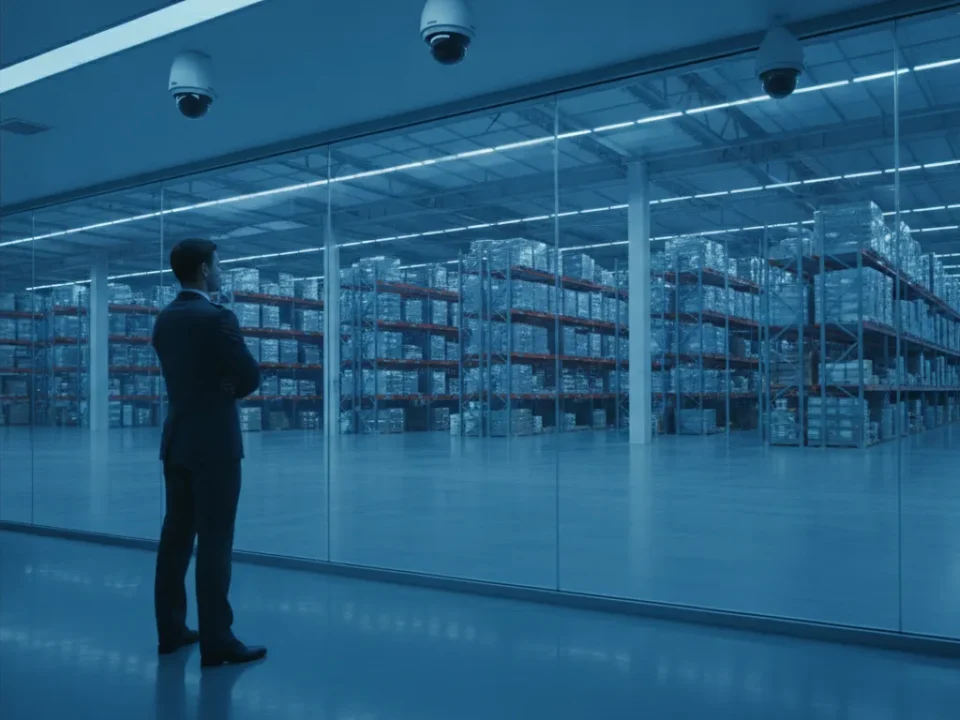
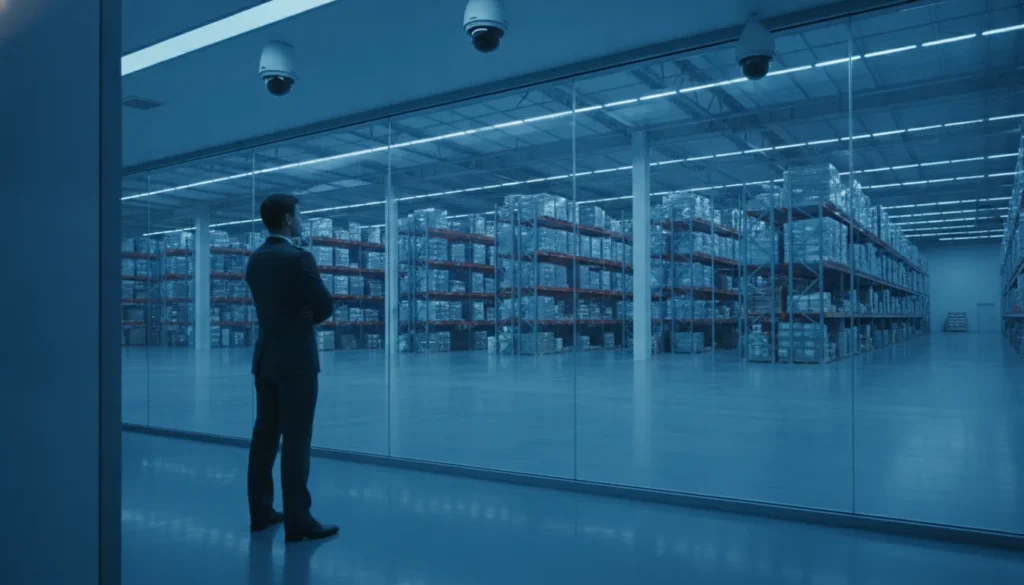
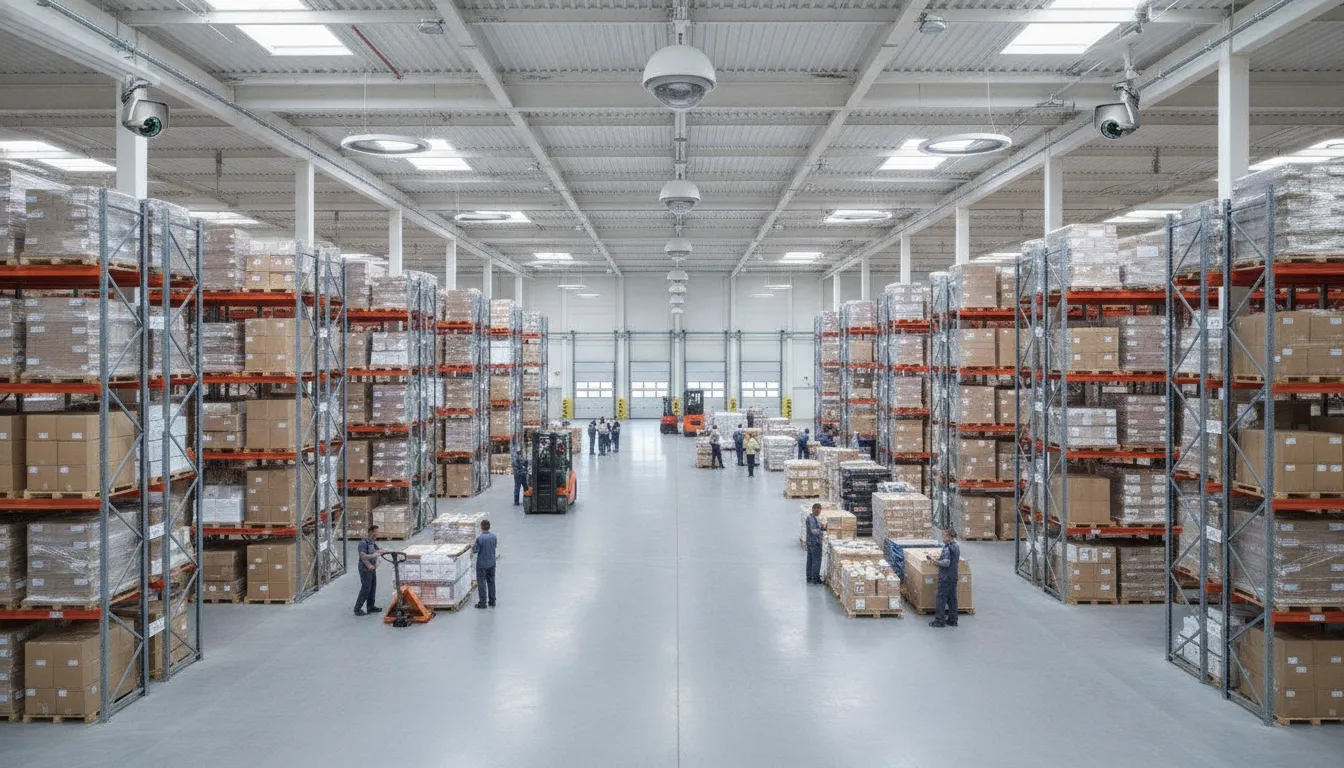
Warehouse camera planning is more complex because large open floors, tall racks, changing inventory, and uneven lighting create coverage gaps. Varifocal cameras can be adjusted for the distance and angle needed at a specific aisle or dock. PTZ cameras can provide flexible oversight across expansive areas. Although they should not be the only protection for a critical zone because a PTZ camera cannot view every direction at once.
- Aisles and racks: Choose lens angles that show movement between rows without leaving the far end too small for review.
- Loading docks: Cover dock doors, vehicle approaches, staging areas, and handoff points with views suited to changing light.
- High ceilings: Confirm mounting height, focal length, infrared performance, and maintenance access before installation.
For more detailed planning, review this commercial security camera selection guidance for warehouse placement and facility-specific risks.
Offices: balance visibility with a professional environment
Office systems typically need clear views of the lobby, main entrance, hallways, and exterior perimeter. A camera at the entrance can support visitor logging and incident review, while indoor dome cameras provide broad, discreet coverage in corridors and common areas. Avoid pointing cameras into private spaces or relying on a single lobby view to cover every access route.
Before approving a design, identify the events the system must document, the detail each scene requires, and how long footage should remain available. Also account for network, storage, lighting, and monitoring costs. This guide to budgeting for commercial security cameras can help frame the ongoing expense. A site survey can then turn those priorities into a camera layout that fits the building instead of forcing the building to fit a generic package.
AI and analytics: What a smart commercial camera system can do for you
A modern camera system can do more than record video for someone to review later. With the right AI analytics, it can identify activity, filter routine motion, and bring the most important events to a manager’s attention while they are happening. That makes AI a practical component of commercial security cameras, not a replacement for thoughtful camera placement, recording, monitoring, or human judgment.
Start with the business problem you need to solve. A camera facing a loading dock may need to distinguish people from vehicles, while a camera at a restricted entrance may need to identify an unauthorized entry attempt. The useful question is not whether a system has the longest list of features. It is whether the selected analytics provide enough detail to support a specific decision or response.
- Person and vehicle detection: Classify movement so staff can focus on relevant activity instead of every passing shadow, tree branch, or change in lighting.
- Motion and trespassing detection: Create rules for activity in defined areas, such as a fenced perimeter, stockroom, back entrance, or loading zone. Real-time alerts can notify designated staff when activity occurs outside expected hours.
- License-plate recognition: Capture and search vehicle information at entrances, parking areas, or delivery points when the camera angle, lighting, and local privacy requirements support that use.
- People counting: Help businesses understand traffic patterns, monitor occupancy, and compare activity across entrances or time periods without relying only on manual observation.
- Access-control integration: Pair video with door events, credentials, or intercom activity. If a door is opened after an access denial or forced-entry signal, the related video can give staff important context faster.
IP-based systems also make intelligent applications easier to scale across a growing site or multiple locations. Research describes event detection, object tracking, threat identification, and rapid incident investigation being applied across networks with thousands of cameras. That scalability depends on the system architecture, network design, storage, permissions, and a clear plan for managing alerts.
AI analytics should therefore be configured selectively. Too many alerts can create fatigue, while poorly positioned cameras can produce unreliable results. For a deeper look at advanced use cases such as AI-based detection and trespassing alerts, see our guide to AI video analytics. The goal is a commercial camera system that helps your team investigate incidents, protect property, and respond confidently, without turning every routine movement into an emergency.
How to plan your business camera installation
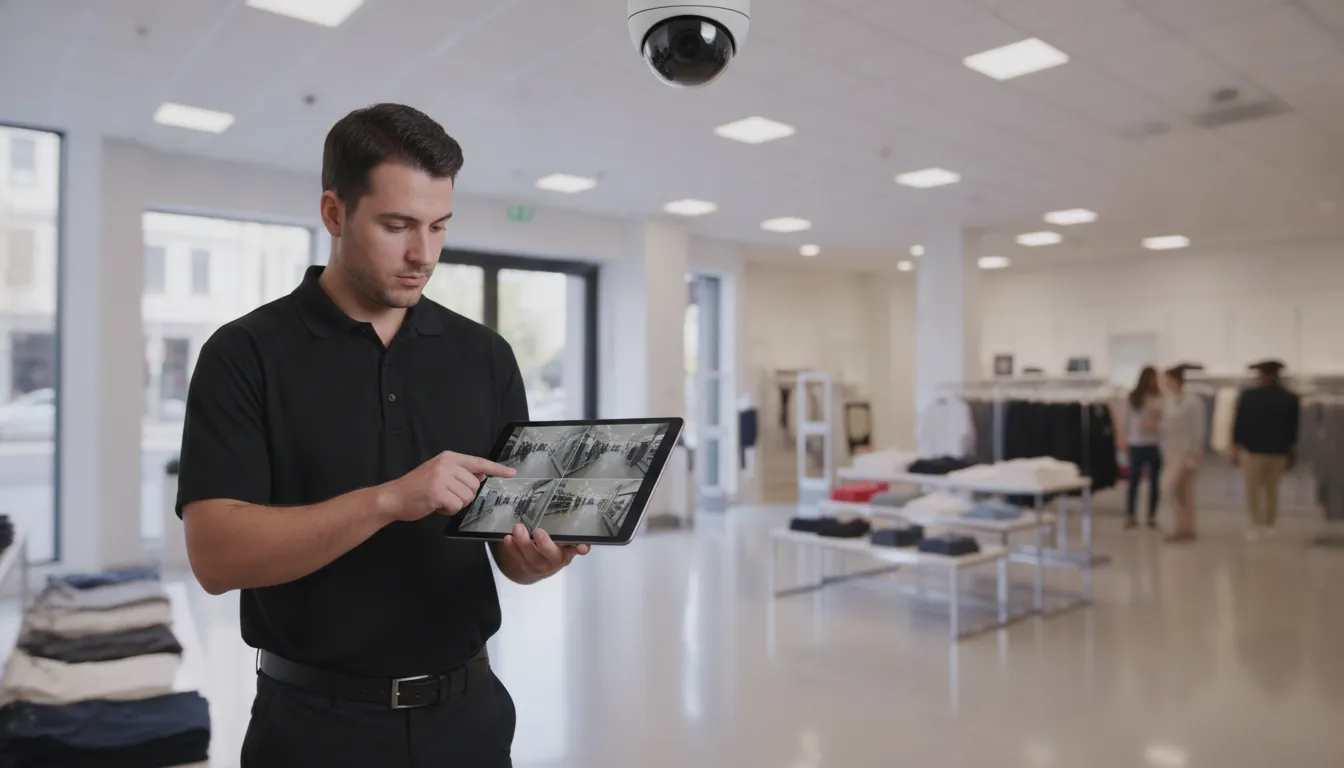
A reliable camera system starts with planning, not with choosing the first camera that fits a catalog description. A professional site survey begins with walking the property, reviewing how people and vehicles move through it, and identifying the incidents the system must help document. That process turns a general request for commercial security cameras into a coverage plan built around your business.
Start with a complete site survey
During the walk-through, an installer should map entrances, exits, parking areas, loading zones, interior corridors, and other paths where security events are most likely to occur. The survey should also identify areas that require closer detail, such as cash-handling points, inventory rooms, gates, and other high-value locations. Lighting, ceiling height, weather exposure, blind spots, and likely obstructions all affect the final camera selection.
A useful placement plan typically accounts for:
- Entrances and exits: Capture faces, activity, and vehicle movement as people enter or leave.
- Perimeters and parking areas: Monitor approaches, fences, gates, and areas where a vehicle or person could remain unseen.
- High-value areas: Add detail where theft, disputes, safety incidents, or liability concerns are most likely.
- Operational spaces: Cover receiving areas, stockrooms, hallways, and other locations that connect business activity.
Plan cabling, network capacity, and storage together
Camera placement is also a cabling and network decision. The installer should determine cable routes, equipment locations, power requirements, network capacity, and how recorded video will reach the NVR or other storage platform. Planning these details before installation helps avoid exposed cable, weak connections, overloaded network equipment, and cameras that cannot deliver the resolution or retention period the business expects. For budgeting context, review this guide to how much security cameras cost per month.
Why professional configuration matters
Even a high-resolution camera can underperform when it is aimed incorrectly, focused on the wrong distance, or configured with unsuitable storage settings. Factory-trained technicians can install and configure the system for the actual property, including camera angle, focus, motion zones, recording schedules, image quality, and user permissions. ADP systems can provide remote access, allowing authorized users to view footage from a connected device. While high-resolution video can be clear enough to read license plates when the camera is correctly selected and positioned.
Reliability also depends on how the system communicates. Dual-path monitoring can use both cellular and internet connections, providing a redundant communications path if one connection is interrupted. That combination of thoughtful placement, correct configuration, remote access, and resilient monitoring gives a business more than cameras on a wall. It creates a security system that is designed to produce useful evidence when it matters.
Schedule a consultation with a commercial camera expert
Before you invest in cameras, get a site assessment that matches the right types, resolution, night vision, and storage to the areas your business needs to protect.
Frequently Asked Questions
What is the best security camera for commercial use?
The best camera depends on the scene and the task. A dome camera can suit an indoor retail or office area, while a bullet camera may better cover an outdoor approach. Warehouses often benefit from varifocal, wide-angle, or PTZ cameras. Start by identifying what must be seen, the distance involved, lighting conditions, and how footage will be used.
How much does a commercial security camera system cost?
Cost depends on the number of cameras, resolution, lenses, night-vision requirements, cabling, network work, recording capacity, monitoring, and installation conditions. A reliable estimate requires a site survey and a clear coverage plan. Request an itemized proposal that separates equipment, installation, storage, monitoring, and any ongoing service.
Do commercial security cameras require a subscription?
Not always. An on-site NVR can record footage locally without a cloud subscription, while cloud storage or managed monitoring may add recurring fees. The right choice depends on retention needs, remote access, backup requirements, and who will maintain the system. Confirm how footage is protected, exported, and recovered if the network or recorder fails.
How do 4K commercial security camera systems differ from standard resolution?
4K captures more detail than 1080p, which can help when a camera covers a broad area or a viewer needs to inspect a distant subject. It also uses more storage and network bandwidth, and image quality still depends on lens selection, lighting, compression, and placement. Choose resolution for a defined viewing task rather than selecting the highest number automatically.
What should I look for in a small business security camera system?
Prioritize the areas and events that matter most, then evaluate coverage, low-light performance, recording retention, remote viewing, network security, and future expansion. An IP-based system can support scalable coverage and intelligent applications, but it should be configured with strong access controls and current firmware. Professional design helps prevent blind spots and mismatched equipment.
How does professional installation improve commercial security cameras?
Professional installation matters because camera placement, focus, and configuration determine whether footage is actually usable. A technician can map coverage around entrances, high-value areas, and blind spots, then set motion zones, recording schedules, image quality, and user permissions correctly. Factory-trained installers also handle cabling, network capacity, remote access, and monitoring so the system works reliably, not just on paper.
Ready to protect your property with a camera system built around your business? Reach out for a free consultation and an ADP Security Systems specialist will help you design, install, and configure commercial security cameras that deliver clear evidence, reliable coverage, and real peace of mind.