Greenville SC Home Automation Systems: Smart Security & Convenience
July 3, 2026
Retail Video Analytics South Carolina: Advanced AI for Store Security
July 7, 2026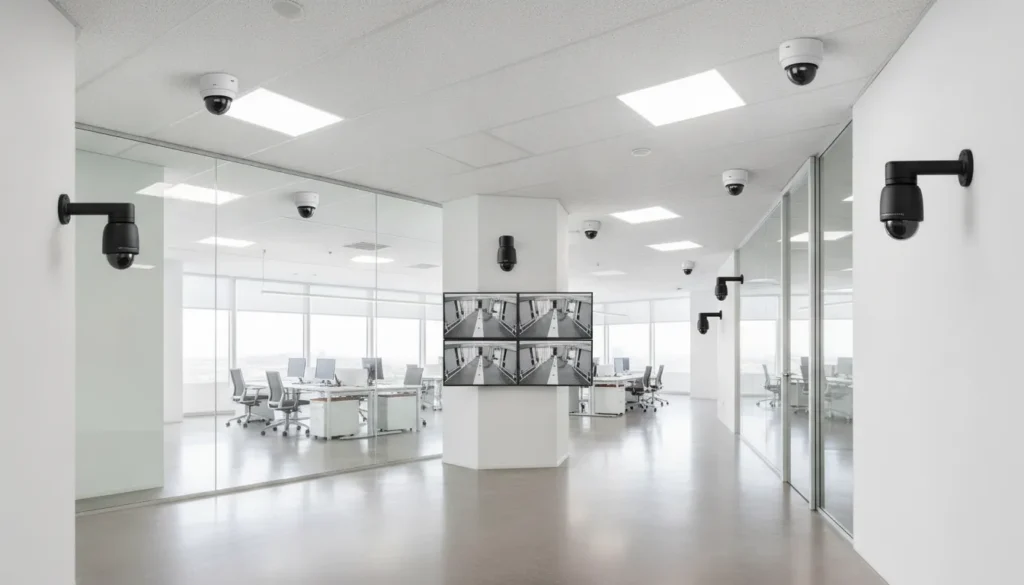
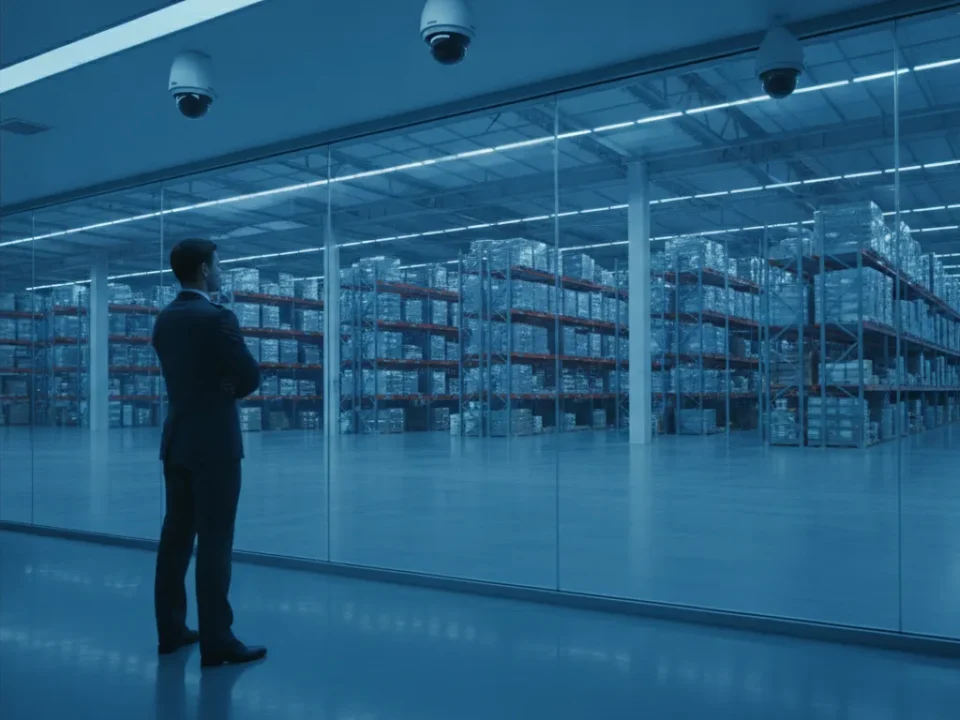
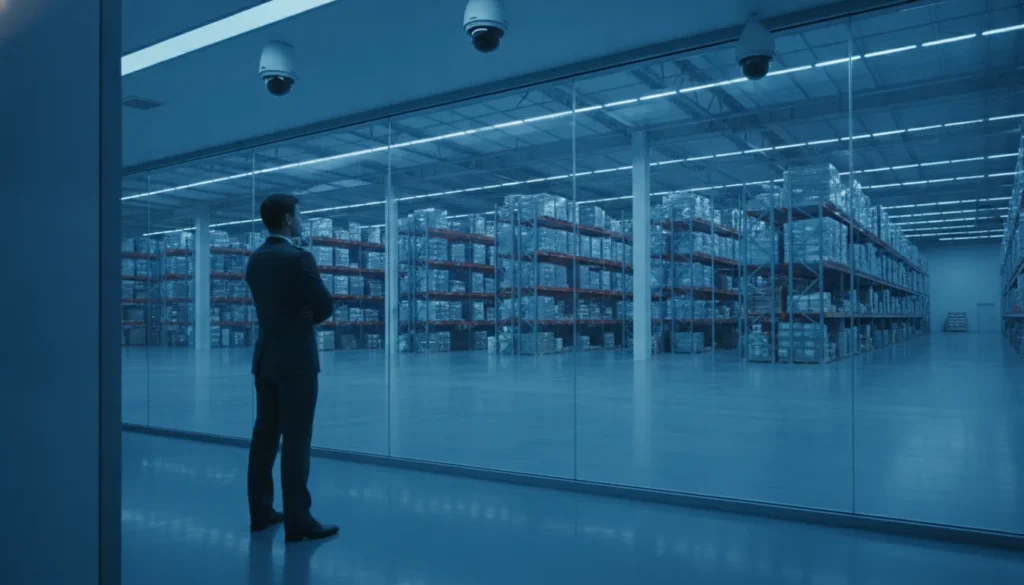
Businesses today face a different threat landscape than they did five years ago. With property crime rates fluctuating and remote operations becoming the norm, having eyes on your facility 24/7 is no longer optional. The right commercial security camera systems do more than record video. They deter theft, provide actionable evidence, and give you real-time awareness of your entire operation from anywhere in the world.
Schedule your free security assessment with ADP Security Systems to get a custom camera system designed for your facility.
Commercial security camera systems combine high-resolution cameras, network video recorders, and remote-access software to protect business facilities 24/7. Modern systems range from 1080p to 4K Ultra HD resolution, use local NVR or cloud storage. And include features like infrared night vision, motion alerts, and AI-powered video analytics. For most businesses, a well-designed system mixes camera types across entry points, parking lots, and interior spaces to maximize coverage without wasting budget. ADP Security Systems has designed and installed these systems for companies across the Southeast since 1995, bringing three decades of hands-on expertise to every project.
ADP Security Systems has been protecting businesses since 1995. Founded by OK Smith, who still runs the company today. We bring over 30 years of real-world experience in video surveillance, access control, and alarm systems to every installation. That experience shapes every system we build. We know which cameras hold up in South Carolina warehouses, which NVR configurations scale best for growing companies. And how to design a network that law enforcement can actually use as evidence. Below, we walk through everything you need to know to choose the right system for your facility.
Commercial Security Camera Systems: Bullet, Dome, and PTZ Cameras: Which Type Fits Your Facility?
Not all cameras are built for the same job. The best commercial security camera systems use a mix of camera types, each matched to its environment. ADP’s design process starts with a walk-through of your facility, identifying every zone that needs coverage and selecting the right tool for each location.
Bullet cameras for perimeter and long-range coverage
Bullet cameras are the visible deterrents of the security world. Their long, cylindrical housing makes them unmistakable, which is exactly the point. When someone sees a bullet camera aimed at a loading dock or parking lot, they know they are being watched.
These cameras excel outdoors. Weather-sealed housings stand up to rain, heat, and humidity, which matters for businesses in the Southeast. A bullet camera with a telephoto lens can identify a license plate from 80 feet away, making it the right choice for parking lot entrances and perimeter fences. ADP typically mounts these at heights that prevent tampering while giving a clear sightline down the longest axis of the protected area.
Dome cameras for discreet indoor surveillance
Dome cameras serve a different purpose. Their low-profile, rounded housing blends into ceilings and corners without drawing attention. The darkened dome also hides the lens direction, so no one in the room knows exactly where the camera is pointed.
For retail spaces, office hallways, and reception areas, this discretion matters. A dome camera with a 2.8mm lens provides a 110-degree field of view, covering an entire room with a single unit. Many dome cameras also include vandal-resistant construction, making them suitable for public-facing areas where tampering is a concern. ADP technicians position dome cameras to eliminate blind spots while maintaining the professional appearance of your facility.
PTZ cameras for active monitoring
Pan-tilt-zoom cameras bring human-like flexibility to your security setup. A single PTZ camera can sweep across a warehouse floor, zoom in on a specific work area, and track movement across a wide radius. One PTZ unit can replace three or four fixed cameras in the right setting.
PTZ cameras shine in large open spaces: distribution centers, school yards, manufacturing floors, and busy shipping docks. With remote control from a smartphone or workstation, security personnel can follow activity in real time, zooming in to read a badge or identify a vehicle. While PTZ cameras cost more per unit than fixed cameras, their versatility often reduces the total number of cameras needed. ADP typically recommends PTZ cameras as part of a layered system, not as a standalone solution.
Call ADP Security Systems at (864) 246-1006 to discuss which camera types fit your facility.
4K vs. 1080p: What Resolution Does Your Business Need?
Resolution determines how much detail your cameras capture and how much storage you need. The gap between 1080p and 4K is significant in both areas, and the right choice depends on what each camera needs to see.
| Factor | 1080p (2MP) | 4K Ultra HD (8MP) |
|---|---|---|
| Pixel count | 2 million | 8 million |
| Detail level | Sufficient for general awareness | Identifiable faces and plates at distance |
| Storage needed per camera (30 days) | ~500 GB | ~2 TB |
| Bandwidth usage | 4-8 Mbps | 15-25 Mbps |
| Digital zoom capability | Limited | Strong, retains usable detail |
| Best applications | Interior hallways, small offices, break rooms | Entry doors, parking lots, cash registers, perimeter |
Why most businesses are moving to 4K
In 2026, 4K is the practical standard for commercial security. The price gap between 1080p and 4K cameras has narrowed to the point where the upgrade is marginal compared to the benefit. When you need to identify a person at an entry door or read a license plate in a parking lot. The extra pixels make the difference between actionable evidence and a blurry shape. ADP Security Systems typically recommends 4K for all exterior cameras, all entry points, and any interior area where cash, inventory, or sensitive data is handled.
Where 1080p still makes sense
1080p cameras still have a place. Hallways, storage rooms, and common areas where the subject passes close to the lens do not need 4K resolution. Using 1080p cameras in these areas reduces your total storage requirements and network bandwidth, saving money without sacrificing coverage. ADP designs hybrid-resolution systems that place 4K cameras where detail matters and 1080p cameras everywhere else, giving you forensic-quality coverage at the lowest total cost.
NVR vs. Cloud Storage: Choosing the Right Recording Solution
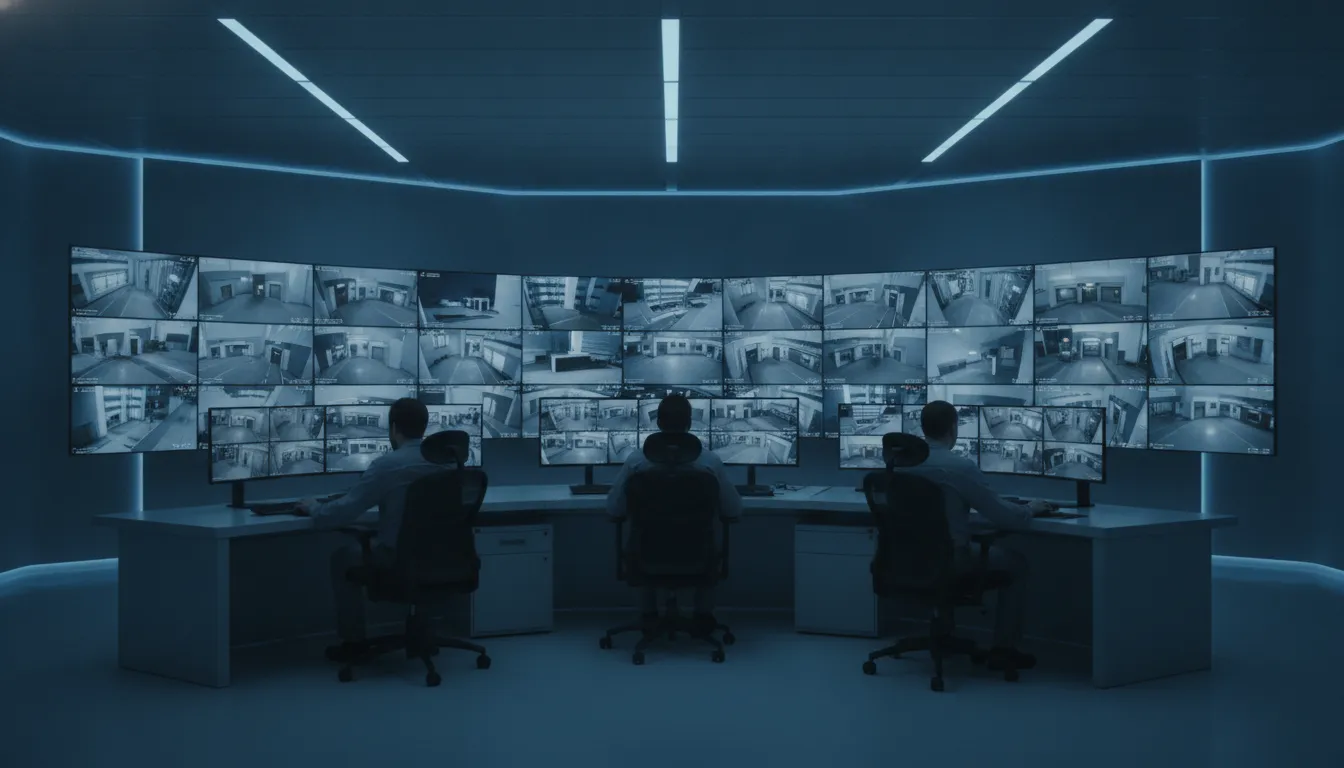
Every camera generates video that needs to go somewhere. The two primary options are a local Network Video Recorder and cloud-based storage. Each has strengths, and many businesses benefit from both.
Local NVR: full control, no monthly fees
A Network Video Recorder is a dedicated appliance on your network that stores footage directly to hard drives. With a 64-channel NVR and 8 TB of storage, you can record 16 4K cameras continuously for roughly 30 days. Local storage gives you complete control over your data. There are no monthly fees, no third-party servers, and no internet dependency. Even if your connection goes down, recording continues uninterrupted.
Security-minded businesses prefer NVRs because footage never leaves the local network unless authorized. This matters for compliance in industries like healthcare and finance, where video data may fall under privacy regulations. ADP’s technicians configure NVRs with redundant power supplies and RAID storage to prevent data loss from a single drive failure.
Cloud storage: remote access and disaster protection
Cloud storage keeps a copy of your footage on remote servers. If an intruder steals or destroys the NVR, the cloud copy survives. Cloud systems also make it easy to review footage from any device without needing to be on the local network.
The tradeoff is bandwidth and cost. A single 4K camera streaming to the cloud uses 15-25 Mbps, which can saturate a business internet connection if too many cameras upload simultaneously. Most cloud plans charge per camera per month, making them more expensive over time than an NVR. ADP typically recommends a hybrid approach: use the NVR for continuous local recording and configure the cloud for motion-triggered clips and remote access.
Night Vision and Remote Access: 24/7 Surveillance That Works
Crime does not keep business hours. A functional security system needs to perform in total darkness and give you access when you are not on site. Modern camera systems meet both requirements through infrared imaging and mobile app integration.
Infrared night vision for complete darkness
Quality commercial cameras use infrared LEDs to illuminate scenes in pitch-black conditions. The human eye cannot see IR light, but the camera sensor captures it as a clear black-and-white image. Good IR cameras provide usable visibility at 100 feet or more, enough to cover a parking lot or loading dock perimeter.
ADP tests every camera’s night vision performance during installation. Factors like mounting height, ambient light bleed from nearby sources, and reflective surfaces all affect IR range. Adjusting the angle or adding external IR illuminators can double effective range in challenging conditions.
Mobile remote access and smart alerts
ADP connects every commercial camera system to a mobile app that gives you live and recorded footage on your phone. You can check your facility from anywhere, review past footage by timestamp or motion event, and receive push alerts when cameras detect activity after hours.
This capability is especially valuable for business owners who manage multiple locations. Instead of traveling to each site to review footage, you can pull up any camera from a single dashboard. ADP integrates this mobile access with your existing alarm and access control systems. So a door alarm can trigger a specific camera recording and send you the clip automatically.
Request your free site assessment from ADP Security Systems at (864) 246-1006.
Planning for Scalability: Building a System That Grows With Your Business
The most expensive security mistake is buying a system that cannot expand. A well-planned system accommodates new cameras, additional storage, and integration with future technologies without requiring a complete replacement. Here is a five-step approach to scalable design.
- Assess your facility and identify coverage zones. Every installation starts with a thorough site walk. ADP technicians map entry points, high-traffic areas, inventory storage, and perimeter boundaries. Each zone gets classified by risk level, which determines camera type, resolution, and placement.
- Choose the right camera for each zone. Exterior perimeters get bullet cameras with telephoto lenses for long-range identification. Interior public areas get dome cameras for wide-angle, discreet coverage. Critical zones like cash registers and server rooms get 4K cameras for forensic detail. Loading docks and large open spaces get PTZ cameras for flexible active monitoring.
- Size your NVR and storage for future expansion. ADP always recommends buying an NVR with more channels than your initial camera count. An NVR with expansion ports lets you add cameras as your business grows without replacing the recorder. Storage follows the same logic: install enough capacity for 30 days of continuous recording today, with room to add drives as you add cameras.
- Design your network for bandwidth. IP cameras share your business network. A poorly designed network causes latency, dropped frames, and slow remote access. ADP’s team configures VLANs to separate camera traffic from business data, installs PoE switches sized for the full camera load, and tests throughput before finalizing the installation.
- Plan for technology upgrades. Camera technology evolves. Onvif-compatible cameras and NVRs ensure that new devices from different manufacturers can join the system without compatibility issues. ADP designs every system to accept future upgrades, whether that means adding AI analytics, upgrading to higher resolution, or integrating with a building access control system.
What to Budget for a Commercial Security Camera System
System costs vary based on camera count, resolution, storage, and installation complexity. ADP provides custom quotes after a site assessment, but understanding the general range helps with planning.
Entry-level commercial (4-8 cameras)
Suitable for small offices, retail shops, and single-location businesses. An 8-camera 1080p system with an NVR, basic installation, and one-year monitoring typically ranges from $1,000 to $3,000.
Mid-range commercial (8-16 cameras)
For growing businesses with multiple zones requiring a mix of 4K and 1080p cameras. These systems include a 16-channel NVR, hybrid resolution design, and professional installation. Typical investment: $3,000 to $6,000.
Enterprise-grade (16-32+ cameras)
For warehouses, distribution centers, multi-location businesses, and facilities requiring 24/7 monitoring with AI analytics. These systems use 32+ channel NVRs, PTZ cameras, advanced storage configurations, and dedicated network infrastructure. Investment typically starts at $7,000 and increases with complexity.
Beyond equipment, professional installation adds value that DIY kits cannot match. ADP factory-trained technicians ensure proper placement, clean wiring, optimal network configuration, and complete system testing before handoff. That means fewer false alerts, better evidence quality, and a system that works as designed from day one.
Frequently Asked Questions
How much do commercial security camera systems cost?
Commercial security camera systems typically cost between $1,000 and $7,000 or more depending on camera count, resolution, and installation complexity. An 8-camera system runs roughly $1,000 to $3,000, while a 32-camera enterprise system starts at $7,000. ADP Security Systems provides free on-site assessments and custom quotes for every project.
What is the difference between NVR and cloud storage for security cameras?
An NVR stores footage locally on hard drives in your facility, giving you full control and no monthly fees. Cloud storage keeps footage on remote servers, protecting against theft or destruction of the NVR and enabling easy remote access. Most businesses benefit from a hybrid approach that uses local recording for continuous footage and cloud storage for motion-triggered clips and backup.
Do I need 4K cameras for my business?
4K cameras are recommended for exterior areas, entry points, and locations where identifying faces or license plates matters. For interior hallways, storage rooms, and small offices, 1080p cameras provide adequate coverage at lower storage and bandwidth costs. A hybrid-resolution system gives you forensic detail where you need it and cost-effective coverage everywhere else.
Can I view my security cameras remotely?
Yes. All commercial camera systems ADP installs include mobile app access for live viewing, recorded footage review, and motion alerts. You can check any camera from your smartphone, tablet, or computer from anywhere with an internet connection. Multi-location businesses can view all their facilities from a single dashboard.
How long does a commercial security camera installation take?
Installation time depends on system size and complexity. A small 8-camera system can be installed in one day. Larger systems with 16 to 32 cameras, cabling, and network configuration typically take two to three days. ADP schedules installations to minimize business disruption, and our factory-trained technicians handle everything from mounting to system programming.
Secure Your Facility With a Camera System Built for 2026
Choosing the right commercial security camera system is an investment in your business’s safety, your team’s security, and your peace of mind. With ADP Security Systems, you get three decades of experience, factory-trained technicians, UL-certified monitoring, and a system designed specifically for your facility. We do not sell off-the-shelf kits. We build systems that solve real security problems, and we stand behind every installation with ongoing support and maintenance.
Schedule your free on-site assessment today. Call (864) 246-1006 or click here to get started.