Security Camera Retention Guide for SC Properties
October 29, 2026
How Do You Calculate Security System ROI?
October 30, 2026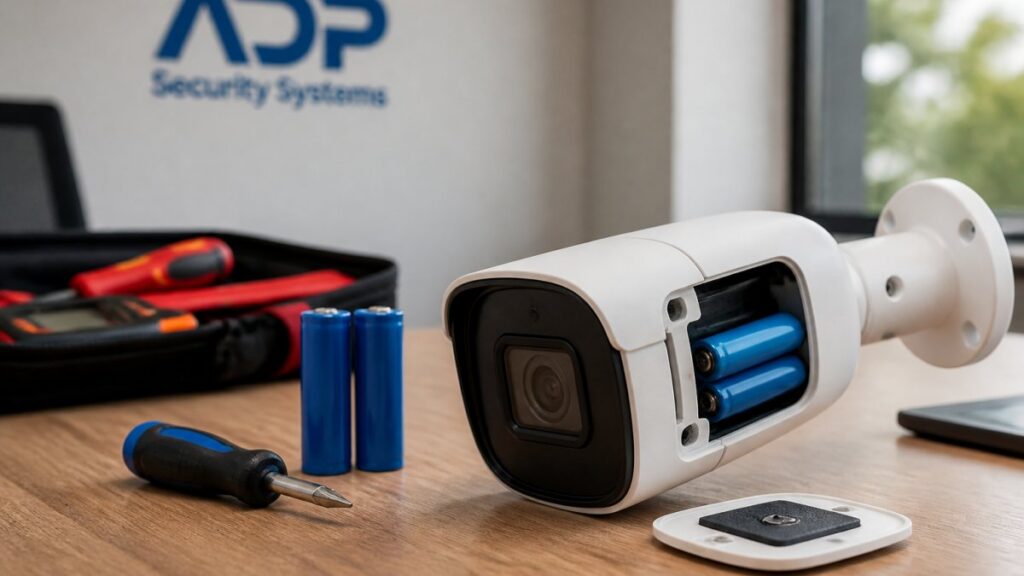
Last Updated: October 29, 2026
Quick Summary
Camera battery life is optimized by fixing false motion triggers, strengthening weak Wi-Fi, and using event-based recording at moderate resolution instead of continuous recording at maximum quality. Settings decide runtime more than hardware does, so tighten activity zones, cap clips at 10-20 seconds, and set IR to motion-only.
- Check RSSI in the camera app; anything weaker than roughly -70 dBm is a warning sign.
- Cap clip length at 10-20 seconds, since long clips drain faster than the trigger itself.
- Charge batteries with the manufacturer’s charger at the recommended rate in a cool room.
- Aim solar panels for four or more hours of direct sun and clean them quarterly.
- A camera that runs three weeks in summer may run two in a hard freeze.
Table of Contents
- Why Your Wireless Security Camera Battery Drains So Fast
- Battery-Powered Security Camera Settings That Save Power
- Security Camera Battery Charging Guide: Doing It Right
- Solar-Powered Security Camera Battery Life Explained
- Camera Placement and Environmental Factors That Affect Runtime
- Battery Health Maintenance and Long-Term Care
- Get a Free Security Assessment for Your Camera Setup
- Frequently Asked Questions
Why Your Wireless Security Camera Battery Drains So Fast
A wireless security camera battery may drain faster with frequent motion triggers, weak Wi-Fi, or settings that keep the unit awake longer. This guide discusses possible causes and ways to address them.
Motion Detection and False Triggers
Motion detection can affect battery use on a battery-powered camera. Trigger sensitivity may cause activity such as movement on a sidewalk, a swaying branch, or car headlights to register as an event. For a deeper look, see our guide to false alarm causes.
Practical fixes:
- Draw activity zones that exclude the street, sidewalk, and tree line
- Lower trigger sensitivity one step at a time and check the event log after each change
- Enable person detection where the camera supports it, so pets and shadows stop counting
- Point the lens away from heat sources and reflective surfaces
Wi-Fi Signal Strength and Power Draw
Wi-Fi signal strength may affect a wireless camera’s battery use.
Check RSSI in the camera app. Anything weaker than roughly -70 dBm is a warning sign. Move the camera closer to the router, add a mesh node, or switch to a wired connection for that location. Our comparison of wired versus wireless security explains when pulling cable is the cheaper long-term answer.
Battery-Powered Security Camera Settings That Save Power
Settings decide runtime more than hardware does. A battery-powered security camera configured for event-based recording at moderate resolution will outlast an identical unit running continuous recording at maximum quality, often by a wide margin.
Recording Schedules and Event-Based Recording
Recording modes can affect battery use.
Build a schedule around actual risk:
- Record events during high-traffic hours, arm motion detection only overnight
- Cap clip length at 10-20 seconds; long clips drain faster than the trigger itself
- Set a cooldown between triggers so the camera is not recording back-to-back events
- Use push notifications sparingly, since each notification requires a wake cycle
Night Vision and Infrared Settings
Infrared night vision may affect a camera’s battery use.
Set IR to activate only on motion rather than staying on continuously. Reduce IR intensity where the camera covers a short distance. Where permitted, a small external floodlight lets the camera stay in color mode with the IR array off, which many units handle more efficiently.
Security Camera Battery Charging Guide: Doing It Right
Fast charging sounds convenient but generates heat, and heat shortens lithium-ion battery life. Charge camera batteries with the manufacturer’s charger at the recommended rate, in a cool room, and remove the battery once it reaches full capacity.
A few habits extend the discharge cycle:
- Charge before the battery hits zero; deep discharges stress the cells
- Store spare batteries at partial charge, not full, if they sit unused
- Avoid charging in direct sun or in a hot garage
- Use the correct voltage adapter; mismatched chargers damage cells over time
Solar-Powered Security Camera Battery Life Explained
Solar charging may affect a camera’s runtime, depending on conditions.
Get a Free Security Assessment →
Panel placement matters more than panel size. Aim for four or more hours of direct sun, tilt the panel toward the seasonal sun path, and clean it quarterly. A panel in deep shade will not keep up, and the camera reverts to grid charging or dies. Treat solar as a supplement in partially shaded yards, not a replacement for charging.
Camera Placement and Environmental Factors That Affect Runtime
Camera placement may affect its operation.
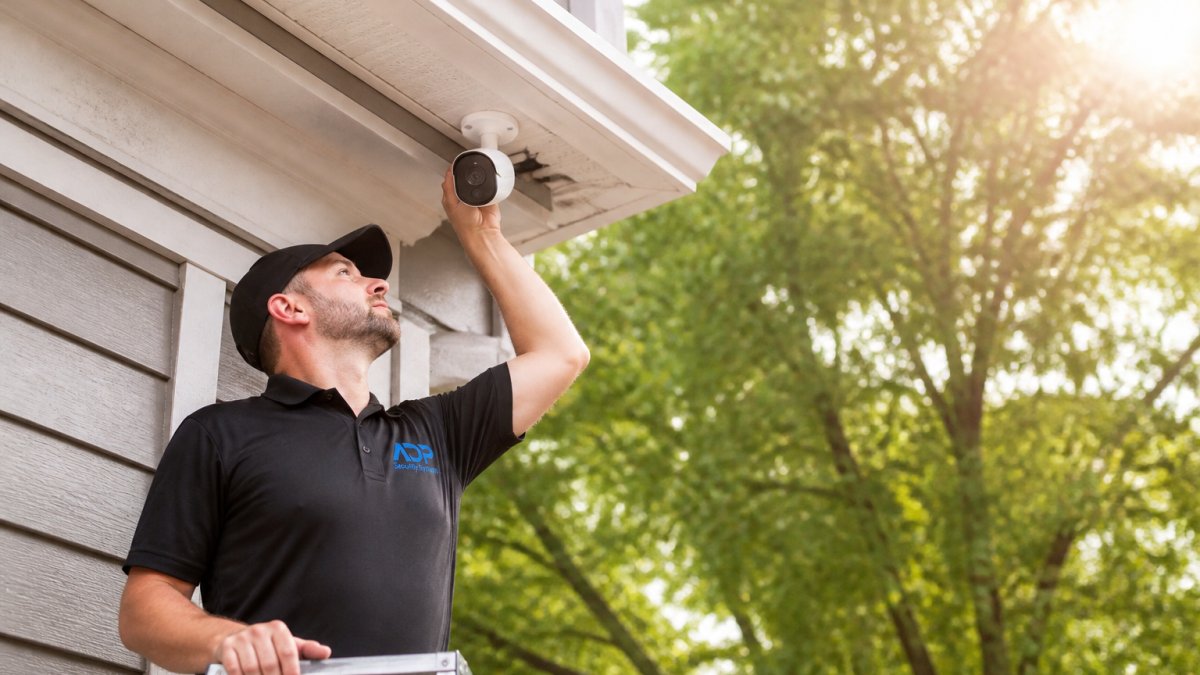
Ambient temperature is the environmental factor most people ignore. Lithium-ion cells lose capacity in cold weather, and cameras in full sun run hotter and age faster. For coverage planning that balances runtime against blind spots, see our guidance on security camera placement for maximum coverage.
Cold Weather Performance Degradation
Cold weather performance degradation is real: lithium-ion batteries deliver less usable capacity as temperatures drop, so a camera that runs three weeks in summer may run two in a hard freeze. Mount cameras under cover where possible, keep batteries warm before installation, and expect shorter intervals between charges in winter. This is chemistry, not a fault.
Network Protocol and Firmware Impact
Firmware optimization matters more than most owners realize. Manufacturers ship updates that improve power management, fix wake-up latency, and correct radios that stay awake too long. Enable automatic updates or check quarterly.
Network protocol also plays a role. Older or congested wireless standards force more retries and more radio time. Keep the camera on a dedicated network band where supported, and reboot the router if signal interference from neighboring networks is chronic. Hardware maintenance, including checking mounts and connections, rounds out the basics.
| Problem | Likely Cause | Fix | Runtime Impact |
|---|---|---|---|
| Dies in days | False triggers | Tighten activity zones, lower sensitivity | High |
| Dies in weeks | Weak Wi-Fi signal | Move camera, add mesh node | High |
| Short winter runtime | Cold temperature | Shelter battery, expect seasonal drop | Medium |
| Slow wake, missed clips | Outdated firmware | Enable auto-updates | Medium |
| Rapid drain at night | Constant IR | Motion-only IR, add floodlight | Medium |
Battery Health Maintenance and Long-Term Care
Watch out: leaving a battery at zero for months, or charging it in a hot garage, quietly kills capacity. Neither shows up as a dramatic failure, just steadily shorter runtimes you cannot explain later.
Get a Free Security Assessment for Your Camera Setup
ADP Security Systems has served South Carolina for over 30 years, with expert installation of security cameras, alarms, and access control backed by 24/7 monitoring and customizable maintenance schedules. Readers planning a larger deployment can consult our commercial security cameras guide.
Frequently Asked Questions
How long does a battery last on a wireless security camera?
Most wireless cameras run on lithium-ion battery packs rated in milliampere-hours, and runtime depends heavily on settings and environment. A camera with frequent motion triggers, continuous recording, or weak Wi-Fi can drain in weeks, while one using event-based recording, activity zones, and strong signal can last several months. Cold ambient temperatures shorten runtime further. Check your camera’s rated battery capacity and monitor the discharge cycle in the app to set realistic expectations.
What settings use the most battery on a security camera?
Continuous recording, high trigger sensitivity, always-on infrared night vision, and frequent push notifications are the biggest drains. Live-view sessions and two-way talk also pull power quickly. Switching to event-based recording, tightening activity zones, lowering trigger sensitivity, and scheduling night vision only when needed can noticeably extend camera battery life. Firmware optimization and a strong Wi-Fi signal also reduce wake-up latency and repeated reconnects.
Does cold weather make security camera batteries drain faster?
Yes. Lithium-ion batteries lose usable capacity as ambient temperature drops, so a camera that lasts months in summer may drain faster in winter. Cold weather performance degradation is normal chemistry, not a defect. Mount cameras under eaves or in sheltered spots, keep spare batteries indoors until needed, and expect shorter discharge cycles during freezing stretches. Solar panels also produce less in short winter days.
Does solar charging extend a wireless camera’s battery life?
A solar panel can keep a battery topped off in sunny locations, but solar-powered security camera battery life depends on panel placement, angle, and season. Shade, short winter days, and dirty panels reduce charging. Solar works best as a supplement to efficient settings, not a replacement for them. Pair a panel with activity zones and event-based recording so the battery isn’t draining faster than the panel can recharge it.
How often should I charge a battery-powered security camera?
Charge when the app reports roughly 20 percent remaining, not at zero, to protect battery health. Most homeowners recharge every two to four months with efficient settings, more often in cold weather or high-traffic areas. Use the manufacturer’s charger and avoid fast charging unless specified. Rotating a spare charged battery keeps coverage continuous and reduces downtime during the recharge.
How can I reduce false alerts and unnecessary camera recordings?
Set activity zones that exclude streets, sidewalks, and swaying trees. Lower trigger sensitivity, enable person or vehicle detection if available, and shorten recording duration for minor events. Strong Wi-Fi signal strength, measured by RSSI in the app, reduces wake-up latency and failed uploads that waste power. Fewer false alerts mean fewer wake-ups, which directly extends camera battery life.
Battery drain is rarely a hardware failure. It is almost always placement, signal, or a setting nobody adjusted. Let ADP Security Systems review your setup and configure it for real runtime, with expert installation, customizable maintenance schedules, and monitoring that keeps working when the battery does not. Get started with ADP Security Systems and get a free security assessment for your camera setup.