GPS Medical Alert System: When Mobile Protection Fits
June 15, 2026
South Carolina home security system cost explained
June 16, 2026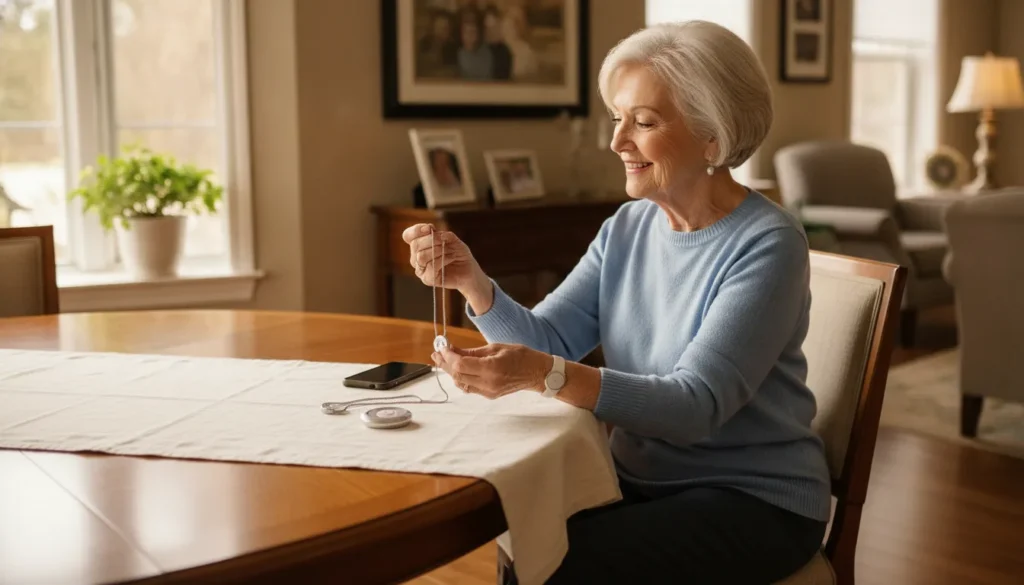
A wearable medical alert button can make it easier to request help after a fall, sudden illness, or other urgent event. The central choice is often a medical alert bracelet versus a pendant. Comfort matters, but reliable coverage, simple operation, monitoring, and a device the user will actually wear matter even more.
Ask ADP Security Systems to help you compare medical alert bracelet and pendant options.
This guide explains how the two wearable styles differ, who may prefer each one, which system features deserve close attention, and how to test a device against real daily routines. It is designed for seniors, caregivers, and families in Greenville and across Upstate South Carolina who want a practical way to compare options.
Medical alert bracelet vs. pendant at a glance
A medical alert bracelet stays on the wrist and often suits active users who dislike necklaces. A pendant keeps the help button near the center of the chest and may be easier to locate without looking. Neither is always better; the right choice is the one the user can reliably wear and operate.
Both wearables serve the same basic purpose: they give the user a direct way to send an alert. Depending on the system, that signal may travel through an in-home base station or a cellular connection. A monitored system can connect the user with a trained specialist who follows the response plan.
The main physical difference is placement. A bracelet fits like a watch and tends to remain secure during movement. A pendant hangs from a cord around the neck, leaving the button near the chest. That placement can be convenient, although the cord may move during certain activities.
The comparison below highlights common tendencies rather than guarantees. Features, dimensions, coverage, battery needs, and care instructions vary by model. Always verify the specifications of the exact device under consideration.
| Comparison point | Medical alert bracelet | Medical alert pendant |
|---|---|---|
| Placement. | Secure on the wrist. | Centered on the chest. |
| Typical preference. | Watch-like fit for active routines. | Neck-worn button that is easy to locate. |
| Movement. | Usually stays close to the body. | May swing during activity. |
| Operation. | Pressed with the opposite hand. | Often reachable with either hand. |
| Putting it on. | A clasp or band may require dexterity. | Often slips over the head or uses a clasp. |
| Water exposure. | Depends on the specific device rating and instructions. | |
| Fall detection. | May be available, but capability varies by device and plan. | |
Try not to choose from appearance alone. A comfortable device can still be a poor fit if the user cannot press it easily, forgets to charge it, or moves beyond its signal range. Similarly, a feature-rich device offers little value when it is regularly left on a dresser.
A useful first step is to compare the available monitored medical alert options, then narrow the selection by wearability. This approach keeps the decision focused on both response capability and everyday use.
How do wearable medical alert systems work?
When the user presses a wearable help button, a monitored system sends an alert through a home base station or cellular network. A monitoring specialist can speak with the user when supported and follow a prepared response plan, such as contacting a caregiver, family member, or emergency services according to the situation.
A monitored wearable is different from a medical identification tag. An ID tag displays information for someone nearby to read. A monitored alert button actively sends a request for assistance. Some users may benefit from both, but the two tools have distinct roles.
With an in-home system, the wearable generally communicates with a base station. The base station then connects the alert to the monitoring center. The effective range matters because the button must be able to communicate from the areas where the user spends time, including bedrooms, bathrooms, porches, or yards.
A mobile system generally uses a cellular connection and may include location technology. That design can support use beyond the home, subject to network coverage, device power, and the terms of the selected service. People who regularly walk, shop, or visit family may want to compare mobile options carefully.
What happens after an alert?
The response depends on the system and the user’s plan. A monitoring specialist may try to speak with the user through a base station or wearable. The specialist can then follow the established instructions, which might include calling a family contact, caregiver, or emergency services.
Families should ask how the monitoring center handles an alert when the user cannot respond. They should also confirm how contact information and response instructions are updated. Clear, current instructions help the monitoring team act according to the user’s preferences and the circumstances.
What can affect reliability?
Signal range, cellular coverage, battery level, charging habits, equipment placement, and regular testing can all affect performance. No wearable should be treated as a substitute for appropriate medical care, and no automatic feature can guarantee that every event will be detected.
ADP Security Systems can explain the differences among senior safety solutions and help a family identify questions to ask before choosing. A guided comparison is particularly useful when the user’s routine includes both time at home and frequent trips away.
Who should choose a medical alert bracelet?
A medical alert bracelet often suits someone who prefers a watch-like device, stays active, or dislikes wearing a cord around the neck. It is a practical candidate when the user can comfortably secure the band, press the button with the opposite hand, follow charging instructions, and keep the device on throughout the day.

A bracelet remains close to the wrist while the user walks, cooks, gardens, or completes other tasks. People who already wear a watch may find that placement familiar. It can also be less noticeable than a pendant, which may help users who are hesitant to wear a visible safety device.
The secure fit has tradeoffs. A wristband may feel bulky during sleep, and a clasp can be difficult for someone with limited hand dexterity. The user normally needs the opposite hand to press the button, so mobility and strength in both arms deserve consideration.
A bracelet may be a good fit when the user:
- Prefers a watch-style device instead of a necklace.
- Wants a wearable that stays close during movement.
- Can put on, remove, and operate the wrist device comfortably.
- Will follow the required charging and testing routine.
- Has confirmed that the model covers the places they visit.
Do not assume every wrist device includes mobile coverage or GPS. Some bracelets function only within range of a home base station. Others may support use outside the home. Confirm the connection method, coverage area, and battery expectations for each model.
For an active person who frequently leaves home, explore whether a GPS-enabled medical alert setup fits the routine. Location features can be helpful, but they still depend on the selected device, available service, power, and coverage.
Contact ADP Security Systems for a personalized wearable comparison based on the user’s mobility, home layout, and typical destinations.
Before deciding, have the user wear a sample or comparable device for an extended period if possible. Check whether it irritates the skin, catches on sleeves, feels heavy, or is difficult to press. A small comfort problem can become a major reason not to wear the button consistently.
Who should choose a medical alert pendant?
A medical alert pendant often suits someone who wants a button centered on the chest, prefers not to wear a wrist device, or finds wrist clasps difficult. It is a strong candidate when the cord is comfortable, the button remains accessible during normal activities, and the user can wear it according to the manufacturer’s safety instructions.
A pendant places the alert button in a consistent area near the center of the body. Many users can locate it by touch and reach it with either hand. A larger pendant button may also be easier to operate for someone who finds small controls challenging.
Pendants are often simple to put on and remove, but cord design matters. A cord that is too long may swing or catch during activity. A pendant may also feel uncomfortable during sleep or under certain clothing. The user should follow the manufacturer’s instructions for safe wear and cord adjustment.
A pendant may be a good fit when the user:
- Wants a help button that is easy to locate near the chest.
- Prefers a necklace-style device over a wristband.
- Has difficulty operating a wrist clasp.
- Can safely and comfortably wear the supplied cord.
- Will keep the pendant on rather than leaving it nearby.
A pendant can be appropriate for an at-home system or a mobile system, depending on the model. The form factor does not determine the connection. Ask whether the pendant communicates only with a base station or can send an alert while the user is away from home.
Sleep and shower routines deserve special attention. Test whether the pendant remains comfortable and reachable in bed. For bathroom use, confirm the exact water-resistance rating. A device described as water-resistant may not be approved for every type of water exposure.
Users should not hang an alert pendant from a substitute chain or cord without confirming that the change is permitted. The original accessory may have safety or performance characteristics that a replacement lacks. Follow the device maker’s instructions and ask the provider when anything is unclear.
Whether a pendant or bracelet wins, consistent wear is essential. A device on a nightstand cannot be reached from every place a fall or urgent event could occur. Build a routine that makes putting on the wearable as automatic as getting dressed.
What features matter more than the form factor?
Coverage, monitoring, button accessibility, battery life, water resistance, testing, and optional fall detection matter more than whether a device is worn on the wrist or chest. Compare those capabilities first, then choose the bracelet or pendant the user is most likely to wear correctly and keep ready every day.
A wearable’s shape affects comfort, but the complete system determines how an alert travels and what happens next. Families should compare service details and equipment requirements before focusing on color, size, or style. Use the following points as a structured checklist.
Coverage and connection
For an in-home system, ask about the wearable’s tested range from the base station. Consider walls, multiple floors, outdoor spaces, and detached areas. For a mobile device, ask which connection it uses and whether coverage is available in the places the user regularly goes.
Professional monitoring and response plan
Ask who receives alerts, when monitoring is available, and how the team responds when the user cannot speak. Confirm how to add or update family contacts, caregivers, access notes, and other response instructions. Test the system according to the provider’s guidance so the user recognizes the process.
Battery life and charging
Battery needs vary. Some devices require frequent charging, while others operate longer between maintenance steps. Ask how the device reports a low battery and what happens during a power outage. Choose a charging routine that does not leave the wearable unavailable during vulnerable periods.
Water resistance
Water-resistant and waterproof are not interchangeable promises. Check the exact rating and instructions for the selected model. Confirm whether it may be worn in a shower, bath, or pool, and whether soap, heat, or submersion affects use. Never infer protection from appearance alone.
Fall detection
Automatic fall detection can add another way to initiate an alert when offered. However, it cannot detect every fall and may sometimes trigger an unintended alert. A user who is able to press the help button should do so rather than wait for automatic detection.
Button design and two-way communication
The button should be easy to identify, reach, and press without excessive force. Ask whether the wearable itself supports two-way communication or whether speech occurs through a base station. Test audibility from the rooms and outdoor areas where the user spends time.
Installation and ongoing support
A professionally installed alert system can help with equipment placement, range checks, and user orientation. Families should also ask who provides support, how replacement equipment is handled, and what testing or maintenance is expected after installation.
Schedule a consultation with ADP Security Systems to compare these features before choosing a wearable style.
How to choose the right wearable for daily life
Choose a wearable by testing it against the user’s real routine. Confirm comfort, button access, signal range, charging, water guidance, and the monitoring response from the places where the device will be used. Then select the bracelet or pendant the user can operate confidently and agrees to wear consistently.
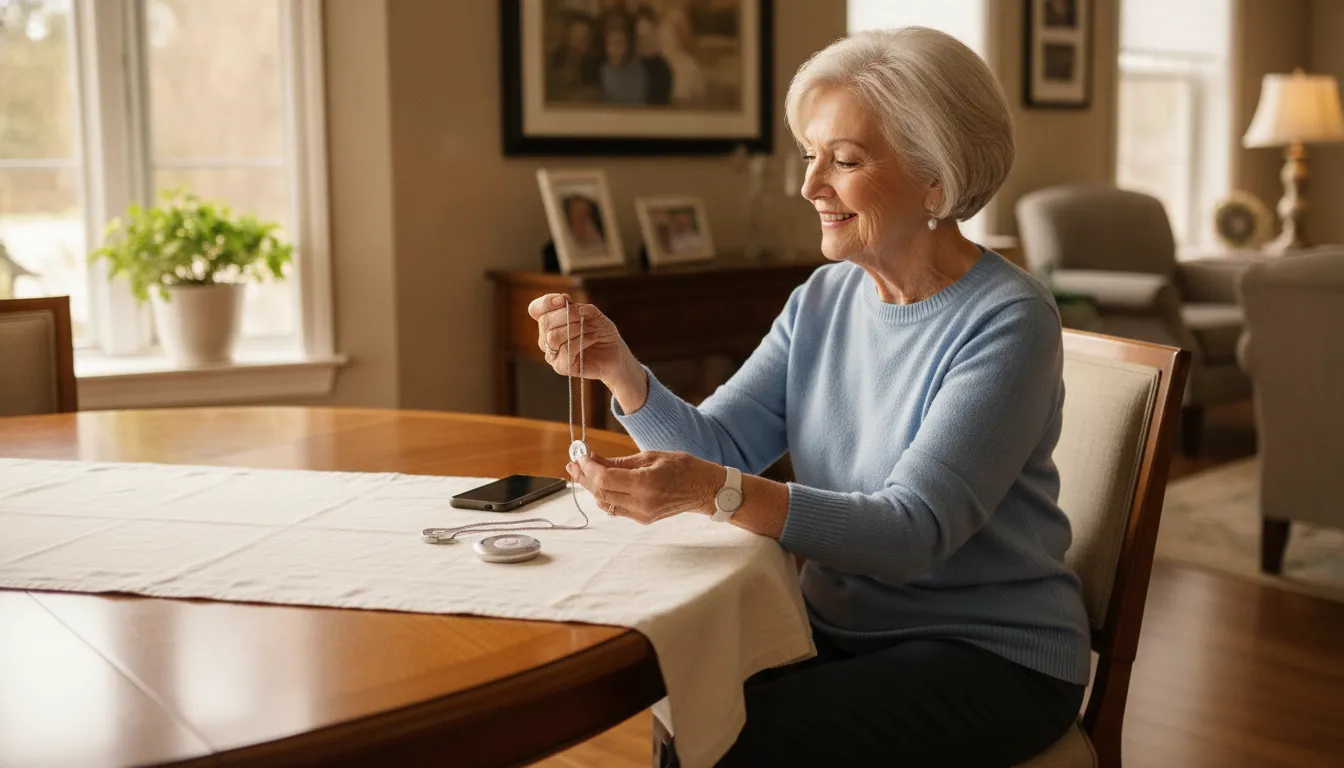
The best comparison happens in context, not on a product page. Walk through a normal day with the user. Note when they are alone, where they spend time, which activities could interfere with a wearable, and when charging would be least disruptive.
- Start with the user’s preference. Ask which style feels acceptable and why. Respecting that preference makes consistent wear more likely.
- Test button access. Have the user locate and press the button while seated, standing, and lying down, following the provider’s testing instructions.
- Check fit and comfort. Look for rubbing, pressure, swinging, snagging, or difficulty with a clasp. Repeat the check after several hours.
- Map coverage. Test the approved system in bedrooms, bathrooms, living areas, porches, yards, and other relevant spaces.
- Review away-from-home needs. If the user regularly leaves home alone, compare mobile coverage and location capabilities.
- Confirm water guidance. Read the instructions for showering, bathing, cleaning, and accidental submersion.
- Practice the response. Make sure the user knows what happens after an alert and that monitoring contacts are current.
- Create a readiness routine. Set reminders for charging, testing, and any provider-recommended maintenance.
Involve the person who will wear the device throughout the decision. A family member may favor the most advanced option, but an uncomfortable or confusing wearable is unlikely to remain in use. The user’s confidence and willingness are part of the safety plan.
Revisit the choice when routines, mobility, hearing, dexterity, living arrangements, or travel habits change. A bracelet that works well today may not remain the best fit forever. The system and response plan should evolve with the user’s needs.
ADP Security Systems helps Greenville and Upstate South Carolina families compare monitored wearables and related setup considerations. Bring a list of the user’s daily activities, common destinations, home layout, and concerns to make the discussion more useful.
Frequently Asked Questions
Are medical alert bracelets better than pendants?
Neither style is universally better. Bracelets often suit active users who want a secure wrist device, while pendants can suit people who want a larger button centered on the chest. The best choice is the device the user can comfortably reach, wear, charge, and test every day.
Do medical alert bracelets provide GPS tracking?
Some mobile medical alert bracelets include GPS or other location technology, but not every bracelet does. Confirm the selected device’s coverage, location features, cellular connection, battery requirements, and monitoring plan before relying on it away from home.
Can I wear a medical alert bracelet in the shower?
It depends on the device’s water-resistance rating and manufacturer instructions. Do not assume a device is waterproof. Confirm whether it is approved for showering, bathing, or submersion, and follow the care instructions for the exact model.
Do bracelets and pendants both offer fall detection?
Fall detection may be available with either form factor, but it is not included with every device or plan. Because no sensor can detect every fall, users should press the help button whenever they can and confirm how the selected system handles automatic alerts.
Ready to pick the right medical alert device for your safety?
A medical alert bracelet may be the better fit for a user who wants a secure, watch-like device. A pendant may be better for someone who wants a centered button that is easy to locate. The right answer depends on comfort, access, coverage, monitoring, and consistent use.
Contact ADP Security Systems to compare medical alert wearable options for your routine.