Best Security Cameras for Business: 2026 Buyer’s Guide
June 18, 2026
Access Control Companies: How to Compare Providers
June 19, 2026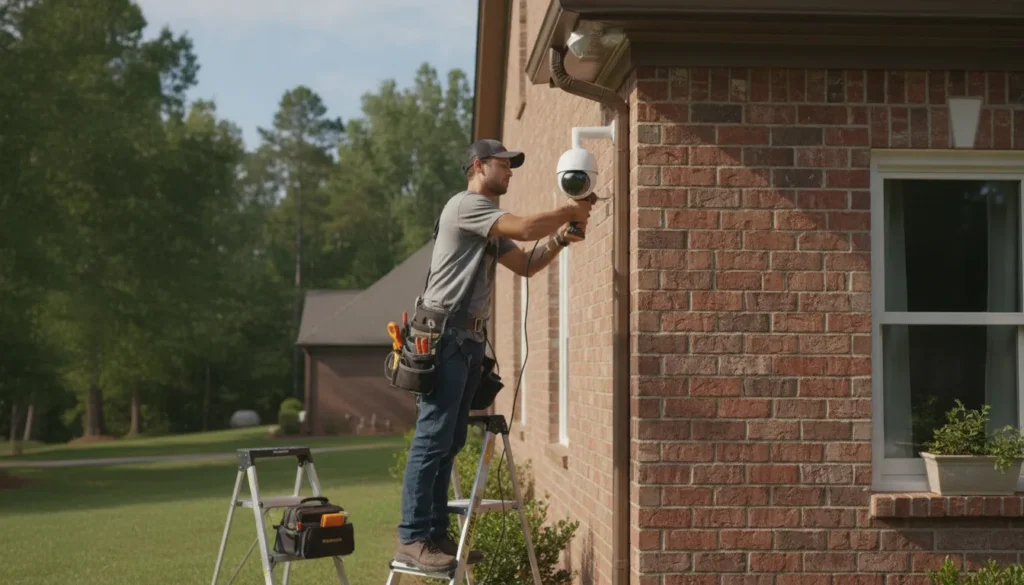
Home security camera installation starts with a property assessment, a coverage plan, and a choice between wired, wireless, and smart cameras. Wired systems deliver a stable connection and continuous power, while wireless cameras offer flexible placement and a simpler setup. The right option depends on your home’s entry points, Wi-Fi strength, power access, storage preferences, and need for professional monitoring. A well-designed system covers important areas without blind spots, protects privacy, and gives you a reliable way to check your property when you are away.
Contact ADP Security Systems for a home camera assessment tailored to your property and security goals.
Most homeowners consider cameras because they want to deter break-ins, document activity, and protect the people and property that matter to them. Research on smart home security adoption also identifies concern about burglary and property damage as important reasons people install these devices. A thoughtful plan turns that concern into practical coverage rather than simply adding cameras wherever there is an outlet.
Choosing the right home security camera installation
Begin by defining what you need the system to do. Some homeowners want a clear view of visitors and package deliveries. Others need coverage across a driveway, garage, backyard, and several exterior doors. Your priorities determine how many cameras you need, which features matter, and whether a wired or wireless design makes more sense.
Walk around the property and note every exterior door, first-floor window, side path, gate, garage entrance, and area hidden from the street. Then identify available power, likely cable routes, Wi-Fi dead zones, and lighting conditions. This basic survey makes it easier to compare options before equipment is mounted.
Compare video, night vision, and storage needs
Resolution matters, but a useful image also depends on camera angle, lighting, and distance from the subject. A wide-angle lens can cover a large yard, while a narrower view may capture more identifying detail at a doorway. For nighttime coverage, compare infrared night vision, low-light performance, and floodlight cameras.
Proper outdoor security lighting also plays a major role in camera performance. Well-placed lights improve image quality and remove dark zones where intruders can hide.
Decide where recordings should be stored. A local recorder keeps footage at the property and can support several wired cameras. Cloud storage makes clips easier to access remotely, but it depends on an internet connection and may involve a recurring service cost. Some systems combine local and cloud storage to provide more flexibility.
Plan for the whole residential security system
Cameras are most useful when they support a broader security plan. They may work alongside intrusion sensors, smart locks, lights, or a monitored alarm. Explore ADP’s residential security solutions when deciding how video should fit with the rest of your home’s protection.
Wired vs. wireless security cameras
Wired and wireless cameras can both provide effective coverage, but they solve different installation challenges. The best choice is the one that remains dependable in your home’s real conditions, not simply the option that is easiest to purchase.
Wired camera systems
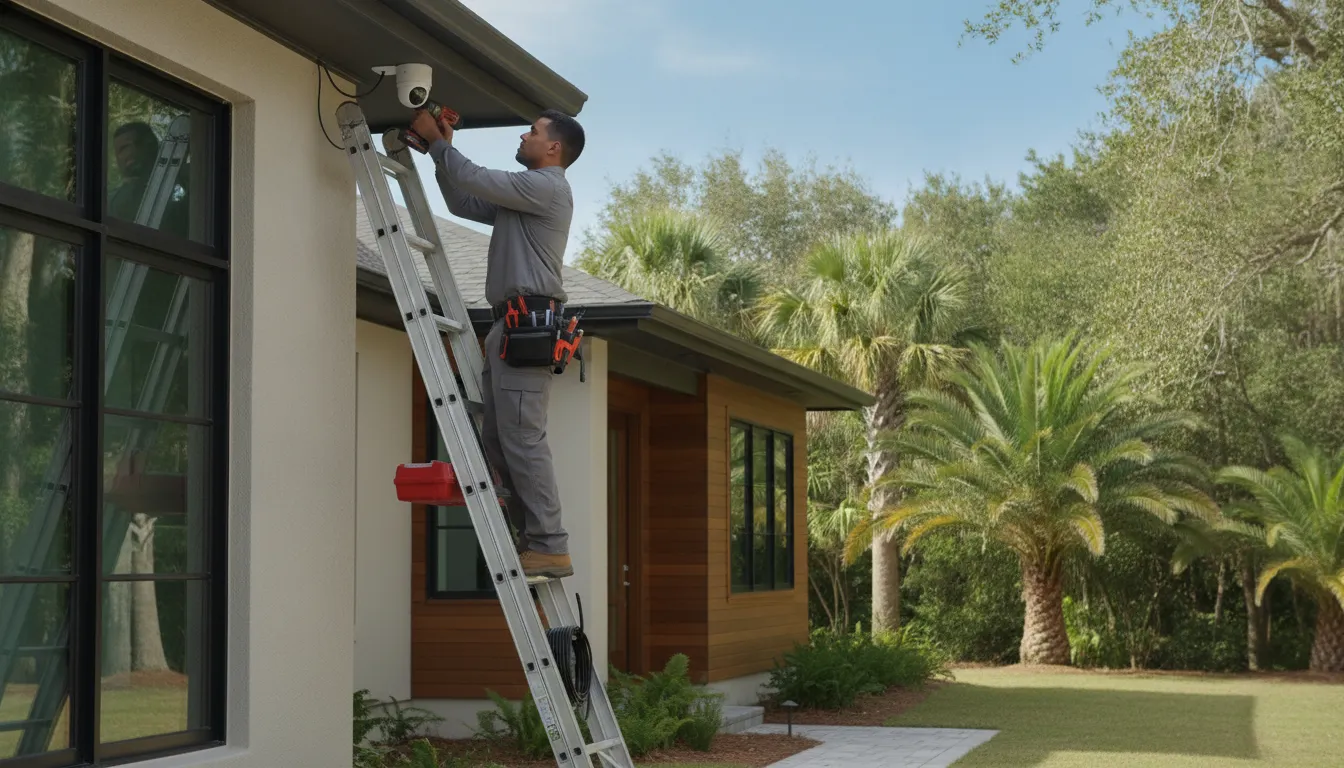
Wired cameras use a physical connection to transmit video. Many modern systems use Power over Ethernet, or PoE, so one cable carries both data and power. Because the connection does not depend on Wi-Fi, wired cameras are a strong option for larger homes, permanent installations, and areas where wireless signals are unreliable.
The main tradeoff is installation complexity. Cables may need to run through walls, an attic, or exterior pathways. Professional installation helps protect the wiring, keep the finished work neat, and confirm that each cable and camera functions properly. Once installed, wired cameras require little routine power maintenance because there are no batteries to recharge.
Wireless camera systems
Wireless cameras send video over Wi-Fi and can be easier to place or move. Some use rechargeable batteries, while others still need a nearby outlet. They can be practical for renters, smaller properties, or specific locations where running a cable would be difficult.
Performance depends on signal strength, network capacity, power, and battery condition. Thick walls and long distances from the router can interrupt a live view or recording. Before installing a wireless camera, test the connection at the exact mounting location and plan how often its battery or power source will need attention.
| Feature | Wired Cameras | Wireless Cameras |
|---|---|---|
| Connection | Physical cable | Home Wi-Fi |
| Power | PoE or power cable | Battery or nearby outlet |
| Installation | More involved cable routing | Faster and more flexible placement |
| Routine maintenance | Low power maintenance | May require charging and signal checks |
| Often best for | Permanent, multi-camera coverage | Smaller or flexible installations |
What makes a security camera smart?
A smart camera connects to an app or security platform so you can view video, receive alerts, and adjust settings remotely. The most useful smart features reduce noise and make it easier to identify events that deserve attention.
Motion alerts and video analytics
Basic motion detection can react to nearly any movement, including branches, shadows, or animals. More advanced video analytics can distinguish among a person, vehicle, or other movement. Activity zones also let you focus detection on an entryway or driveway while excluding a busy street. Correct setup is important because overly broad settings can create so many notifications that useful alerts are missed.
Remote viewing and connected devices
A phone app can provide a live view and quick access to recorded clips while you are away. Compatible cameras may also connect with lights, locks, or alarm sensors. For example, a sensor event may prompt a camera to record, helping provide useful context. Review ADP’s residential security system options to learn how connected devices can work together.
Storage and privacy
Remote access is convenient, but it must be configured carefully. Use a strong, unique password, enable available account security controls, keep camera firmware current, and limit access to people who need it. Aim exterior cameras at your own property and avoid unnecessary views into neighboring yards or windows. Privacy research on smart home technology reinforces the importance of making security and privacy part of the installation plan.
How professional camera installation works
A professional installation begins before any camera is mounted. The installer assesses the property, identifies risks, evaluates the network and power environment, and develops a coverage plan. That preparation helps avoid blocked views, unreliable connections, unsafe cable routes, and cameras that do not capture useful detail.
ADP Security Systems is family-owned and owner-operated, was founded in 1995, and brings more than 30 years of experience to residential security. ADP provides professional installation, 24/7 monitoring, and residential systems without long-term contracts. Learn more about ADP Security Systems and its approach to serving homeowners.
The five steps of a professional setup
- Survey the property. The installer identifies likely entry points, blind spots, lighting issues, privacy concerns, and the areas that matter most to the homeowner.
- Design the system. Camera types, storage, cable routes, power needs, network requirements, and mounting positions are selected for the property.
- Install and connect equipment. Cameras are mounted securely, cables are protected or concealed where appropriate, and devices are connected to the recorder, network, or app.
- Test every view and alert. The installer checks daytime and nighttime views, motion zones, remote access, recording, and notifications, then corrects gaps or false-alert triggers.
- Explain operation and care. The homeowner learns how to view video, retrieve clips, adjust settings, and maintain the system.
Professional work is especially valuable for a multi-camera wired system or a connected security setup. ADP’s broader security services can help homeowners consider installation, monitoring, and ongoing system needs together.
Where should home security cameras be placed?
Camera placement determines whether footage is useful. Each camera should have a clear purpose and a view that supports that purpose. Mounting more cameras does not automatically improve security if their views overlap unnecessarily or leave important areas uncovered.
Focus on main entry points
Start with the front door, back door, and other frequently used exterior doors. First-floor windows, side gates, and secluded entrances may also require coverage. At a doorway, position the camera to capture a visitor’s face rather than only the top of a head. Consider how bright sun, porch lights, and nighttime darkness will affect the image.
Cover driveways, garages, and yards
A driveway camera can document vehicles approaching the property, while a garage camera can cover vehicles, tools, and the garage entrance. Large or irregular yards may need more than one viewpoint. Floodlight cameras can add illumination in dark outdoor areas, and analytics may help separate people from ordinary movement.
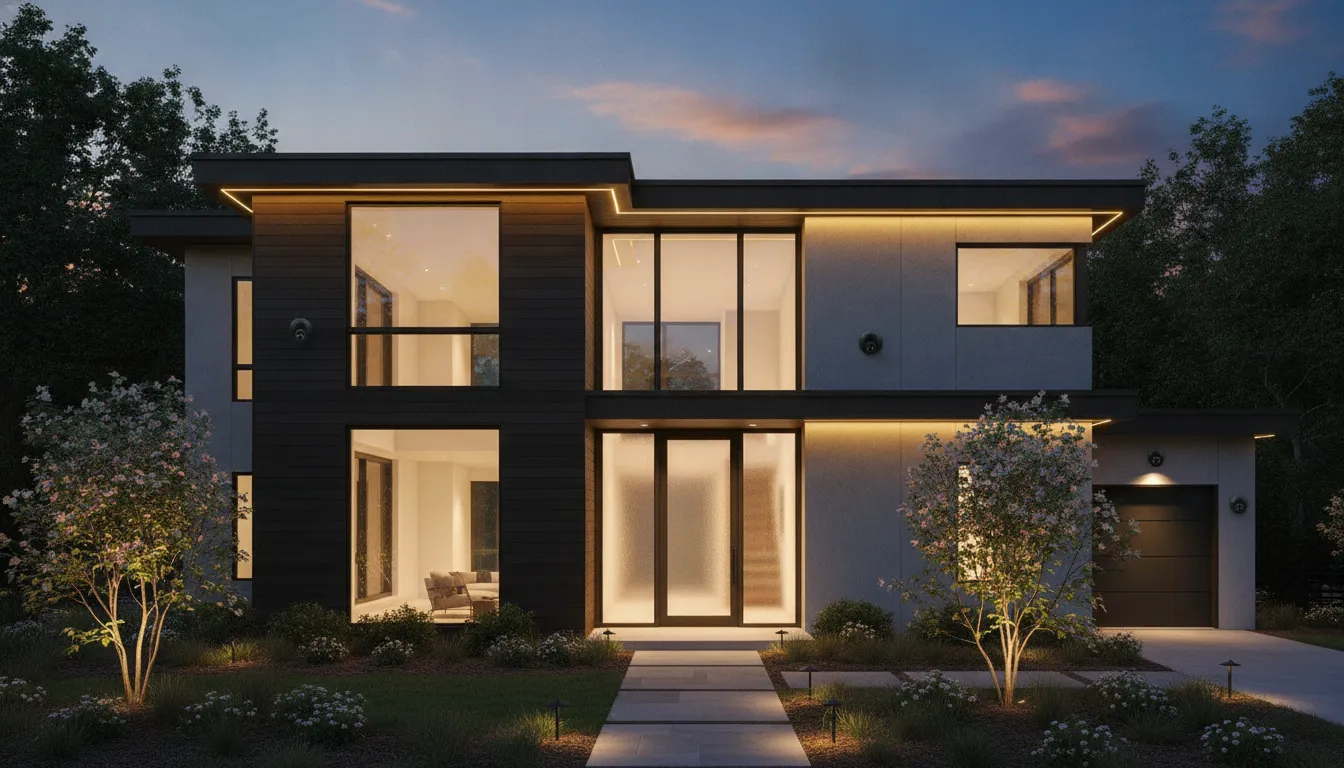
Check height, angles, and blind spots
A camera should be high enough to discourage tampering but low enough to capture useful detail. After mounting, review the live view rather than relying on the camera’s position alone. Check whether eaves, branches, glare, walls, or another camera block part of the scene. Repeat this check after dark because a strong daytime view can perform very differently at night.
Should you install security cameras yourself?
A DIY setup can work for a simple, battery-powered camera that covers one location. If you are comfortable mounting the device, securing the account, testing Wi-Fi, and maintaining the battery, a small wireless installation may meet your needs.
A professional setup is usually the better choice for several cameras, concealed wiring, difficult mounting locations, broad exterior coverage, or integration with alarms, locks, and lights. An installer can also identify problems that are easy to miss. Such as a weak signal at the mounting point, backlighting that obscures faces, or a blind spot between two views.
Questions to ask before choosing DIY
- Can the camera capture a clear image in daylight and at night?
- Is the Wi-Fi signal reliable at the planned location?
- Can you mount and power the camera safely?
- Do you understand where footage is stored and how to retrieve it?
- Can you keep firmware, passwords, batteries, and privacy settings maintained?
- Will the system still meet your needs if you add more cameras later?
Keeping your camera system reliable
Home security camera installation is not a one-time task. Routine checks help ensure the system can record a useful view when an event occurs.
Clean lenses and verify views
Outdoor lenses collect dust, pollen, water spots, and spider webs. Clean them with a soft cloth and review each live view regularly. Confirm that wind, landscaping growth, decorations, or building work has not moved a camera or created a new blind spot.
Test alerts, recording, and storage
Walk through each activity zone and confirm the correct alert reaches your device. Review a saved clip to ensure the system is recording, not merely showing a live view. If the system overwrites old recordings, confirm that its retention period and available storage still match your needs.
Maintain hardware, software, and access
Install appropriate app and firmware updates, inspect visible cables and mounts, and check battery levels for wireless devices. Periodically review who can access the system and remove accounts that are no longer needed. If a view, alert, recorder, or connection fails, address the issue promptly rather than assuming the other cameras will cover it.
Contact ADP Security Systems to request a professional home camera assessment and plan dependable coverage for your property.
Frequently Asked Questions
Where should I place my home security cameras?
For best results, put cameras at every main entry point of your home. This includes the front door, back door, and any first-floor windows. You should also mount them high enough to avoid damage but low enough to capture clear faces. Experts suggest covering the driveway and garage too. Proper placement helps you see threats early. This setup can help prevent loss and keep your family safe from possible thieves who might try to enter your home.
Is it easy to DIY install home security cameras?
Many wireless cameras are simple to set up on your own. You usually just need to mount the base and connect the device to your Wi-Fi network. However, wired systems are much harder to put in because they need cables run through your walls. If you are not comfortable with tools or wire work, a DIY project might be tough. Many homeowners choose pro help to ensure every camera has a steady and reliable link.
Do I need a professional for security camera installation?
You do not always need a pro, but it is often the best choice for complex systems. A pro can handle the wiring and set up the best angles for your home. They also make sure your cameras work well with other smart tools like locks and lights. A pro setup ensures your system is always on and ready. This path is great if you want high security without the stress of doing it yourself.
What are the benefits of home security camera installation?
Installing cameras provides peace of mind by helping to stop crime. As shown in a study on PubMed, many people buy these devices to stop thefts and protect their families. Cameras also let you check on your home from anywhere using a phone app. You can see when packages arrive or if a guest is at the door. Modern systems can even link to your lights and locks to create a full smart home net.
Ready to request a home security camera assessment?
A dependable system begins with a plan built around your property, daily routine, and security goals. Professional home security camera installation can help you avoid blind spots. Select the right wired or wireless equipment, and connect cameras with the rest of your residential security system. Contact ADP Security Systems to request an assessment and discuss the next step.