Commercial Building Evacuation Guide for Safer Exits
August 20, 2026
Fire Alarm Requirements for South Carolina Businesses
August 22, 2026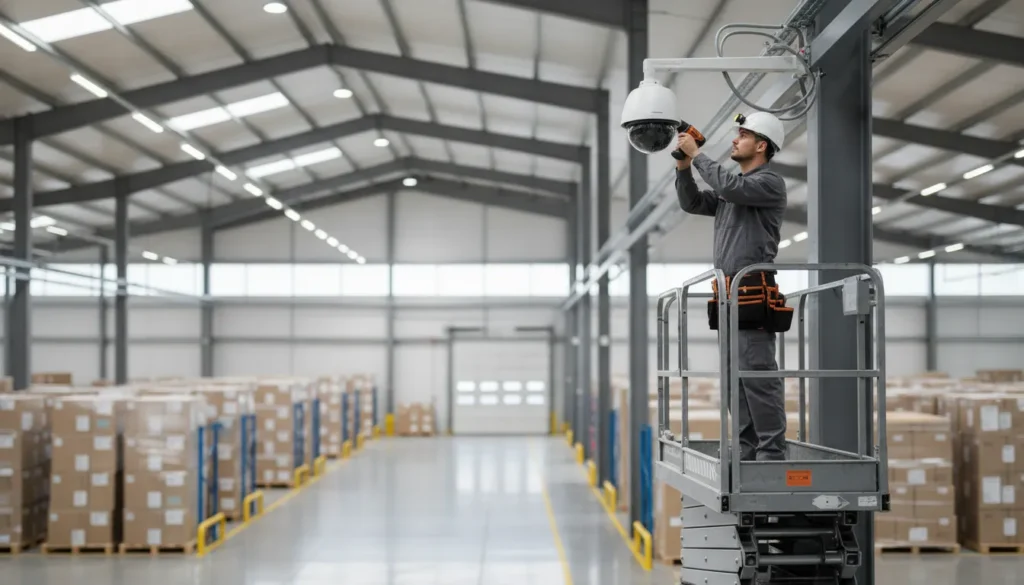
A commercial security camera installation is only as reliable as the planning, installation, and testing behind it. For a business, overlooked blind spots, weak network connections, or poorly configured recording can leave important events undocumented.
Professional commercial security camera installation coordinates a site survey, camera selection, structured wiring and network setup, system programming, commissioning, testing, and staff training. The goal is a fully functioning system that fits your property, operating needs, and security requirements.
That process starts before anyone mounts a camera. A trained installer first studies how people, vehicles, lighting, entrances, and valuable assets move through the property. The resulting plan helps determine where coverage matters most and how the system should support daily operations.
What Professional Commercial Security Camera Installation Involves
Reliable video surveillance starts well before a camera is mounted. A professional team builds the system around your property, operating needs, network environment, and response plan. That process helps avoid blind spots, unstable connections, and equipment that cannot support your security objectives.
The professional camera installation process covers more than hardware placement. It includes a site survey, camera selection, wiring and network setup, programming, commissioning, testing, and staff training. The U.S. Small Business Administration describes the contractor’s role as furnishing, installing, programming, and commissioning the system while ensuring full operation functionality. Read the installation requirements.
Planning the system around the property
The work begins with a review of entrances, exits, customer areas, restricted spaces, loading zones, parking areas, and other locations where visibility matters. Installers consider lighting, viewing angles, camera height, weather exposure, and the practical needs of the people who will use the system.
Camera selection follows that assessment. A wide-angle camera may suit an open interior, while a detail-focused camera may be more appropriate for an entry point. Exterior equipment must also match the conditions where it will operate. The right choice balances coverage, image detail, storage needs, and future expansion.
Building and configuring the infrastructure
- Professional placement: Cameras are positioned to capture useful views while reducing obstructions and unnecessary overlap.
- Reliable connectivity: Cabling, power, network configuration, and recording hardware are coordinated as one system.
- Practical integration: Remote viewing, alerts, access control, or other security functions can be configured around your operating workflow.
- Documented setup: Device settings, user permissions, and system functions are reviewed before handoff.
Commissioning is the point where installation becomes an operational security system. The installer programs the equipment, checks recording and playback, verifies views during day and night conditions, and tests alerts and remote access. Any issues are corrected before the system is handed over.
Benefits of professional installation include:
- More dependable coverage across the areas that matter most.
- Fewer avoidable technology problems caused by incompatible equipment or incomplete configuration.
- Faster staff adoption through practical training on live views, playback, alerts, and user access.
Training should be part of the handoff, not an afterthought. Staff need to know how to find recorded footage, respond to alerts, protect account credentials, and request support. A complete commercial security camera installation leaves your team with a system they can use confidently every day.
How Does a Site Survey Shape Your Camera Plan?
A reliable camera plan starts with the property, not a catalog. During a professional site survey, the installer studies how people, vehicles, inventory, and sensitive areas move through the facility. The goal is to match camera coverage to real security needs, existing conditions, and operational priorities.
A survey also provides the foundation for a documented security site assessment. That assessment helps identify gaps before equipment is selected or cabling is installed.
What the installer evaluates
- Blind spots: Walls, shelving, equipment, landscaping, and changing traffic patterns can block otherwise well-positioned cameras.
- Lighting conditions: Glare, shadows, low light, headlights, and bright exterior exposure affect whether footage remains useful. The survey identifies where supplemental lighting, wide dynamic range, infrared, or another camera configuration may be appropriate.
- Entry and exit points: Doors, gates, loading areas, parking access, and reception zones often require carefully framed views. The installer considers what detail is needed, such as faces, vehicle movement, or license plates.
- Coverage zones: Public areas, restricted rooms, cash-handling points, corridors, warehouses, and exterior perimeters each call for a different coverage objective.
- Site conditions: Mounting surfaces, ceiling height, weather exposure, available power, network routes, and equipment locations influence installation feasibility and long-term serviceability.
Better coverage with fewer gaps: Mapping sightlines before installation helps determine where cameras belong and where they do not. It prevents a camera count based on guesswork, which can leave important areas unobserved or create unnecessary overlap.
More useful footage: Placement is not only about seeing an area. It is about obtaining the right perspective and image detail for the risk being addressed. A wide overview may suit a parking lot, while an entrance may need a tighter view for identification.
Standards and operational requirements matter
A professional plan must account for applicable policies and security system standards before installation begins. Stanford’s Video Safety and Security Systems Standards, for example, require implemented and controlled video surveillance installations to conform to established standards: Stanford Video Safety and Security Systems Standards. Requirements vary by organization and property, but the principle is consistent: the design should be reviewed against relevant rules, not improvised on installation day.
The survey findings then drive camera quantity, lens selection, mounting height, recording coverage, and network planning. This is why commercial security camera installation should begin with an on-site evaluation. A thoughtful survey creates a system designed around the business’s actual risks, layout, and daily activity.
Choosing the Right Cameras for Your Business
Camera selection should follow the property, the risk, and the way your team needs to use recorded video. A retail storefront may need wide coverage at entrances and checkout areas. A warehouse may need longer viewing distances, stronger low-light performance, and cameras that withstand dust or temperature changes.
Start with a professional design rather than choosing resolution alone. A commercial system may combine fixed dome cameras, bullet cameras, varifocal lenses, panoramic views, and specialized license plate recognition. The right mix creates useful coverage without placing every camera in the same role.
Interior and exterior placement require different specifications. Exterior units should be manufacturer-rated for exterior use. The University of North Carolina facilities standard specifically requires cameras in outdoor locations to meet an exterior-grade rating. Review the source requirement when establishing your equipment specification.
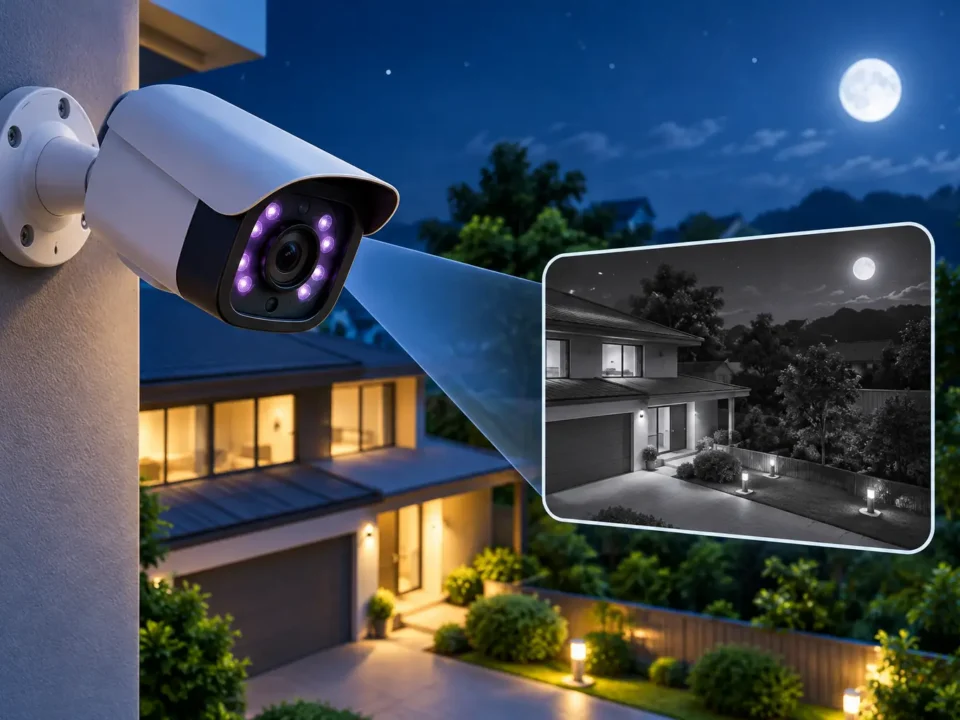
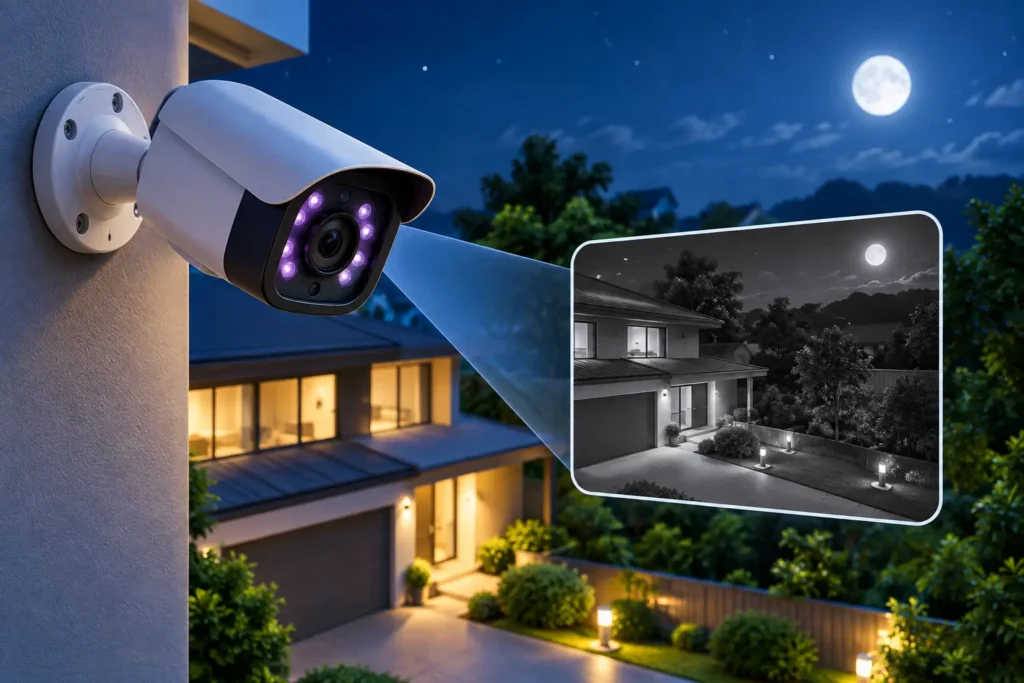
For outdoor locations, look for IP66 or IP67 weatherproofing, suitable temperature ratings, glare control, and infrared night vision. IP ratings help indicate protection against dust and water, but installation angle and mounting details still affect long-term reliability. A site survey should identify direct sunlight, reflections, shadows, and lighting changes before equipment is ordered.
| Placement | Best use | Key spec |
|---|---|---|
| Interior offices and corridors | General activity monitoring and clear identification | Fixed dome, 4K or 8MP resolution, wide-angle lens |
| Exterior doors and loading areas | Entry awareness, deliveries, and perimeter views | Exterior-grade housing, IP66 or IP67 rating, infrared night vision |
| Parking lots and long approaches | Long-distance observation and vehicle activity | Bullet camera, varifocal lens, strong low-light performance |
| Entrances and vehicle lanes | Vehicle identification and event review | License plate recognition, controlled angle, sufficient shutter speed |
| Large open areas | Broad coverage with fewer blind spots | Panoramic or multi-sensor camera, matched mounting height |
Resolution matters, but pixels must reach the subject. An 8MP camera mounted too high or aimed across a large space may provide less useful detail than a lower-resolution camera installed at the correct distance. Varifocal lenses allow technicians to fine-tune the field of view after mounting. An IP camera and network video recorder, or NVR, should also be sized for the number of streams, retention needs, and network capacity.
For regulated or security-conscious organizations, NDAA compliance is an important equipment requirement. UNC Facilities states that cameras must be compliant with the National Defense Authorization Act. Commercial security camera systems should be specified with documented compatibility, support, and update expectations.
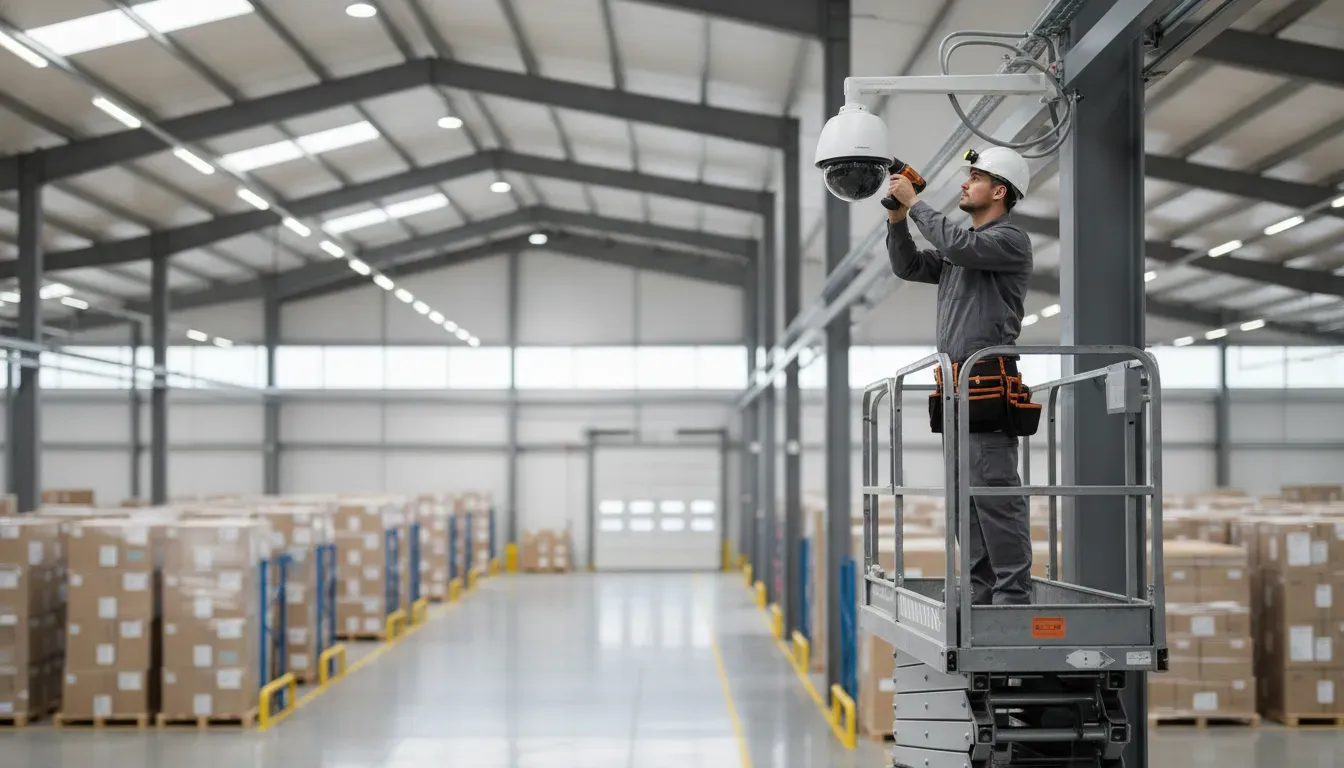
Finally, consider what should happen after a camera records an event. Night vision, motion detection, license plate recognition, and other AI video analytics can reduce review time and focus attention on meaningful activity. The best system balances coverage, compliance, image quality, storage, and practical day-to-day use.
Wiring and Network Setup: The Backbone of Your System
Reliable video starts with infrastructure that can carry, power, record, and securely deliver camera feeds. During a commercial security camera installation, ADP builds the network around the property, the coverage plan, and the way your team needs to use recorded footage. The goal is not simply to connect cameras. It is to create a stable system that remains useful during daily operations and unexpected disruptions.
-
Plan cabling and structured runs
Technicians map cable routes from each camera to the equipment location before pulling wire. Structured runs keep cabling organized, protected, and easier to service later. The plan accounts for ceiling access, exterior pathways, distance limits, interference, and future expansion. It also separates camera cabling from avoidable sources of electrical interference. Good cable planning reduces blind spots and prevents maintenance from becoming a guessing exercise.
-
Deliver dependable camera power
IP cameras commonly receive power through the network using Power over Ethernet. The installer verifies that the switch and cabling can provide adequate power to every connected device, including cameras with infrared illumination, analytics, or motorized features. Power budgets matter when a system grows. Proper labeling and documentation also help staff identify the correct connection during service or an outage.
-
Configure the switch and segment the network
A dedicated or logically separated camera network helps keep surveillance traffic from competing with everyday business devices. ADP can configure network switches and VLAN segmentation according to the site design and IT requirements. Access controls should limit who can reach cameras, recorders, and management interfaces. Segmentation supports both performance and security. It can also make troubleshooting more precise when a camera or switch connection needs attention.
-
Connect the IP camera and NVR architecture
ADP uses IP camera networks with network video recorder architecture to manage recording and playback. Each camera is addressed, enrolled, and checked against the intended coverage plan. The NVR is configured for storage capacity, recording schedules, user permissions, and search features. This structure lets authorized users review footage without treating each camera as an isolated device. It also creates a foundation for remote viewing and video analytics when those capabilities fit the business.
-
Build resilient remote access
Remote access must be useful without creating an unnecessary exposure point. Technicians configure secure access for authorized users and verify that live views, playback, and alerts work from approved devices. ADP also supports dual-path communication with cellular redundancy. If the primary internet connection drops, the backup path helps keep alerts and essential system communications online. Redundancy protects visibility when the network is under stress.
After these steps, the installation team tests connectivity, recording, power, and remote functions together. That integrated check confirms the network is supporting the security system as designed, not merely showing that individual cameras have power.
Commissioning and Testing Your New System
Installation is not complete when the last camera is mounted. The system must be programmed, tested, and handed over in working condition. Commissioning confirms that each component performs as designed and that your team can use it confidently.
A professional installation includes furnishing, installing, programming, and commissioning the cameras, cabling, hardware, and configuration. The contractor should also ensure full operation functionality across the installed system. This complete process is reflected in commercial security camera installation requirements.
What the commissioning process verifies
- Clear coverage: Technicians test camera angles, image quality, lighting conditions, and blind-spot exposure.
- Reliable detection: Motion detection and analytics are adjusted to identify meaningful activity while limiting unnecessary alerts.
- Usable recordings: Recording schedules, storage capacity, timestamps, playback, and retention settings are configured for your operating needs.
- Secure remote access: Authorized users verify remote viewing from approved devices and confirm that permissions work as intended.
- Alarm integration: Video verification is tested so monitoring personnel can evaluate relevant camera activity when an alarm event occurs.
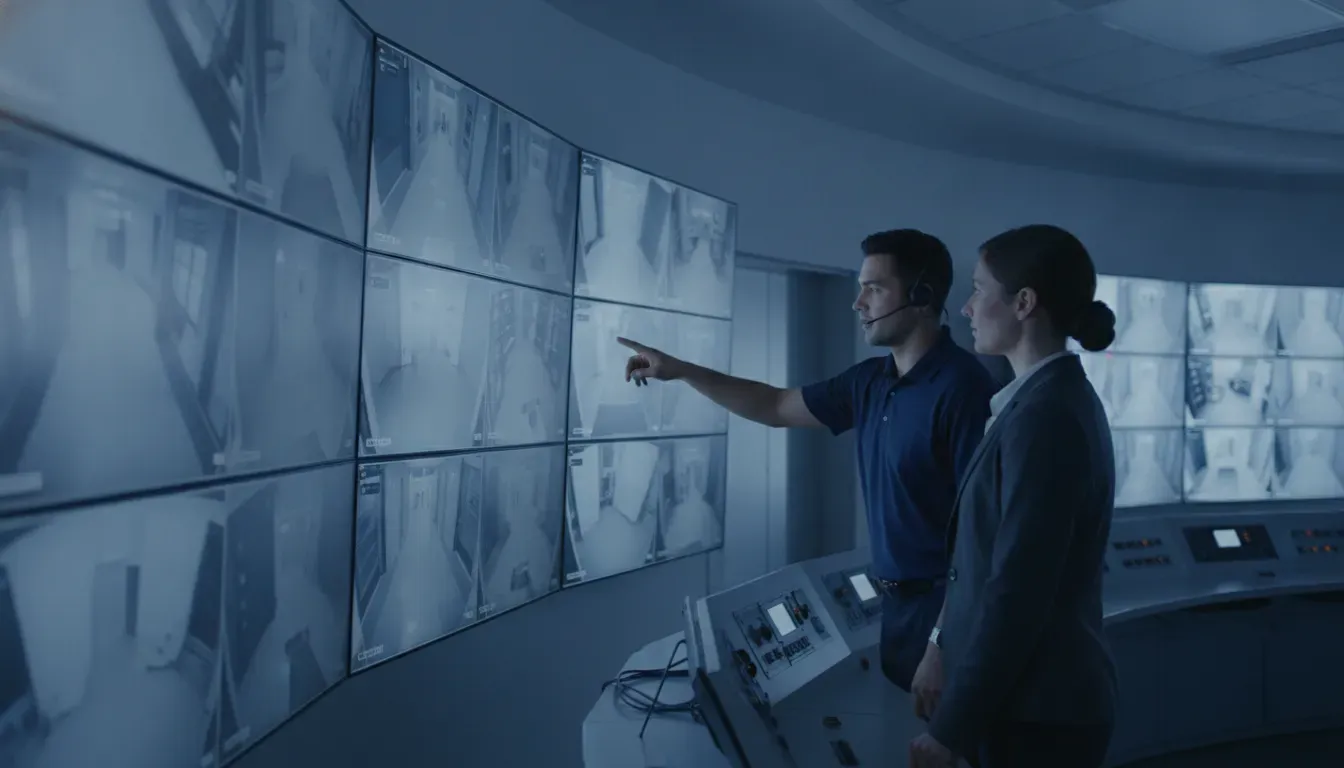
Video verification can help monitoring personnel assess what is happening during an alarm event and support a more informed response. Remote viewing also gives authorized business leaders visibility when they are away from the property.
Train the people who will use the system
Even a well-designed system can underperform if employees do not know how to operate it. During handoff, factory-trained technicians should show designated staff how to view live feeds, search recordings, export relevant video, manage user access, and respond to alerts. Training should also cover privacy expectations, password practices, and who is authorized to retrieve footage.
Better training creates faster, more consistent decisions. Staff can recognize unusual activity, preserve useful evidence, and avoid changing settings accidentally. Managers should receive a clear explanation of routine checks, escalation procedures, and whom to contact for support.
Before sign-off, ADP can review the completed configuration with your team, confirm that the system meets the agreed coverage goals, and identify any follow-up maintenance needs. That final verification turns a collection of cameras into a dependable security resource for your business.
How Long Does Commercial Security Camera Installation Take?
There is no reliable one-size-fits-all schedule for commercial security camera installation. A small office with accessible cable routes may move through the process more quickly than a multi-building facility with challenging wiring, multiple entrances, and active operations.
The timeline depends on the scope of the system, not simply the number of cameras. A professional installer evaluates the site, confirms the design, completes the physical and network work, then programs and tests the system before handoff.
What affects the installation timeline?
- Site size and layout: Larger or multi-level properties require more planning, equipment, and cable routing.
- Camera count and coverage: Each camera needs the right location, viewing angle, power, network connection, and final adjustment.
- Wiring conditions: Existing pathways can simplify the work. Difficult ceiling access, long runs, exterior routes, or new conduit can add complexity.
- Network readiness: IP cameras and an NVR require an organized network setup, adequate capacity, and reliable power.
- Occupied versus after-hours work: Retail stores, offices, warehouses, and industrial sites may need phased work to avoid disrupting employees, customers, or production.
- System integration: Connecting video with access control, analytics, monitoring, or other security functions requires additional programming and testing.
A structured process keeps the project moving
The work typically progresses through a coordinated sequence: site survey, camera and coverage planning, equipment preparation, cabling and network setup, camera mounting, programming, commissioning, and user training. This sequence helps the installer identify issues before the system is handed over, rather than leaving the business to discover blind spots or unreliable connections later.
Scheduling also depends on decisions made before installation begins. Confirming camera locations, operating hours, access requirements, retention needs, and any phased construction plan gives the installation team a clearer path. For a larger property, planning warehouse security solutions may require separate attention to loading areas, storage aisles, employee entrances, and perimeter coverage.
The best way to estimate timing is to begin with a professional site assessment. After reviewing the property and system requirements, an experienced provider can explain the likely sequence. Identify potential delays, and build a schedule around the facility’s operating needs without promising arbitrary hours or days.
Frequently Asked Questions
How much does commercial security camera installation cost?
There is no reliable standard price because cost depends on camera count, coverage areas, mounting conditions, cabling, network requirements, recording capacity, and integrations. A professional assessment should define those requirements before you compare proposals. Ask for an itemized scope covering equipment, labor, configuration, testing, training, and ongoing service so you can compare complete systems rather than camera prices alone.
What is the best security camera for commercial use?
The best camera depends on the scene it must cover. A wide-angle camera may suit an open retail floor, while a varifocal or specialty camera may better fit entrances, loading areas, or long corridors. Exterior locations should use cameras rated exterior grade by the manufacturer. Commercial buyers should also confirm that selected cameras meet applicable requirements, including NDAA compliance where required. Source: UNC Facilities.
What kind of license do you need to install security cameras?
Licensing requirements vary by state, local jurisdiction, project scope, and whether the work includes low-voltage cabling, monitoring, or related systems. Before hiring an installer, ask which licenses and permits apply to your location and whether the company handles required inspections. The installer should also explain any customer obligations for privacy notices, recording policies, or employee communication.
How do I choose the right commercial security camera installation company?
Choose a company that starts with a documented site survey and can explain coverage, lighting, storage, network design, cybersecurity, and future expansion. Confirm that technicians are trained for the proposed equipment and that the company provides programming, commissioning, testing, training, and service after installation. A complete installation includes more than mounting cameras and connecting cables.
What are the benefits of professional installation?
Professional installation aligns camera placement with your security objectives, reduces blind spots, and verifies that recording, remote access, alerts, and integrations work together. The installer can also document the system and train authorized staff. A complete commercial process includes surveying, selection, wiring, commissioning, and staff training. Source: U.S. Small Business Administration.
How long does installation typically take?
Timing depends on the number of cameras, building access, cable paths, network readiness, permitting, and system integrations. A small, prepared site may move quickly, while a multi-building or occupied facility requires more coordination. Your installer should provide a schedule after the survey, including equipment delivery, installation, configuration, testing, and staff training.
Schedule Your Commercial Security Camera Installation Consultation
A professional plan helps align camera coverage, network setup, testing, and staff training with your business needs. Talk with ADP Security Systems about the right approach for your property and operations.
Schedule a consultation to discuss your commercial security camera installation.