Commercial Security System Maintenance: Testing Schedule
July 21, 2026
Smart Building Security System: Guide for SC Commercial Properties
July 23, 2026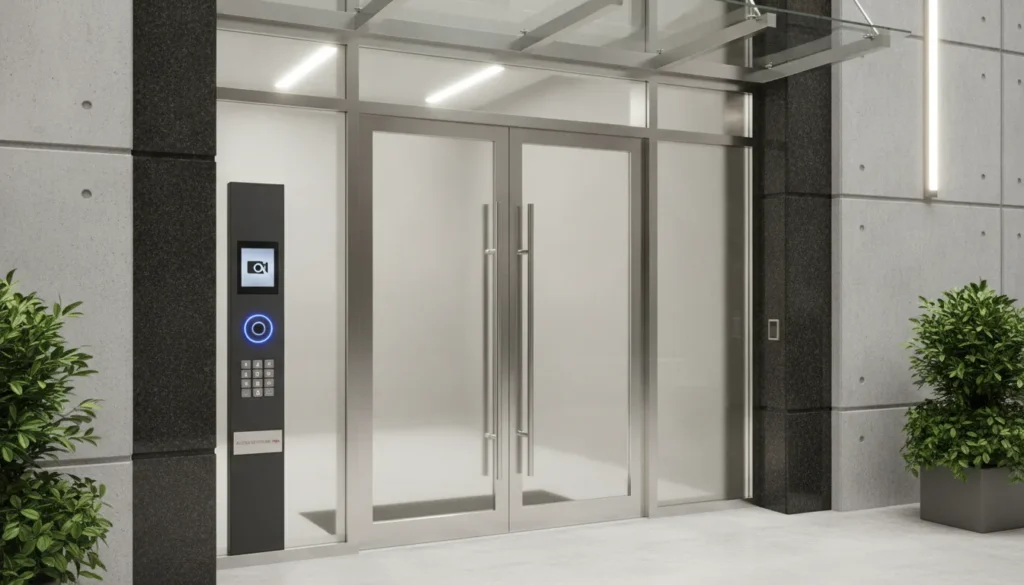
Commercial door entry systems are electronic access solutions that control who enters a commercial building, replacing traditional locks and keys with credentials, readers, and management software that can be updated in real time. The right system does more than unlock a door. It helps a business decide who can enter, where they can go, and when their access should end. For a property manager, that can mean handling visitors without leaving the front desk. For a warehouse manager, it can mean separating office, loading-dock, and inventory access.
Modern commercial door entry systems combine door hardware, readers, credentials, software, and often video into one coordinated access strategy. This guide explains the leading options, including video intercoms, key fob and card readers, keypads, and mobile credentials, so you can evaluate them based on your building and daily operations.
What Are Commercial Door Entry Systems?
Commercial door entry systems are electronic setups that manage who can enter and leave a building using credentials, readers, controllers, and electronic locking hardware rather than traditional keys. Depending on the system, that identification may be a card, fob, PIN, smartphone, or a staff member confirming a visitor through an intercom.
Traditional keys are familiar, but they are difficult to manage at scale. A lost, copied, or unreturned key creates uncertainty, and rekeying multiple doors can become expensive. By comparison, commercial access control systems allow administrators to add, edit, or remove permissions without changing the physical lock at every affected door.
Most systems follow a straightforward sequence. A person presents a credential or requests entry. The reader or intercom passes that request to a controller or management platform. The system checks whether the person is authorized for that door and time, then releases the electronic lock when the conditions are met.
These four technologies are commonly combined in the same building:
- Video intercoms let staff see and speak with visitors before releasing a door.
- Key fob and card readers give employees and approved contractors a fast credential-based entry method.
- Keypads use PINs for controlled entry, often as a standalone option or an added verification step.
- Mobile credentials use a smartphone as an approved access credential.
How Do Video Intercom Systems Improve Commercial Door Security?
Video intercoms give staff the ability to see and speak with visitors before releasing a door, providing visual verification that audio-only buzzers cannot match. The person at the entrance presses a call button, speaks with a designated employee or reception point. And can be seen through the intercom camera before anyone releases the door. That visual confirmation is the key distinction.
For an office lobby, medical practice, multi-tenant building, or gated delivery area, a video intercom can create a clear visitor process. Staff can ask why someone is there, direct them to the correct entrance, or decline access without opening the door. When the system supports remote communication, authorized users can respond even when not at a reception desk.
A video intercom is not a replacement for employee access credentials. It is the visitor-management layer at a public-facing door, while employees use cards, fobs, PINs, or mobile credentials at their regular entry points. Integration makes the system more useful. Connecting intercom events with video surveillance systems can give a business a clearer record of activity at an entrance.
How Do Key Fob and Card Readers Work for Commercial Buildings?
Key fob and card reader systems use electronic credentials such as proximity cards, smart cards. Or fobs to grant access at authorized doors, making them ideal for employee-only doors, staff entrances, and facilities with recurring users. When the credential is presented, the system checks the assigned permissions before unlocking the door.
The main operational advantage is administrative control. A manager can issue a credential to a new hire, apply an access schedule for a particular shift, and remove access when a person changes roles or leaves. That is more manageable than collecting keys one by one.
Cards and fobs work well at busy employee entrances because a user can tap or present a credential without typing a long code. For a smaller company evaluating the basics, ADP’s guide to key card entry systems offers a deeper look at credential-based access for small businesses.
Keypad Entry Systems: When Does Simple PIN-Based Access Make Sense?
Keypad systems require a user to enter a numeric PIN before the door unlocks. Making them a cost-effective choice for low-traffic areas where carrying a card or fob is inconvenient. Some keypads are standalone locks, while others are part of a managed access control system that records activity and applies schedules.
The simplicity of a keypad is its strength and its limitation. There is no physical card to lose, but a code can be shared. For that reason, individual codes are preferable to one common code whenever possible. Administrators should change codes after employee turnover or a suspected compromise.
Keypads can be more valuable when paired with another control. A card or fob may establish the user’s identity while a PIN provides a second factor at a sensitive door. This works well for server rooms, records storage, medication areas, or other spaces that need more than ordinary staff access.
How Do Mobile Credential Systems Work for Building Entry?
Mobile credentials turn a compatible smartphone into an approved access credential using Bluetooth, NFC, or another supported wireless method, reducing the need for physical cards and fobs. The reader still needs compatible hardware and software; mobile access is not simply an app added to every existing lock.
For organizations with frequent staffing changes or multi-site operations, mobile credentials reduce the physical handling of cards and fobs. Credentials can be issued, adjusted, and revoked through the management system without arranging an in-person handoff.
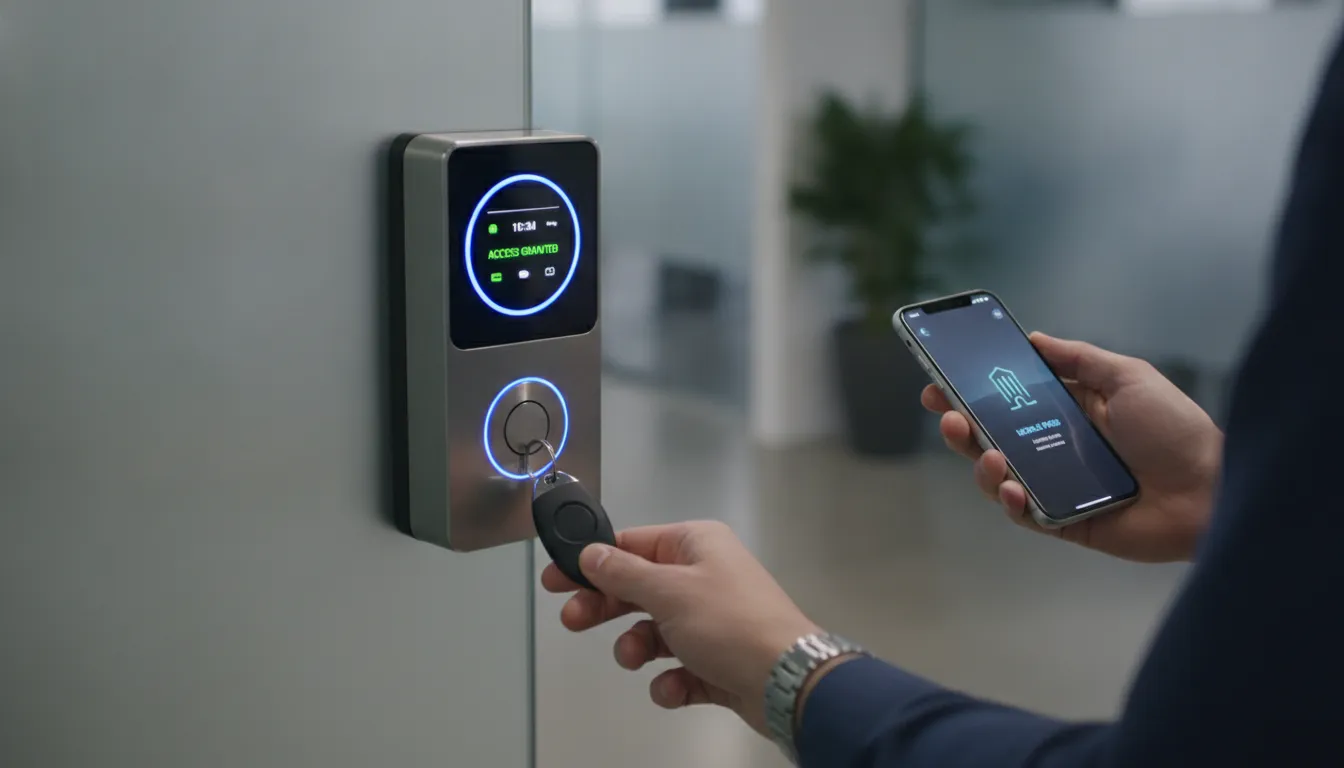
Mobile access also supports a more flexible visitor process. A temporary credential may be issued for a defined time window rather than leaving a key at a front desk. Learn more about mobile credentials and keyless systems before deciding whether a phone-based approach should be your primary method or a complement to cards and fobs.
How to Choose the Right Commercial Door Entry System
Choosing a commercial door entry system comes down to mapping your building’s entry points, user traffic, visitor needs, and future growth before comparing hardware options. The best system is the one that gives your team the right level of control at the doors that matter and can grow without forcing a replacement.
| Decision factor | Questions to ask | Technology that may fit |
|---|---|---|
| Visitor traffic | Do delivery drivers, clients, vendors, or patients need to request entry? | Video intercom with remote release |
| Employee turnover | Do credentials need to be issued and removed frequently? | Key fobs, cards, or mobile credentials |
| Operating schedules | Do departments need different access hours? | Managed credential system with schedule-based permissions |
| Security requirements | Is a second factor needed at sensitive doors? | Keypad, video intercom, or multi-factor access |
| Future plans | Will you add doors, locations, or cameras later? | Scalable, integrated access control platform |
A small office may need a simple reader at the staff entrance and a video intercom at the front door. A warehouse may need separate permissions for office, loading-dock, and inventory areas. A professional site assessment helps identify doors that need electrified hardware and openings where a video intercom is useful.
For higher-security spaces, review whether advanced entry credentials or a second verification step is appropriate. When comparing providers, look beyond a device list and assess the provider’s ability to design, install, train, and support the system over time. ADP’s guide to commercial door entry systems can help frame that conversation.
How Do You Integrate Door Entry with Your Security Ecosystem?
A door entry system delivers the most value when it is connected with video surveillance, intrusion detection, and centralized management as part of a coordinated security plan. When access control, video surveillance, and communication are working together, the business has more context around what happened at a door and more options for responding.
For example, a video intercom can help staff verify a visitor before releasing a door. A credential event can be associated with camera footage from that entrance. An attempted after-hours entry can trigger an event notification, allowing the appropriate person to review activity quickly.
This connected approach is useful for facilities with different access needs across a single property: an office lobby. Warehouse floor, server room, medical records area, gate, or delivery entrance. Instead of giving every employee the same physical key, administrators can create role- and schedule-based permissions while retaining a record of activity.
ADP Security Systems designs integrated commercial security systems that bring access control together with intrusion detection and video. For Greenville and Upstate South Carolina organizations, a site walk-through lets a security professional evaluate entry points, existing hardware, visitor flow, and the systems already in place.
Frequently Asked Questions About Commercial Door Entry Systems
What are the main types of commercial door entry systems?
The main options are video intercoms, key fob or card reader systems, keypad systems, and mobile credential systems. Many businesses use a combination, such as a video intercom for visitors and credential readers for employees.
How do key fob entry systems work for buildings?
Each authorized person receives a programmed fob or card. When presented to a compatible reader, the access control system checks the credential and unlocks the door if that person has permission at that time.
What should I consider when choosing a commercial door entry system?
Consider the number and type of doors, employee and visitor traffic, schedule requirements. Level of verification needed, existing door hardware, integration with cameras or alarms, and credential management after installation.
Are key fob systems secure for commercial properties?
Yes, when credentials are issued to the right people, removed promptly when no longer needed, and paired with schedule-based permissions and activity records. Sensitive spaces may benefit from an additional PIN or video verification.
How much do commercial door entry systems cost?
Cost depends on the number of doors, existing hardware, reader type, networking, software, installation complexity, and integration requirements. A professional site assessment is the best way to get an accurate quote.
Can I integrate mobile credentials with my existing door entry system?
Compatibility depends on the current controllers, readers, software, and door hardware. An access control professional can assess the existing system and identify whether mobile-ready readers or other upgrades are needed.
Plan a Door Entry System Around the Way Your Business Works
Whether you need a better way to manage employee access, verify visitors at a busy front entrance. Or connect several doors to a broader security system, ADP Security Systems can help you evaluate the options. Our team serves commercial properties in Greenville, Upstate South Carolina, and throughout the Southeast with professionally designed security solutions.
Contact ADP Security Systems to schedule a consultation or call (864) 246-1006 to discuss your commercial door entry system.