Video Surveillance Laws South Carolina: Compliance Guide for Business Owners
July 20, 2026
Commercial Door Entry Systems: A Complete Buyer’s Guide
July 22, 2026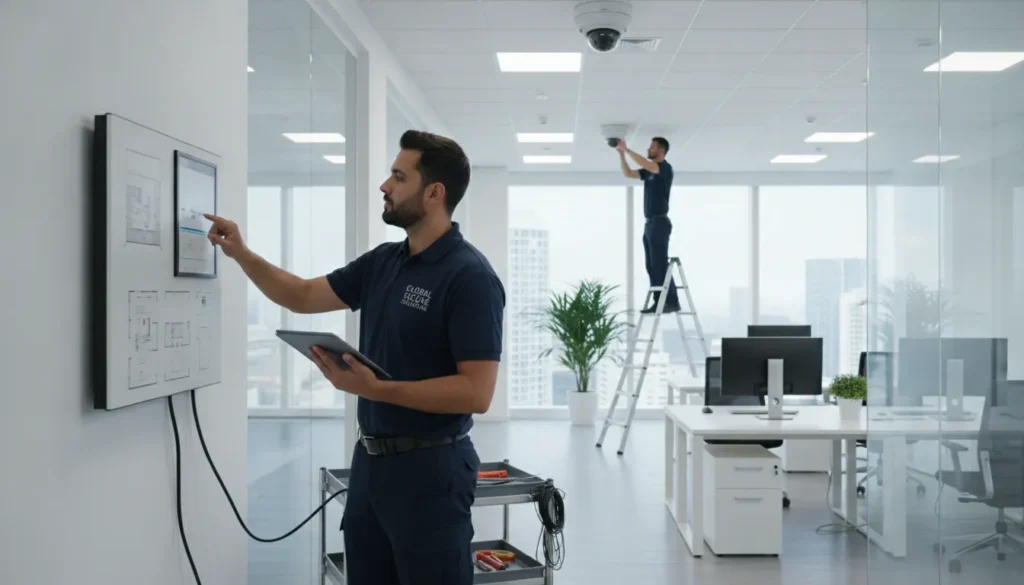
A dead badge reader can let thieves walk straight into your office building tonight. You cannot wait for a real break-in to find out that your safety hardware has stopped working.
Commercial security system maintenance is a scheduled program of expert checks, hardware testing, and software updates. This routine care keeps your security cameras, intruder alarms, card readers, and fire panels working without any sudden trouble. According to safety rules from the Pennsylvania Department of General Services, these checks make sure your safety gear meets its design intent. To keep your building safe, you should test fire sensors each year, clean outdoor camera lenses every three months, and check door locks monthly. You must also test your backup batteries and burglar alarm panels often to prevent sudden power loss. This ongoing care prevents costly blind spots, stops false alarms, and makes sure your business complies with all local safety codes.
As a busy business owner, you must know exactly how often to test each safety device in your building. To help you plan, we will first define commercial security system maintenance and then outline a simple schedule you can follow.
What Is Commercial Security System Maintenance?
Installing a commercial security system is only the first step. Setup places the hardware on your walls, but regular care keeps those devices working when you need them most. Commercial security system maintenance is a structured program of inspections, tests, and updates. This program covers intrusion alarms, cameras, access controls, and fire alarms. When you invest in these systems, you expect them to run day and night. Without this ongoing care, a system can fail without warning, leaving your business exposed to crime or fire.
The difference between setup and upkeep
Many business owners think a security setup is a one-time job. In reality, a proper system needs ongoing care. The first setup provides the tools, but time and weather can degrade sensors, lenses, and wires. Routine commercial security system maintenance ensures that all parts stay working. This ongoing service is different from the first setup because it looks for hidden faults, updates software, and checks power levels. Planned care ensures that your safety gear is ready to respond to real threats, keeping your assets secure.
Active testing and physical checks
A key part of system care is regular testing. This process starts with acceptance testing, which is a thorough review of the entire system. According to state safety guidelines, this process checks how they work to ensure all safety and camera tools meet their design intent. For ongoing upkeep, technicians conduct hands-on checks. This includes checking physical equipment like door controllers, alarm panels, and card readers to keep them running, as detailed in local maintenance standards. Technicians clean dirty camera lenses, check wiring, and test battery backups to make sure they hold a charge during a power loss.
Monitoring and safety codes
System care also helps businesses meet strict local safety codes. For example, commercial fire alarm systems must meet NFPA 72 standards to remain compliant. Regular tests verify that smoke detectors, horns, and pull stations trigger the alarm as required. These tests also ensure that alerts reach the monitoring center without delay. Safe businesses use UL 827 certified central station monitoring to ensure fast, certified action during an alarm. By checking these systems regularly, you protect your staff, preserve your property, and avoid costly fines from local fire inspectors.
How Often Should Commercial Security Systems Be Tested?
Commercial property managers must keep their sites safe and secure. To do this, they need a clear testing schedule. Most experts suggest at least annual inspections for all business systems. Regular tests keep your hardware working when you need it most. Having a plan for commercial security system maintenance ensures that you never miss a critical check.
Daily and weekly self-checks
Some daily checks can find small errors before they cause big issues. Your staff should look at the main alarm panel every morning. This helps you see if any trouble lights are on. It is also wise to check your camera feeds daily to make sure your views are clear.
Weekly, you should test the doors that use card readers. Make sure they lock fast. They should open without any delay. These simple tasks take only a few minutes but keep your site secure.
Monthly property manager reviews
Property managers must run monthly checks on key safety tools. First, check your fire tools. According to fire safety codes, fire extinguishers should be inspected monthly by property managers. You must check the gauge pressure. Also, look for any physical damage on the shell.
Next, check your security cameras. Look for dust, dirt, or spider webs that might block your view. Clean them to keep your video sharp. You should also check your main gates to see if they move smoothly. Sticking gates can wear out motors and cause real security risks.
Weather changes also demand care. Seasonal weather changes, like extreme heat or cold, mean you need extra checks on your outdoor gear. You must check outdoor security cameras. Ensure their enclosures stay sealed. Wet weather and high heat can damage seals and wires. Taking a few minutes each season keeps your outdoor cameras running well.
Annual professional inspections
While owner checks are helpful, they cannot replace professional work. Most experts suggest at least annual inspections to keep your property safe. This yearly review covers your entire network. Factory-trained technicians can find hidden faults that daily checks miss.
A key part of this review is power testing. According to guides, battery backups for security systems should be load-tested annually to ensure they can power the system. If your backup fails, your building is left open to risks. Experts will test these batteries under a real load to make sure they hold a charge.
A full yearly check also looks at all your physical hardware. Local guidelines show that comprehensive security system maintenance must include regular checks on physical equipment. Technicians will inspect your card readers, door controllers, and main alarm panels. This ensures that every device communicates with your monitoring station.
| Check Type | Frequency | Who Performs | What To Look For |
|---|---|---|---|
| Alarm panel status | Daily | Your staff | Trouble lights or beeping |
| Card reader doors | Weekly | Your staff | Fast lock, smooth release |
| Fire extinguishers | Monthly | Property manager | Gauge pressure, shell damage |
| Camera lenses | Monthly | Property manager | Dirt, spider webs, foggy view |
| Outdoor camera housings | Seasonal | Property manager | Cracked seals, water damage |
| Battery backup load test | Annual | Factory-trained technician | Voltage drop under load |
| Full system inspection | Annual | Factory-trained technician | Hardware, wiring, monitoring link |
Burglar Alarm and Intrusion Detection Maintenance
Many business owners install an alarm and forget about it. This approach can lead to system failure when an emergency occurs. Routine commercial fire alarm maintenance and burglar alarm testing ensure your site remains safe. A planned program keeps your sensors clean, your batteries fresh, and your staff safe.
Zone Verification and Communication Testing
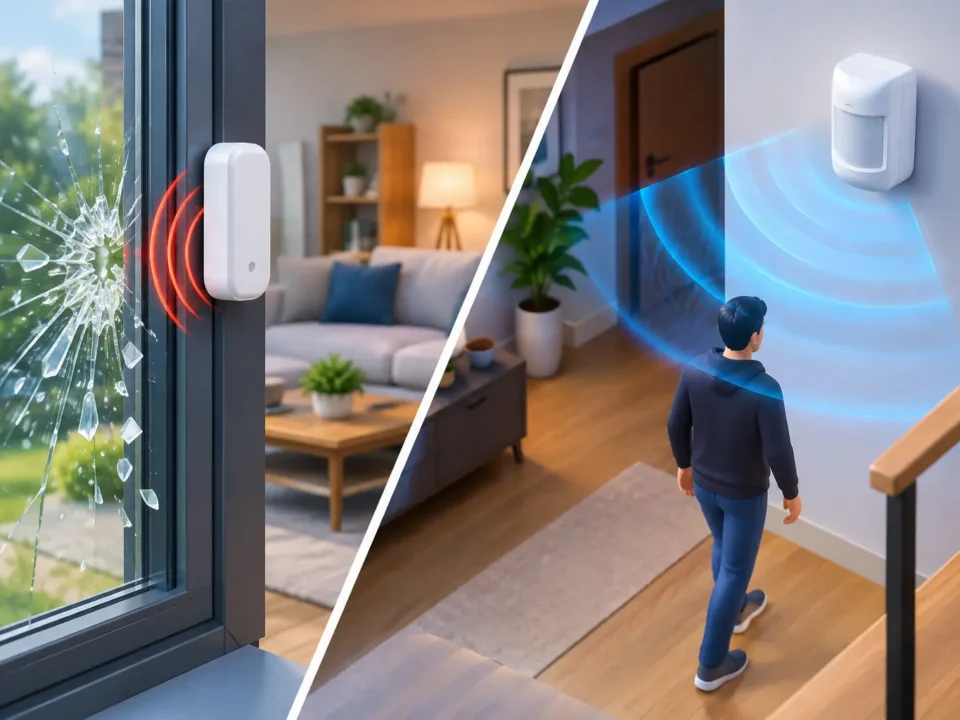
An intrusion detection system relies on many sensors that are grouped into distinct zones. Testing these zones often is a key part of your commercial security system maintenance plan. Based on standards from the Pennsylvania Department of General Services, regular maintenance must include testing zones. The alarm panel must also always send trouble signals to the monitoring station. During a zone test, a technician triggers each contact on your doors and windows. This step confirms that the main panel receives a clear signal for every entry point. If a zone fails to report, your team may not know that a door or window is at risk. This panel check prevents false alarms and ensures help arrives when needed.
Motion Detector Walk-Through Procedures
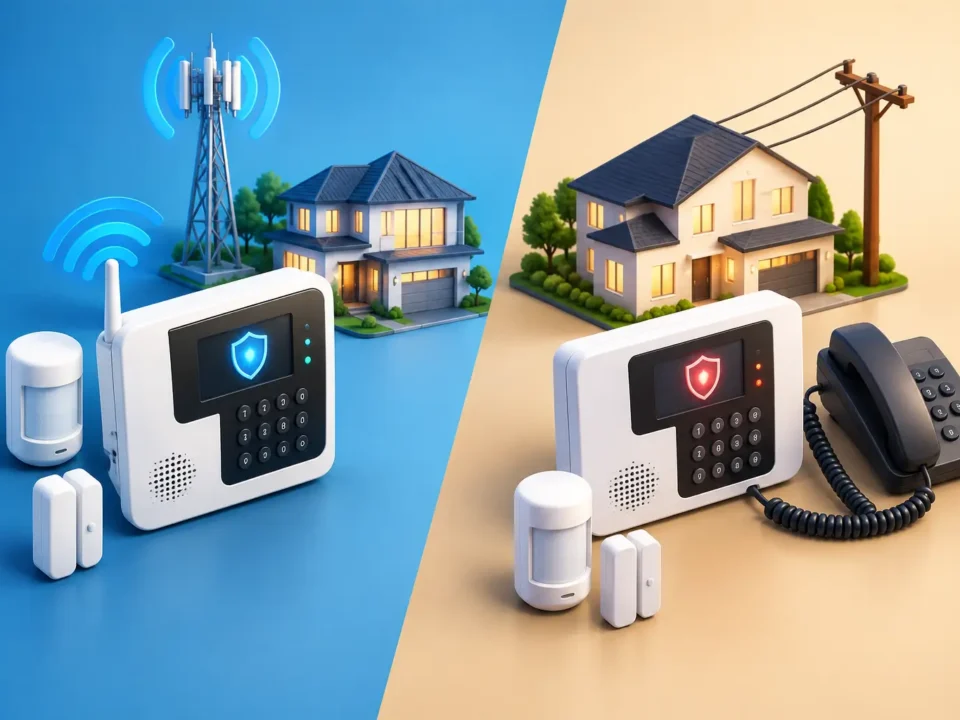
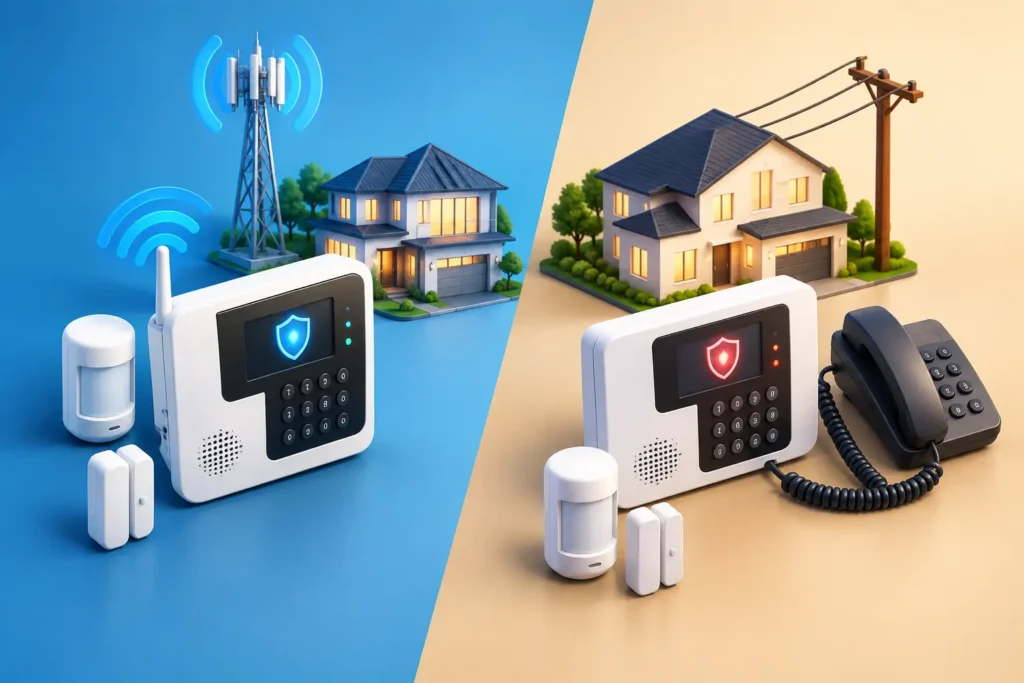
Motion detectors are key tools for guarding your building after hours. To test these sensors, a technician performs a walk test. As noted by industry experts, motion detectors should be tested by walking through the space to make sure the sensor works. If a sensor does not trigger, it may have a dirty lens or a dying battery. Regular tests find these issues before a burglar can exploit them. During this service, the technician also checks the alarm communicator to ensure a strong signal. This test prevents signal stops and keeps your link to the monitoring station active. Backup paths like cellular or radio links are tested to ensure they can send an alarm if your main phone line fails.
Security Updates and Service Schedules
A common question for property managers is: how often should a commercial intruder alarm be serviced? Most security experts recommend planning a professional inspection at least once a year. Yearly service ensures all parts work and keeps your system in line with local codes. Between annual visits, your team should perform basic monthly checks of your keypad and sensors. For high-security sites, semi-annual visits may be needed to maintain peak safety. A trained technician can spot signs of wear on wiring and backup batteries before they cause a system outage. Modern security panels are linked to the internet, which brings new security threats. Research shows that alarm panel firmware updates are necessary for cutting cybersecurity risks in connected security systems. Without these updates, hackers could access your system or turn off your alarms. Professional maintenance plans include these firmware updates to keep your network secure. Keeping software current is just as vital as checking real locks and sensors. Your provider can easily apply these updates during their regular maintenance visit.
Security Camera System Maintenance and Upkeep
Physical camera and lens care
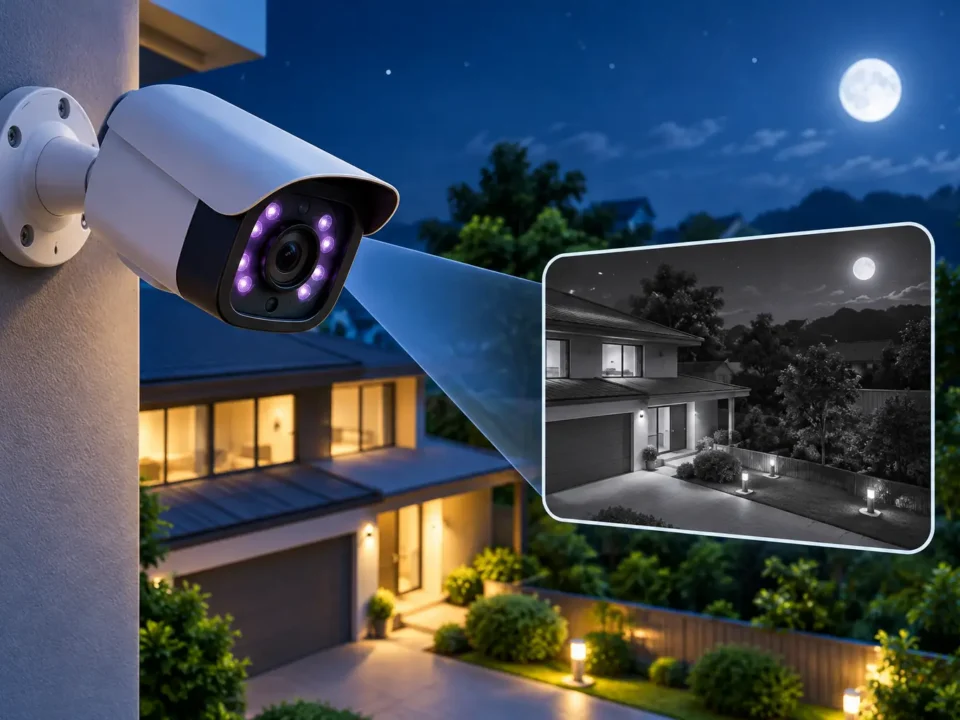
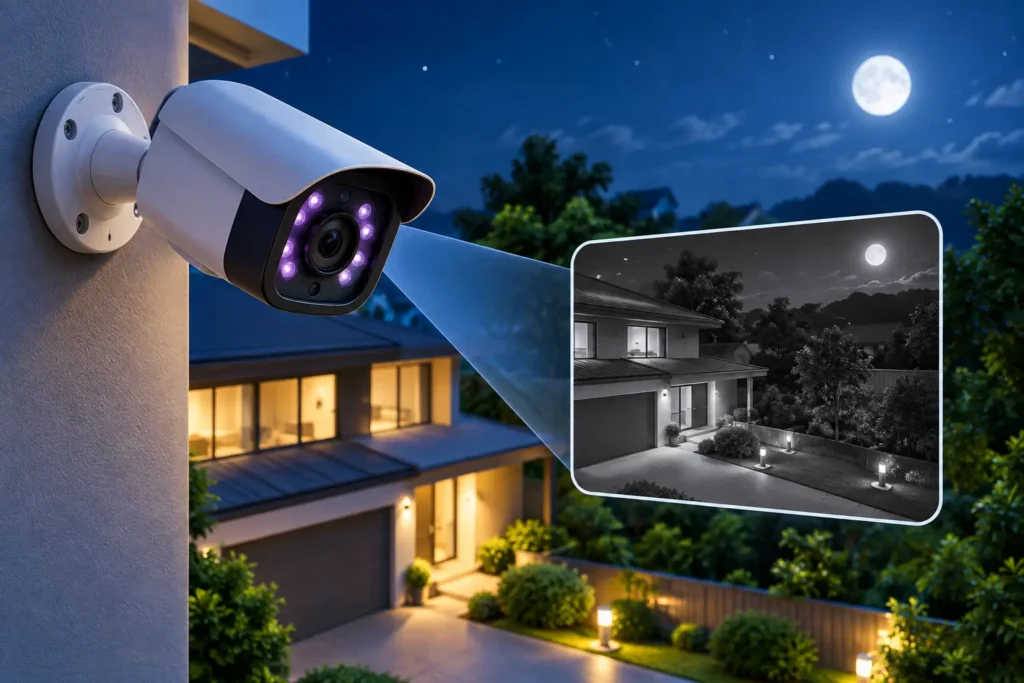
Weather like wind and rain can quickly ruin your video feeds. To prevent issues, your team must inspect outdoor housings for storm damage and check cable plugs. Water and bugs can get inside cases to cause short circuits, while loose cables lead to screen static. Grime and dust also build up fast on outer glass.
For this reason, you must clean camera glass on a set schedule. Routine lens cleaning prevents dust and grime from blocking video quality in outdoor areas. Doing so ensures your security team can see clear images when they must check a live threat. Clear lenses are a key step in commercial security system maintenance.
Storage and system validation
Your camera system is only as good as the footage it saves. If your hard drives run out of space, the system will overwrite old video files before you can review them. To prevent this, you should track your storage space to make sure the system keeps enough footage. This process keeps your business in line with local laws and helps with police checks.
Techs must also test each camera in your network to ensure it records at the proper frame rate and resolution. Proper maintenance of security cameras often involves testing the function of camera gear like Pelco cameras. Techs check the video feeds to confirm that no cameras have offline status or broken parts.
Working with an expert service team ensures that your hardware and storage setups remain reliable. For more tips on selecting and upkeep of your network, see our guide on security camera maintenance.
Quarterly video analytics review
Many modern security setups use smart software to detect intruders and track assets. However, these systems can drift over time due to lighting changes or new physical structures. Therefore, video analytics performance should be reviewed quarterly to ensure AI-driven detection features work within safe limits. Regular reviews help reduce false alarms and keep your facility secure.
During a quarterly check, your service team must check key settings. They should focus on these tasks:
- Test virtual tripwires to make sure they trigger alarms when a person crosses a line.
- Adjust camera field-of-view settings to account for growing trees or new signs.
- Verify that system alerts reach your dispatch team without delay.
Taking these steps keeps your smart features working as intended throughout the year. It also helps your team spot small problems before they grow into big failures.
Access Control System Maintenance Checklist
Card entry systems protect your site, but they must work without fail. Regular care of these doors is a key part of your commercial security system maintenance plan. If you ignore these checks, locks can fail or stay open. A poor maintenance routine can lead to security gaps or lockouts for your staff.
Checking door controllers and physical hardware
Commercial buildings need regular testing of door controllers, power units, and readers to keep people safe. You must check each door to see if it shuts and latches all the way. A door that does not close fully leaves your building open to risks. Walk to each entry point and watch the latch engage. You should also check the main control panels and power supplies. These panels run the software logic for every door in your building. Check the backup batteries each year to ensure your doors remain secure during a power loss. Here is a list of physical items to check during your walk:
- Test the backup battery output to ensure locks stay powered when the main grid goes down.
- Inspect door hinges and closers to make sure the door shuts without force.
- Look for signs of rust or wear on magnetic locks and strikes.
- Check that the panic hardware on exit doors operates smoothly.
Card reader sensitivity and employee fobs
Card readers can lose their reading range over time. Dust, dirt, and harsh weather can make them slow or stop working. You should check card reader sensitivity on all outer doors to stop delays for your team. Clean the reader lens and body with a damp cloth to keep them free from grime. You must also manage your user database. Old badges from past workers can pose a major safety risk if they stay active. Review your user list every quarter to delete old cards. Check that your staff uses their cards right and report lost fobs quickly to stop break-ins.
Software updates and fire safety integrations
The software that runs your entry system needs regular care. You should set up access control system maintenance updates to patch security bugs in the software. These patches help block threats and keep your database safe. Always make a full backup of your system data before you start any update. Finally, you must test how your doors work with other systems in the building. Integrated systems need regular cross-functional testing where the fire alarm triggers all exit doors to unlock at once. This test is vital to ensure that your staff can escape fast during a fire or emergency. Work with a factory-trained expert to check these links once a year.
Fire Alarm System Testing and Code Compliance
Every business must focus on life safety systems. Routine checks keep people safe and protect your property. In fact, a complete program of commercial security system maintenance must always include your fire alarms.
A regular inspection of fire systems is key for meeting local safety codes. This process protects both lives and physical assets in your building. To meet these rules, you must set up a plan of frequent checks and expert reviews.
The Role of National Standards and Local Rules
Local fire codes in Upstate South Carolina follow national models. NFPA 72 code compliance is needed for the design, setup, and upkeep of fire alarm systems in commercial buildings. This standard shows how systems must behave and when they must be tested.
Property owners cannot guess when it comes to fire safety. The law requires you to hire a trained specialist for these tests. Following these rules keeps your building compliant and your insurance valid.
You should also schedule a professional fire alarm testing service at least once a year. Licensed technicians must test alarm levels, check panel circuits, and test sensor zones.
NFPA 72 mandates professional inspection schedules that business owners must follow. ADP Security Systems provides factory-trained experts to run these checks in Greenville. Our team ensures that your system runs within legal limits and is ready for any crisis.
Key Testing and Care Steps for Property Managers
While professionals handle the annual tests, property managers can perform simple tasks. For example, smoke detector sensors should be cleaned with compressed air to prevent nuisance alarms caused by dust build-up.
Dust and grime can block the light path or trigger false alerts. False alarms waste public funds and can lead to costly fines. A quick blast of clean air keeps the sensors clear and reduces errors.
You must also inspect your emergency egress paths. Under NFPA 101 rules, emergency lighting systems should be tested monthly to ensure exit paths remain clear during power failures. You can run this quick test by pressing the push-to-test button on each light casing.
Each unit must stay lit for at least thirty seconds. At the same time, emergency exit door release locks must be tested to ensure they work smoothly and give quick egress. If doors stick or fail to open, your building is not safe.
Ensuring Alert Delivery with Redundant Paths
Fire alarm systems are only effective if they can send signals to a monitoring station. Old phone lines can fail, get cut, or lose service during storms. To solve this issue, dual-path communication redundancy is recommended for commercial fire alarm systems.
This setup uses both IP internet connections and cellular networks. If your primary connection fails, the system switches to the backup path instantly. This redundancy ensures that vital alerts reach our central station without delay.
Investing in dual-path technology is a key part of your overall commercial fire alarm maintenance strategy. With reliable signaling, you reduce response times and prevent major losses.
Regular professional checks, combined with smart device upgrades, form a solid safety net. ADP Security Systems helps business owners design, install, and support these compliant networks. Let us help you protect your building and satisfy local fire inspectors.
When to Schedule Professional Security System Maintenance
Business owners need to watch their security setups to keep assets safe. Self-checks help. But they do not replace expert work. Building managers must watch for clear warning signs that show the system is struggling. Finding these faults early stops security gaps and guards your staff.
Warning Signs of Equipment Wear
A major warning sign is a rise in false alarms. This is bad. When sensors trip for no clear reason, it points to a deeper hardware issue. You might also notice that your cameras show fuzzy feeds or have new blind spots. This happens when cameras shift in winds. Another issue is a lag when staff swipe cards at door readers. If the door takes a few seconds to open, the reader may be failing. Finally, do not ignore trouble beeps on your main alarm panel. A simple beeping sound often means a wire is loose.
The Value of a Yearly Maintenance Check
To keep your business safe, you should set up a clear schedule. Seasonal checks by your own team are great for basic tasks. For instance, cleaning dirty camera lenses and wiping away dust helps. But they do not replace a full yearly review. For one, battery backups should be load-tested annually. This ensures they can power the system during a sudden power cut. An expert has the tools to test these batteries under load. They can find weak cells before a storm shuts down your building. These yearly checks are a core part of commercial security system maintenance, keeping your gear ready when you need it most.
Why Choose a Scheduled Care Plan
Choosing a scheduled care plan is the best way to protect your business. First, a structured plan ensures that your devices always work. Comprehensive security system maintenance includes regular inspections of physical equipment like card readers, controllers, and alarm panels. Second, a care plan helps you avoid heavy fines. When experts test your alarms, they coordinate the work with your monitoring station. This is vital to avoid false dispatches that waste police time and cost you money. With a solid plan, you get peace of mind and fewer errors. You also get detailed logs of all repairs. This history is helpful if you need to prove compliance to your insurance provider.
Our team of factory-trained experts is here to help. We provide expert care without long-term contracts. Contact ADP Security Systems to schedule your next inspection in Greenville and Upstate South Carolina.
Frequently Asked Questions
How often should commercial security systems be inspected?
Most security experts say you need a professional inspection at least once a year. Your backup batteries need a load test every year to keep systems running when power fails, according to NFPA battery testing standards. You must also do simple monthly and weekly checks. Testing your system often helps you find minor faults before they become major failures. These routine checks keep your business safe and secure.
Why is preventative maintenance important for commercial security?
Preventative maintenance stops system failures before they occur. It keeps your cameras, alarms, and access doors online so you do not have blind spots. Routine checks also prevent costly false alarms and help you comply with local fire codes. By finding small issues early, you avoid expensive emergency repairs and ensure that your property, staff, and assets stay protected at all times.
How do you maintain commercial security cameras?
To keep your cameras working well, you must clean the lenses often to remove dust and dirt. This is very important for outdoor cameras that face harsh weather. You should also check cables for wear, check the mounting brackets, and monitor your data storage capacity. According to Security.org, cleaning camera lenses on a regular basis prevents grime from ruining your video quality.
Does my fire alarm system need professional maintenance?
Yes, local and state laws need you to get professional tests. National fire codes state that licensed experts must inspect and test your fire system. These tests ensure your smoke alarms and emergency doors work when you need them. For example, the National Fire Protection Association states that you must test emergency lights monthly to keep exit paths clear. Professional service ensures your property meets all safety standards.
Can I do basic maintenance on my access control system?
You can do simple tasks like wiping dust off your card readers and checking door locks. However, you should leave deep hardware and software tests to trained technicians. Access control software needs steady updates to patch security flaws, as noted by industry maintenance guides. A professional check ensures that your keycard readers, power supplies, and door locks stay fully secure.
Ready to schedule your commercial security system inspection?
Ignoring regular upkeep of your commercial security systems puts your Greenville business property at serious risk for burglaries, camera failures, or costly safety code violations. Waiting until a critical device fails often leads to expensive emergency repair fees, lost commercial stock, and sudden down-time that hurts your daily business operations. Booking a professional safety check today ensures that all your alarms, sensors, and cameras work perfectly when your South Carolina company needs them most.
Ready to protect your Greenville facility? Contact ADP Security Systems today to schedule a commercial security system inspection and prevent costly equipment failures. Our local, family-owned team is standing by right now to help you secure and protect your commercial building today.