Driveway Alarm Guide: Types, Costs, and Installation
August 6, 2026
A Small Business Video Surveillance Guide
August 8, 2026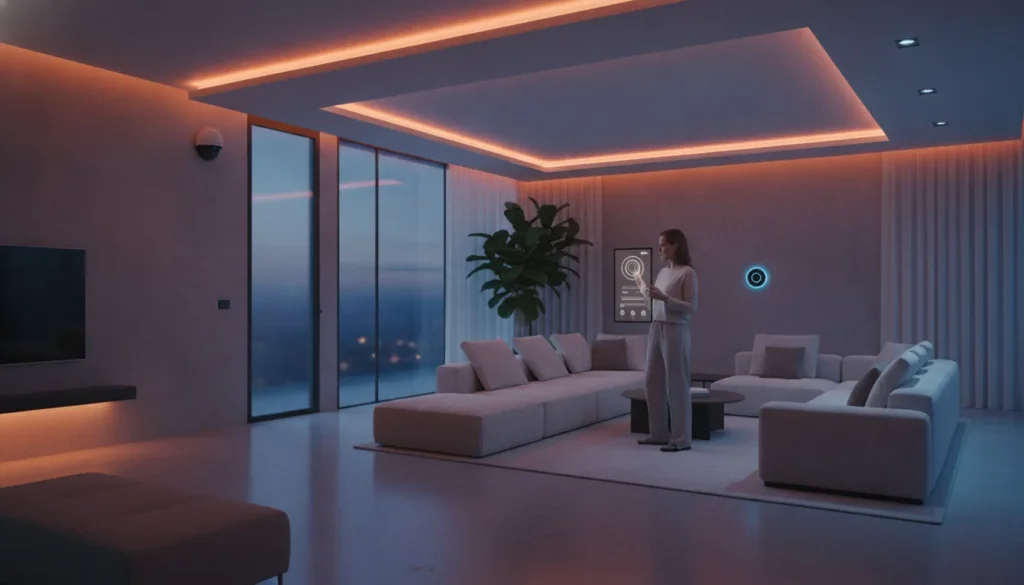
A smart home should make daily routines simpler, not turn every room into a separate app, hub, or troubleshooting project. The right starting point is to decide what you want to improve first, such as safety, energy use, comfort, or entertainment, then choose devices that can work together.
The best home automation devices are the ones that support your priorities, fit one compatible platform, and can expand with your household over time. A smart hub can serve as the nerve center that lets different devices communicate, while lighting, thermostats, cameras, locks, and sensors each solve a specific need. Oregon State University recommends choosing a platform that matches both your needs and the devices you plan to use: review the platform guidance.
That approach helps you avoid expensive incompatibility and focus on practical improvements you will actually use. Before comparing individual devices, consider the foundation of your setup, including your goals, ecosystem, network, and plans for adding more automation later.
Schedule a free smart home consultation
What to Know Before You Automate Your Home
Start with the outcome you want, not a shopping list. A well-planned system should make daily life easier in ways your household will actually notice. Before comparing devices, rank the goals that matter most to you:
- Energy: Use scheduling and automation to manage lighting and temperature more consistently.
- Safety: Connect cameras, sensors, locks, or alerts where they address a real concern.
- Convenience: Reduce repetitive tasks, such as adjusting lights, locking doors, or preparing the home for bedtime.
- Entertainment: Coordinate lighting, audio, and other features around the way your family uses each room.
These priorities are not interchangeable. Research from Oregon State University recommends ranking smart-home goals according to your needs and preferences, including energy efficiency, safety, and entertainment. That planning step helps you spend on improvements that solve a problem instead of collecting gadgets that rarely get used.
Choose the ecosystem before the devices
Next, select one primary platform, such as Google Home, Amazon Alexa, or Apple HomeKit. The platform is the software layer that lets compatible devices communicate and work together. Choosing it first gives you a clear filter for every later purchase.
Check compatibility carefully. A device may be well reviewed on its own yet still create friction if it does not work with your preferred app, voice assistant, or automation routines. The same principle applies to the hub. Oregon State University notes that the hub should be compatible with the platform you select. Without that match, the system may leave you managing several disconnected apps rather than one coordinated home.
Plan for the next device, not only the first one
Buy in stages, but leave room for expansion. A flexible setup can begin with one useful improvement, then grow as your needs change. Consider whether future additions will fit the same platform, connect reliably, and remain simple for everyone in the household to use. For a broader overview of planning, compatibility, and integrated options, review our home automation systems guide.
If you are unsure which platform or starting point fits your home, a consultation can help you map the goals before you buy. ADP Security Systems can discuss a practical path for your household without pushing you toward unnecessary equipment.
The Best Home Automation Devices by Category
The right device depends on the job you want it to perform, the platform you plan to use, and how much integration you expect later. A hub can serve as the nerve center of a connected home, but each category solves a different daily need. Compare the role of each device before choosing a brand or adding another app.
| Device category | What it does | Good for |
|---|---|---|
| Smart hubs | Connect compatible devices and coordinate automations through one platform. A hub may also offer voice control or a touch interface. | Unifying devices, routines, and controls instead of managing every product separately. |
| Security cameras | Use video and motion data to monitor selected areas, with alerts when activity meets your chosen conditions. | Checking entrances, watching deliveries, and adding visibility to a broader security plan. |
| Smart locks | Let you manage and monitor access to a door remotely, depending on the model and its connected platform. | Controlled entry, temporary access, and knowing whether a door is secured. |
| Smart thermostats | Learn temperature preferences over time and automate heating or cooling adjustments. | Consistent comfort and more intentional energy management. |
| Smart lighting | Provide remote control, scheduling, and coordinated lighting scenes through an app or compatible automation system. | Convenience, arrival and bedtime routines, and efficient control of lights when you are away. |
These categories work best when compatibility is considered first. Oregon State University Extension notes that the hub should match the platform you choose, such as Google Home, Amazon Alexa, or Apple HomeKit. A mismatched hub can limit communication between devices, even when each product works well on its own. Learn more about smart home hubs and platform compatibility.
Security cameras and locks deserve extra planning because they affect privacy and entry control, not just convenience. Select placement, permissions, and alert settings deliberately. For energy-focused upgrades, pairing a learning thermostat with scheduled or remotely controlled lighting can support both comfort and more efficient household routines. Start with the category that addresses your most important need, then expand only within an ecosystem that can support the next device.
How Do Smart Hubs and Voice Assistants Work Together?
A smart hub is the nerve center of an integrated home automation system. It gives compatible devices a shared place to communicate, so lighting, thermostats, locks, sensors, and entertainment equipment can work together instead of operating as isolated gadgets. The hub and its software platform translate commands into coordinated actions, whether you start them from a wall panel, a voice assistant, or a smartphone app. Oregon State University notes that choosing a hub compatible with your selected platform is critical to successful device communication.
That compatibility decision matters more than the brand name on the box. Amazon Alexa, Google Assistant, and Apple Siri can serve as convenient command interfaces, but the devices you choose still need to work with the same ecosystem. Some hubs add voice control directly, while others provide an intuitive touchscreen for household members who prefer a visual interface.
Voice commands turn routines into one-step actions
Voice control is most useful when it triggers a routine rather than a single device. A command such as “good night” could turn off downstairs lights, adjust the thermostat, lock compatible doors, and arm selected security devices. Research from the University of Florida describes voice assistants performing multiple actions simultaneously, such as closing blinds while turning on lights. The same interface can play music, provide news, or deliver weather updates, making it useful beyond security and energy management.
- Alexa: A practical choice for homes already using Amazon devices and compatible smart-home skills.
- Google Assistant: A natural fit for households centered on Google services and Android devices.
- Siri: A convenient option for Apple households that want control through existing iPhones, iPads, or HomePod devices.
Your smartphone remains the control panel
Voice commands are convenient at home, but a smartphone app provides more detailed control when you are away. Modern automation systems use apps to manage appliances and sensors, review status, change schedules, and receive alerts. That makes it easier to control your home security remotely, check whether a door is locked, or adjust a routine before you arrive. A well-designed system should let you choose the interface that fits the moment, while keeping the underlying devices coordinated.
Smart Home Security Devices That Protect Your Family
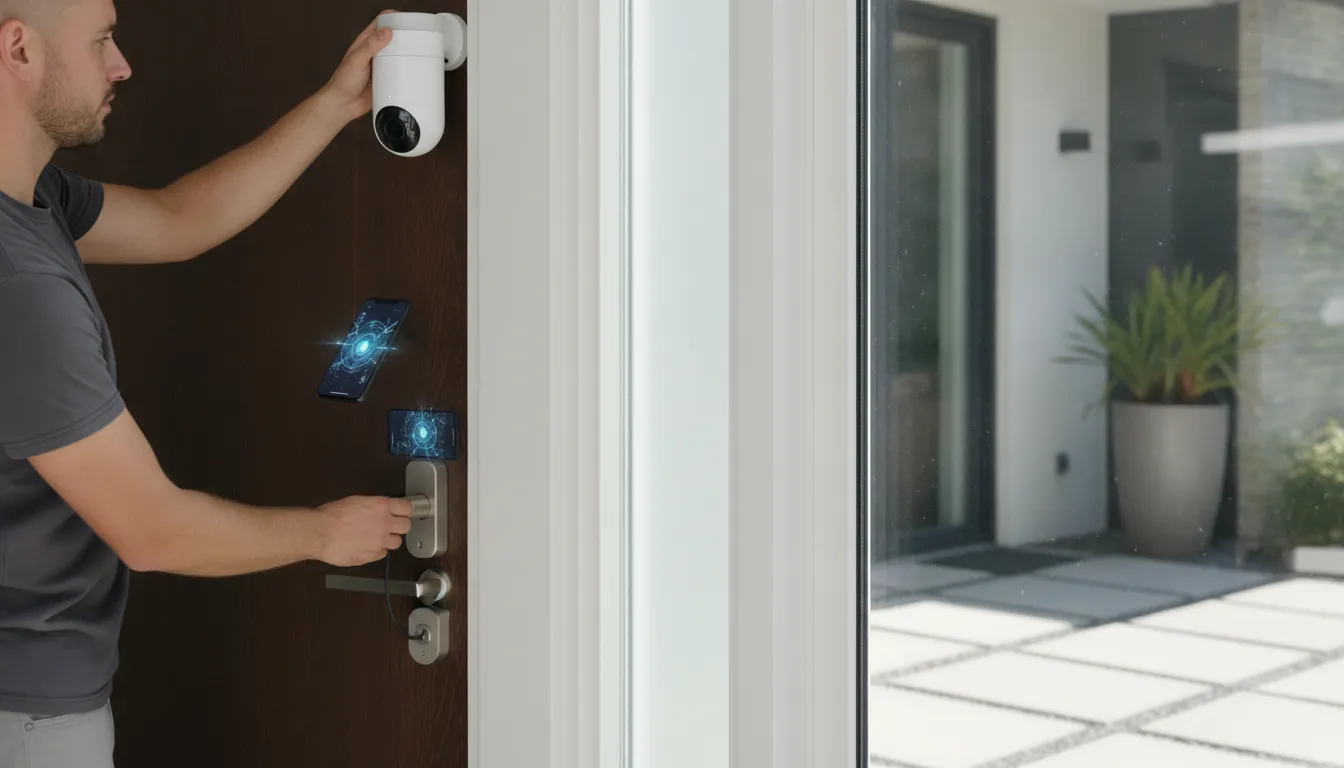
Convenience matters, but security automation should do more than turn on a light when you arrive home. The strongest setup connects cameras, sensors, locks, and professional monitoring so each device supports a clear safety response. Motion detectors and cameras can monitor property access and indoor activity, while visual and movement data can trigger alerts to you or authorities under preset conditions. Security cameras are most useful when they are positioned, configured, and connected to the rest of the system rather than treated as isolated gadgets.
Use cameras and sensors with a defined purpose
Start with the areas that need awareness: exterior doors, driveways, common entry paths, and other vulnerable access points. Sensors can identify activity when a camera view is limited, while cameras add visual context that helps distinguish a delivery from an unexpected visitor. Voice-controlled platforms may make routine commands easier, but they should not replace a dependable alarm response or professional oversight.
A wireless smart home alarm system can connect these functions in one coordinated experience. You may receive an alert, check a camera, lock a door, or contact help through the same integrated system. That is a more meaningful layer of protection than collecting unrelated DIY devices that each use a different app.
Smart locks add control at the entry point
Smart locks can improve control over who enters and when. Remote management helps you check or manage an entry point without handing out permanent keys. They can also complement sensors and cameras, giving a broader picture of activity at a door. For homes that need more comprehensive control, ADP’s residential security planning can coordinate entry protection with the rest of the property.
Balance visibility with privacy and cybersecurity
In-home cameras deserve extra care. Research on connected devices notes that internal cameras raise privacy concerns alongside cybersecurity vulnerabilities. Place cameras only where their purpose is clear, limit access to authorized users, use strong unique credentials, and keep firmware and applications current. Discuss camera placement and retention expectations before installation, especially in bedrooms, bathrooms, or shared living spaces.
Professional installation and monitored response remain the gold standard because someone evaluates coverage, tests the system, and responds when an alert matters. If you want connected protection without relying on trial-and-error gadgets, schedule a residential security consultation with ADP Security Systems.
Choosing Devices by Budget and Integration Ecosystem
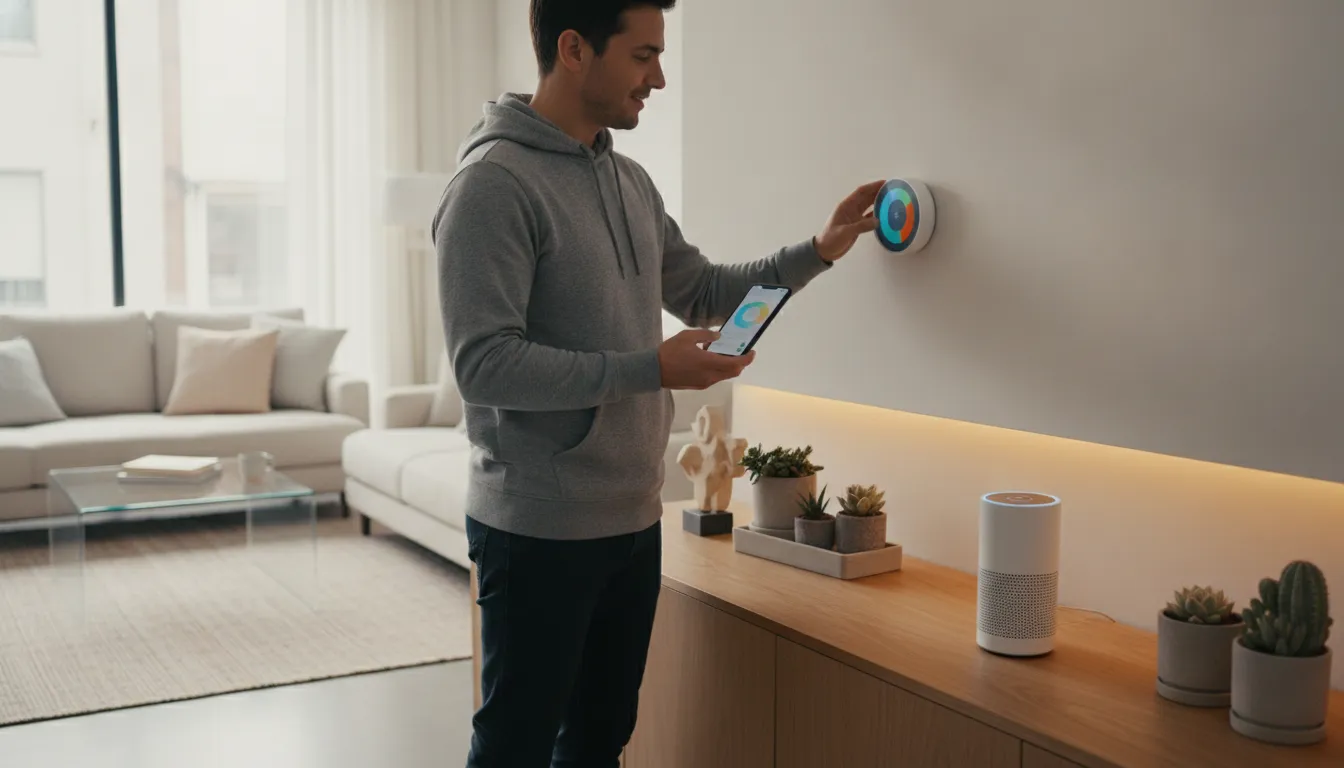
You do not need to automate your entire home at once. A practical first step is a small pilot: install a smart plug for a lamp. Add a couple of compatible bulbs, and learn which routines actually make daily life easier. This keeps the initial cost manageable while giving you a working example of automation rather than a shelf full of devices that never get configured.
Start with useful, low-cost upgrades
Choose devices that solve a specific annoyance. Smart plugs can schedule lamps or other compatible appliances. Smart bulbs can provide app-based control, while a door sensor or simple motion sensor can add awareness at an entry point. The goal is not to buy the most gadgets. It is to create one or two routines that you will use consistently.
- Begin with one room or one daily task.
- Check whether each device works with your existing Wi-Fi, hub, and phone.
- Leave room in the budget for installation, replacement batteries, or a more capable hub later.
Choose one ecosystem before you expand
Apple Home, Google Home, and Amazon Alexa can each provide a central platform for compatible products. Select the platform that fits the phones, speakers, and services your household already uses. Research from Oregon State University recommends choosing a single platform based on your needs and the devices you plan to use. Then selecting a compatible hub so products can communicate reliably. Review the platform and hub compatibility guidance before buying a larger group of devices.
Staying within one ecosystem does not mean every product must come from one manufacturer. It means checking compatibility before expanding. A flexible system can accommodate new devices and add-ons as your needs change, while a consistent platform reduces confusing apps, duplicate commands, and failed routines. Home automation is meant to simplify daily tasks through connected technology, not add another maintenance project.
If you are unsure which ecosystem will work best with your security goals, schedule a home automation consultation before investing in equipment. A thoughtful plan can help you start small, protect your budget, and build toward a more integrated home over time.
When Should You Bring in a Professional for a Smart Home?
DIY devices can work well when you are adding one smart lock or a few lights. Professional help becomes more valuable when your home needs to operate as one connected system. A local integrator can plan how security, access, cameras, fire safety, and automation should work together, then configure the equipment so the system remains dependable as it grows.
DIY may not cover whole-home integration
Whole-home automation involves more than connecting individual devices to an app. A professional can match compatible equipment, create useful routines, and avoid the gaps that appear when products use different platforms. ADP Security Systems works with Z-Wave Plus technology and multi-brand ecosystems such as Honeywell and 2GIG. That gives Greenville homeowners a practical path to connect security and automation without replacing every device whenever their needs change.
- Choose professional planning when you want locks, sensors, cameras, alarms, and lighting to respond together.
- Choose professional installation when device placement, wireless coverage, or reliable access control affects safety.
- Choose professional support when you want a system that can be expanded and maintained without troubleshooting every connection yourself.
Monitoring adds a layer DIY alerts cannot
App notifications are useful, but they depend on someone seeing an alert and deciding what to do next. Professionally monitored security provides a response process beyond the household. ADP’s central station monitoring follows UL 827 standards, and its fire alarm practices align with NFPA 72. Monitoring typically runs about $25 to $45 per month, with transparent pricing and no long-term contracts required.
A Greenville, SC integrator can also help connect security planning with controlled entry, including access-control systems for a home office or small business. If you want a clear recommendation rather than a box of disconnected gadgets, contact ADP Security Systems to discuss your home, priorities, and budget.
Contact ADP Security Systems to plan your smart home
Frequently Asked Questions
What are the best home automation devices for a beginner?
Start with one device that solves a clear problem, such as smart lighting, a thermostat, or a door lock. Smart lights offer app-based remote control and scheduling, while a thermostat can learn temperature preferences over time. Choose devices that work with the same platform so you can expand without rebuilding the system. Oregon State University Extension recommends starting with your goals and device compatibility.
Which smart home ecosystem should I choose?
Choose the platform that fits the phones, voice assistants, and devices your household already uses. Apple Home, Google Home, and Amazon Alexa can each coordinate compatible products, but mixing ecosystems may create extra setup work. Check compatibility before buying a hub or device, especially if you plan to add security equipment later.
What is a smart home hub, and do I need one?
A hub is the central connection point that helps compatible devices communicate and work together. You may not need a separate hub for a small system, but a hub becomes more useful as you add sensors, locks, lights, and cameras. Select one that supports your chosen platform and the communication standards used by your devices.
How can automation improve home security?
Pair cameras, motion sensors, and smart locks with alerts and routines. For example, a detected event can trigger a notification, recording, or lighting response. Review privacy settings carefully, particularly for indoor cameras, because connected security devices involve both personal data and cybersecurity considerations. University of Florida health guidance highlights both automated alerts and privacy concerns.
Can smart home devices reduce energy use?
They can support more efficient habits, but savings depend on how devices are configured and used. A smart thermostat can adjust schedules around household routines, while automated lighting can turn lights off when they are not needed. Treat energy reduction as a measurable goal, then review usage over time rather than assuming every connected device lowers bills.
Are smart plugs a good starting point for home automation?
Yes, smart plugs are one of the easiest and most affordable ways to begin. Plug a lamp or a small appliance into a smart plug, then control it through an app or a routine on a schedule. Because they are simple, low-cost, and compatible with most platforms, they let you test automation habits before you invest in larger devices.
Ready to make your smart home work together?
The right automation setup can make everyday routines simpler while keeping security at the center. ADP Security Systems can help you evaluate your home, priorities, and preferred devices before you invest in a system. To schedule a residential smart-home and security consultation, contact ADP Security Systems today.