How to Secure Warehouse Entry Points Effectively
October 23, 2026
Last Updated: October 23, 2026
Quick Summary
Remote monitoring lets you watch over a commercial property through networked cameras, sensors, and building systems that feed live data to a dashboard or monitoring center, so you see what is happening without being there. It catches leaks, propped doors, and HVAC faults as alerts before they become insurance claims, and it can replace part of overnight guard coverage at a fraction of the staffing commitment.
- Visible cameras and signage deter opportunistic crime, while footage settles disputes and supports investigations.
- A realistic total cost of ownership includes equipment, installation, connectivity, monitoring subscription, maintenance, and storage.
- Agree on KPIs such as incident frequency, response time, false-alarm rate, and equipment uptime, then review them quarterly.
- Route alerts by priority so a door sensor tripping at 2 a.m. is not treated like a failing freezer.
- Confirm your monitoring setup complements fire detection and life safety devices rather than replacing them.
Table of Contents
- Why Remote Monitoring Matters for Commercial Properties
- Remote Video Monitoring for Businesses: Live Eyes Without the Overhead
- The Benefits of Video Surveillance for Businesses: Deterrence, Evidence, and Response
- How Commercial Property Security Systems Cut Costs and Downtime
- Managing Multiple Locations and Facility Operations From One Screen
- Safety, Environmental, and Building System Monitoring
- What to Weigh Before You Commit: ROI, Privacy, and Vendor Selection
- Frequently Asked Questions
Why Remote Monitoring Matters for Commercial Properties
Remote monitoring is the practice of watching over a commercial property through networked cameras, sensors, and building systems that feed live data to a central dashboard or monitoring center. For a business owner, the appeal is straightforward: you see what is happening at your property without being there.
The old model was reactive: something broke, someone called, and you paid for it later. Remote monitoring flips that order.
Remote Video Monitoring for Businesses: Live Eyes Without the Overhead
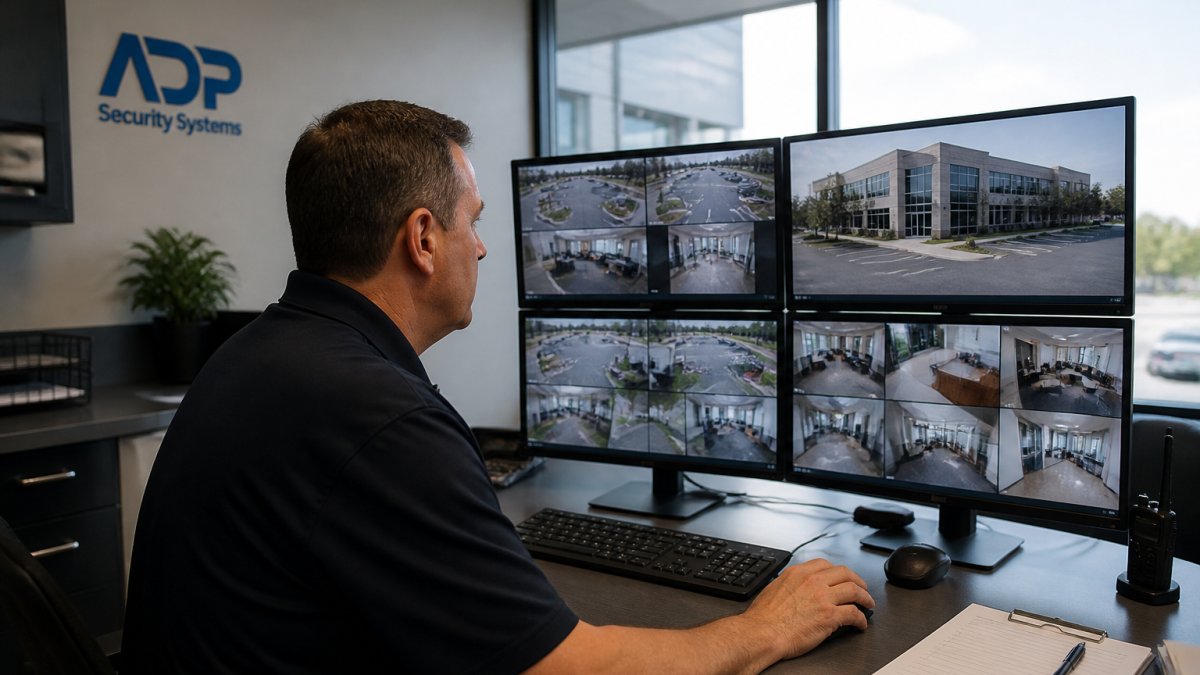
Remote video monitoring for businesses replaces some of what a guard post does, at a fraction of the staffing commitment.
The trade-off is real: a camera cannot physically intervene. If you want the installation side mapped out, our business video surveillance installation guide walks through camera placement, storage, and maintenance.
The Benefits of Video Surveillance for Businesses: Deterrence, Evidence, and Response
The benefits of video surveillance for businesses come down to deterrence, evidence, and faster response. Visible cameras discourage casual theft and vandalism, footage settles disputes and gives law enforcement something concrete, and real-time alerts shorten the gap between an event and a response.
Here is how the pieces fit together:
- Deterrence – visible cameras and signage discourage opportunistic crime.
- Evidence – clear footage supports claims, investigations, and incident reports.
- Response – alerts route to the right person quickly, cutting response time.
- Documentation – a recorded timeline protects you in disputes with tenants or insurers.
AI video analytics sharpen all four by filtering out harmless motion, like a passing car, so your team only reacts to what matters. Our AI video analytics guide explains how detection actually works.
How Commercial Property Security Systems Cut Costs and Downtime
Commercial property security systems cut costs two ways: they reduce losses from theft, vandalism, and damage, and they catch equipment problems before those become expensive failures. A camera watching a mechanical room also watches for a leaking pipe, a propped door, or an HVAC unit that has stopped running. The savings are real, but only if you build the math honestly instead of accepting a vendor’s headline number.
The total cost of ownership, line by line
Most property managers underestimate the recurring side of the ledger. A realistic total cost of ownership for a remote monitoring deployment includes:
- Equipment, cameras, sensors, access-control readers, network video recorders, and the edge devices that connect them.
- Installation and commissioning, cabling, mounting, network configuration, and testing, which often runs higher in older buildings with limited conduit.
- Connectivity, dedicated internet or cellular failover so the site stays online when the primary circuit drops.
- Monitoring subscription, the monthly or annual fee for the central station or managed service, usually priced per site or per device.
- Maintenance and service, camera cleaning, firmware updates, sensor calibration, and replacement of failed units.
- Storage and retention, cloud or on-premise video retention, which scales with camera count and how long you keep footage.
Set that total against the losses you are trying to prevent: theft and vandalism claims, emergency repair premiums, overtime for after-hours site checks, guard or patrol staffing, and downtime. The honest comparison is not “cameras versus nothing”, it is “monitoring versus the guard hours, patrol runs, and reactive repairs you are paying for today.”
A transparent example calculation
Consider a single retail or office property paying for overnight guard coverage. Suppose the guard contract runs several thousand dollars a month, and the property also absorbs after-hours patrol visits and a few emergency HVAC or plumbing calls each year.
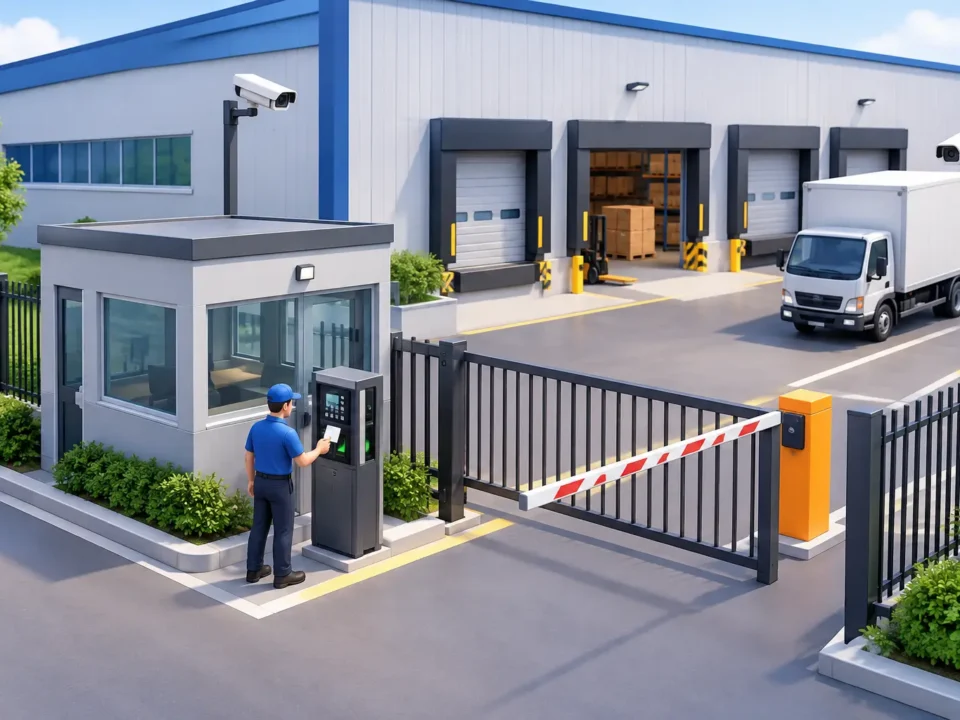
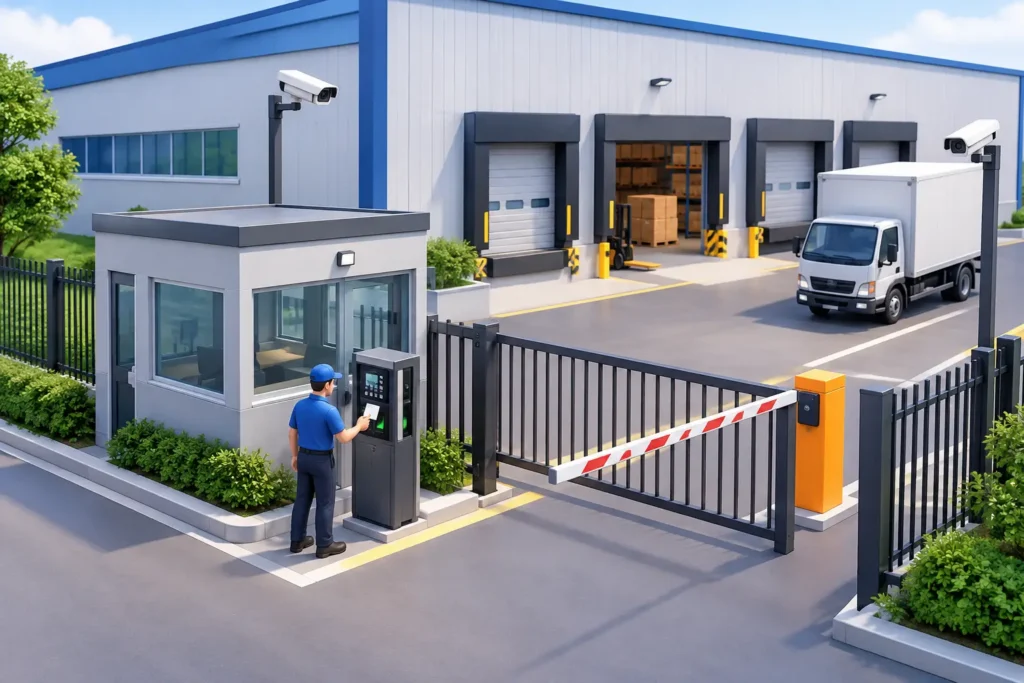
The pattern repeats across property types. A warehouse with expensive inventory may justify monitoring on loss prevention alone; a multi-tenant office on after-hours access control and reduced patrol costs; a mixed-use property on tenant satisfaction and fewer insurance disputes.
Ask your provider to break the quote into equipment, installation, monitoring, connectivity, and maintenance separately. A low monthly monitoring rate paired with high maintenance fees and proprietary equipment is rarely the cheapest option over a five-year horizon.
Downtime is the hidden cost
Proactive maintenance is where the savings compound, and it is the part most benefit lists skip. Remote monitoring flags an HVAC fault on a Tuesday instead of letting it run through a weekend.
The same logic applies to building systems. A water-intrusion sensor under a sink or in a mechanical room can alert long before a slow leak becomes a mold remediation project.
Measure the savings instead of assuming them
A cost argument is only credible if you can track it. Before you sign, agree with your provider on a small set of property-management KPIs to review quarterly:
Get a Free Security Assessment →
- Incident frequency, reported theft, vandalism, and trespass events per site.
- Response time, minutes from alert to acknowledged response.
- False-alarm rate, alerts that turn out to be nothing, which drives alert fatigue and wasted dispatch.
- Equipment uptime, percentage of monitored systems reporting normally.
- Maintenance resolution time, hours from fault detection to repair completion.
- Energy use, consumption trends for monitored HVAC and lighting systems.
If those numbers do not move within two or three quarters, the system is either misconfigured or the savings case was overstated. Either way, you want to know before renewal. For a budget-focused look at coverage and support, our small business surveillance guide is a useful starting point.
Do not let a security system quietly become your only safety system. Fire detection and life safety devices have their own code requirements and inspection schedules. Confirm your monitoring setup complements them rather than replacing them.
Managing Multiple Locations and Facility Operations From One Screen
Multiple locations are where remote monitoring earns its keep. One dashboard shows every site, so a property manager can check occupancy, traffic patterns, and access events across a portfolio without driving between buildings.
This operational efficiency argument is often stronger than the security one. If you are weighing how to unify monitoring across sites, our commercial security services cover how access control, alarms, and cameras work as one system.
| Property Type | Primary Monitoring Focus | Key Stakeholder |
|---|---|---|
| Retail | Theft deterrence, traffic patterns, after-hours intrusion | Store owner |
| Office | Access control, occupancy, visitor management | Property manager |
| Industrial | Equipment monitoring, safety, environmental hazards | Facility manager |
| Multi-site portfolio | Centralized visibility, consistent response | Operations director |
Safety, Environmental, and Building System Monitoring
Safety monitoring extends well beyond crime. Sensors track carbon dioxide levels, temperature, water intrusion, and fire detection signals, feeding into the same platform as your cameras. Accident prevention improves when hazards surface as alerts rather than discoveries, a wet floor caught by a water sensor, a freezer running warm, a mechanical room overheating after hours.
What each sensor class actually does
Separate the categories, because they carry different alert priorities and response protocols:
- Environmental sensors, temperature, humidity, and water intrusion. These protect building fabric, inventory, and equipment. A temperature sensor in a server room or walk-in cooler is often the cheapest insurance on the property.
- Air-quality and gas sensors, carbon dioxide, carbon monoxide, and refrigerant detection. These are safety devices first and building-efficiency tools second, and they should route to a response protocol that assumes a real hazard until proven otherwise.
- Fire and life-safety signals, smoke and heat detection tied into the fire alarm system. These have their own code requirements, inspection schedules, and monitoring standards, and they should never be folded into a general security alert queue.
- Building-system telemetry, HVAC, pumps, motors, and electrical panels reporting runtime, temperature, and fault codes. This is where predictive maintenance lives.
How integration actually works
Building systems monitoring ties in through IoT connectivity and, in larger properties, through a building management system (BMS) or building automation system (BAS).
A common pattern is to route everything through a monitoring platform that normalizes alerts by priority. A door sensor tripping at 2 a.m. and a freezer failing at 2 a.m. are not the same emergency, and a system that treats them identically trains your team to ignore both.
Trade-offs worth naming
Remote environmental monitoring is not a substitute for physical inspection. Sensors fail, batteries die, and a camera can miss what happens just outside its field of view.
Different property types weight these systems differently. A warehouse may care most about water intrusion and freezer temperature; an office about air quality and after-hours HVAC faults; a multifamily common area about carbon monoxide and door-propping. The monitoring plan should reflect the property, not a generic sensor bundle.
The strongest remote monitoring setup is not the one with the most sensors. It is the one where every alert has an owner, a priority, and a documented outcome.
What to Weigh Before You Commit: ROI, Privacy, and Vendor Selection
Before you sign, weigh total cost of ownership against the losses you are trying to prevent.
Privacy and compliance deserve early attention. Our guide to surveillance laws in South Carolina covers placement, audio, and signage for property owners.
Vendor selection comes down to a few questions:
- Who monitors the system, and what is the response protocol?
- What happens when an alert fires at 3 a.m.?
- How are maintenance schedules handled, and who owns the equipment?
- Can you provide references from similar properties?
- How is footage stored, secured, and retained?
Remote monitoring only pays off when the system is installed correctly, monitored around the clock, and maintained on a schedule that fits your property. That is where ADP Security Systems comes in.
Frequently Asked Questions
What is remote monitoring for commercial properties?
Remote monitoring means your building’s cameras, alarms, sensors, and building systems send live data to a monitoring center or cloud platform that staff can access from anywhere. Instead of relying on someone on site to notice a problem, trained operators and real-time alerts flag intrusions, equipment faults, or environmental hazards as they happen. For commercial properties, this covers video surveillance, intrusion detection, access control, fire detection, and equipment monitoring, giving property managers continuous visibility without hiring round-the-clock on-site staff.
Can remote monitoring reduce security costs for commercial properties?
It often does, mainly by reducing reliance on guard services and on-site staffing for overnight and weekend coverage. A remote monitoring setup lets one operator watch multiple locations, so you pay for monitoring and maintenance rather than full-time guards at every site. Costs vary by property size, camera count, and service level, so ask your provider for a quote based on your building. Many property managers also factor in avoided losses from theft, vandalism, and equipment downtime when calculating the real return.
How does remote video monitoring help prevent theft and vandalism?
Visible cameras combined with live monitoring create deterrence: would-be intruders see the cameras and know someone may be watching. When motion or intrusion detection triggers, monitoring staff can check the feed, issue a warning over speakers, and contact police or your team within minutes. Recorded video evidence also helps with incident documentation and insurance claims. For businesses, this combination of deterrence, fast response, and video evidence is usually more effective than cameras that only record and are reviewed after the fact.
What should businesses consider when choosing a remote monitoring service?
Look at response time, how alerts reach you, and whether the provider handles installation, maintenance, and monitoring in one place. Ask about integration with your existing commercial property security systems, how video is stored and secured, and what privacy and data policies apply. Check references from similar properties, confirm the provider’s licensing and track record, and get clear answers on what happens during a real alarm versus a false one. A provider with local experience and a long service history can tailor the setup to your building instead of selling a one-size-fits-all package.