How to Prevent False Alarms on Fall Sensors
October 22, 2026
How to Secure Warehouse Entry Points Effectively
October 23, 2026
Last Updated: October 22, 2026
Quick Summary
A security system migration plan documents how cameras, access control, alarms, sensors, and their data move from a legacy platform to a new one without leaving your property exposed. The plan must cover four things before anything gets ordered: what you have, what you need, how you get from one to the other, and what happens if it goes wrong.
- Document every device, firmware version, credential, and integration in a full source system audit before ordering anything.
- Build a mapping table recording where each legacy field lands in the target system and who validates it.
- Build a compatibility matrix before committing to a target platform, and get supported firmware versions in writing.
- Structure the cutover runbook in five parts, starting with a pre-cutover checklist at T-minus 72 hours.
- Define failed cutover in measurable terms and test the rollback path in the pilot zone before cutover.
Table of Contents
- What a Security System Migration Plan Must Cover
- Your Security System Migration Checklist
- Security System Migration Best Practices
- Building a Security System Migration Timeline
- How to Write a Security System Cutover Plan
- Testing, Validation, and Post-Migration Monitoring
- Frequently Asked Questions
What a Security System Migration Plan Must Cover
A security system migration plan documents how cameras, access control, alarms, sensors, and their data move from a legacy platform to a new one without leaving your property exposed.
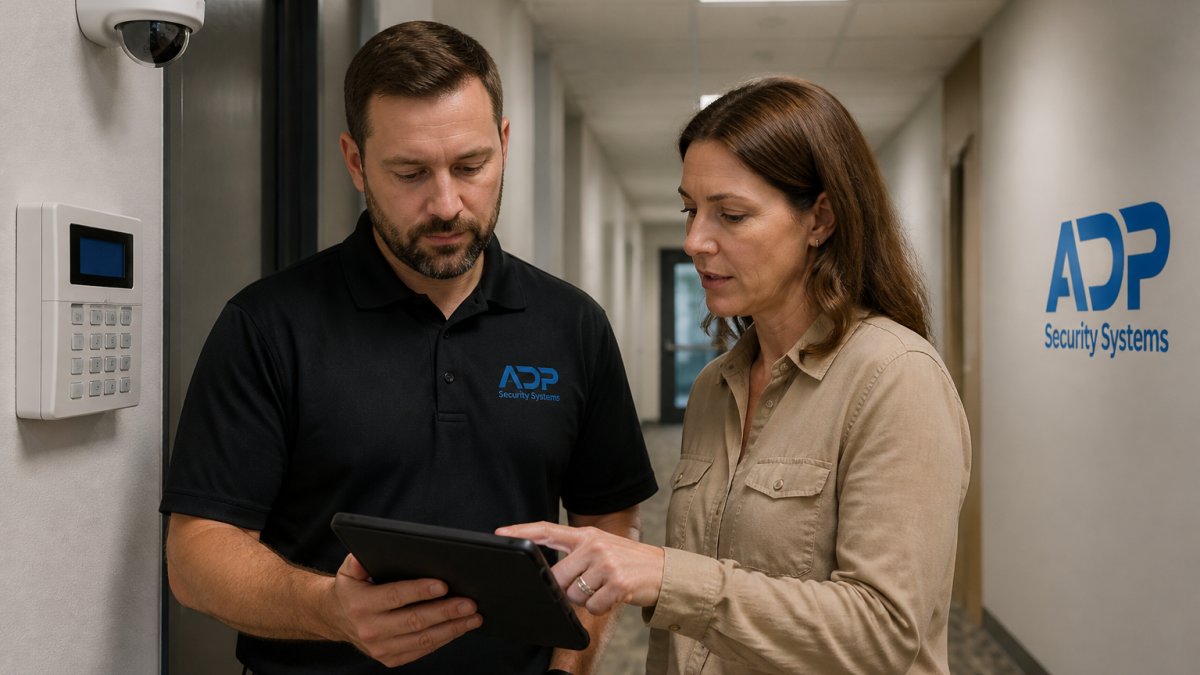
A security system migration is not an IT refresh where a failed cutover means a few hours of downtime.
The plan must cover four things before anything gets ordered: what you have, what you need, how you get from one to the other, and what happens if it goes wrong.
Source System Assessment and Scope Definition
Document the source system in full: every device, firmware version, credential, and integration it touches, including door strikes, motion sensors, glass breaks, and any central-station monitoring connection.
Scope definition is where budgets die. A common mistake is scoping only visible hardware and forgetting the configuration layer: schedules, user groups, alarm zones, and camera retention settings. Those take real time to rebuild.
If you skip the source audit, you will discover orphaned devices and undocumented integrations mid-cutover, when there is no time to solve them. That is how a weekend migration becomes a two-week outage.
Data Inventory, Mapping, and Quality Checks
Data migration for security systems is mostly configuration, not files: user records, permission levels, schedules, event logs, and video retention policies moving to the destination environment.
Build a mapping table first: for each legacy field, record where it lands in the target system and who validates it. Then run a data quality pass, clean duplicate user accounts, expired credentials, and unused schedules rather than copying them forward.
Your Security System Migration Checklist
Use this security system migration checklist to sequence the work and keep stakeholders aligned. Each phase should be signed off before the next begins.
| Phase | Key Actions | Sign-Off Owner |
|---|---|---|
| 1. Discovery | Inventory devices, firmware, integrations, credentials | Facilities lead |
| 2. Scope | Define project goals, budget, and exclusions | Project sponsor |
| 3. Design | Map data fields, permissions, and schedules to target | Security integrator |
| 4. Procurement | Order hardware, confirm lead times and licensing | Procurement |
| 5. Pilot | Migrate one zone or site, validate, document fixes | Operations |
| 6. Cutover | Execute runbook, monitor, confirm rollback readiness | Project manager |
| 7. Closeout | Post-migration monitoring, lessons learned, archive docs | All stakeholders |
The checklist is not bureaucracy. It is the artifact you hand a new project manager when the original one leaves.
Security System Migration Best Practices
The best practices that separate clean migrations from painful ones come down to sequencing and honesty about risk.
Cybersecurity and Privacy Controls During Migration
Treat the migration window as elevated risk. Legacy systems often run outdated firmware, and temporary network changes made to speed up the move can open gaps that outlive the project.
- Rotate default and shared credentials before and after cutover. Legacy panels and cameras frequently ship with vendor-default admin logins that were never changed; the migration is the moment to fix that.
- Keep camera and alarm traffic on segmented networks, never flat with general business traffic. A dedicated VLAN for video and a separate one for access control and alarm signaling limits blast radius if a device is compromised mid-project.
- Confirm who holds admin rights in the target system and remove temporary accounts when the project closes. Integrators and vendor technicians often need elevated access during cutover; that access should expire on a written date.
A risk assessment belongs in the plan, not in a postmortem. Document migration risks, assign an owner to each, and review them at every phase gate.
Device and Vendor Interoperability
Interoperability is the quiet killer of security system migrations.
Build a compatibility matrix before you commit to a target platform. For every device class in your inventory, record:
| Device class | What to verify | Why it matters |
|---|---|---|
| IP cameras | Supported protocols (ONVIF profile, RTSP), firmware version, resolution and codec support | A camera that streams but does not support the target’s recording or analytics profile is only half-migrated |
| Access control readers and controllers | Panel compatibility, credential format (proximity, smart card, mobile), firmware revision | Credential formats often do not translate cleanly; readers may need replacement even when controllers survive |
| Alarm panels and sensors | Reporting format to the central station, zone mapping, firmware | A panel that reports in a format the monitoring center cannot parse creates a silent gap in alarm coverage |
| Network and PoE infrastructure | Switch capacity, PoE budget, VLAN support | Adding higher-resolution cameras can exceed the existing PoE budget and force switch upgrades mid-project |
Test interoperability in a lab or pilot zone before committing. Ask vendors which firmware versions are supported and what happens to devices outside that list, and get it in writing with version numbers.
Where a device cannot be carried forward, decide early whether to replace it or run it in parallel.
Get a Free Security Assessment →
Ask for the integration matrix in writing, with firmware versions listed. Verbal assurances that “it should work” are how you end up with half a building on the new platform and half stranded on the old one.
Security-System Data Mapping and Validation
Map users and credentials, permission groups, door and zone schedules, alarm routing rules, camera retention policies, and event history retention. For each item, record the source field, target field, transformation rule, and validator.
Validation is not a spot check. Reconcile counts of users, doors, cameras, and alarm zones, then test behavior: does a user in the correct group get the right door at the right time and get denied at the wrong time?
Building a Security System Migration Timeline
A realistic security system migration timeline runs in phases, not a single weekend. For a single commercial site, discovery and design take the longest share of the schedule, with procurement lead times as the wildcard.
Map the timeline backward from hard constraints: lease dates, insurance requirements, inspection schedules, or a busy season you cannot disrupt. Build in a pilot window and a buffer before full cutover, and communicate on a fixed cadence so nobody learns about a downtime window from a locked door.
How to Write a Security System Cutover Plan
A security system cutover plan is the step-by-step runbook for the night or weekend you switch from source to target. Write it so a competent technician who did not build the plan can execute it, specific enough to run at 2 a.m. with a flashlight.
Structure the runbook in five parts:
- Pre-cutover checklist (T-minus 72 hours). Confirm backups of configurations and event data are complete and restorable. Confirm replacement hardware is on site, powered, and on the correct firmware. Confirm credentials for the target system are issued and tested. Confirm the monitoring center has the cutover window in writing.
- Task sequence with owners and durations. List every task in order, disabling legacy integrations, exporting configurations, importing to the target, enabling devices zone by zone, with an owner and an estimated duration for each. Include validation steps after each task, not just at the end.
- Go/no-go checkpoint. Define the checkpoint and who has authority to call it. Typical go criteria: all pilot-zone devices online, target platform passing health checks, rollback environment confirmed ready, and on-site staff briefed. If any criterion fails, the default is no-go.
- Cutover execution. Specify the exact sequence for disabling the legacy system and enabling the new one, zone by zone rather than all at once. Bring up access control first, verify door behavior, then cameras, then alarm signaling. Never disable the legacy alarm path until the target path has been proven with a live test signal to the monitoring center.
- Post-cutover validation and handoff. Walk every door, every camera, and every sensor. Confirm event logs populate, schedules fire on time, and alarm signals reach the monitoring center with correct zone labels. Hand off to operations with a written sign-off.
Rollback Runbook and Business Continuity
Every cutover plan needs a rollback plan that has been tested, not just written. Define “failed cutover” in measurable terms before you start:
- A defined number of doors failing to respond to credentials within a set window
- Access control offline longer than the agreed tolerance
- Alarm signals not reaching the monitoring center after a defined number of test attempts
- Camera recording gaps exceeding an agreed threshold in a coverage-critical area
Name the person with authority to trigger rollback, and make the trigger conditions plain enough that an on-site technician can recognize them without a conference call.
Business continuity during the window matters as much as the rollback itself. Arrange temporary coverage for doors and camera blind spots, posted staff at primary entrances, temporary standalone recorders, or a documented manual lock-up procedure.
The rollback plan is not a sign of doubt. It is what lets you attempt the cutover with confidence, because you already know how to get back.
Operational Acceptance and Post-Migration Monitoring
Define acceptance criteria in measurable terms before cutover and monitor against them for at least a few weeks after. Watch for devices that drop offline intermittently, schedules that fire at the wrong time, alarm signals with latency beyond tolerance, and integrations that fail under load. Compare camera recording uptime and access-event success rates against the source system baseline.
Testing, Validation, and Post-Migration Monitoring
Validation is where you prove the migration worked, device by device. Test every camera feed, door, sensor, and alarm path to the monitoring center.
Collect lessons learned while they are fresh and fold them into your documentation.
Success criteria belong in the plan from day one. If you cannot state what “done and working” looks like in measurable terms, you cannot declare the migration complete.
Migrating a security system without a documented plan puts your property, your people, and your compliance posture at risk during the exact window when you are most exposed. ADP Security Systems has spent over 30 years installing and maintaining alarms, cameras, access control, and fire and life safety systems across the region, backed by 24/7 monitoring and customizable maintenance schedules.
Frequently Asked Questions
How do you migrate a security system without interrupting monitoring?
Run the new and old systems in parallel for a short window, then cut over in phases by zone or location. Keep the legacy panel live and monitored until every device on the target system has been tested and validated. Schedule the actual switch during low-traffic hours, confirm signal paths to the central station before disconnecting the old communicator, and keep a rollback plan ready. This parallel operation approach is the core of any security system cutover plan and protects business continuity.
What should a security system migration checklist include?
A practical security system migration checklist covers source system assessment, scope definition, a full data inventory of accounts, zones, and schedules, data mapping and quality checks, destination hardware and software requirements, security and compliance requirements, dependencies and integration points, a phased timeline, a cutover and rollback runbook, testing and validation steps, and post-migration monitoring. Add stakeholder communication and change management tasks so users know what changes and when. Keep the checklist versioned and reviewed at each phase gate.
How long does a security system migration take?
Timelines vary with device count, site count, and how much configuration must be rebuilt. A single small site with a handful of cameras and doors can move in a few weeks, while multi-site portfolios with access control, alarms, and sensors commonly run several months. Build the security system migration timeline around phases: assessment, design, procurement, pilot migration, parallel operation, cutover, and post-migration monitoring. Add buffer for procurement lead times, which are often the biggest source of delay.
When should you replace rather than migrate a security system?
Replace when the legacy system is end-of-life, no longer supported by the manufacturer, cannot meet current security and compliance requirements, or lacks interoperability with devices and vendors you need. Migration makes more sense when the existing infrastructure, wiring, and devices are healthy and the main gap is software, monitoring, or integration. A source system assessment should compare repair and support costs against replacement, and document the decision so stakeholders understand the tradeoff.