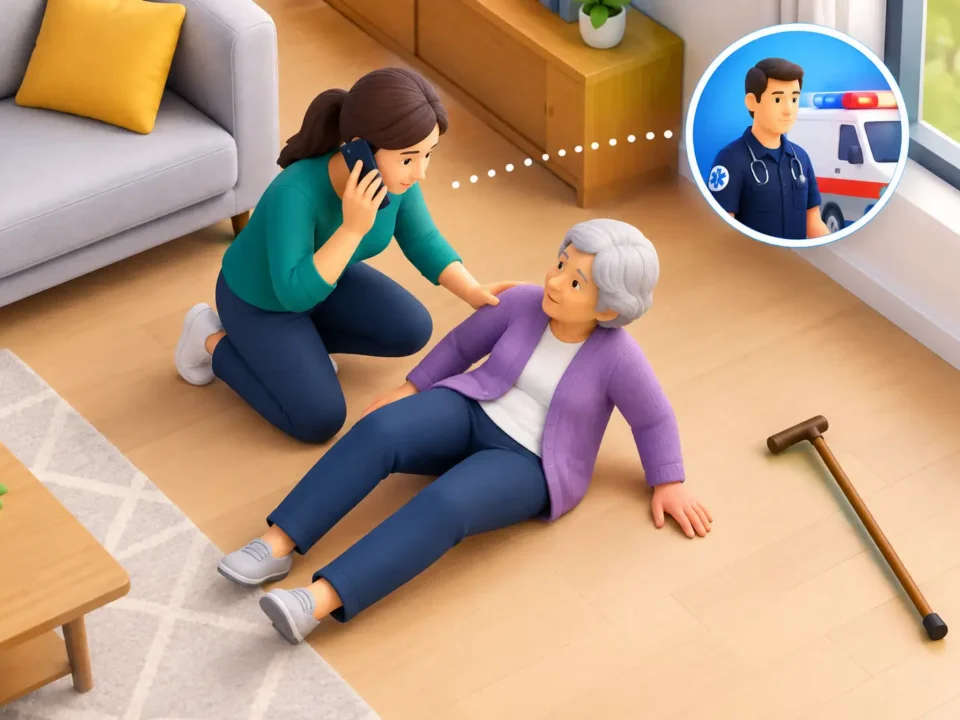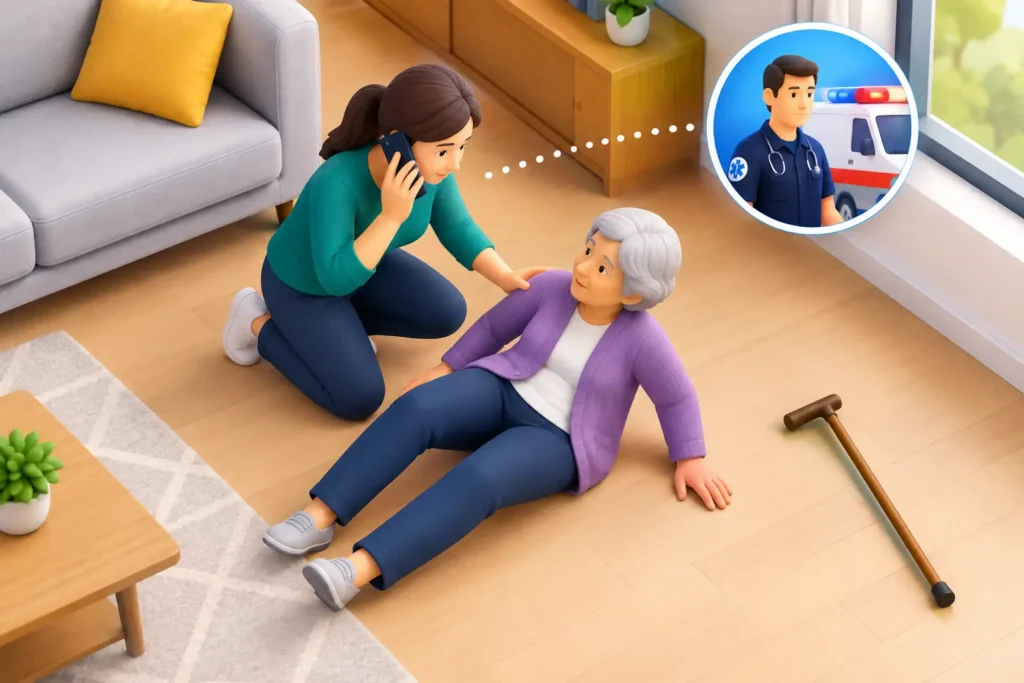
What a Fall Response Example Looks Like
October 21, 2026
Table of Contents
- Understanding What Causes False Alarms in Fall-Detection Systems
- Correct Device Fit and Wearing Position for Fall Detection Devices
- Adjusting Sensitivity Settings to Balance Detection and False Alarms
- Troubleshooting Fall Detection Alerts: A Step-by-Step Approach
- Fall Detection Device False Alarms: Device-Specific Guidance
- Caregiver Response to Fall Alerts: Protocols and Best Practices
- When to Stop Adjusting and Replace Your Device
- Frequently Asked Questions
Last Updated: October 21, 2026
Understanding What Causes False Alarms in Fall-Detection Systems
Fall detection devices save lives but also trigger alerts when no fall has occurred, wasting responder time and eroding trust. Understanding the causes is the first step in learning how to prevent false alarms on fall sensors.
A false alarm occurs when sensors misinterpret normal movement, rapid motion or a sudden position change, as a fall and send an alert.
Common Everyday Movements That Trigger Alerts
Sitting down quickly, bending, jumping, running, or shifting position while lying down can all activate the sensor, to an accelerometer, a real fall and a quick sit-down look similar.
The most common culprits include:
- Sitting down forcefully on a couch or chair
- Bending quickly to pick up an object
- Lying down rapidly on a bed
Each movement creates acceleration patterns the sensors detect; if sensitivity is too high, normal activity reads as a fall.
Device Fit and Wearing Position Issues
How you wear the device matters enormously. A loose bracelet shifts around your wrist, a pendant at the wrong angle sends confusing signals, and a misplaced bed pad misses real falls while catching false ones.
Poor fit is one of the biggest causes of false alarms: too loose and it bounces with every movement; too tight and it creates odd acceleration patterns.
Correct Device Fit and Wearing Position for Fall Detection Devices
Getting the fit right eliminates most false alarms. A properly fitted device stays in place during normal movement but still detects genuine falls.
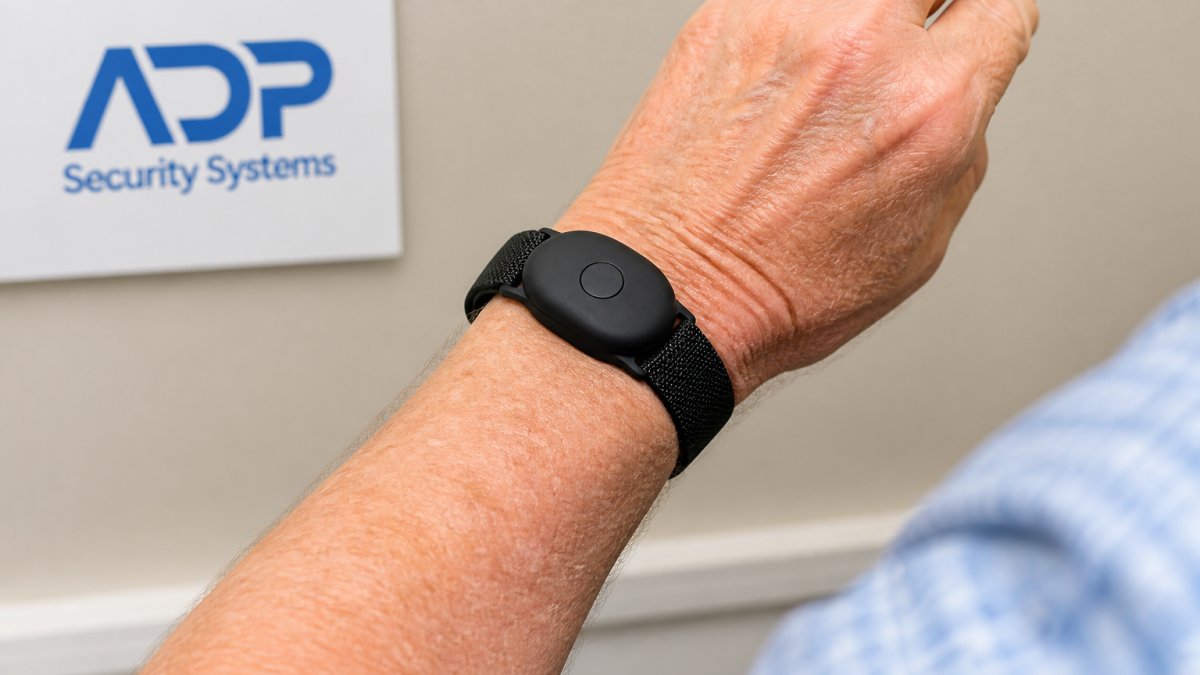
Wrist-Worn Devices: Proper Placement and Strap Adjustment
Wrist-worn fall alert bracelets should sit snugly but not tight, on the back of your wrist just above the wrist bone so sensors stay aligned with your arm’s natural movement.
Check the fit using the two-finger rule:
- Fasten the strap securely
- Try to slide two fingers under the band
- If two fingers fit comfortably, the fit is correct
The device should not rotate or shift when you move your arm; shake your wrist gently and the bracelet should move as a single unit.
Pendant and Holster Positioning
Pendant devices on a lanyard should hang at chest height, between shoulders and waist; one that swings too low or sits too high sends inconsistent signals.
Holster-style devices should be clipped to a belt or waistband, stable and upright, with a secure clip that doesn’t tilt or rotate.
Test by walking normally: the device should move with your body, not bounce or swing. If it bounces, reposition it or tighten the clip.
Bed Pads and Room-Based Sensors
Bed pads detect falls by sensing when pressure is removed from the mattress. Place the pad under the mattress, centered where the person sleeps most.
Room-based motion sensors should be mounted where they can see the entire room; mounted too low or too high, blind spots create false alarms when the sensor loses track of the person’s position.
Adjusting Sensitivity Settings to Balance Detection and False Alarms
Most fall detection devices let you adjust sensor sensitivity: higher catches more falls but triggers more false alarms; lower reduces false alarms but might miss real falls.
Understanding Alert Thresholds
The alert threshold is the trigger level at which the device decides a fall has occurred: when motion or acceleration exceeds it, an alert is sent.
Check your device’s manual for sensitivity settings, most offer 3 to 5 levels.
Document what you change and when. Keep a simple log: “Moved sensitivity from level 3 to level 2 on October 15.
Using a Cancellation Window and Voice Countdown
A cancellation window is a built-in delay between fall detection and the alert to the monitoring center, during which you can cancel a false alarm.
Most devices offer a 30- to 60-second window with a voice countdown: “Fall detected. Help is being sent. Press the button to cancel.”
If you’re okay, press the button to cancel; if you’re hurt, do nothing and help arrives automatically.
Troubleshooting Fall Detection Alerts: A Step-by-Step Approach
If you’re experiencing recurring false alarms, follow this systematic process to identify and fix the problem.
Step 1: Track and Document Your False Alarms
Start by recording every false alarm for one week. Note:
- The date and time of the alert
- What you were doing when it happened
- Where you were (bedroom, kitchen, outdoors)
After one week, you’ll see patterns. Most false alarms cluster around specific activities. You might notice that false alarms happen every time you sit down on a particular couch. Or they happen when you’re wearing loose clothing.
Step 2: Identify the Trigger Pattern
Look at your log and identify the common trigger. Is it a specific activity? A time of day? A particular location?
Common patterns include:
- Sitting down on soft furniture (couches trigger more false alarms than chairs)
- Lying down too quickly
- Bending over with the device on your wrist
Once you identify the trigger, you can address it directly. If sitting on the couch triggers alarms, you might need to adjust sensitivity or reposition the device.
Step 3: Test Changes Safely Without Compromising Detection
Make ONE change at a time. Never adjust multiple settings simultaneously.
If you adjust sensitivity, do it incrementally. Move from level 3 to level 2, not from level 5 to level 1.
After each change, perform a safety test. Never adjust settings so much that you lose fall detection capability.
Keep testing notes:
- Change made and date
- Results after 3 days
- Any false alarms or missed falls
Step 4: When to Contact Your Device Provider
If you’ve tracked false alarms, identified the trigger, and tested adjustments without success after learning how to prevent false alarms on fall sensors, contact your device provider. They can:
Get a Free Security Assessment →
- Review your usage patterns and recommend settings
- Check whether the device is functioning properly
- Suggest alternative device types (wearable vs. bed pad vs. room sensor)
When you call, have your documentation ready. Tell them exactly what you’ve tried and what results you got. Specific information helps them troubleshoot faster.
Fall Detection Device False Alarms: Device-Specific Guidance
Different types of fall detection devices have different false-alarm patterns. Understanding your device type helps you prevent alerts.
Wearable Fall Alert Bracelets
Wearable devices detect falls through accelerometers. These sensors measure rapid changes in motion and position.
Common false alarms with wearables:
- Loose fit causes bouncing and shifting
- Wearing the device on the wrong wrist (not your dominant hand)
- Taking off the device and setting it down hard
To reduce false alarms with wearables, wear the device every day on the same wrist.
Test your wearable monthly. Ask someone to watch while you perform a controlled fall. Make sure it detects the fall reliably.
Bed Pads and Position-Change Alarms
Bed pads detect falls by sensing when pressure is removed from the mattress.
Common false alarms with bed pads:
- Rolling over in bed too quickly
- Getting up to use the bathroom (the pad detects pressure loss)
- The pad shifting position under the mattress
To reduce false alarms with bed pads, position the pad exactly where the person sleeps.
Adjust the sensitivity setting to account for normal sleep movements. Most bed pads allow you to set a longer delay before alerting.
Motion Sensors and Room-Based Systems
Room-based motion sensors detect falls by tracking movement patterns in space.
Common false alarms with room sensors:
- Pets moving through the room
- Shadows from trees or traffic outside
- Furniture or objects falling
To reduce false alarms with room sensors, position them to minimize interference from pets or outdoor movement.
Test room sensors by walking through the monitored area normally. The sensor should track your movement smoothly without false alerts.
Caregiver Response to Fall Alerts: Protocols and Best Practices
When a fall alert is triggered, the response must be fast and organized. A good protocol prevents panic and ensures help arrives quickly if needed.
Establishing a Household Response Plan
Create a written plan that everyone in the household understands. The plan should specify:
- Who receives the alert notification
- What information they need to gather quickly
- How to contact the person who fell
Post this plan in multiple locations: on the refrigerator, in the bedroom, and by the phone. Everyone should know the plan before an emergency happens.
Assign primary and backup responders. If the primary person is away, the backup knows what to do. Practice the response plan quarterly.
Communicating with Monitoring Centers
If your fall detection system includes professional monitoring, the monitoring center will contact you after an alert. Have a clear protocol for this communication.
When the monitoring center calls:
- Confirm whether a real fall occurred
- Provide your location and any special instructions
- Authorize emergency dispatch if needed
Brief all household members on what to expect during a monitoring center call.
Some monitoring systems allow you to set up a “safe word” or code phrase.
When to Stop Adjusting and Replace Your Device
Sometimes a device simply isn’t the right fit for a person’s needs.
- False alarms continue after 2 weeks of adjustments
- The device consistently misses real falls during testing
- The device is physically uncomfortable to wear
- You forget to wear it regularly because of discomfort
Different device types work better for different people.
At ADP Security Systems, we help you choose the right fall detection solution for your specific situation.
When false alarms become a problem, they undermine the entire purpose of fall detection.
Start by documenting your false alarms and identifying the trigger pattern.
Fall detection works best when the system is trusted. Reducing false alarms builds that trust and ensures help arrives when it’s truly needed. The National Council on Aging provides guidance on fall prevention and detection for seniors.
Frequently Asked Questions
What is the most common reason for false alarms on fall sensors?
The most common cause is incorrect device fit or wearing position. A bracelet worn too loose or a pendant positioned incorrectly can trigger motion-sensor false alarms when you sit down, bend over, or make quick arm movements. Poor sensor orientation, where the device isn’t aligned properly with your body, also causes frequent nuisance alerts. Everyday movements like getting out of bed, sitting in a chair, or even reaching for objects are often misinterpreted as falls when the device fit is wrong.
How can I reduce false alarms on a fall detection device without turning off fall detection?
Start by checking your device fit: ensure straps are snug but not cutting off circulation, and position wearables directly above your wrist bone. Next, adjust your alert threshold or sensitivity settings through your device’s app or control panel, most systems let you raise the impact threshold to require a harder motion before triggering. Use the cancellation window feature: most devices give you 30-60 seconds to cancel an accidental alert via voice countdown or button press. If you live with others, establish a household response protocol so caregivers know to verify before calling emergency services. Track which movements trigger false alarms so you can identify patterns.
Can clothing or how a sensor is worn affect fall detection?
Yes, significantly. Loose or ill-fitting clothing can shift a wearable device during normal movement, causing false positives. Wearing a bracelet over a bulky sweater or jacket creates extra distance between the sensor and your skin, affecting motion detection accuracy. For bed pads, wrinkled or bunched sheets reduce contact with the sensor, triggering position-change alarms when you simply adjust your sleeping position. Holster-style devices worn at an angle rather than perpendicular to your body can misinterpret movement. Always wear devices directly on skin or a fitted layer, and position them consistently to maintain accurate sensor orientation.
What should I do immediately when a fall sensor sends a false alert?
Most fall detection systems give you 30-60 seconds to respond. Press the cancellation button on your device or respond to the voice prompt that asks if you need help. Speak clearly to confirm you’re okay. Document the false alarm: note the time, what you were doing, and what movement triggered it. If you’re wearing a wearable, check the fit and positioning right away, this is often the quickest fix. After canceling, contact your monitoring center if the alert was sent to them, so they have a record it was a false alarm. This documentation helps identify patterns and guides future adjustments to sensitivity settings.