7 Radio Frequency Fire Alarm Mesh Network Advantages
November 14, 2026
How Do You Choose a Medical Alert Monitoring Center?
November 16, 2026
Last Updated: November 13, 2026
Quick Summary
Remote monitoring delivers continuous, off-site oversight of your alarms, cameras, and access control, so a trained monitoring center receives alerts the moment a sensor trips and follows your response plan by calling you, dispatching authorities, or triggering an on-site procedure. The value is not the hardware but what happens in the minutes after something goes wrong.
- Remote alarm monitoring connects existing panels, sensors, and cameras to a monitoring center over a network or cellular link.
- Multi-site monitoring succeeds when every location reports into one dashboard with consistent response rules.
- Security monitoring services cost depends on monitoring type, signal path, camera priority, response plan, and maintenance.
- Ask providers to define when response time starts: at the sensor trip, signal arrival, or operator opening the event.
- Reusing factory-default passwords on internet-connected cameras is a common way small businesses get breached.
Table of Contents
- What Remote Monitoring for Upgraded Business Security Actually Delivers
- How Remote Alarm Monitoring Works With Your Existing Systems
- Building a Business Security System That Covers Every Site
- Security Monitoring Services Cost: What Drives Your Monthly Bill
- Choosing Security Monitoring Companies for Business
- Privacy, Consent, and Cybersecurity Safeguards
- Measuring Performance and Return on Investment
- Get a Free Security Assessment for Your Upgraded Setup
- Frequently Asked Questions
What Remote Monitoring for Upgraded Business Security Actually Delivers
Remote monitoring for upgraded business security delivers continuous, off-site oversight of your alarms, cameras, and access control, so problems get flagged and acted on even when no one is on site.
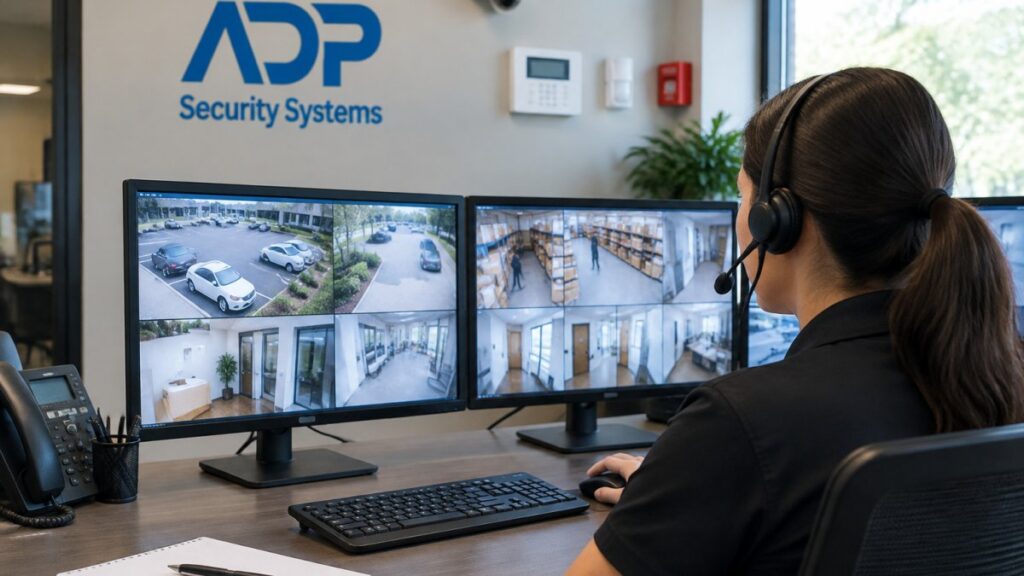
The core promise is simple. A trained monitoring center watches your system around the clock, receives alerts the moment a sensor trips or a camera detects motion, and follows your response plan.
Remote monitoring is more than a burglar alarm with a call center attached. It is a decision layer. The right setup filters noise, verifies what is real, and escalates fast. A poorly configured setup generates false alarms until people stop responding to them.
Below, we will show you exactly what an upgraded remote monitoring setup delivers, how it fits your existing systems, and how to judge whether the monthly bill is worth it.
How Remote Alarm Monitoring Works With Your Existing Systems
Remote alarm monitoring works by connecting your existing panel, sensors, and cameras to a monitoring center over a network or cellular link, so signals reach trained operators instead of a siren nobody hears. Most commercial systems do not need a full rip-and-replace to gain this capability.
The flow looks like this:
- A sensor trips or a camera detects motion
- The panel sends a signal to the monitoring center
- An operator reviews the event and any video
- The operator follows your response plan: call contacts, dispatch, or verify
A common mistake is assuming an old panel can talk to a modern monitoring platform. Sometimes it can, sometimes it needs a communicator module, and sometimes the honest answer is that the panel is past its useful life. A provider should be upfront about whether an existing panel can work with monitoring.
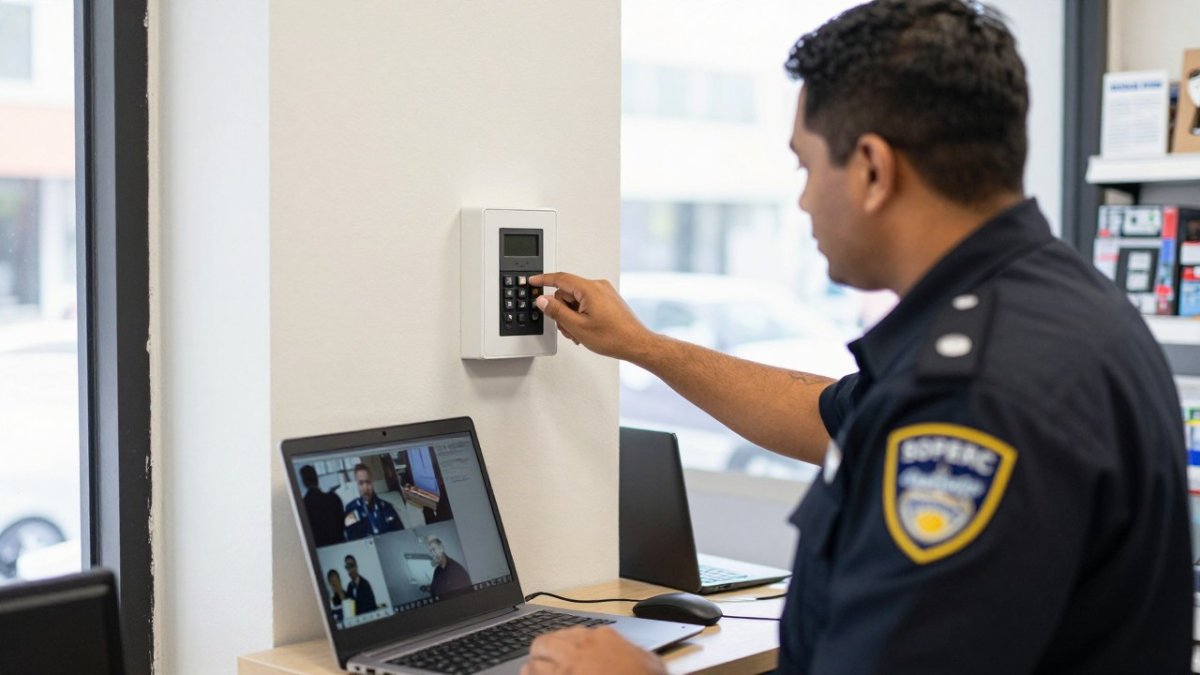
Integrating Alarms, Access Control, and Video
Integration is where remote monitoring earns its keep. When alarms, access control, and video share one platform, an operator can see who badged into a door at 2 a.m. and pull the matching camera clip in seconds. For practical guidance on tying these together, see our article on integrating video surveillance with access control.
Without integration, you get three separate systems that each tell part of the story. With it, you get one incident view.
Building a Business Security System That Covers Every Site
A business security system that covers multiple locations succeeds when every site reports into one monitoring view, with consistent response rules. Multi-site monitoring is where DIY setups fall apart and professional monitoring shines.
Picture three retail locations. One panel is armed, one is bypassed by a manager who forgot to re-arm, and one has a camera offline. A single dashboard shows all three states at once, and a real-time alert flags the offline camera before it becomes a blind spot.
A practical checklist to work through:
- Confirm every site has a working communicator path, ideally cellular backup
- Standardize arming schedules and response rules across locations
- Map each camera and sensor to a named zone
- Assign after-hours contacts per site
- Test signals from each location, not just the main one
What most guides miss is the human side. Staff monitoring and customer behavior both affect your security events. A team that knows how to arm and disarm cleanly prevents half the false alarms you would otherwise pay for.
Security Monitoring Services Cost: What Drives Your Monthly Bill
Security monitoring services cost depends on the monitoring type, the number of signals and cameras, the communication path, and the response plan you choose.
Start with the monitoring type, because it is the largest single lever. Basic alarm monitoring, where an operator receives a signal and follows a call list, is generally the simpler option.
The signal path is the next driver. Internet-only communication is the cheapest to run but fails when the connection drops.
Camera count matters less than camera priority. You do not pay to monitor every stream equally; you pay to have the high-risk zones reviewed when an event fires.
The response plan drives cost in a way most quotes hide. A plan that calls one contact and stops is cheaper than a plan with tiered escalation, guard dispatch, and authority notification.
Maintenance is a line item worth comparing across quotes.
| Cost driver | What it means | How to manage it |
|---|---|---|
| Monitoring type | Basic alarm vs. video-verified response | Match coverage to risk, not to the brochure |
| Signal path | Internet, cellular, or both | Cellular backup adds resilience |
| Camera count | Number of streams reviewed | Prioritize high-risk zones only |
| Response plan | Who gets called, in what order | Clear escalation cuts wasted dispatches |
| Maintenance | Scheduled service and testing | Customizable schedules prevent surprise failures |
When you compare quotes, ask each provider to break the monthly figure into these five lines and to state what happens to the price if you add a site, a camera, or a cellular radio. A provider who cannot itemize is pricing on feel. If you are weighing an upgrade against your current setup, our breakdown of the cost of upgrading existing security systems covers what drives the numbers in more detail. We quote after a site walk, never before.
Choosing Security Monitoring Companies for Business
Choosing security monitoring companies for business comes down to four things: response protocol, integration capability, service terms, and whether the provider will put its commitments in writing. Everything else is sales polish. The problem is that most buyers ask the right questions and still cannot compare the answers, because providers describe response, uptime, and false-alarm handling in different vocabularies. Scoring every provider against the same written criteria before signing helps you compare them.
Build a one-page scorecard and make each provider answer in writing. The categories that separate a real monitoring partner from a call center with a logo:
- Response protocol. What happens in the first 60 seconds after an alarm, who is called, in what order, and what triggers authority dispatch. Ask for the actual escalation tree, not a summary.
- Integration capability. Can they monitor your existing panels, or are you starting over? Ask which panel brands and communicators they support and whether they can pull video from your current cameras.
- Service terms. Contract length, renewal terms, price escalation, and cancellation. Get the service agreement before you sign, not after.
- Uptime and backup. What is their monitoring center redundancy, and what happens to your signals during a network or power event?
- False-alarm handling. How do they verify before dispatch, and who pays false-alarm fees?
- Reporting. What do you receive monthly, and can you see alarm, response, and uptime data on demand?
A service-level agreement should spell out response time, escalation steps, and what counts as a verified alarm. Response time is not just how fast someone calls; it is how fast a real event gets a real action.
Video verification changes this math. When an operator can see the event on camera, they can confirm a break-in instead of guessing, which reduces wasted dispatches. For a closer look at that process, read how to use video verification to cut false alarms.
Switching providers can involve less disruption than expected, since existing equipment is sometimes reusable. Ask specifically which of your existing devices survive the switch and which get replaced, and get that list in writing before you commit.
Watch out: a provider who will not put response times, escalation steps, and uptime commitments in the service agreement is telling you what the relationship will look like after the sale.
Privacy, Consent, and Cybersecurity Safeguards
Privacy and cybersecurity safeguards determine whether your monitoring system protects your business or exposes it. Connected cameras and cloud platforms are only as safe as the network and permissions behind them.
Start with the basics. Know which cameras point where, who can view footage, and how long recordings are kept. Restrict remote access to named users, enforce strong passwords and multi-factor authentication, and keep firmware current. Segment cameras onto their own network so a compromised device cannot reach your business systems.
Consent matters too. If cameras capture staff areas or customer spaces, your policies should reflect that, and signage should make monitoring clear. Data retention should be a deliberate choice, not a default.
Watch out: reusing factory-default passwords on internet-connected cameras is one of the most common ways small businesses get breached. Change them before the first camera goes live.
Measuring Performance and Return on Investment
Measuring performance turns remote monitoring from a line item into a managed service. Track a small set of numbers and review them on a schedule.
What to watch:
- Alarm volume and how many were verified vs. false
- Average time from alert to operator action
- Camera and panel uptime
- Incidents resolved remotely vs. requiring dispatch
- Maintenance tickets and repeat failures
The return shows up as reduced disruptions, fewer wasted dispatches, and better business continuity. It also shows up in operational efficiency: temperature monitoring and access logs often reveal energy and workflow savings you did not expect. For a deeper look at what continuous oversight delivers, see the benefits of remote monitoring for commercial properties.
Get a Free Security Assessment for Your Upgraded Setup
The gap between a system that watches and a system that acts is usually a conversation, not a purchase. If you are unsure what your current setup can support, start there.
ADP Security Systems has served Greenville and South Carolina for over 30 years, offering 24/7 alarm monitoring, expert installation of security, fire, and life safety systems, and customizable maintenance schedules. A free security assessment is available to help you understand your options.
Get started with ADP Security Systems and put a monitoring plan behind the equipment you already own.
Frequently Asked Questions
What is remote monitoring for business security?
Remote monitoring is a service where a professional monitoring center watches your alarms, cameras, and sensors around the clock and responds when something triggers. Instead of relying on staff to notice a problem, signals go to trained operators who verify the event, alert you through real-time notifications, and dispatch police or fire services when needed. For multi-site businesses, it means one team can watch every location without hiring on-site guards for each one.
How much do security monitoring services cost for a business?
Pricing depends on the number of locations, how many devices you monitor, whether you need video verification, and the response terms in your contract. A single-door retail shop and a multi-building industrial site will not land in the same tier. Ask each provider for a written breakdown of equipment, installation, monthly monitoring, and maintenance so you can compare like for like. Request a quote based on your actual site rather than accepting a generic rate.
Can business security cameras be monitored remotely?
Yes. Modern IP cameras stream live and recorded footage to a monitoring center and to your phone or laptop through a secure app. Operators can pull up video when an alarm triggers, verify whether the event is real, and give responders accurate details. You keep remote access for your own checks, and the monitoring team handles after-hours coverage. Confirm the provider supports your camera brands before signing, since older analog systems may need a bridge device.
Is professional monitoring better than self-monitoring for a business?
Self-monitoring works if someone is always available to watch alerts, which is rarely true after hours or during busy shifts. Professional monitoring provides round-the-clock coverage, verified alarm response, and documented incident logs that help with insurance and loss prevention. The tradeoff is a monthly fee. For businesses with inventory, equipment, or multiple sites, the faster response time and consistent coverage usually justify the cost.