Senior Emergency Response Guide for Safer Days
August 10, 2026
Best Professionally Installed Home Security Systems in SC
August 11, 2026
Many property owners buy security cameras only to watch monthly storage fees double their expected costs. High equipment prices are only the beginning of a system’s true financial footprint. Building a reliable setup means planning for ongoing monthly operational expenses from the very start.
Understanding exactly how much do security cameras cost per month needs a close look at your choices for video storage, network backup, and professional system monitoring. For self-monitored properties, standard cloud storage plans typically range from $3 to $25 per month for each camera, depending on your chosen video retention timeframe. Adding professional 24/7 certified monitoring with rapid emergency dispatch services typically brings your monthly rate to an affordable range of $27.95 to $45 per month. Family-owned South Carolina security providers keep these recurring costs low by cutting out hidden service fees and the strict long-term contracts required by large national brands. By selecting only the specific features your local home or business needs, you can easily maintain a highly secure property within a steady monthly budget.
To make the most cost-effective decision for your home or business, you must understand the key variables that drive these monthly rates. We will examine the specific factors of What Determines How Much Security Cameras Cost Per Month? and the path begins with.
What Determines How Much Do Security Cameras Cost Per Month?
When you plan to protect your home or shop, you will want to know how much do security cameras cost per month. The total rate is not just one simple fee. Instead, the final price rests on a mix of key items. To budget well, you must look beyond the price of the camera itself. You also need to plan for setup, expert monitoring, and network gear.
Equipment and installation fees
The gear you choose is the first big factor. Basic home cameras can start as low as $30 to $500, while business units can cost much more. Wired models offer great uptime but require professional installation to run wires through your walls. Wireless cameras are easier to set up on your own, but their batteries need charging or swapping every few months. For larger sites, you may want to invest in robust commercial security camera systems to protect your team and assets. In fact, total first-year costs for these systems often range from $200 to $800. Setup choices also shape your start-up fees. Expert setup can add another $100 to $200 per camera. This setup ensures that your system works without a hitch from day one.
Monthly subscription costs
Once your cameras are up, monthly fees keep them running. Cloud storage plans are the most common monthly fee. Saving your video clips to the cloud can cost up to $25 per month for each camera. If you have many cameras, these plans can add up very fast. When choosing how long to keep your clips, remember that longer-term storage often incurs a monthly charge based on your data needs.
Home versus business monthly budgets
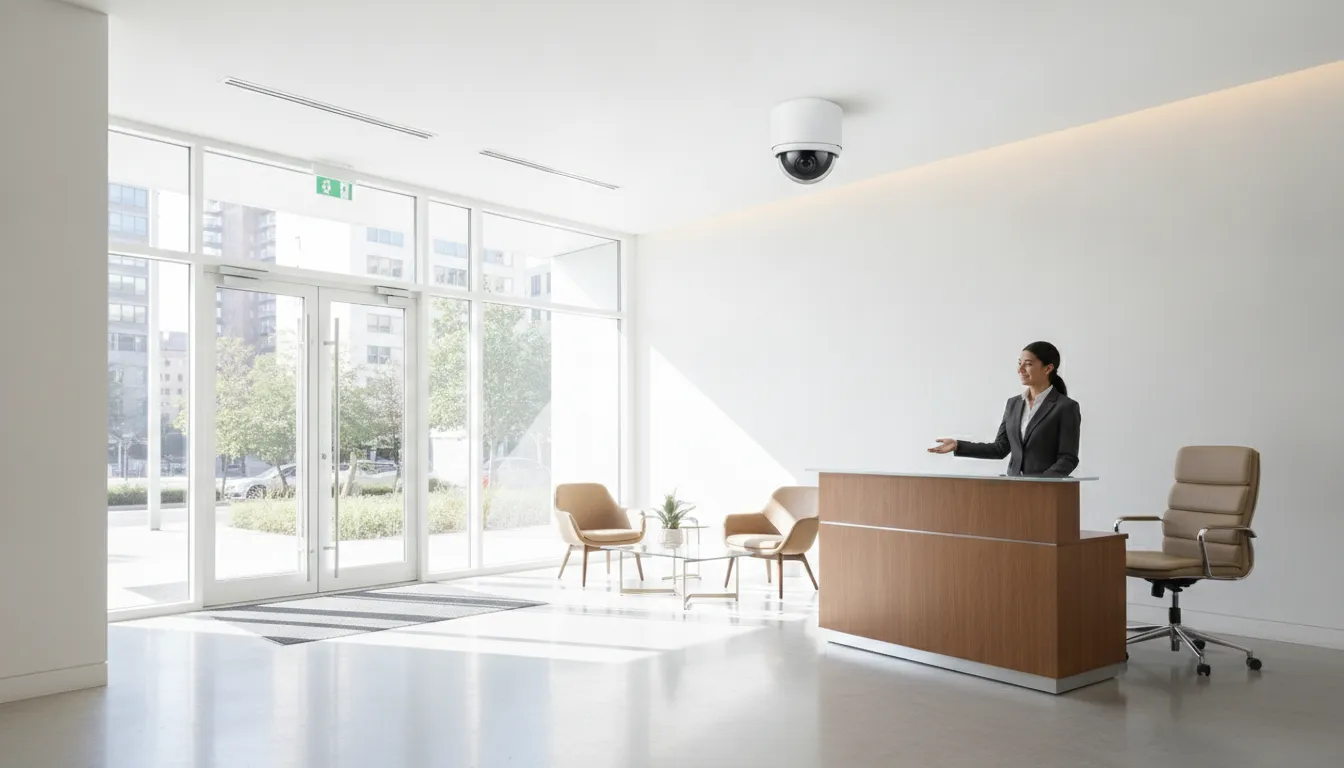
Your monthly bill will vary based on whether you are protecting a home or a business. Home users often choose basic cloud plans and self-monitoring. Business users, however, need more robust options. They must budget for expert monitoring, cell backups, and routine hardware checks to keep the site safe. The table below compares these normal monthly costs.
| Cost Category. | Home System Costs. | Business System Costs. |
|---|---|---|
| Equipment cost. | $30 to $500 per camera. | $500 to $2,500 per camera. |
| Cloud storage. | Up to $25 per camera monthly. | Custom fees based on storage volume. |
| Professional monitoring. | Optional plans starting low. | Required high-level dispatch services. |
| Cellular backup. | Often included in top-tier plans. | Standard fee for continuous uptime. |
| System maintenance. | User handles basic testing and cleaning. | Service contracts for testing and repairs. |
Cloud Storage Plans: The Monthly Charge Most Buyers Underestimate
Many people buy security cameras without thinking about cloud storage. If you want to find out how much do security cameras cost per month, you must look at these fees. Most brands charge a monthly plan to save your video files. These plans can cost up to $25 per month for each camera, which can quickly strain your budget.
Standard video retention periods
How long does your camera system keep your video files? Most standard systems hold recorded video for 30 days by default. This timeframe gives you enough time to review footage after an event. But if you do not check your clips within that month, the system will overwrite them with new video.
For many basic needs, a month of storage is plenty. Some systems even offer a basic plan at no cost if you record at a lower video quality, such as 720p resolution. This resolution is clear enough to see movement around your home or shop. But if you need sharp details like license plates, you will want a higher resolution.
Factors that drive up storage fees
Three main things will drive up your monthly cloud storage bill. The first is your camera count. If you have five cameras, a five-dollar fee becomes twenty-five dollars each month. The second is video resolution. High-definition video creates much larger files, which take up more space in the cloud.
The third factor is how long you keep the files. If you need to keep video for longer than the standard thirty days, you will face a monthly charge per gigabyte. This extra fee can make your bills grow fast. Businesses often need to store video for months due to legal rules, so they must plan for these costs.
How to manage your storage budget
You can keep your cloud storage costs low with a few smart moves. First, use motion detection. This means your cameras only record when something moves, which prevents empty video from filling your cloud space. Second, set short clip lengths.
- Use motion-only recording instead of 24/7 constant recording to save space.
- Lower the video resolution on less critical cameras to reduce file sizes.
- Review your footage weekly to download and save key clips locally.
Professional Monitoring: What Does It Add to Your Bill Each Month?
How self-monitoring compares to live support
Many people ask how much do security cameras cost per month when they add live support. Research shows that nearly 50% of security systems are self-monitored. While this choice saves money, it puts all the daily tracking work on you. You must keep your phone close by to watch for any alerts.
If you miss an alert while asleep or driving, a threat could go unnoticed. Professional services add a layer of safety by watching your home day and night. Expert monitoring of security systems ensures that trained staff can verify threat alarms and contact local police fast. This fast dispatch helps protect your family and your property when you cannot be reached.
ADP service fees and contract terms
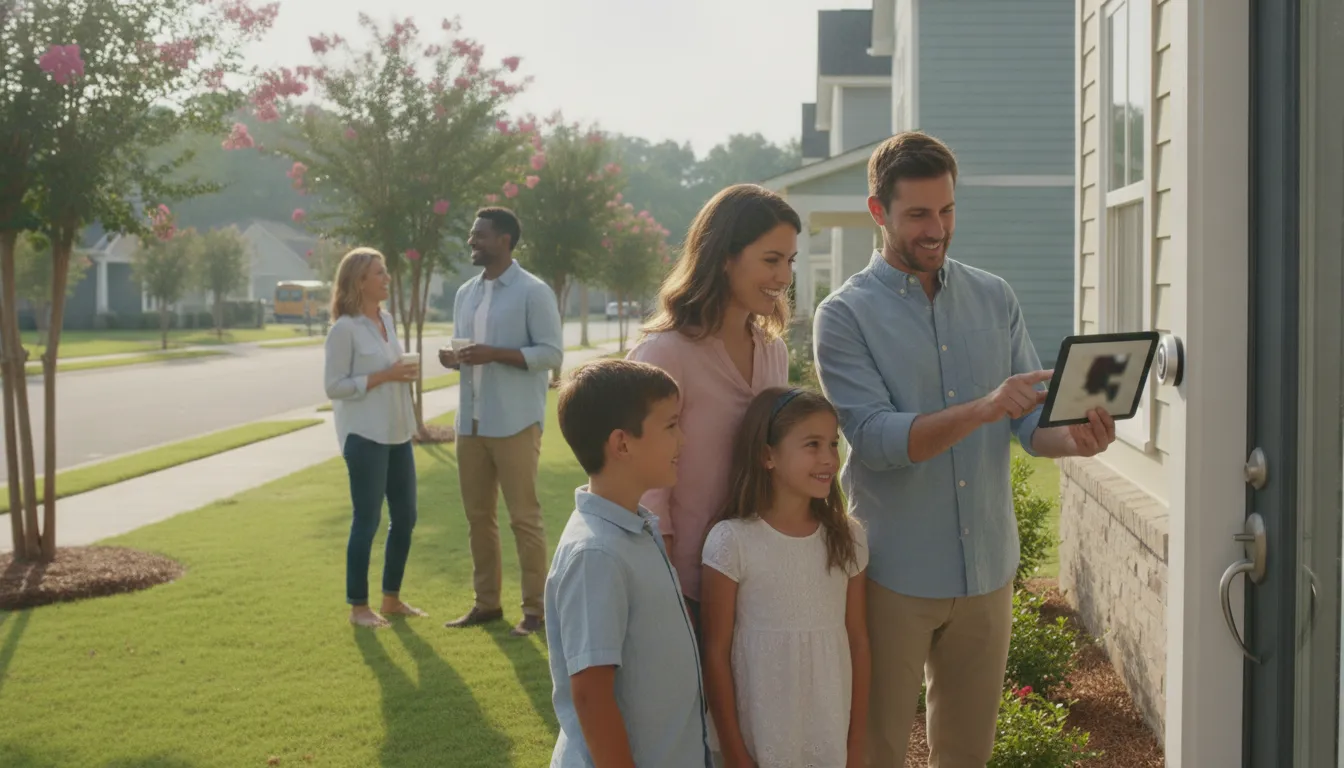
For homeowners in South Carolina, a quality residential security systems plan does not have to break the bank. ADP Security Systems offers 24/7 UL 827 certified monitoring for about $27.95 to $45 each month. This service gives you round-the-clock protection from our local dispatch center. Our certified team watches for fire, theft, and medical needs to keep you safe.
We do not lock our clients into long-term contracts, so you stay in control of your plan. You can change or end your service at any time without paying a penalty. You can also choose our annual billing option to save about $5 each month on your bill. Plus, we offer free activation options to help keep your upfront costs low when you start.
Commercial camera monitoring options
For local businesses, monitoring fees can vary based on system size and features. A professional security camera monitoring service keeps assets safe and reduces the risk of loss. Our team works with you to design a custom setup that fits your business needs and monthly budget. This keeps your business safe while you focus on day-to-day work.
We serve commercial properties throughout Greenville, Spartanburg, Anderson, Columbia, and Charleston. Whether you need simple outdoor views or advanced AI analytics, we help you secure your site. Our plans remain clear and simple, with no hidden fees or surprise charges on your monthly bill. This clear pricing is why local owners trust us to protect their shops.
Do Security Cameras Cost a Lot to Run Every Month?
Many property owners want to know how much do security cameras cost per month before they buy a system. The good news is that the daily cost to run them is low. Most of your ongoing costs will come from storage fees rather than utility bills. Knowing the main parts of your monthly bill can help you plan a clear budget.
Wired vs wireless camera hardware
The type of system you choose has a major effect on your setup fees. Wireless cameras range in price from $50 to $250 each. Because they are easy to place and move, these units offer a flexible path. But they must use batteries or a nearby outlet.
Wired security cameras are solid and cost between $100 and $300 each. These systems need expert setup to run data lines and power cables. Your choice between wired and wireless tools is a balance of ease and safety. Wired setups cost more upfront but avoid battery swaps.
Electricity and network data costs
Many people worry about power bills for ongoing use. Most cameras draw little power. A standard unit uses just two to five watts of power. This small draw means your power bill will rise by less than one dollar per month per camera.
For business systems with advanced features, data needs can grow. Using AI security cameras to spot trespassing needs a steady network connection. If your system uploads live footage over cellular paths, you must budget for a monthly data plan. This plan cost depends on your network provider.
Cloud fees and video storage
Cloud storage is often the main monthly charge for camera systems. Most brands charge monthly fees to save your video. These storage plans can cost up to $25 per month for each camera. To keep monthly cloud costs low, many platforms use standard plans where recorded video is saved for 30 days before deletion.
If you have many cameras, these fees can add up fast. You can avoid cloud fees by using local storage tools like hard drives or memory cards. But local storage lacks the off-site backup security that cloud plans give.
Cellular Backup and Network Costs for Security Cameras
Your security cameras need a stable network to send and store video. When you choose between wired and wireless systems, you must think about how they connect to your internet. Wired units are very steady, but wireless models offer more setup choices. Both types need a solid stream of data to work well. Without a strong line, you may lose your live feed when you need it most.
Wired and Wireless Network Needs
Wired and wireless systems use different paths to handle your data:
- Wired systems use physical lines to transmit video and rarely drop their signal.
- Wireless systems use your local radio waves and need strong router signals.
- Both systems need a fast upload speed to send clear video to your phone or screen.
When Cellular Failover is Worth the Monthly Fee
You can choose a self-monitored setup or pay for professional monitoring. If you manage the system on your own, a lost web connection means you will miss alerts. A professional security camera service keeps watch all day and night. When you look at how much do security cameras cost per month, these monitoring options will be your main ongoing cost.
If your main internet line drops, your cameras can lose their link to the cloud or the dispatch center. A cellular backup plan solves this issue by switching to a mobile network if your wired service fails. This failover feature adds a small charge to your monthly bill. For most businesses, the price of cellular data is a small cost to pay for constant safety. This backup is vital if you have high-risk spots that need constant watch.
One-Time Wire and Port Fees
To set up a stable backup network, you may need extra hardware first. You might need to install new wires or run new active ports. For a large building, a new active network port can cost about $200 as a one-time fee. These setup fees are not part of your ongoing monthly bill, but they do affect your starting budget. Planning for these fees now will prevent surprise costs when you set up your system.
Maintenance Costs: What to Budget Over the Life of Your Camera System
Owning a security system is not just a one-time buy. You must also think about the cost to keep your gear running. Under standard guidelines, sites carry the duty of buying, setting up, linking, and caring for their gear. If you do not plan for these needs, your total cost over time may surprise you.
Routine testing and care
To keep your home or business safe, you must test your cameras often. Dirt, wind, and rain can block lenses or loosen wires. Routine checks and testing of camera work ensure your system runs right. If you do not check your gear, a camera could fail without your knowledge.
Testing is a key task to make sure your cameras are up and running at all times. When you find a fault, you should report it to your support team right away so they can fix it fast. This quick step keeps your site safe from gaps in coverage.
Business systems have extra needs that home setups do not. If you use central servers to run your video, you must care for them too. This task requires admin work for the main servers to keep your data safe. It also includes routine patching and server backups.
Central servers need active checks to prevent loss. Tech teams must also handle regular software and hardware upgrades to keep system speed high. This step prevents server lag and keeps your feed clear.
Upkeep budgets for home and work
How do these tasks affect how much do security cameras cost per month? For a home, standard care costs very little if you do the basic checks yourself. Most people only pay for cloud plans or monitoring. But for a business, you must plan for both gear care and IT support.
Modern systems with AI security cameras need routine software checks. This extra care ensures the smart tools can spot threats without lag. Businesses should budget about five to ten percent of the first setup cost each year for yearly checks.
This yearly budget helps avoid big costs down the road. If a part breaks, a service plan can cover the repair. For homes, this can cost nothing if you check your own gear.
For a small business, a local plan might run fifty to one hundred dollars each month based on your camera count. Working with a local partner ensures you get clear rates with no hidden fees.
Building a Realistic Monthly Camera Budget for Your Home or Business
When you want to protect your property, you must look beyond the first price tag of the hardware. To plan your budget, you need to understand how much do security cameras cost per month when factoring in recurring fees. A clear plan helps both home and business owners avoid surprise charges down the road. It also ensures that the security setup you select remains reliable over time.
Step-by-step budget planning
Creating a clear cost outline is simple when you break the process down into five clear tasks. Follow these steps to find your total monthly cost:
- Inventory your gear: List each camera, mount, and cable you need to buy for your layout.
- Choose your storage: Decide between local hardware or a cloud plan, as longer storage times often incur a monthly charge per gigabyte.
- Select your monitoring: Opt for a professional service to get 24/7 help, or choose self-monitoring if you plan to watch the feeds yourself.
- Include network and backup: Add cellular failover or dedicated data lines so your system stays online during power cuts.
- Sum and amortize: Tally all recurring fees and add a fraction of your first setup cost to see your real monthly footprint.
Understanding first-year investments
Your first-year cost is higher because of hardware and setup fees up front. Total first-year costs for typical camera systems, including the cameras and storage plans, usually range from $200 to $800. If you are shopping for residential security systems, the initial hardware is the largest part of this first-year investment. But you must also budget for any monthly cloud storage or expert monitoring services you choose.
For a commercial setup, the numbers shift because of larger scales and more complex needs. The monthly cost of security cameras for a business will depend heavily on the number of active ports and storage needs. In professional settings, these groups often bear all costs for equipment, installation, and subsequent maintenance. This is especially true for companies that deploy advanced video systems across several locations.
Hidden costs to watch for
Many buyers focus only on the sticker price of the cameras, but a realistic budget must account for hidden costs. These extra fees include professional installation, routine maintenance, and cloud storage renewals. For instance, cloud plans often need a monthly fee per gigabyte for long-term storage. Because of this, the University of Illinois Springfield charges an extra fee if you need to keep footage for a longer time. By planning for these factors early, you can keep your monthly bills steady. This planning ensures that your system never goes offline due to unpaid subscription fees.
Frequently Asked Questions
Do all security cameras have a monthly fee?
No, not all security cameras need a monthly fee. You can use local storage like memory cards to save your video for free. If you want cloud storage or professional monitoring, those services do need monthly fees. For local South Carolina systems, 24/7 monitoring typically costs between $27.95 and $45 per month.
What is the average cost of home security cameras?
First-year costs for home cameras usually range from $200 to $800, according to Security.org. This price depends on the style of camera you select and how many you get. Paying for a monthly video storage plan or hiring a professional to set up the system will also affect your total price.
How much do monthly cloud storage subscriptions cost?
Most brands charge up to $25 per month for each camera to save your video to the cloud, as reported by Security.org. These plans allow you to view, save, and share recorded footage. Some brands offer basic plans for about $3 per month, but costs rise if you have multiple cameras.
Is professional installation required for security cameras?
Professional setup is not always required, but it is highly recommended for wired systems. Expert installation usually adds about $100 to $200 to your total bill, as noted by Security.org. While wireless cameras are easy to set up on your own, wired cameras must be routed through walls and connected to power by a professional.
How does professional monitoring impact monthly camera costs?
Professional monitoring adds a monthly fee to your system, but it makes sure help is always on the way. At ADP Security Systems, we offer 24/7 monitoring for about $27.95 to $45 per month with no long-term contracts. This service connects your cameras to a certified station that can call local police during an emergency.
Are there security camera systems with no monthly fees?
Yes, several brands offer systems with no monthly fee by recording to local storage such as memory cards or hard drives. These setups avoid cloud fees but drop off-site backup, remote access, and live monitoring. If you want continuous protection without video on a hard drive alone, a monitored plan adds real value for a modest monthly cost.
Ready to Set Up Your Security Camera Budget?
Leaving your property without a watch leaves it open to costly break-ins, vandalism, and other security risks. When you act now to set up your system, you get ahead of these threats before they can impact your budget. A custom local monitoring plan from our South Carolina team gives you peace of mind with quick setup and clear rates.
Ready to secure your property? Schedule a consultation with ADP Security Systems today. Our local team will help you find the right monthly monitoring plan for your budget. We make it easy to secure your home or business with no long-term contracts. Get started now to bring reliable safety to your South Carolina property.