Best Home Automation Devices: A Smart Home Guide
August 7, 2026
Senior Emergency Response Guide for Safer Days
August 10, 2026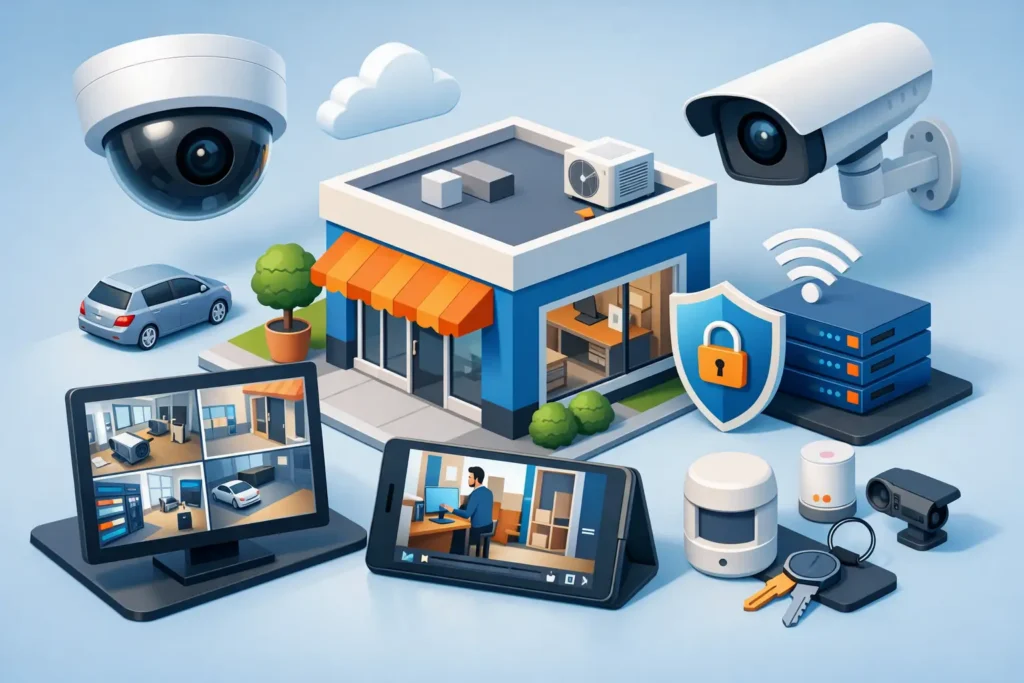
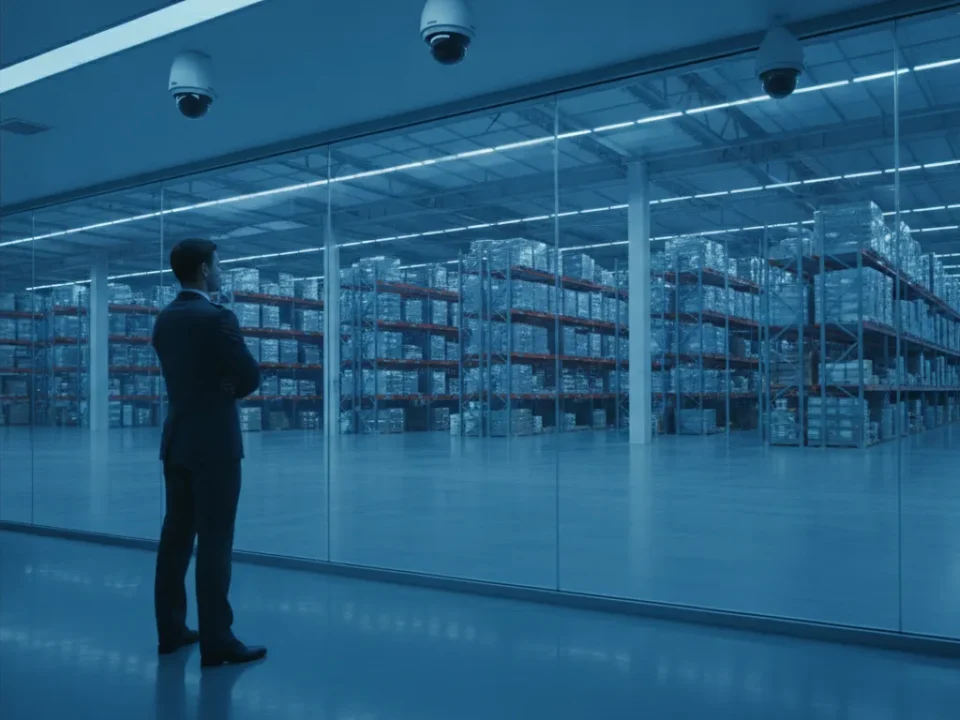
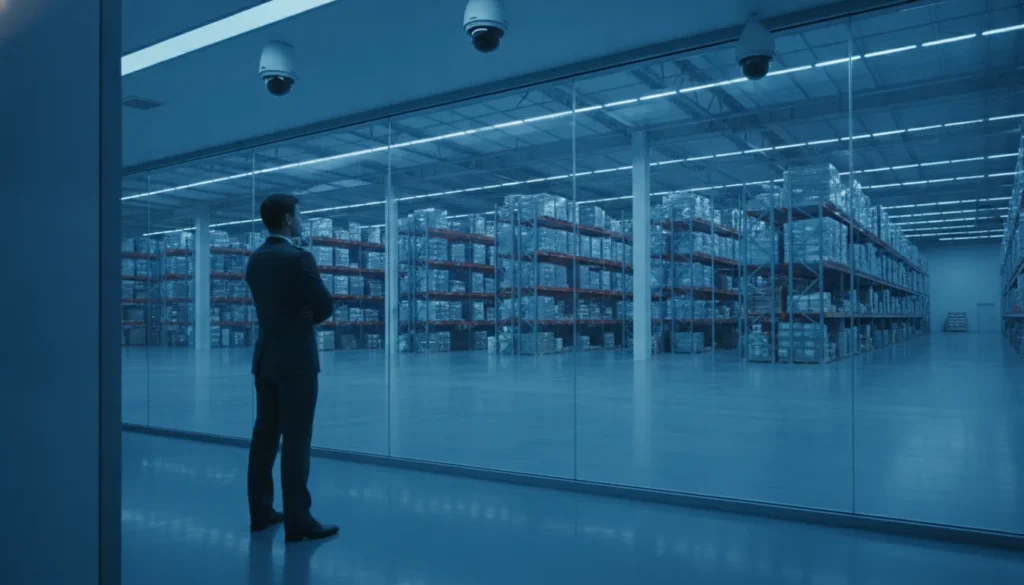
A small business video surveillance guide should begin at the places where uncertainty costs you the most: the back door left propped open after a delivery, a register discrepancy, an after-hours visitor, or a customer incident with no clear account of what happened. Cameras give business owners a reliable view of activity, but only when the system is planned around the property, daily operations, and the people who need to use it.
For South Carolina businesses, the right camera system is not simply a collection of devices on the wall. It is part of a broader security plan that can help protect employees, customers, inventory, equipment, and your ability to respond when something does not look right.
Start With What Needs Protection
Every business has different risk points. A retail store may need clear coverage at entrances, registers, stockrooms, and receiving doors. A professional office may focus on exterior doors, visitor access, parking areas, and sensitive records. A warehouse, restaurant, medical practice, or multi-tenant property may need a wider plan that accounts for deliveries, employee-only spaces, valuable assets, and activity after closing.
Walk through the property as if you were arriving for the first time, then again as someone looking for an opportunity to enter unnoticed. Pay attention to doors, windows, gates, loading areas, side passages, cash-handling locations, and places where employees may work alone. Also consider the normal flow of people. A camera that captures a doorway but misses the face of the person entering may not provide the answer you need later.
It helps to decide what you want video to accomplish before selecting equipment. Your priorities may include deterring theft, documenting incidents, checking opening and closing procedures, overseeing deliveries, investigating false alarm activity, or viewing the property remotely. Those goals determine where cameras belong and how much detail they must capture.
Small Business Video Surveillance Guide: Plan Coverage First
More cameras do not automatically mean better protection. A well-positioned system can be more useful than a larger system with blind spots, poor lighting, or unclear images. Coverage should be purposeful, with each camera assigned a job.
Place cameras where decisions happen
Entrances and exits are usually the first priority. A camera at each primary entrance should provide a clear view of people coming and going, not just the top of a hat or the back of a jacket. Receiving doors and employee entrances deserve the same attention, particularly when deliveries occur outside normal customer traffic.
Interior cameras can cover registers, point-of-sale areas, inventory rooms, hallways, and other spaces where an incident may need to be reviewed. Exterior cameras often protect parking lots, perimeter gates, dumpsters, and the approaches to the building. In some cases, visible cameras provide a useful deterrent. In others, a more discreet position is appropriate. The right approach depends on the location and the concern being addressed.
Avoid placing cameras where people reasonably expect privacy, such as restrooms, changing areas, or private treatment spaces. Before recording audio, review the applicable legal and workplace requirements. Video surveillance should support a safer workplace, not create unnecessary privacy concerns.
Account for lighting, weather, and identification needs
A camera that performs well in a bright showroom may not perform well at a dim rear entrance after sunset. Night vision, exterior-rated housings, glare control, and proper placement all affect the image you receive. South Carolina heat, humidity, rain, and seasonal storms also make professional selection and installation valuable for outdoor equipment.
Image quality should match the task. For general awareness, a broad view may be enough to show activity around a parking lot. For identification at a door, register, or access point, you need a tighter view with enough detail to recognize faces, clothing, and relevant actions. Wide-angle cameras cover more area, but they can make distant details smaller. That trade-off should be considered camera by camera.
Choose Recording and Storage for Real Operations
Live viewing is useful, but recorded video is what allows you to look back after an incident. Storage needs depend on the number of cameras, their resolution, how much motion occurs in each area, and how long you want footage available. A busy lobby or parking lot consumes storage differently than a rarely used storage room.
Some businesses need a short retention period for routine incident review. Others need longer retention because of inventory cycles, customer disputes, compliance needs, or the time it may take to discover a loss. There is no universal number of days that fits every operation. A security professional can help you set a retention target that fits your risks and budget without paying for capacity you will not use.
Motion-based recording can reduce unnecessary footage in low-activity areas. Continuous recording may be a better choice where activity is frequent or where missing a few seconds could matter. Many systems combine both approaches based on the camera location. Whatever option you choose, confirm how footage is protected, who can export it, and how quickly it can be located when needed.
Give the Right People Remote Access
Remote video access can help an owner or manager check a location from home, another job site, or while traveling. It can also allow managers to verify an opening, review an alert, or confirm that a delivery arrived. The convenience is real, but access should be managed carefully.
Set up individual user permissions instead of sharing one password among several employees. Limit access based on job responsibilities, remove former employees promptly, and use strong account credentials. Ask who should be able to view live video, who can review recordings, and who can make system changes. A clear policy protects both the business and the people who work there.
Remote access works best when it supports a response plan. If an after-hours alert occurs, employees should know whether to review video, contact a manager, call law enforcement, or allow a professionally monitored alarm system to handle the initial response. Cameras can provide valuable information, but they should not put employees in a position where they feel expected to confront an intruder.
Connect Cameras With the Rest of Your Security Plan
Video surveillance is stronger when it works alongside burglar alarms, access control, and 24/7 monitoring. For example, an alarm event can prompt a manager to review the relevant camera view. Access control records can help establish who entered an area and when. Together, these systems provide context that a single camera or alarm may not provide on its own.
Integration should be useful, not complicated. A small office may need only a few cameras and an alarm system. A larger facility may benefit from cameras at access-controlled doors, monitored intrusion detection, and separate permissions for managers, vendors, and employees. The right scope depends on the size of the property, the value of the assets, operating hours, and the level of risk.
Do not overlook power and network planning. Cameras depend on reliable connections, and a poorly planned network can lead to slow video, gaps in recording, or difficult troubleshooting. Professional installation helps ensure equipment is mounted securely, cables are protected, camera views are properly adjusted, and the system is tested before it is put into service.
Plan for Support After Installation
A camera system should not be treated as a one-time purchase. Lenses get dirty, landscaping grows into camera views, passwords change, employees come and go, and business operations evolve. Scheduled maintenance and responsive support help keep a system useful long after the initial installation.
During a consultation, ask how service requests are handled, whether training is included, and what ongoing maintenance looks like. You should also ask who will help if you need to retrieve footage after an incident or expand the system as your business grows. Local support matters when you need a knowledgeable person to understand the property rather than simply read from a remote script.
For more than 30 years, ADP Security Systems has helped South Carolina businesses build protection plans around their actual properties and operations. A professional assessment can identify blind spots, match equipment to the environment, and connect video surveillance with the alarm, access, and monitoring services that make sense for your business.
The best time to plan camera coverage is before an incident forces you to ask what happened. A thoughtful system gives you clearer information, greater confidence after hours, and a practical way to keep watch over the business you have worked hard to build.