Wireless Smart Home Alarm System: A Buyer’s Guide
June 8, 2026
Business Security Cameras: Installation Checklist
June 9, 2026
A camera alone cannot protect a business after employees leave. Effective security systems for business connect alarms, video, access control, and a clear response plan around the risks of a specific property.
For companies in Greenville and across Upstate South Carolina, the right design also accounts for daily operations, future growth, and the people responsible for responding to an alert. This guide explains the essential components, key cost drivers, and monitoring choices to compare before requesting a quote.
What should security systems for business include?
A commercial security system works best as a set of coordinated layers. Each layer addresses a different question: Is someone entering without permission? What happened? Who can open a restricted door? Who responds when the building is empty?
Intrusion detection
Intrusion detection protects doors, windows, interior areas, and other likely entry points. Common devices include door contacts, glass-break detectors, motion sensors, panic buttons, and a control panel. Device placement should reflect the building layout and staff workflow rather than a standard package.
A professional walkthrough can identify less obvious gaps, such as a rear delivery door that remains open during receiving hours or an interior corridor that provides access to valuable equipment. ADP Security Systems provides commercial security solutions designed around the property and its risks.
Video surveillance
Business cameras help deter unwanted activity, verify alarms, review incidents, and document what happened. Useful footage depends on more than resolution. Lighting, viewing angle, lens choice, storage, network capacity, and camera height all affect whether an image provides actionable detail.
Define the goal for every camera before installation. A wide overview may show movement across a parking lot, while a tighter view is better for identifying a person at an entrance. Cameras should cover high-risk areas without creating unnecessary privacy concerns.
Access control
Access control replaces or supplements traditional keys with cards, credentials, codes, or other managed methods. It helps a business decide who can enter specific areas and when. It also reduces the disruption caused by lost keys and can create a useful record of access events.
Access permissions should match job responsibilities. A manager may need broad access, while a vendor may need temporary entry to one area during limited hours. Review permissions whenever employees, vendors, or operating hours change.
Fire and life safety
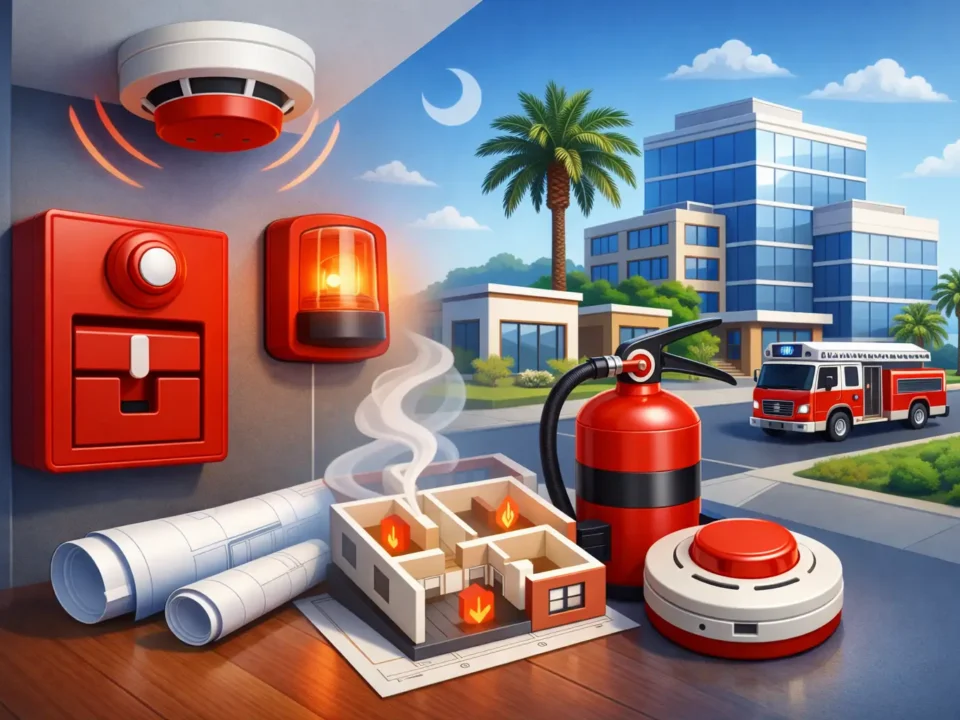
Fire detection is a specialized life-safety function that must be designed, installed, tested, and maintained for the property and applicable requirements. Businesses should discuss fire alarms, notification devices, inspections, and monitoring with a qualified provider. ADP offers commercial fire alarm systems for sites ranging from small facilities to larger applications.
Reliable communication and monitoring
An alarm only helps when the signal reaches the right people. Communication paths, backup options, notification rules, and escalation procedures should be planned before an emergency occurs. ADP supports 24/7 professional monitoring and professionally installed systems for businesses that need dependable after-hours response.
How to match a system to your business risks
Start with the operation, not the equipment catalog. Two buildings with the same square footage can have very different risks because of their hours, inventory, entrances, staffing, and customer traffic.
- List the people and assets that need protection. Include employees, visitors, inventory, cash, data equipment, vehicles, and restricted materials.
- Map entrances and movement. Review public doors, employee entrances, loading areas, windows, gates, and routes to sensitive rooms.
- Identify high-risk times. Consider opening, closing, deliveries, overnight hours, weekends, and periods when one employee works alone.
- Define the required response. Decide which events require an immediate call, a manager notification, video review, or another documented action.
- Plan for growth. Account for future cameras, doors, employees, or locations so the first installation does not create an expensive dead end.
Retail stores
Retailers often prioritize public entrances, cash-handling areas, stockrooms, and after-hours intrusion. Cameras may support incident review, while access control can limit entry to offices or inventory areas. Opening and closing procedures should be part of the response plan.
Offices and professional facilities
Offices may focus on controlling employee and visitor access, protecting technology, and managing access outside normal hours. The design should make daily entry simple for authorized people while maintaining clear controls for restricted rooms.
Warehouses and multi-location businesses
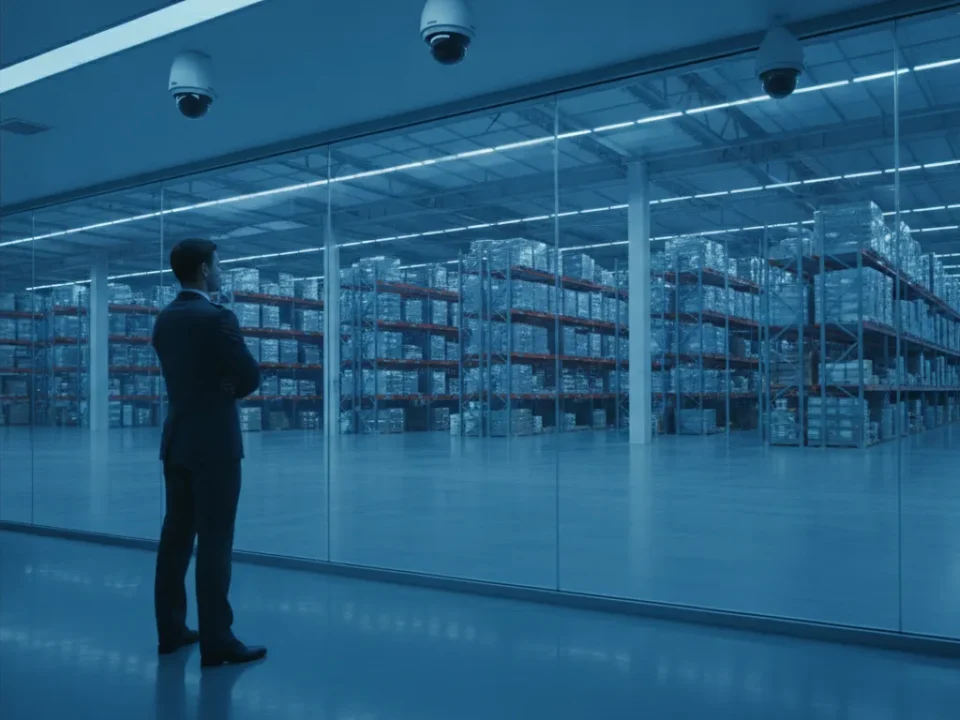
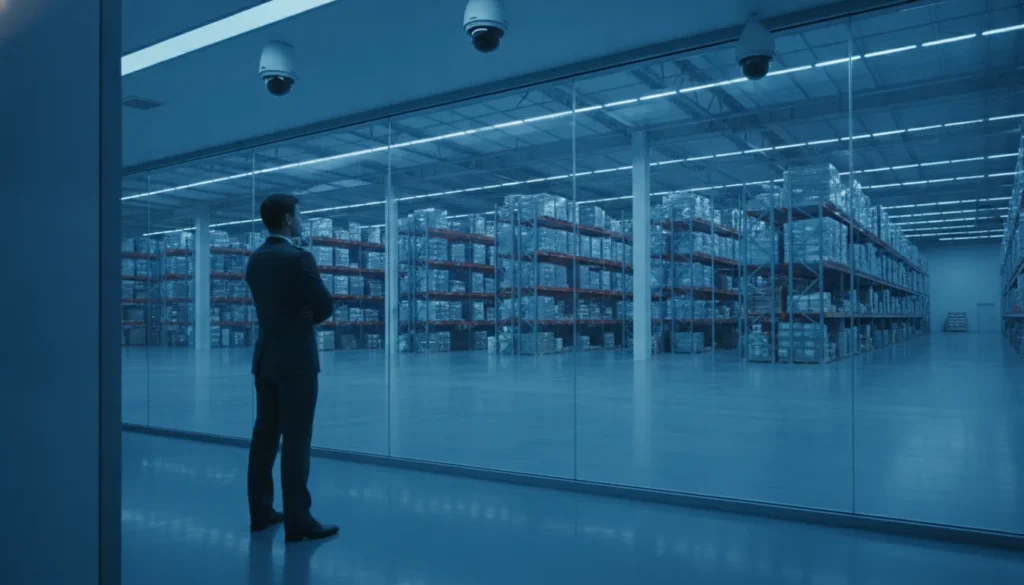
Warehouses may need coverage for loading zones, large interiors, perimeter doors, and valuable inventory. Multi-location businesses also need consistent user permissions and response procedures. Centralized oversight can help, but each property’s local risks still require review.
What affects the cost of a business security system?
The cost of security systems for business depends on the site, coverage goals, installation conditions, and ongoing service. A site assessment and custom quote are more useful than a generic package price because they show what is included and why.
| Budget area | Primary cost drivers | Question to ask |
|---|---|---|
| Equipment | Device types, quantities, coverage, and communication backup | Which specific risk does each device address? |
| Installation | Wiring routes, ceiling height, building materials, and work-hour limits | What labor and site preparation are included? |
| Monitoring | Services monitored, response features, and account complexity | What happens when an alarm reaches the monitoring center? |
| Maintenance | Testing, inspections, batteries, repairs, and service visits | What ongoing support is included? |
| Expansion | Additional doors, cameras, users, or locations | Can the platform grow without full replacement? |
Upfront equipment and installation
Control panels, sensors, cameras, readers, and backup communication contribute to the upfront budget. Installation labor varies with cable routes, construction materials, network readiness, and whether work must occur outside business hours. New construction may offer easier cable access, while an occupied or older building may require more careful planning.
Recurring services and maintenance
Recurring costs can include professional monitoring, mobile access, video storage, inspections, and service. Ask providers to separate these charges and explain what each includes. The ADP guide to business alarm systems pricing explains common cost categories in more detail.
Maintenance should have its own budget line. Batteries age, doors shift, lenses need cleaning, and employee access lists change. Planned testing and prompt service help keep the installed system aligned with the original design.
Lifecycle value
The lowest starting quote may not provide the lowest long-term cost. Compare warranties, service terms, equipment ownership, upgrade options, and likely support needs. Ask every provider to state exclusions in writing so proposals can be compared using the same scope.
Which monitoring option is right for your business?
Monitoring determines how an alarm or other event moves from detection to action. The best choice depends on risk level, operating hours, internal staffing, and how quickly someone can respond.
Self-monitoring
Self-monitoring sends notifications to an owner, manager, or employee. It can provide useful awareness for routine events, but it depends on someone seeing the alert and responding correctly. Businesses should decide who is responsible during vacations, overnight hours, and other times when the primary contact is unavailable.
Professional monitoring
Professional monitoring provides trained support around the clock. When an alarm signal arrives, the monitoring process follows established instructions and contacts the appropriate people or responders based on the event. This is especially valuable after hours or when internal staff cannot reliably manage every critical alert.
A practical blended approach
Many companies use mobile notifications for everyday visibility and professional monitoring for critical events. Whatever the approach, write down the response plan. Maintain current contacts, define escalation steps, and test the process so employees know what to do.
Planning commercial security in Upstate South Carolina
A local security partner can assess how a South Carolina business actually operates and provide service when needs change. Local knowledge is useful when coordinating site access, installation schedules, system training, and future additions.
Businesses should also plan for communication resilience and power interruptions. Ask how signals are transmitted, what backup is available, how long it operates, and how the system reports a communication problem. Review these details during routine testing instead of waiting for a severe storm or outage.
False alarms can disrupt operations and strain response resources. Reduce them through thoughtful device placement, clear opening and closing procedures, current contact lists, employee training, and prompt repair of problem devices. A provider should explain how to test the system without causing an unnecessary dispatch.
How to choose and implement the right system
A dependable project begins with a professional assessment and ends with training, documentation, and ongoing support. Installation quality matters because even capable equipment can underperform when cameras, sensors, or readers are placed poorly.
Questions to ask a security provider
- How will you assess our property and document the recommended coverage?
- Which risks does each proposed component address?
- Who performs the installation, testing, and employee training?
- What happens when an alarm signal is received?
- What recurring charges, warranties, and service terms apply?
- How can the system expand if we add staff, doors, cameras, or locations?
- Who provides support when equipment or operations change?
ADP Security Systems is a Greenville-based, owner-operated provider with more than 30 years of experience. Its factory-trained technicians professionally install integrated commercial security solutions, and the local team provides a direct point of accountability.
Implementation steps
After the assessment, review the written scope and confirm device locations, responsibilities, and installation timing. The provider should test every component and communication path before handoff. Employees then need role-specific training for daily use, alarm response, access changes, and requesting service.
Keep system documentation and provider contacts available to authorized managers. Schedule periodic reviews after renovations, staffing changes, incidents, or major operational growth.
Build a system that can grow with your business
A security plan should protect today’s operation without making tomorrow’s expansion unnecessarily difficult. Discuss likely changes during the initial assessment, even if they are not part of the first phase.
Integration can make related information easier to manage. For example, an authorized manager may review an access event alongside relevant video. The exact capabilities depend on the selected equipment and platform, so ask the provider to demonstrate the proposed workflow before purchasing.
Scalability also depends on good administration. Use role-based permissions, remove departed users promptly, document naming conventions, and review access regularly. These habits make it easier to add employees or sites while preserving control.
Frequently asked questions about business security systems
What is the best security system for a small business?
The best system matches the property’s actual risks rather than a generic bundle. Most small businesses benefit from layered protection using intrusion detection, useful camera coverage, managed access where needed, reliable communication, and a documented response plan.
How much do security systems for business cost?
Costs depend on building size, entry points, camera count, controlled doors, installation conditions, monitoring, and maintenance. A custom quote is the best way to compare the full project scope and ongoing costs.
Does a business need professional monitoring?
Professional monitoring is valuable when a business needs trained support around the clock, especially after hours. Self-monitoring may support routine awareness, but it depends on an available person seeing and acting on every alert.
Can one system manage several locations?
A properly planned commercial platform can support multiple locations. Ask whether administrators can manage users, review events, and add new doors or sites without replacing the original system.
Request a commercial security assessment
The right system starts with a clear understanding of your property, people, daily operation, and response needs. ADP Security Systems can assess your current coverage and develop a practical plan for a Greenville or Upstate South Carolina business.
Request a commercial security assessment to discuss components, monitoring options, and a custom quote with the local ADP team.