Cloud-Based Access Control Systems vs. On-Premise: A Buyer’s Guide
July 24, 2026
AI Security Cameras for Restaurants: Theft Prevention Guide
July 28, 2026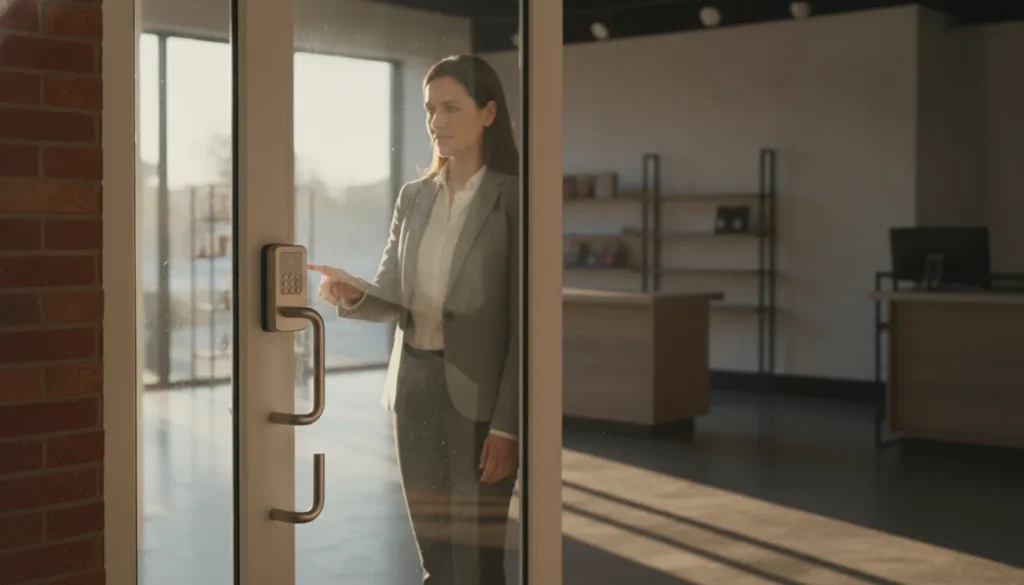
For a small business, a lock does more than secure a door. It determines who can enter after hours, how quickly access can be changed when staffing shifts, and whether your security team can see what happened after an incident. Traditional locks remain dependable and affordable, but they often leave owners managing physical keys, rekeying requests, and uncertainty about who used a copy.
Schedule a free access control consultation for your Greenville business
Smart locks for small business use connected technologies such as Wi-Fi, Bluetooth, or Z-Wave to grant or restrict entry without changing physical keys. They can provide access audit trails, support remote permission changes, and connect with alarms, cameras, and other security devices. The tradeoff is a higher upfront cost and added dependence on power, batteries, and connectivity compared with traditional locks.
The right choice depends on your door hardware, employee turnover, daily traffic, and plans for a broader security system. Start by understanding how these connected locks work and what makes a commercial installation different from a basic residential device.
What Are Smart Locks for Small Business?
Smart locks replace or supplement a traditional key with electronic credentials and connected controls. Depending on the system, a door may communicate through Wi-Fi, Bluetooth, or Z-Wave wireless technology. An authorized user can unlock the door with a mobile app, keypad code, access card, or other approved credential instead of carrying a physical key.
For a small business, the practical advantage is control. An owner or manager can grant access to a new employee, limit entry to certain hours, or revoke permission immediately when someone leaves the company. That eliminates the delay and expense of collecting keys or rekeying every affected door. Many systems also record entry events, creating a useful record of who accessed a space and when.
Commercial construction matters
A residential smart lock is not automatically suitable for a storefront, office, warehouse, or other commercial property. Business doors often experience heavier traffic and need hardware designed for repeated use. Commercial-grade models commonly use heavier-duty construction and are selected for the door, frame, traffic volume, and security requirements. Look for appropriate ANSI/BHMA certification, such as Grade 1 or Grade 2 hardware, when evaluating a commercial installation.
Commercial systems also support business credentials and management features that may not be necessary in a home. These can include unique user permissions, scheduled access, audit records, and integration with an access control platform.
More than a connected deadbolt
The strongest use case is not simply opening a door from a phone. Smart locks can become part of a broader security design that includes alarms, cameras, sensors, and monitoring. ADP Security Systems supports Honeywell VISTA panels and Z-Wave Plus smart home integrations, making it possible to consider access control alongside the rest of the property’s security needs. A professional assessment can help determine whether a standalone lock, a managed access control system, or a wider integrated solution fits the business.
That distinction is important when comparing commercial access control systems in Greenville. The lock is only one component. The credential policy, installation quality, communication method, and ongoing support all affect how reliably the system protects the business.
Smart Locks vs. Traditional Locks: Key Differences
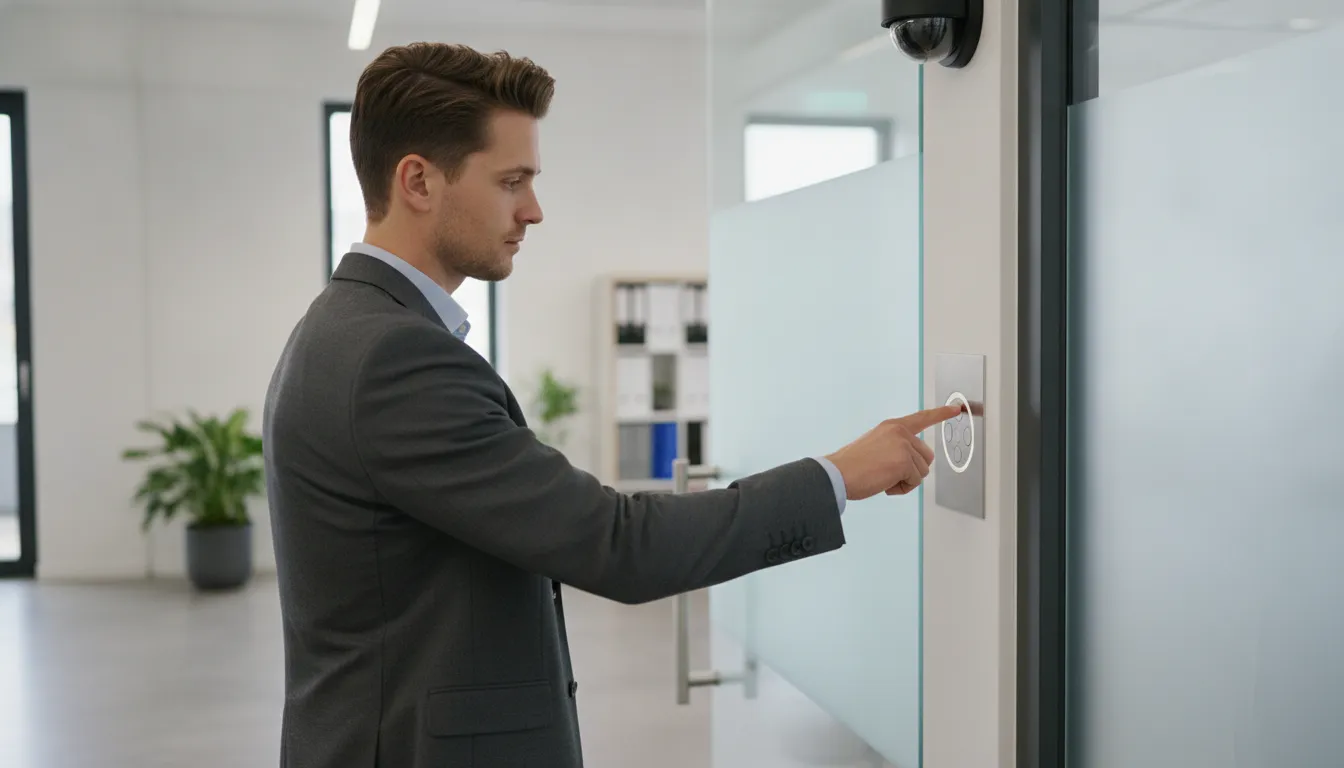
Both smart locks and traditional mechanical locks can protect a small business, but they solve different operational problems. Here is a direct comparison of the most important factors for a commercial buyer.
- Security level: Smart locks offer unique credentials, permission settings, and access records. Traditional locks provide proven physical security but cannot identify which individual entered.
- Convenience: Smart locks allow entry by code or mobile device, with remote permission changes. Traditional locks require distributing physical keys or changing the cylinder.
- Maintenance: Smart locks require battery checks and connectivity monitoring. Traditional locks need less technical upkeep but still wear over time.
- Reliability: Smart locks are reliable when professionally installed, though battery and network issues require backup procedures. Traditional locks do not depend on power or internet.
- Scalability: Smart locks can manage multiple doors and users centrally. Traditional locks become harder to administer as locations and employees increase.
- Access management: Smart locks support scheduled permissions, rapid revocation, and audit trails. Traditional locks depend on key possession, and lost keys are harder to trace.
Summary for small business owners: Smart locks deliver better control and visibility for growing businesses with multiple employees, shifts, or sensitive areas. Traditional locks remain a cost-effective choice for stable, low-traffic locations where simplicity is the priority.
| Consideration | Smart locks | Traditional mechanical locks |
|---|---|---|
| Security level | Unique credentials, permissions, access records, and integration with alarms and cameras. | Proven physical protection but cannot identify which individual entered. |
| Convenience | Entry with a code, credential, or mobile device. Access can be granted or revoked without issuing a new key. | Simple to operate, but adding or removing users requires distributing keys or changing the cylinder. |
| Maintenance | Battery or power checks, software upkeep, connectivity troubleshooting. | Less technical maintenance, but cylinders, keys, and hardware wear over time. |
| Reliability | Reliable with professional installation. Battery depletion or network issues need backup procedures. | No dependence on batteries, Wi-Fi, or an app, making it predictable for low-traffic doors. |
| Scalability | Multiple doors, shifts, and personnel managed centrally. | Additional locks and keys work but administration grows with scale. |
| Access management | Scheduled permissions, rapid revocation, and an audit trail of who entered and when. | Control depends on possession of a key or code. Lost keys are hard to trace. |
Security Level and Access Management
Smart locks are not automatically more secure simply because they are connected. Their advantage is control. A business owner or manager can assign access by person, schedule, or door, then remove it when a role changes. That reduces the need to rekey after every staffing change and helps identify unusual entry activity. For businesses with sensitive rooms, after-hours staff, or multiple shifts, that visibility can matter as much as the lock itself.
Convenience, Maintenance, and Reliability
Mechanical locks remain a sensible choice for a single low-traffic door where simplicity is the main requirement. Smart locks are a stronger fit when convenience and scale justify the added maintenance. A professional design should account for battery status, emergency entry, network availability, and the door’s existing hardware. It should also fit the broader security plan, rather than operate as an isolated device. ADP can help evaluate commercial access control solutions in Greenville and determine whether smart locking, mechanical hardware, or a combination is appropriate.
Why Audit Trails Matter for Small Business Security
A physical key can open a door, but it cannot tell you who used it or when. Smart locks create a digital record of entry and exit events, including the credential used and the time of access. That visibility gives a small business a practical way to understand daily activity without relying on memory, sign-in sheets, or a key ring that may have changed hands.
Real-world value for small businesses: Audit trails help managers verify employee schedules, investigate after-hours access, protect sensitive areas, and document security policy compliance. They are not about excessive monitoring. They are about giving authorized managers reliable information when a security question needs an answer.
Verify schedules without guessing
When access events are matched with scheduled shifts, managers can verify when employees arrived, left, or entered the building outside normal hours. The log is not a substitute for payroll records, but it can clarify discrepancies and help managers investigate unusual access patterns. It is especially useful for businesses with multiple shifts, shared facilities, or employees who open and close the premises.
Protect sensitive rooms and inventory
Not every employee needs access to every area. Permission-based credentials can limit entry to a server room, stockroom, office, or other sensitive space. If an employee changes roles, access can be revoked immediately instead of waiting for keys to be collected or locks to be rekeyed. A record of who entered an area and when also gives managers a clearer starting point when inventory is missing or equipment is damaged.
Temporary codes make the same approach useful for vendors, contractors, and other short-term visitors. A business can issue a code for a defined time window, then disable it when the work is complete. That is more controlled than handing out a physical key that may remain in circulation long after a project ends.
Support accountability and documentation
Audit trails can help document that access policies are being followed and provide useful records during an internal review, insurance inquiry, or compliance process. They also support theft-prevention efforts by narrowing the time and credentials associated with an incident.
For a broader look at modern keyless credentials, review access control system trends in Greenville, SC. A professional assessment can determine how audit trails should work with cameras, alarms, and the business’s existing access policies.
Smart Locks vs. Traditional Locks: Cost Comparison
Traditional locks usually win on purchase price. A basic commercial lock does not require a cloud platform, wireless connection, or digital credentials. So the initial hardware and installation cost can be easier for a small business to absorb. It also avoids battery management and technology troubleshooting. However, the purchase price is only one part of the decision.
Where traditional locks create recurring costs
Employee turnover can make mechanical keys surprisingly expensive. When an employee leaves, many businesses rekey the affected lock or replace it entirely. Rekeying can cost approximately $100 to $200 per lock for each departure, depending on the hardware and service call. Businesses may also pay for replacement keys, emergency lockouts, and after-hours locksmith visits. If several employees, contractors, or tenants need access, tracking who still has a working key becomes difficult. A former employee’s key cannot be remotely disabled, so the business must spend money to restore confidence in the lock.
These expenses may be manageable for a low-turnover business with one or two doors. They become less predictable when staff changes frequently, multiple shifts share the facility, or sensitive rooms require separate keys.
How smart locks change the long-term calculation
Smart locks generally have a higher starting price, often about $150 to $500 per lock before installation and related access-control equipment. They can require batteries, connectivity, and, for some systems, a recurring cloud-management subscription. Those are real costs, and a business should confirm what the subscription includes, such as remote administration, event history, user management, and support.
The offset is operational flexibility. A manager can revoke a departing employee’s permission immediately, issue a temporary code to a vendor, and avoid distributing or collecting physical keys. That can reduce rekeying, key replacement, lockout, and vendor-service costs. It also helps limit disruption when access must change outside normal business hours.
Key cost considerations at a glance:
- Traditional lock recurring costs: $100 to $200 per lock per rekey event, replacement keys, lockout service calls, after-hours locksmith visits.
- Smart lock upfront costs: $150 to $500 per lock plus installation, with optional cloud subscription fees for management features.
- Smart lock savings: Elimination of rekeying costs, reduced lockout calls, remote credential management, no key replacement expenses.
- Break-even point: One or two employee departures can offset the higher initial smart lock investment for a multi-door business.
For businesses with stable staffing and few entry points, traditional locks may still deliver the better value. For businesses with regular employee turnover, rotating vendors, or multiple access doors, the long-term total cost of ownership can favor smart locks even when the initial quote is higher. When comparing proposals, review the total cost of ownership for access control, including installation, credential management, subscriptions, maintenance, and expected service calls.
Integrating Smart Locks With Your Security System
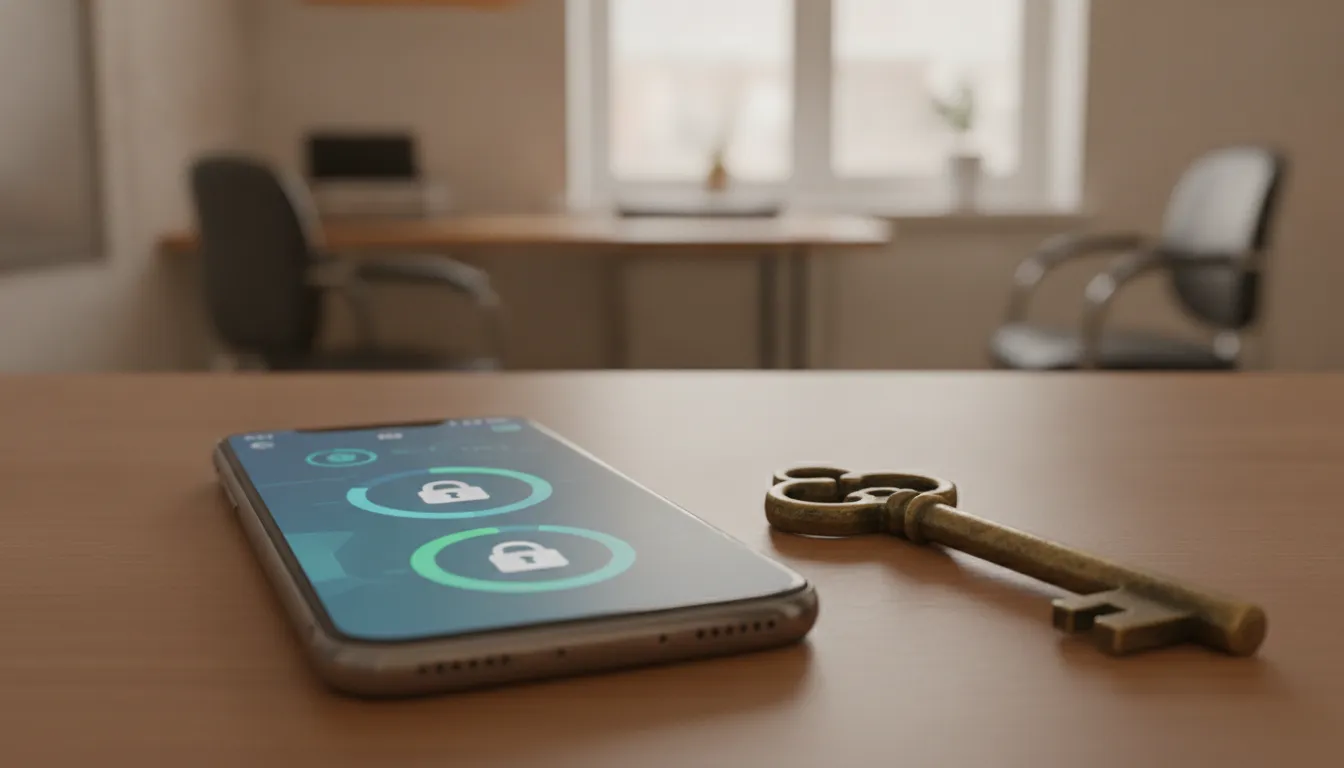
A smart lock becomes more useful when it shares information with the rest of your security system. Instead of treating the door as a standalone device, a small business can connect entry permissions with video, alarms, motion sensors, and access control software. That creates a clearer picture of what happened when someone enters, leaves, or attempts to access a restricted area.
Practical integration benefits: Connected locks coordinate with cameras to capture video of who enters, disarm alarms for authorized users, and adjust lighting or thermostats automatically. These routines improve daily security without adding manual steps for employees.
Connect entry events to cameras and alarms
When a door unlocks, the system can associate that event with nearby video from your commercial security camera systems. This helps a manager review whether the authorized user was the person who actually entered, particularly at exterior doors, stockrooms, and offices containing sensitive records. Smart locks can also work with alarms and motion sensors. An authorized unlock may disarm the system for a defined entry period, while an unexpected door opening can prompt an alarm or camera notification.
These connections are especially valuable for businesses that operate before or after normal hours. A manager can use permission-based access to limit entry by employee, location, or schedule. Then use the associated video and sensor events to investigate exceptions without relying only on a physical key.
Automate routine responses without sacrificing control
Integrated systems can trigger practical routines. For example, authorized entry can turn on selected lights, adjust connected thermostats, or disarm only the portion of an alarm system assigned to that doorway. These routines can be part of smart home and business automation, but they should be designed around the business’s security policy. A convenience feature should never create unrestricted access to the entire building.
Z-Wave Plus enables secure communication between compatible smart devices and a control panel, allowing the lock to participate in these coordinated actions. Compatibility still matters, so the installer should confirm the door hardware, control panel, access control platform, and automation rules before deployment.
Keep monitoring resilient
For an integrated commercial system, local device communication is only one part of the design. ADP Security Systems provides 24/7 monitoring, with dual-path communication that can use cellular and internet connections. If one communication route is interrupted, the second path can help maintain contact with the monitoring center. A professional design also accounts for user permissions, emergency overrides, battery status, and what happens if internet service is unavailable.
For Greenville businesses considering smart locks, integration is the difference between adding a connected lock and building a coordinated security system that supports daily operations.
Choosing the Right Lock System for Your Greenville Small Business
The right lock depends less on whether a product is labeled “smart” and more on how your business operates. Start with the people, doors, and security procedures you need to manage today, then consider how those needs may change as the business grows.
When traditional locks may be enough
Traditional mechanical locks can be a practical choice for a very small business with one or two doors, low daily traffic, stable staffing, and straightforward access requirements. They generally cost less upfront, do not depend on batteries or network connectivity, and are familiar to employees. A traditional lock may suit a budget-sensitive business when the owner can manage a small number of physical keys and promptly rekey doors when someone with access leaves.
That simplicity has limits. Lost or duplicated keys are difficult to track, and changing access typically means replacing or rekeying the cylinder. If several employees, vendors, or shifts share a door, the administrative burden can grow quickly.
- Choose traditional locks when: You have 1-2 doors, stable staff, low turnover, no need for access records, and want the lowest upfront cost.
- Choose smart locks when: You have multiple employees or shifts, frequent staff changes, sensitive areas, or plans to integrate with cameras and alarms.
When smart locks are the better fit
Smart lock installation in Greenville, SC may make more sense for a growing company, a business with frequent employee turnover, or a workplace where owners need to manage access from off-site. Digital credentials can be added, restricted, or removed without distributing new physical keys. Depending on the system, temporary permissions can also support vendors or employees whose schedules change.
Smart locks become especially valuable when you want access records or integration with an existing alarm, camera, or access platform. That can help an owner review who entered and when, coordinate access with other security measures, and build a more scalable process as the team expands. The lock should be selected as part of the broader security design, not as an isolated hardware purchase.
Use a total-cost and integration test
Compare the full cost of ownership, including installation, rekeying, replacement keys, lockout response, credential management, and any ongoing software fees. Also check whether the door, access hardware, alarm panel, and network can support the planned system. A professional assessment should focus on technical fit rather than buzzwords. ADP Security Systems can evaluate those details and design commercial access control systems around your property and operating model.
ADP is a Greenville-based, family-owned provider with more than 30 years of experience serving the Southeast. Its consultative process is designed around your needs, without high-pressure sales or long-term contract requirements. A conversation with a local professional can clarify whether traditional locks are sufficient now or whether a smart system will provide better control and room to grow.
Frequently Asked Questions
What are the main downsides of smart locks for a small business?
Smart locks can cost more initially and depend on batteries, power, or network connectivity. A business should plan for battery checks, backup entry procedures, and professional installation so a connectivity issue does not become a lockout or security gap.
Are smart locks secure enough for commercial doors?
They can be, when the lock is matched to the door, traffic level, and access requirements. Commercial-grade hardware, appropriate mounting, controlled user permissions, and regular software and battery maintenance matter more than choosing a consumer product based on convenience alone.
Can smart locks be installed on existing commercial doors?
Often, yes. Compatibility depends on the door material, frame, strike, lock format, power availability, and required mounting hardware. A site assessment should confirm whether the existing door needs preparation or whether an electric strike, mortise lock, or another commercial configuration is the better fit.
Do smart locks work with cameras and alarm systems?
Many systems can connect with cameras, alarms, sensors, and broader access control platforms. Integration can help a business associate an entry event with video activity or automate actions such as lighting or alarm changes. ADP supports integrated security design, including Honeywell VISTA panels and Z-Wave Plus devices.
Are traditional locks ever the better choice for a small business?
Yes. Traditional locks may be practical for a small site with stable staffing, limited access points, and no need for entry records. Smart locks become more valuable when the business needs scheduled permissions, instant access changes, audit trails, or integration with other security systems.
How much does it cost to install smart locks for a small business in Greenville?
Costs vary based on the number of doors, lock grade, installation complexity, and whether the system integrates with existing security equipment. A professional assessment provides an accurate estimate after reviewing the property and access requirements. Contact ADP Security Systems for a personalized quote for your Greenville business.
What happens to smart locks during a power or internet outage?
Most smart locks retain battery-powered operation for a period of time and can be opened with a physical key override or backup code. Systems with cellular or dual-path communication maintain connectivity even when internet service is unavailable. A professional installation should include backup entry procedures and battery status monitoring.
Ready to Plan Your Access Control Installation?
The right smart lock setup can make daily entry easier while giving your Greenville business a clearer way to manage permissions and security. ADP Security Systems can help you evaluate your doors, access needs, and broader security goals before recommending an approach. Schedule a free consultation for smart lock and access control installation by calling ADP Security Systems at (864) 900-4900. You can discuss your property and requirements with a local professional who understands Upstate South Carolina commercial security.