Apartment Building Access Guide for Safer Properties
October 17, 2026
Automatic Fall Detection for Seniors: A 2026 Guide
October 17, 2026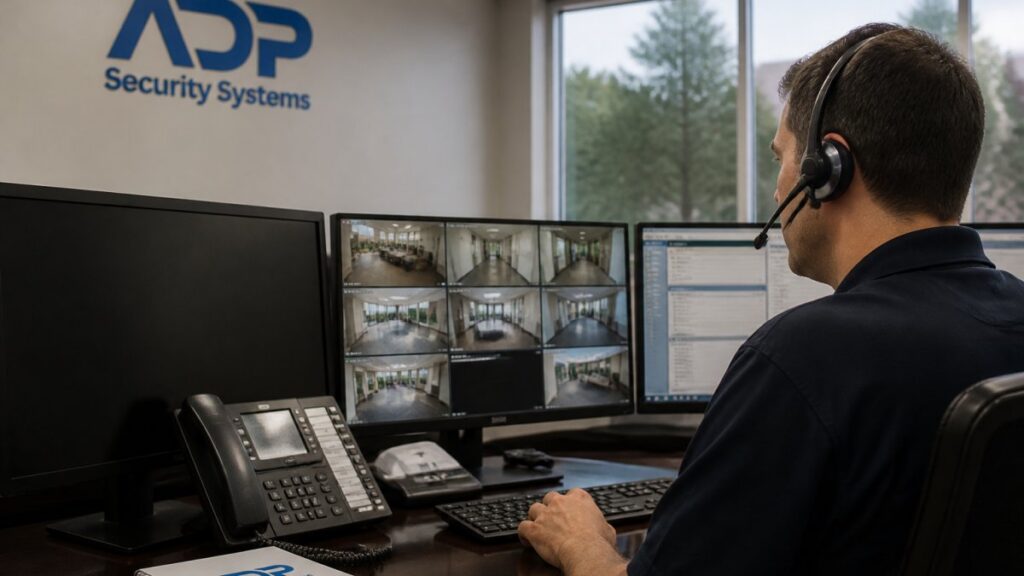
Table of Contents
- Why Professional Alarm Monitoring Matters More Than Ever
- How Alarm Monitoring Works: From Signal to First Responders
- Professional Monitoring vs. Self-Monitoring: What’s the Real Difference?
- Alarm Monitoring During Power Outages: Why Backup Systems Matter
- Beyond Break-Ins: Fire, Medical, and Environmental Protection
- Choosing an Alarm Monitoring Service: What to Compare
- The Cost and Value of Professional Monitoring
- Conclusion
- Frequently Asked Questions
Last Updated: October 17, 2026
Why Professional Alarm Monitoring Matters More Than Ever
A monitored alarm system is a security setup in which a trained team watches your sensors around the clock and responds to signals in real time, rather than waiting for you to notice an alert. When an intrusion, fire, or medical event happens at 2 a.m. on a holiday, the value of alarm monitoring comes down to one question: who is actually watching?
The answer matters more now because homes sit empty longer, businesses run leaner staffs, and older relatives live independently for longer. Below, we’ll walk through how a signal travels from your panel to first responders, where self-monitoring breaks down, what happens during outages, and how to compare providers.
How Alarm Monitoring Works: From Signal to First Responders
Alarm monitoring works by routing your system’s signals to a professional monitoring center staffed 24/7, where operators verify the event and contact you, your emergency contacts, and the appropriate authorities.
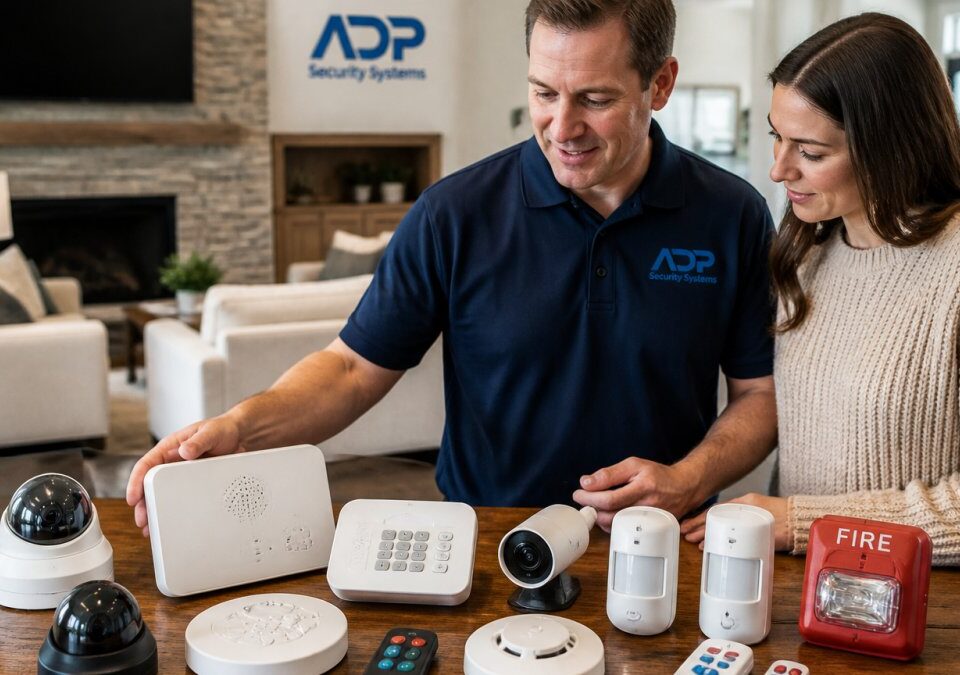
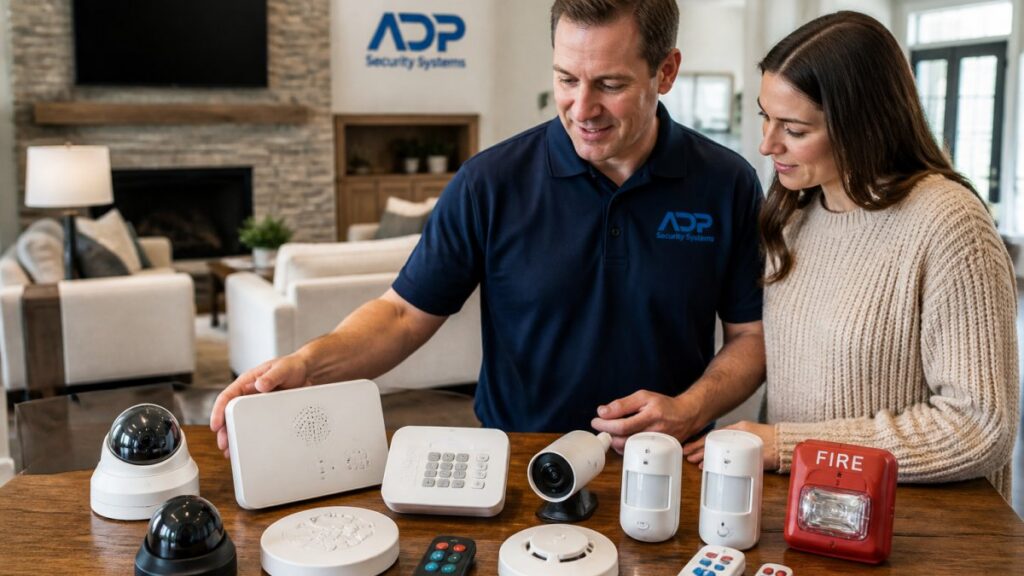
A typical system includes door and window contacts, motion sensors, smoke and heat detectors, a keypad or alarm panel, and a communication path (cellular, internet, or both).
The Alarm Signal Journey, Step by Step
Here’s the sequence we walk every customer through:
- Sensor trips. A door contact opens, a motion detector triggers, or a smoke detector senses particles.
- Panel transmits. The alarm panel sends an encrypted signal over cellular, internet, or both.
- Operator receives. The monitoring center logs the signal with your account details and zone information.
- Verification. The operator attempts to reach you by phone or two-way audio to confirm whether it’s a real emergency.
- Dispatch. If there’s no answer or the event is confirmed, the operator contacts emergency dispatch and relays the address and event type.
- First responders arrive. Police, fire, or EMS respond according to local protocol.
- Follow-up. You receive an alarm notification, and the center documents the outcome.
The whole chain typically takes seconds to a couple of minutes, depending on verification.
Professional Monitoring vs. Self-Monitoring: What’s the Real Difference?
The core difference is who responds. Self-monitoring sends mobile alerts to your phone and leaves the decision, and the call to authorities, to you. Professional monitoring puts a staffed center between the sensor and the emergency, 24 hours a day.
| Factor | Professional Monitoring | Self-Monitoring |
|---|---|---|
| Who watches | Trained operators, 24/7 | You, when you check your phone |
| Response trigger | Operator verifies and dispatches | You call 911 yourself |
| Works while you sleep | Yes | No, unless you wake up |
| Works with no phone signal | Yes, via panel communication | No |
| Fire and medical alerts | Handled by operators | Easy to miss |
| Monthly fee | Yes | Low or none |
| Best for | Families, vacant homes, businesses | Renters, low-risk setups |
Where Self-Monitoring Falls Short
Self-monitoring looks appealing until you map it against real scenarios. If your phone is silenced, charging in another room, or dead, the alert goes nowhere. If you’re asleep, driving, or in a meeting, minutes pass.
The bigger gap is fire and medical emergencies. A smoke alarm notification at 3 a.m. requires someone awake and able to act, and a medical alert pendant only helps if someone is on the other end.
Relying on phone notifications alone means every emergency depends on you being awake, reachable, and able to act. If a break-in or fire happens while you’re asleep or away, no one calls for help.
Alarm Monitoring During Power Outages: Why Backup Systems Matter
Monitoring survives outages when the system has a backup battery and a cellular connection, two components that separate a real security setup from a gadget. Power loss is common during storms, and it’s also when intrusion risk rises, so your system’s ability to keep reporting is not a minor detail. What most guides skip is the practical layer: how long backup lasts, which communication path fails first, and how you’ll know something is wrong.
The Layers of Outage Protection
A monitored system has three independent things that can fail: the power grid, the internet connection, and the cellular network. Good design assumes any one of them can go down.
- Backup battery. The alarm panel runs on a rechargeable battery when grid power fails. Runtime depends on battery capacity and panel load, typically measured in hours, not days. Ask for the rated backup time and how the system reports a low or failing battery, because a quietly degraded battery offers no protection.
- Cellular communicator. A cellular radio in the panel transmits signals over a mobile network, independent of your internet service. This path keeps working when the router reboots, the ISP has an outage, or a phone line is cut. Confirm the panel uses cellular as a primary or backup path, not internet only.
- Internet path. Internet communication is fast and inexpensive but fragile: a router power loss, ISP outage, or cut line silences it. Treat it as a secondary path, not the only one.
What Happens to Monitoring During an Outage
When the grid fails, the panel switches to battery and continues to send signals over its communication path. The monitoring center still receives alarms, verifies, and dispatches.
A common failure pattern: the keypad is dark, the homeowner assumes the system is off, but the panel is running on battery and will only last a limited number of hours. Knowing the rated backup time and notification behavior turns that guess into a plan.
How to Test and Maintain Outage Readiness
You can verify readiness without waiting for a storm:
- Ask the provider to show you the battery status and the last communication test result.
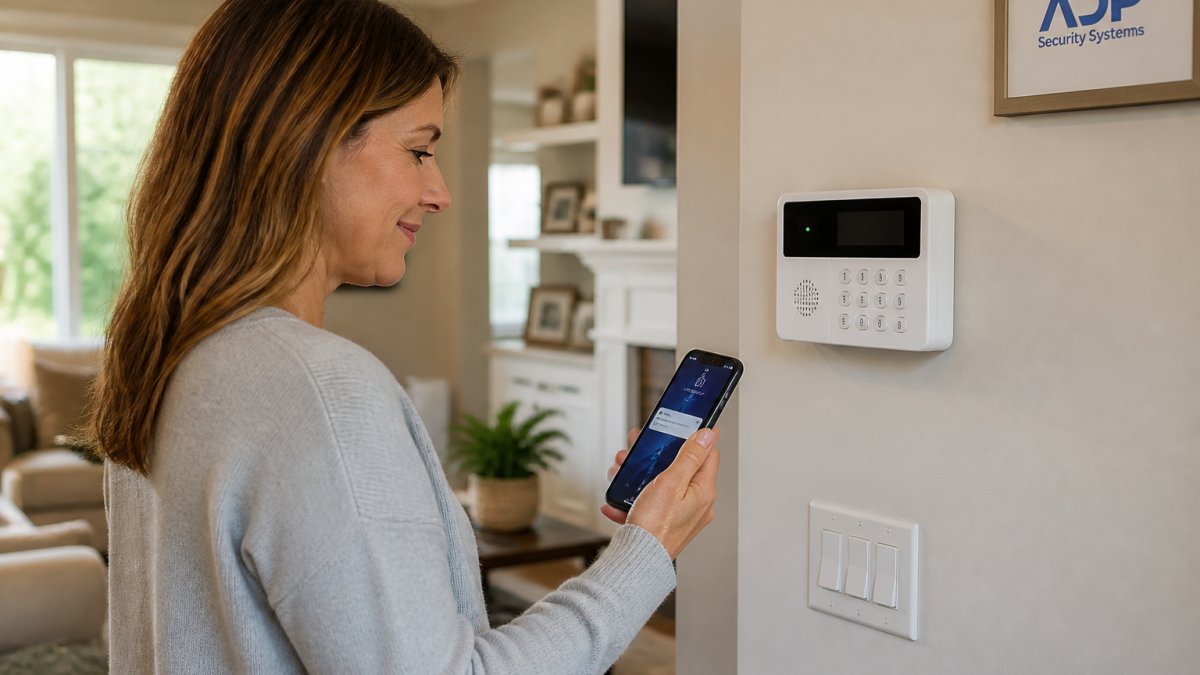
- Confirm the panel reports AC loss and low battery, and that you receive those notifications.
- Ask how often the backup battery is tested and replaced, and what the expected service life is.
- Confirm the cellular communicator is active and registered on the network, not just installed.
- During a brief planned power interruption, confirm the panel stays online and the monitoring center still receives a test signal.
A panel that goes quiet during a storm is worse than no panel at all, because you believe you’re covered and you aren’t. The fix is simple: battery backup, a cellular path, redundant communication where possible, and notifications when a layer fails.
Internet-only systems are the most fragile. A router reboot, an ISP outage, or a cut line can silence them without any warning. Confirm the panel has battery backup and a cellular communication path before you rely on it during a storm.
Beyond Break-Ins: Fire, Medical, and Environmental Protection
Modern monitoring covers far more than intrusion detection.
Fire protection changes minds fastest. A monitored smoke detector reaches the monitoring center even when no one is home, which matters because fire spreads in minutes, not hours.
This is where monitoring stops being a burglar alarm and becomes a life safety system. The sensors are cheap. The response is what you’re paying for.
Get a Free Security Assessment →
Choosing an Alarm Monitoring Service: What to Compare
Choosing a monitoring provider comes down to five things: response protocol, communication redundancy, contract terms, service history, and support after installation. Skip any one and you’ll likely discover the gap at the worst possible moment.
Use this checklist when you evaluate any provider:
- Does the monitoring center operate 24/7 with trained operators, and can they explain their verification process?
- Does the panel support both cellular and internet communication, plus battery backup?
- Is the contract month-to-month or multi-year, and what are the cancellation terms?
False Alarms, Verification, and Local Fines
False alarms are the quiet problem in this industry. Too many, and authorities deprioritize your address, exactly what you don’t want during a real break-in.
Verification is the fix. A good monitoring center calls you before dispatching, uses two-way audio or video where available, and confirms which zone triggered. That single step reduces unnecessary dispatches and keeps your address on good terms with first responders.
The Cost and Value of Professional Monitoring
Professional monitoring carries a monthly fee, and the exact amount depends on your system, sensors, and service level. Rather than publish a single number that won’t fit your property, here’s a transparent breakdown of what drives cost, what to ask about, and how to compare total value across providers.
What You Actually Pay For
Monitoring fees cover four things: the staffed monitoring center (24/7 operators, redundancy, training), the communication path (cellular or internet), the software and account infrastructure, and the service relationship (support, maintenance scheduling, warranty handling).
Commercial and multi-site accounts are quoted individually because sensor count, opening/closing schedules, and reporting requirements change the scope. Equipment is separate: panels, sensors, keypads, cellular communicators, and backup batteries are purchased outright or bundled into an installation package.
Contract Terms to Compare
Contract structure matters as much as the monthly number. Common arrangements include month-to-month service, one-year agreements, and multi-year agreements that bundle equipment. Ask these questions before signing:
- What is the initial term, and does it auto-renew?
- What is the cancellation notice period, and is there an early-termination fee?
- Is the equipment financed or leased, and who owns it at the end of the term?
A low monthly fee on a multi-year contract with a large early-termination fee can cost more over the term than a slightly higher month-to-month rate. Compare total cost over the term, not the headline monthly price.
Offsets and Insurance Savings
Many insurers discount homeowners or business property policies for a professionally monitored alarm system, and some add credits for fire and water-leak monitoring. The discount varies by carrier, policy, and state, so ask your insurer what documentation they require (often a certificate or monitoring confirmation) and how the credit is applied. For commercial properties, monitored temperature and refrigeration alerts can prevent inventory loss that would otherwise fall below the deductible or go uninsured.
How to Judge Value
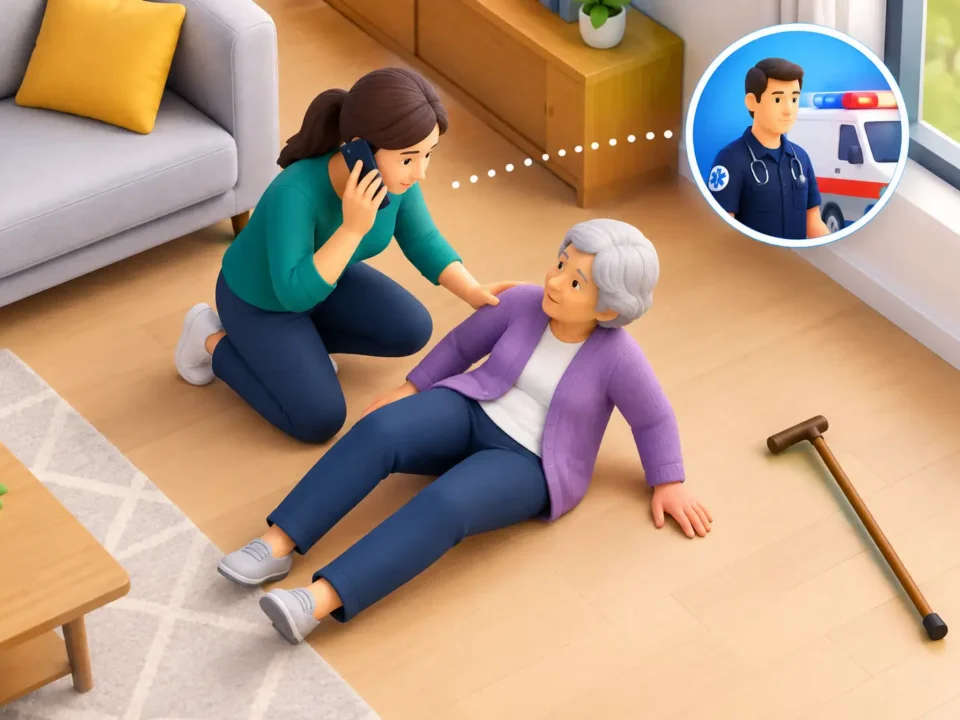
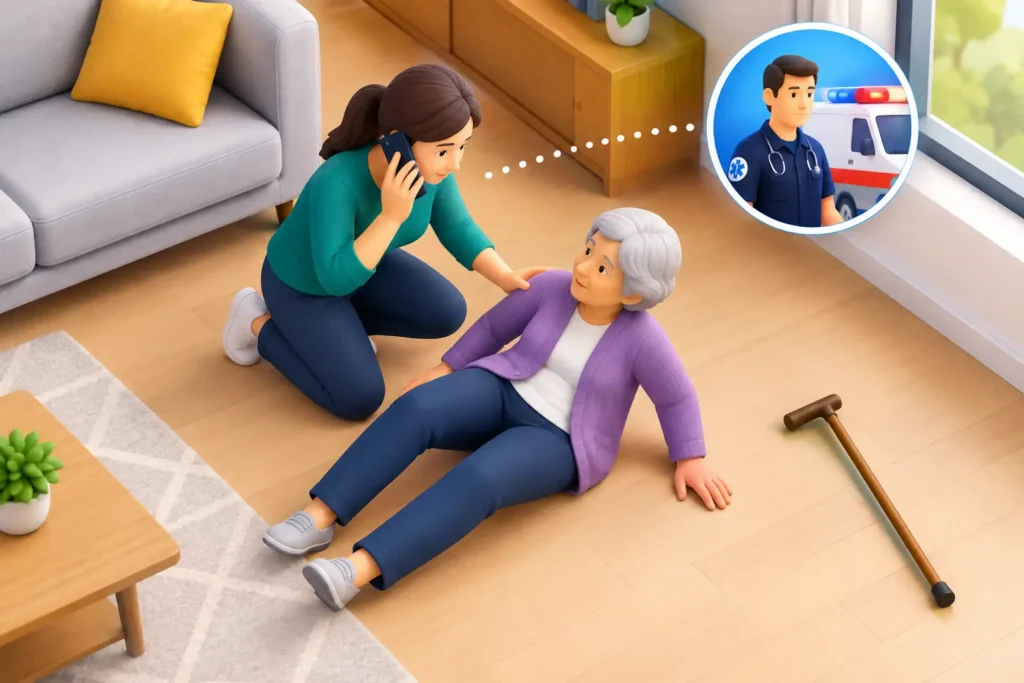
The honest framing is total cost over the term versus the events monitoring is designed to catch: a break-in with no response, a fire discovered an hour late, a water leak running overnight, a parent on the floor for hours. Compare providers on the same basis: monthly fee, equipment cost, contract length, cancellation terms, communication redundancy, and what the monitoring center actually does on a signal.
Ask for a written quote that separates equipment, installation, and monthly monitoring, and confirm the contract term and cancellation terms in writing before you sign. The total over the term is the number that matters.
Conclusion
The hardest part of security is the moment you can’t act: the storm that kills power, the night you sleep through an alert, the fall your mother takes with her phone in the other room.
Get a free security assessment from ADP Security Systems and find out exactly what your property needs, what it costs per month, and who will be watching when it matters.
Frequently Asked Questions
Is professional monitoring worth it?
Professional monitoring is worth it when you want a guaranteed response, not just a notification. A monitored system contacts a central station that verifies the alarm and dispatches police, fire, or medical help 24/7, even if you are asleep, traveling, or without cell service. Self-monitoring relies on you seeing an alert and acting on it. For households with children, elderly family members, or valuable property, the continuous oversight and rapid response justify the monthly fee.
Does professional alarm monitoring work during a power or internet outage?
Yes, if the system is designed with backup power and cellular communication. A backup battery keeps the alarm panel running for hours after an outage, and a cellular connection sends signals even when internet or phone lines are down. During a storm or grid failure, a monitored system with cellular backup can still notify the central station and trigger emergency dispatch. Ask your provider how long the battery lasts and whether cellular backup is included.
What happens when a professionally monitored alarm is triggered?
When a sensor trips, the alarm panel sends a signal to the monitoring center. An operator reviews the signal, attempts to contact you through a two-way voice link or phone call, and if there is no answer or the situation is urgent, dispatches the appropriate first responders. The operator stays in contact and can provide updates. This verification step helps reduce false alarms and ensures authorities are sent only when needed.
Can professional monitoring help with fire and medical emergencies?
Yes. Monitored systems can include smoke detectors, carbon monoxide sensors, and medical alert buttons. When these trigger, the central station responds immediately, dispatching the fire department or emergency medical services. For medical alerts, operators may also notify family members or caregivers. This round-the-clock emergency support is especially valuable for elderly or disabled individuals who live alone, as it ensures help is on the way even if they cannot call themselves.