Security Assessment Benefits for Homes and Businesses
November 12, 2026
How to Prevent Tailgating Access at Work
November 14, 2026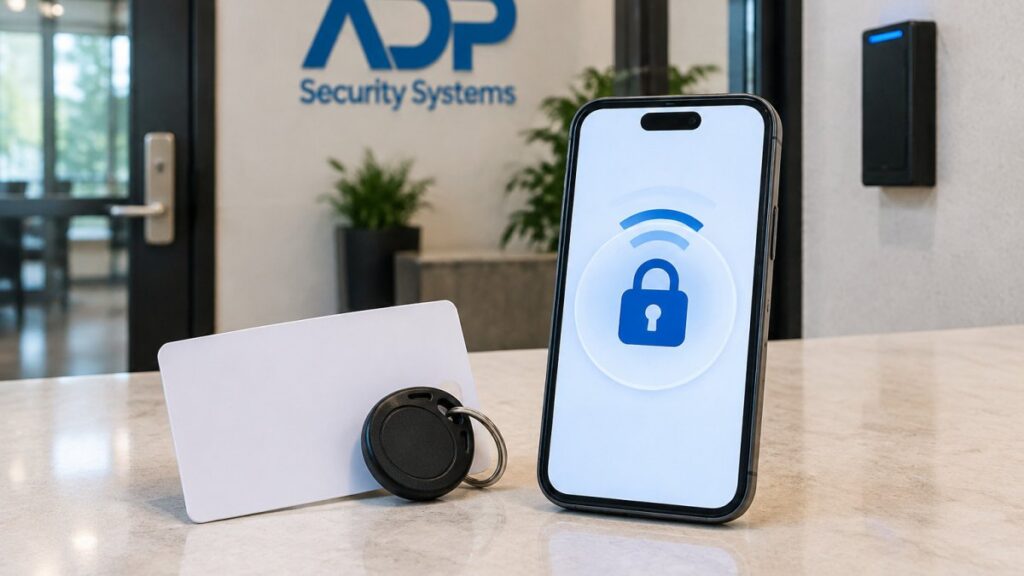
Last Updated: November 11, 2026
Quick Summary
Choose key cards when you have compatible readers, low turnover and want lower upfront cost. Choose mobile credentials when fast onboarding, instant revocation and audit trails outweigh subscriptions and reader upgrades. Most offices should run both, issuing mobile credentials to willing staff and keeping cards for everyone else.
- Legacy cards transmit a static identifier that can be copied and replayed at the door.
- Mobile systems can pair the credential with a PIN, biometric unlock or multi-factor check.
- Ask whether each reader caches permissions locally when the network drops.
- A three-year total cost of ownership model should include readers, credentials, labor and licensing.
- Pilot mobile credentials on one door or department while keeping cards active as a fallback.
Table of Contents
- Key Cards vs Mobile Credentials: The Core Differences
- Security and Credential Cloning Risks
- Mobile Credentials Security: Encryption, Authentication, and Lost Devices
- Convenience, Reliability, and Offline Access Planning
- Access Control System Cost: Upfront, Ongoing, and Total Cost of Ownership
- Managing Employee Access Credentials: Issuance, Revocation, and Audit Trails
- Mobile Access Control for Businesses: Device Equity, Privacy, and Hybrid Deployment
- Get a Free Security Assessment for Your Office
- Frequently Asked Questions
Key Cards vs Mobile Credentials: The Core Differences
Choosing between key cards and mobile credentials for offices comes down to one question: do you want access tied to a piece of plastic, or to a device your employees already carry? For a dedicated side-by-side comparison of keycards versus mobile credentials for business, start there.
How Each Credential Type Works at the Door
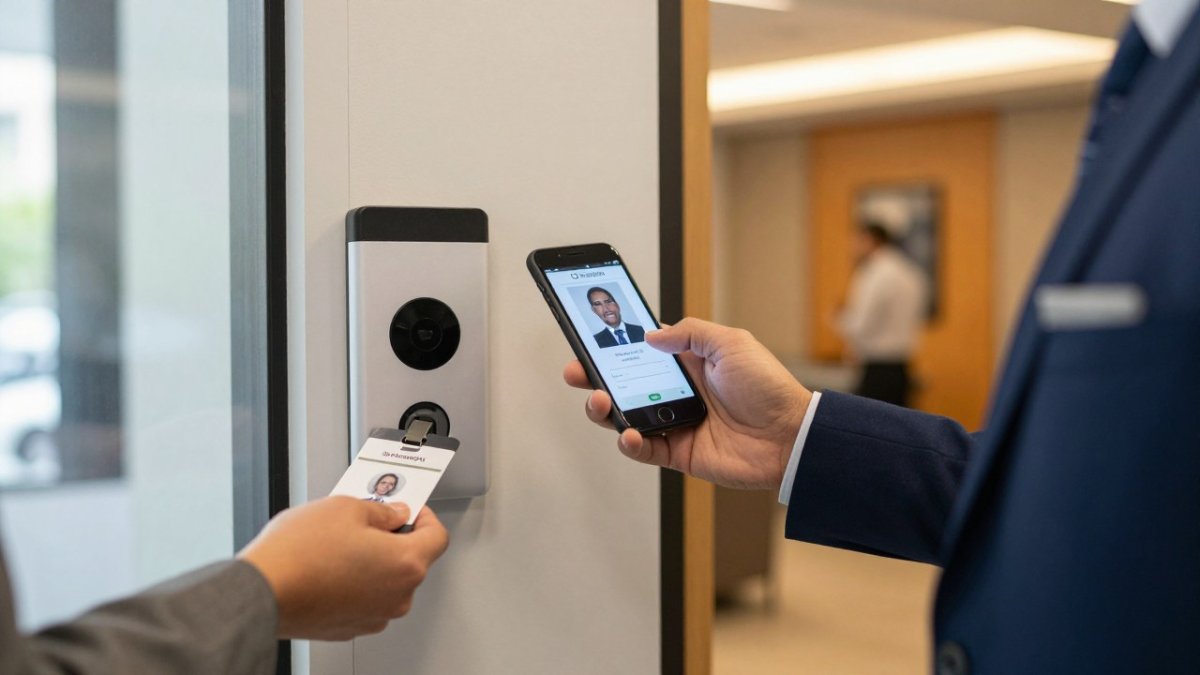
Key cards, fobs, and smart cards rely on a reader that detects the credential at close range. The reader sends the card’s identifier to the access control system, which checks permissions and releases the lock. Simple, proven, and familiar to every employee who has ever started a new job.
Mobile credentials work the same way in principle, but the identifier lives in a secure element on the phone. The reader authenticates the device, the system checks access permissions, and the door opens.
Security and Credential Cloning Risks
Cloning is the key card’s weak spot. Many legacy cards transmit a static identifier, meaning the same number every time.
Mobile credentials security improves on this because the phone can generate a dynamic, encrypted token for each transaction, depending on the system. A captured signal is useless a moment later.
Watch out: the biggest real-world risk isn’t sophisticated cloning, it’s a lost or stolen card that nobody reports. A card in a stranger’s hand works exactly like a card in an employee’s hand until you revoke it.
Mobile Credentials Security: Encryption, Authentication, and Lost Devices
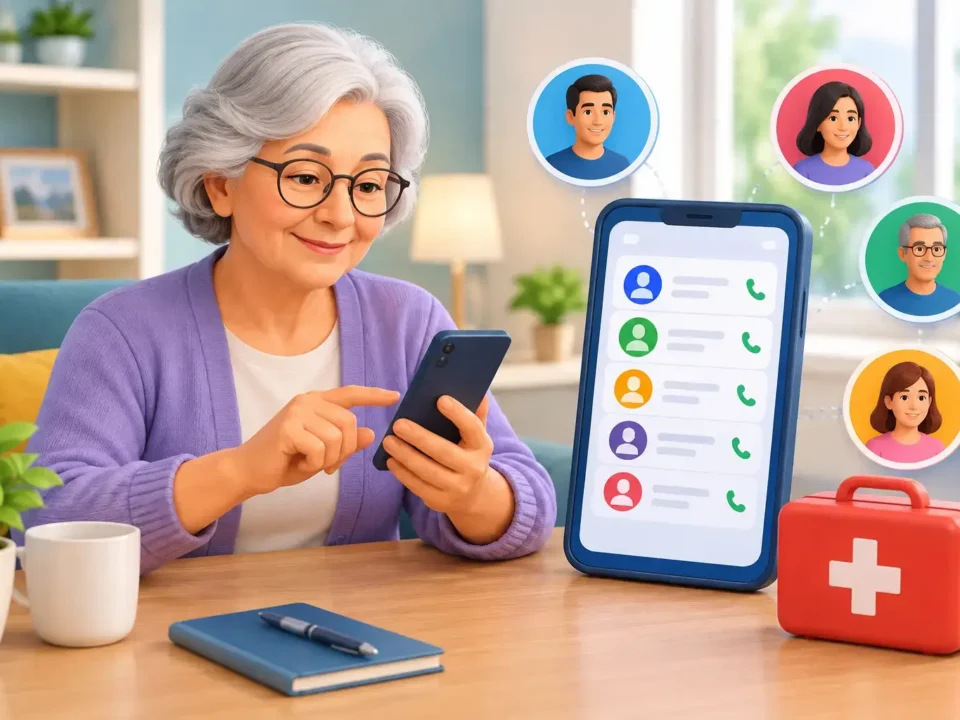
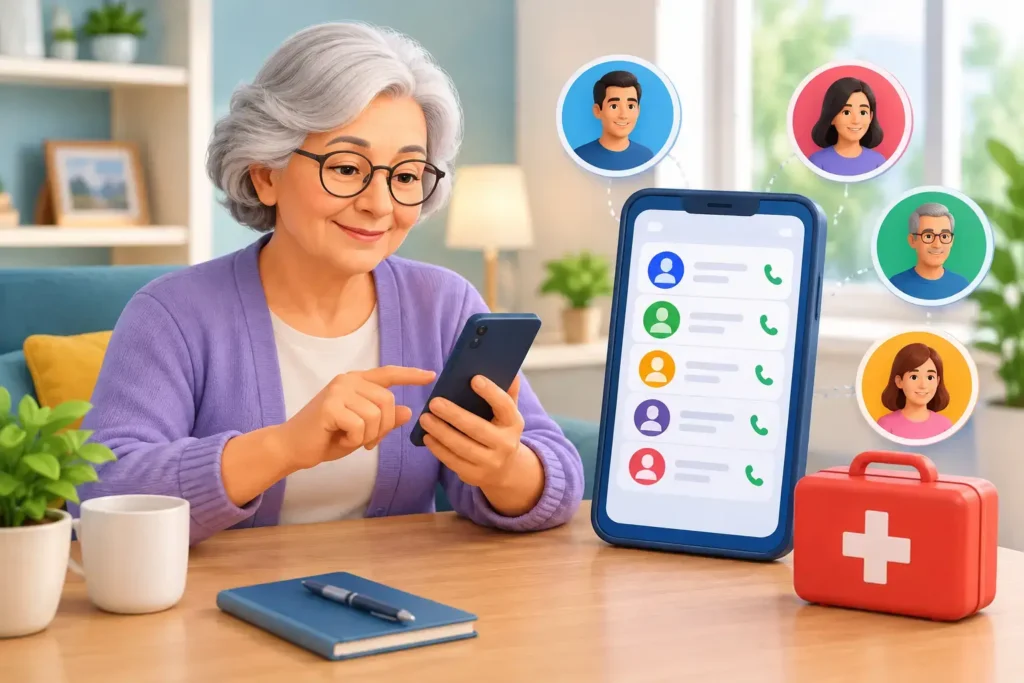
Encryption protects the transaction, but authentication protects the person. Most mobile access systems pair the credential with a device-level check, such as a PIN, biometric unlock, or multi-factor authentication, before the phone will present access permissions.
Lost devices are manageable. An administrator can revoke the mobile credential from the management console, which stops the phone from opening doors. Compare that to a lost card, where the exposure lasts until someone notices.
Where the credential data lives matters too. If you’re weighing those deployment models, our guide to cloud-based access control systems vs on-premise walks through the trade-offs.
Convenience, Reliability, and Offline Access Planning
Convenience favors mobile credentials for one unglamorous reason: people forget cards and never forget phones. No front-desk replacement queue, no borrowed fobs, no tailgating because someone left their badge at home.
Reliability is where the picture flips. Key cards work with no battery, no app update, and no pairing.
Offline access planning deserves more attention than it usually gets. Ask your integrator two questions before you commit: does each reader cache permissions locally if the network drops, and what is the fallback procedure when a phone is dead?
Access Control System Cost: Upfront, Ongoing, and Total Cost of Ownership
Cost is where the sales pitch and the invoice part ways. Key cards usually cost less upfront, especially if compatible readers are already installed.
The number most quotes leave out is total cost of ownership.
What to include in a three-year total cost of ownership model:
- Readers and hardware. Count every door, not just the main entrance. Mobile-ready readers often cost more per door than legacy proximity readers, and some existing readers need a firmware or module upgrade before they will accept a phone. Get the per-door upgrade price in writing.
- Credentials. For cards, multiply unit cost by headcount plus expected replacements. For mobile, multiply the per-credential subscription by headcount by 36 months, and confirm whether the fee is per user, per door, or per transaction.
- Replacement and loss. Cards get lost, damaged, and demagnetized. Mobile credentials are reissued digitally, so the replacement cost is mostly administrative time rather than plastic.
- Administration labor. Estimate the minutes per issuance and per revocation, multiply by events per year, and apply a loaded hourly rate. Mobile provisioning is usually faster per event; card issuance adds printing, encoding, pickup, and inventory counts.
- Support and device churn. Mobile adds a support load competitors rarely mention: employees with new phones, forgotten passwords, disabled wallets, and app updates.
- Licensing and software. Cloud-managed systems often carry an annual subscription, while on-premise systems may carry a license plus server maintenance. Either way, it is a recurring line worth including in the model.
- Visitor and contractor credentials. Short-term cards are cheap to buy and expensive to chase.
| Cost Factor | Key Cards | Mobile Credentials |
|---|---|---|
| Upfront hardware | Lower if readers exist | Higher, reader upgrades common |
| Per-credential cost | Low, one-time | Often subscription-based |
| Replacement | Frequent, paid per card | Rare, reissued digitally |
| Admin labor | Reissue and inventory | Remote provisioning |
| Support load | Low per user | Higher during phone churn |
| Long-term driver | Turnover and loss rate | Licensing and device churn |
Watch out: a quote that lists only reader price and per-credential price is not a total cost of ownership quote.
For a broader view of how credential choice fits into the full purchase, see our office access control buying guide.
Managing Employee Access Credentials: Issuance, Revocation, and Audit Trails
Issuance is faster with mobile credentials. An administrator sends an invite, the employee activates it on their phone, and permissions apply instantly. No printing, no pickup, no inventory count.
Revocation is the stronger argument. Offboarding a departing employee is a single console action, and the audit trail records who changed what and when. Key cards depend on someone collecting the plastic, and accountability ends when the card walks out the door.
Access logs matter for more than security. If you want access events tied to timekeeping, our employee access control time tracking page shows how that connection works.
Mobile Access Control for Businesses: Device Equity, Privacy, and Hybrid Deployment
Device equity: plan for the exceptions before the rollout.
- Company-issued devices. If the organization already issues phones or tablets to frontline staff, the mobile credential can live on that device. Confirm the device management policy allows the access app and that the device stays with the employee during shifts.
- Low-cost alternatives. For employees without a compatible phone, a key card or fob remains a first-class credential, not a punishment. Budget for a card population even in a mobile-first deployment.
- Accessibility accommodations. Employees with disabilities may need a credential that does not depend on holding a phone to a reader, unlocking with a biometric, or navigating an app. A card, a fob, or a hands-free reader option can be the reasonable accommodation. Document the accommodation path so managers do not improvise it at the door.
- Personal-device choice. No employee should be required to install a work app on a personal phone as a condition of employment. Offer the card alternative in writing, without requiring the employee to explain why.
Privacy and consent: say what the app can see.
Watch out: an access app that requests location permission for ‘convenience’ can turn a simple badge-in into a tracking debate.
Hybrid deployment: run both credential types on purpose.
The fix for both problems is a hybrid deployment. Issue mobile credentials to staff who want them and keep cards for everyone else. One system, two credential types, no second-class employees.
A phased migration plan that keeps doors working:
- Inventory. List every door, reader model, and credential type in use. Identify which readers can accept mobile credentials with a firmware update and which need replacement.
- Pilot. Enable mobile credentials on one door or one department, with a small group of willing users. Keep cards active for everyone, including pilot users, as a fallback.
- Measure. Track issuance time, revocation time, support tickets, and failed entry attempts during the pilot. Compare them to the card baseline you recorded before the pilot started.
- Policy. Publish the personal-device policy, the accommodation path, and the card-alternative guarantee before the wider rollout, not after.
- Expand. Roll out department by department, keeping cards active for at least one full replacement cycle so employees are never forced to switch before they are ready.
- Review. Revisit the mix annually. Some employees will move to mobile over time; others never will, and that is a legitimate outcome.
Migration often works best in phases: pilot mobile credentials on one door or one department, keep cards active, then expand once the workflow settles.
Get a Free Security Assessment for Your Office
The credential choice is really a question about your building, your people, and your risk tolerance, and no article can answer it for your specific doors. That’s what an on-site assessment is for.
ADP Security Systems has served Greenville and South Carolina for over 30 years, with expert installation of access control, alarms, and security cameras, plus 24/7 alarm monitoring and customizable maintenance schedules. Customers like Dustin M. have described the service technician as punctual and professional.
Before the visit, work through our business security assessment checklist to spot gaps in alarms, cameras, access, and response planning. Then call us for a free security assessment and get a straight recommendation for your office.
Most offices don’t need an all-or-nothing decision. They need a system that opens reliably, revokes quickly, and doesn’t leave half the staff locked out.
Frequently Asked Questions
Are mobile credentials more secure than key cards?
In most office deployments, yes. Key cards carry a static identifier that can be copied with a commodity card cloner, and a lost card works for whoever finds it. Mobile credentials rely on dynamic encryption and authentication tied to the device, so there is no fixed number to duplicate. The gap narrows if you already run smart cards with encrypted chips, but mobile still wins on revocation: a stolen phone can be cut off remotely in minutes, while a lost card is only as safe as your reporting process.
Can employees use both key cards and mobile credentials?
Yes, and many offices run this hybrid setup during transition. Dual-mode readers accept a badge tap or a phone tap, so staff who are uncomfortable with a phone-based credential keep their card while early adopters go mobile. Plan the rollout in phases: pilot mobile access control for businesses on one floor or department, confirm the readers, network, and enrollment process work for your building, then expand. Keep a small stock of cards for contractors and temporary visitors who will not install an app.
What happens to mobile access when an employee loses a phone?
An administrator revokes the credential from the access control system, and the phone stops opening doors. Most platforms also let you require multi-factor authentication before a credential can be reissued on a new device, which blocks someone who finds the phone from re-enrolling it. Build a short written procedure so managers know who to call and how fast revocation happens. The same discipline applies to lost or stolen cards, except a card cannot be remotely disabled until someone reports it.
Are key cards or mobile credentials more cost-effective for offices?
Key cards usually cost less upfront when compatible readers are already installed, . Mobile credentials shift spending toward readers, licensing, and enrollment but cut replacement cost and administrative burden over time, since you are not reprinting cards every time someone leaves or loses one. Compare total cost of ownership across three to five years, not just the first invoice. For current pricing, contact ADP Security Systems through its website for a quote.
What should an office consider when choosing an access control system?
Start with your existing door readers and whether they support mobile, then weigh security risk, reliability during outages, and how much administration your team can absorb. Check that the system logs every entry for an audit trail, supports remote management, and handles visitor access without staff babysitting the front desk. Do not overlook device equity: not every employee carries a compatible smartphone, so keep a card option. A free security assessment from ADP Security Systems can map these factors to your building before you commit.