Medical SOS Pendants for Everyday Peace of Mind
October 3, 2026
Can Medical Alerts Call Family? What to Expect
October 5, 2026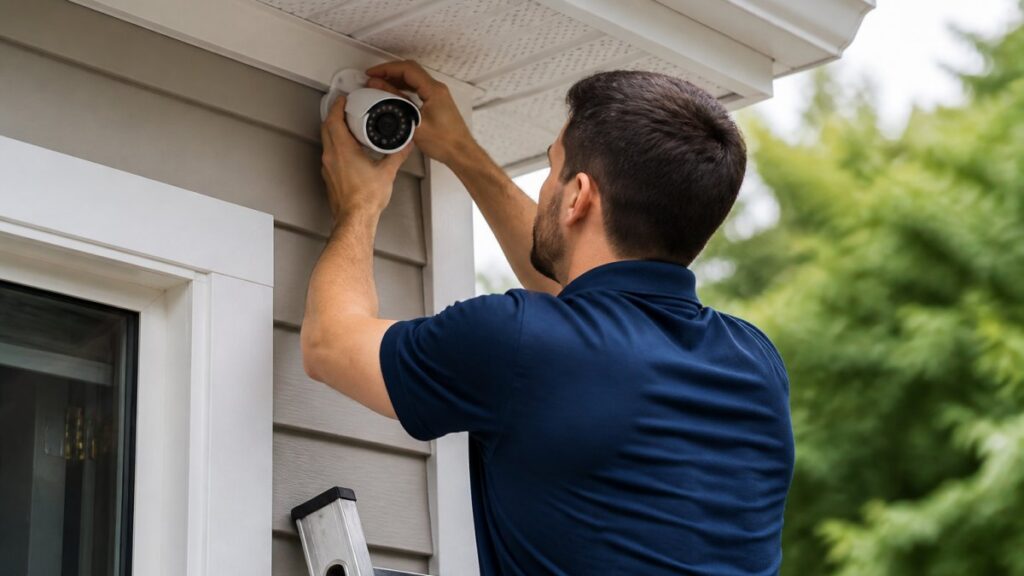
Table of Contents
- Typical Home Security Installation Timeline
- Security Camera Installation Time
- Wired vs Wireless Security System Installation
- What to Expect During Security System Installation
- Preparing for Home Security Installation
- Factors That Extend Installation Time
- Post-Installation Setup and Activation
- Frequently Asked Questions
Last Updated: October 4, 2026
Typical Home Security Installation Timeline
Home security installation typically takes between 2 to 8 hours, depending on whether you choose a wireless or wired system. A wireless system usually completes in 2 to 4 hours, while a wired system can take 4 to 8 hours or longer. The exact timeline depends on your home’s layout, the number of devices, and existing infrastructure.
Most installations follow a predictable pattern: initial assessment, equipment mounting, wiring (if applicable), system testing, and final configuration.
Wireless System Installation (2-4 hours)
Wireless systems use battery-powered cameras, sensors, and a control panel that communicate through Wi-Fi or cellular signals, eliminating cable routing and reducing labor time.
A typical wireless installation works like this:
- Initial walkthrough and planning: 15-30 minutes
- Mounting cameras and sensors: 45-90 minutes
- Installing the control panel: 15-30 minutes
- System testing and syncing devices: 30-60 minutes
- Configuration and user training: 20-30 minutes
Wireless installation is ideal for renters or anyone wanting minimal disruption.
Wired System Installation (4-8+ hours)
Wired systems require cable routing through walls, attic spaces, and crawl spaces, taking more time but offering continuous power and stronger reliability.
A typical wired installation timeline looks like this:
- Initial assessment and planning: 20-30 minutes
- Cable routing and conduit installation: 2-4 hours
- Mounting cameras, sensors, and control panel: 1-2 hours
- Wiring connections and testing: 45-90 minutes
- System configuration and troubleshooting: 30-60 minutes
Older homes with plaster walls or tight spaces take longer; newer homes with open layouts finish faster.
Security Camera Installation Time
Security camera installation is often the longest part of the overall process, requiring mounting, wiring (if applicable), focus adjustment, and angle testing.
For a typical residential security camera installation:
- One camera: 30-60 minutes
- Two to three cameras: 60-120 minutes
- Four or more cameras: 2-3+ hours per additional camera
Doorbell cameras take 15-30 minutes; standard outdoor cameras take 45-60 minutes each; indoor cameras take 20-30 minutes.
High-mounted cameras require ladder work and careful angle adjustment; standard-height interior cameras install faster.
Wired vs Wireless Security System Installation
The choice between wired and wireless systems dramatically affects installation time. Understanding the differences helps you plan your day and budget your time accurately.
Wireless Systems: Speed and Simplicity
Wireless systems eliminate cable routing, the primary time consumer in professional installation. A technician mounts each device, powers it on, and syncs it to your control panel via Wi-Fi.
Wireless benefits: no drilling, easy repositioning, 2-4 hour installation, minimal disruption. Trade-offs: battery replacement needed, requires adequate Wi-Fi coverage.
Wired Systems: Complexity and Duration
Wired systems require running cables through walls, ceilings, and foundation. A technician must plan routes, drill holes, run conduit, and connect everything to a central control panel.
Wired challenges: 2-4 hours for cable routing, drilling required, harder to modify, 4-8+ hours total, more disruption. Advantages: continuous power, no Wi-Fi dependence, more reliable for 24/7 monitoring.
What to Expect During Security System Installation
Understanding each phase of the installation process and how long it typically takes helps you prepare your home, anticipate disruptions, and avoid common delays that extend the appointment.
Phase 1: Initial Assessment and Planning (15-30 minutes)
The technician walks through your home to understand layout, identify optimal placement, and assess structural challenges. They discuss security priorities, identify mounting locations, check entry points, assess electrical access, test Wi-Fi signal strength, and note obstacles or existing wiring.
Phase 2: Equipment Mounting and Wiring (1-4 hours, depending on system type)
Wireless systems (45-90 minutes for 2-4 devices): Mount devices, secure brackets, power on, sync via Wi-Fi, adjust angles and focus, test motion detection.
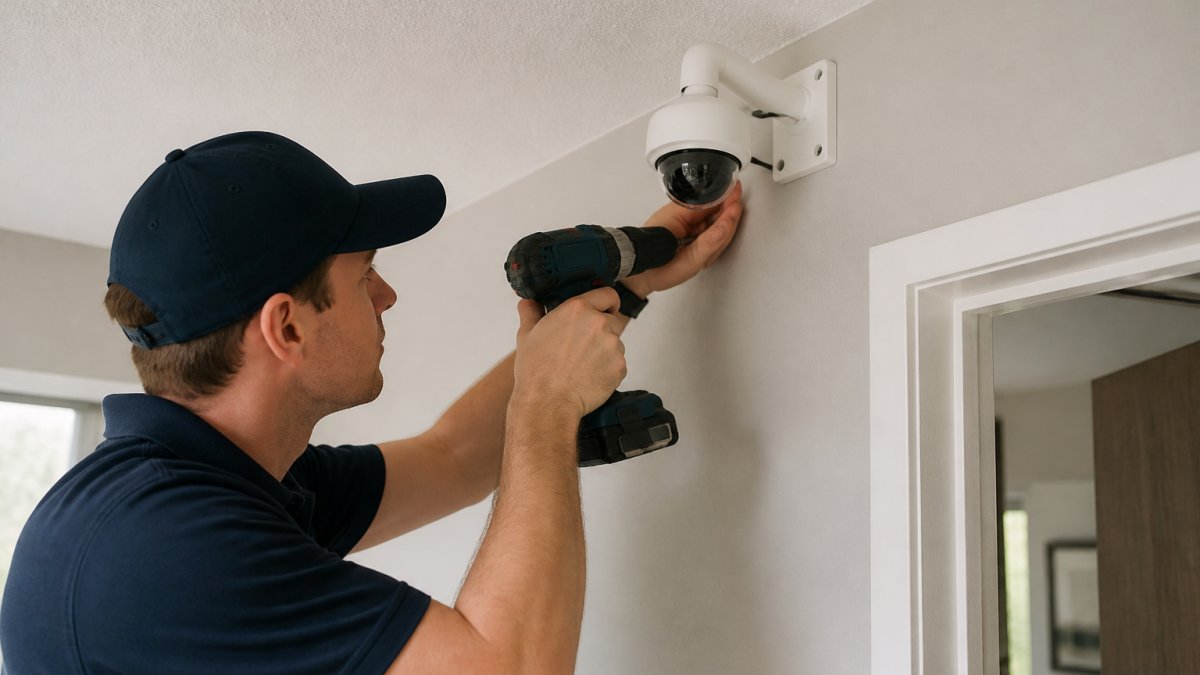
Wired systems (2-4 hours for cable routing): Plan routes, drill holes, run conduit through cavities, secure cables, connect devices, test integrity, mount equipment.
Time per camera (typical ranges):
- Doorbell camera (wireless): 15-30 minutes
- Indoor camera (wireless, shelf or desk mounted): 20-30 minutes
- Outdoor camera at standard height (wired or wireless): 45-60 minutes
- High-mounted outdoor camera (roof eave, upper corner): 60-90 minutes per camera
- Indoor motion sensor: 10-15 minutes
- Door/window contact sensor: 5-10 minutes
Phase 3: System Testing and Configuration (30-60 minutes)
After equipment is mounted and connected, the technician powers up the system and tests every component: control panel boot, camera feeds, door/window sensors, motion detection, device communication, monitoring service connection, alert notifications, and video storage.
Configuration includes setting up user accounts, creating additional accounts for family members, configuring alert rules, setting arm/disarm schedules, explaining video access, walking through the mobile app, and testing with you present.
Phase 4: Final Walkthrough and Handoff (10-15 minutes)
The technician demonstrates system operation, shows video access, explains battery replacement schedules, provides documentation, answers questions, and schedules follow-up service if needed.
Typical installation timeline summary:
Get a Free Security Assessment →
| System Type | Assessment | Mounting/Wiring | Testing/Config | Walkthrough | Total |
|---|---|---|---|---|---|
| Wireless (2-4 devices) | 15-30 min | 45-90 min | 30-60 min | 10-15 min | 2-3 hours |
| Wired (2-4 devices) | 15-30 min | 2-4 hours | 30-60 min | 10-15 min | 3-5.5 hours |
| Wired (5+ devices) | 20-30 min | 3-5 hours | 45-60 min | 10-15 min | 4.5-6.5 hours |
How to Stay on Schedule
The technician’s timeline estimate is based on a smooth installation. You can help keep the appointment on track by:
- Clearing all work areas and pathways before the technician arrives
- Ensuring safe access to high mounting points (clear ladders, step stools, and furniture)
- Addressing Wi-Fi coverage issues in advance (test signal strength in planned camera locations)
- Providing information about your home’s construction type and age upfront
- Having a clear idea of your coverage priorities before the assessment begins
- Being present and available to answer questions during the assessment phase
If the technician identifies unexpected complications during the assessment (difficult wiring access, structural obstacles, weak Wi-Fi), they will adjust the timeline estimate and discuss options with you before proceeding.
Preparing for Home Security Installation
Proper preparation can save 30-90 minutes and prevent costly delays or rescheduling.
Pre-Installation Checklist: One Week Before
Clear physical access: Remove furniture and clutter from mounting walls, clear pathways to doors and windows, move vehicles from driveway, ensure attic/crawl space access, confirm safe ladder positioning, remove decorations blocking wall access.
Assess your home’s structure: Identify construction type and age (drywall: 5-10 min/hole; plaster: 15-20 min/hole; brick: 30-45 min/hole; concrete: requires specialized equipment). Note existing wiring that can be reused.
Test and optimize Wi-Fi (for wireless systems): Check signal strength in all planned camera locations. Install a Wi-Fi extender if signal is weak. Restart your router the day before installation.
Clarify your coverage priorities: Identify areas to monitor, take photos of entry points, decide on continuous or motion-triggered recording, determine who receives alerts.
24 Hours Before Installation: Final Preparation
Confirm the appointment: Call or email to confirm date, time, and arrival window. Provide updates about access issues, structural concerns, or Wi-Fi problems. Confirm monitoring service activation timing.
Prepare your home: Clear work areas, unlock doors and windows, provide access codes if needed, move pets to a separate room, ensure adequate lighting.
Prepare documentation: Have your home’s floor plan available, gather previous system documentation if replacing, write down Wi-Fi credentials, list smart home devices for integration.
Common Delays and How to Prevent Them
Common delays and prevention: Difficult access (clear obstacles, adds 15-30 min); weak Wi-Fi (test in advance, adds 20-30 min); existing wiring (inform technician, adds 15-30 min); difficult wall material (confirm tools available, adds 20-45 min); unclear priorities (clarify in advance, adds 10-20 min); app setup issues (download app beforehand, adds 10-15 min).
What You Don’t Need to Do
- You don’t need to drill holes or prepare walls. The technician will do all drilling and wall preparation.
- You don’t need to run cables. Cable routing is the technician’s responsibility; attempting it yourself can damage your home or create safety hazards.
- You don’t need to purchase additional tools or materials. The technician brings everything needed for installation.
- You don’t need to have monitoring service activated before the visit. The technician can activate it during or after installation, depending on your preference.
Being Home During Installation
Plan to be home during the entire installation. The technician will ask about coverage priorities, test sensors and cameras with you present, walk you through operation, and answer questions. Avoid scheduling other commitments during the appointment window.
Factors That Extend Installation Time
Several factors can push installation beyond the typical timeframe. Knowing these helps you set realistic expectations.
Home Size and Layout
Larger homes take longer due to more ground to cover. Open floor plans are faster than homes with many small rooms. Multi-story homes add complexity, requiring vertical cable routing through walls, ceilings, and possibly the basement.
Existing Infrastructure and Wiring
Homes with outdated electrical systems, plaster walls, or brick construction take longer. Drilling through plaster is slower than drywall. Brick requires specialized tools and takes significantly more time.
If your home has existing conduit or cable runs from previous systems, installation may be faster. The technician can often reuse existing pathways. However, if old wiring is in the way, removal adds time.
System Complexity and Device Count
More devices mean longer installation. A system with 2 cameras and 3 sensors installs faster than one with 6 cameras and 10 sensors. Each device requires mounting, wiring (if applicable), testing, and configuration.
Advanced features also add time. If your system includes smart home integration, advanced motion detection zones, or custom alert rules, configuration takes longer. A basic system with standard features installs faster than a customized system with multiple integrations.
Post-Installation Setup and Activation
Installation doesn’t end when the technician leaves. System activation and monitoring service setup require additional time.
After professional installation, you’ll need to:
- Activate your monitoring service account
- Download the mobile app and set up user accounts
- Configure alert notifications and contact preferences
- Test the system from your phone to ensure alerts work
- Review video footage access and cloud storage options
- Schedule any follow-up service visits if needed
This post-installation setup typically takes 30-60 minutes. Most of this happens on your own time after the technician departs. The monitoring service usually activates within 24 hours of installation completion.
| Phase | Wireless Systems | Wired Systems | Key Variables |
|---|---|---|---|
| Initial Assessment | 15-30 min | 15-30 min | Home size, complexity |
| Equipment Mounting | 45-90 min | 1-2 hours | Number of devices, height |
| Cable Routing | None | 2-4 hours | Home construction, layout |
| Testing & Config | 30-60 min | 30-60 min | Device count, features |
| Total Time | 2-4 hours | 4-8+ hours | Construction type, size |
Professional home security installation takes between 2 to 8 hours depending on your system type and home layout. Wireless systems finish faster because they skip cable routing entirely. Wired systems take longer but offer superior reliability for 24/7 monitoring. At ADP Security Systems, our team has extensive experience with installations across the region.
Frequently Asked Questions
How long does it take to install a home security system?
Installation time depends on system type and complexity. Wireless systems typically take 2-4 hours, while wired systems range from 4-8+ hours. A professional technician will assess your home’s layout, existing wiring, and device count during an initial consultation to provide an accurate timeline. Factors like home size, the number of sensors and cameras, and whether you’re upgrading existing equipment all affect the final duration.
Does a wired security system take longer to install than a wireless one?
Yes, wired systems generally take longer. Wired installations require running cables through walls, ceilings, and conduit, which demands cable routing, drilling, and wall patching. Wireless systems skip this step, relying on battery-powered sensors and Wi-Fi connectivity, making them faster to deploy. However, wired systems offer greater reliability and don’t require battery replacements, making the extra installation time worthwhile for many homeowners.
What should I do to prepare my home for security system installation?
Clear work areas and remove obstacles around entry points, windows, and wall locations where equipment will be mounted. If you have an older home with existing wiring, inform your technician so they can plan cable routing efficiently. Ensure Wi-Fi coverage is adequate if installing a wireless system. Move pets and valuables away from work zones, and plan for the technician to have access to your attic, basement, or crawl spaces if needed for wiring.
Can a home security system be installed in one day?
Yes, most home security systems can be installed in a single day. Wireless systems often complete in 2-4 hours, while wired systems typically finish within 8 hours depending on complexity. The technician will schedule your appointment based on your home’s size and system requirements. Post-installation activation and monitoring setup usually occur on the same day, though some configuration may continue after the technician leaves.