How to Protect Elderly Parents at Home Safely
August 16, 2026
How to Choose Business Alarms That Fit Your Site
August 18, 2026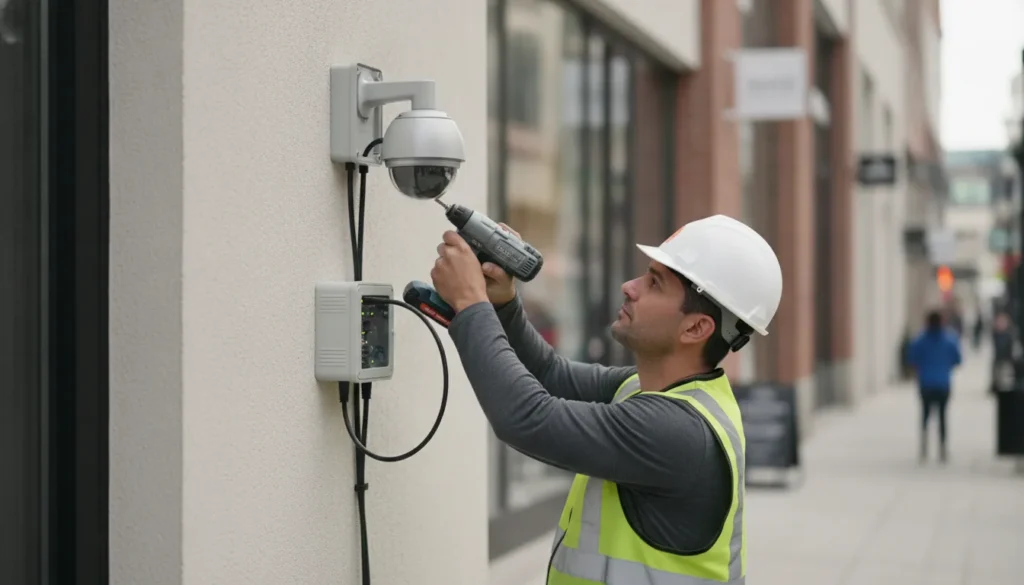
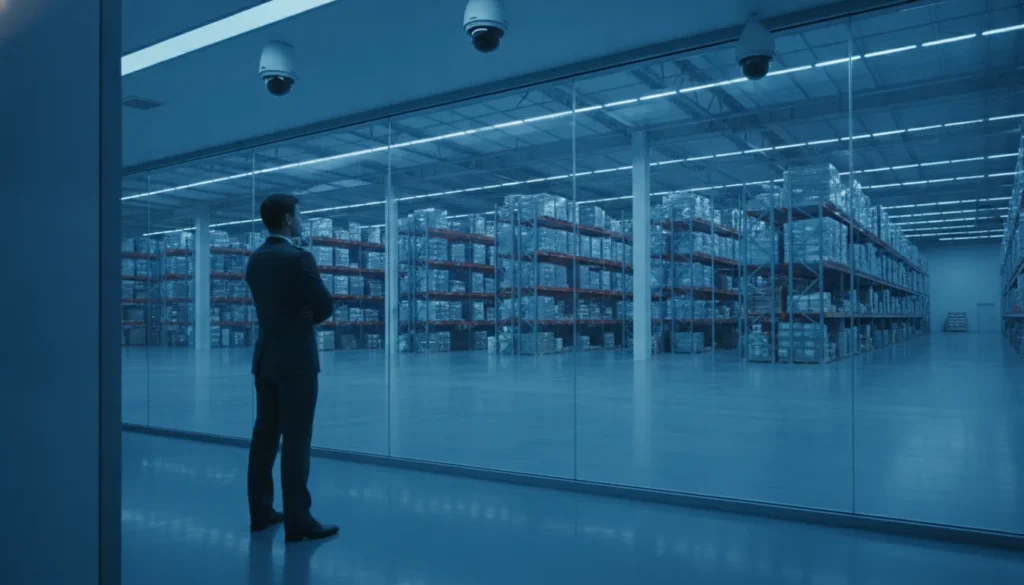
A camera on a wall is only one part of a dependable business security plan. Effective surveillance connects the right cameras to a reliable network, video management software, storage, alerts, and the people responsible for responding when something needs attention.
Commercial security camera systems are complete, professionally planned security networks that capture useful video. Make it accessible to authorized users, and support faster decisions through monitoring and AI-powered analytics.
That system-level approach matters because businesses must protect larger, more varied spaces while supporting employee access, remote oversight, and future expansion. The difference begins with how the system is designed for the property and the risks it needs to address.
What Makes a Commercial Security Camera System Different from Home Systems
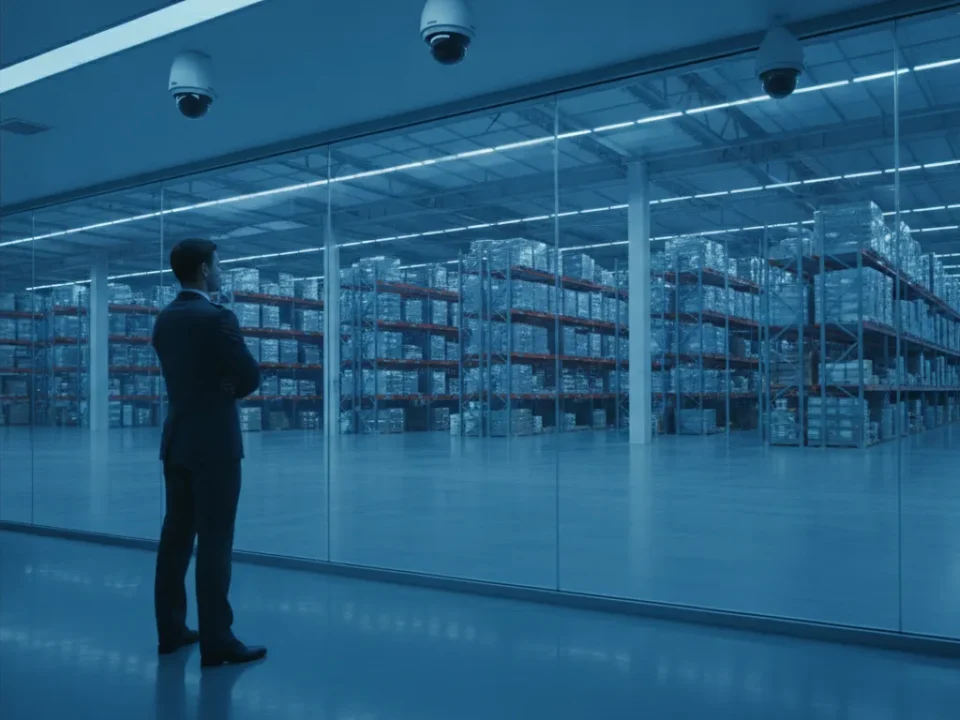
A home security camera setup usually protects a limited number of entry points, such as a front door, driveway, or back yard. A business may need to watch parking areas, receiving doors, customer spaces, offices, hallways, storage rooms, and other operational areas at the same time. That difference changes the way the system is selected, installed, managed, and maintained.
Commercial security camera systems are built as part of a broader security infrastructure, not as a collection of standalone cameras. A professional design accounts for coverage, network performance, recording needs, user permissions, and how video should support daily operations and incident response.
Built for continuous business operations
Residential kits are often designed for simple setup and occasional remote viewing. Commercial systems must support consistent operation across more cameras, larger facilities, multiple users, and longer recording requirements. The system may need to serve a manager reviewing an incident, a security team monitoring activity. And an administrator controlling access to video, all without disrupting normal business activity.
Commercial deployments can also be expanded as a company adds work areas, buildings, or locations. Planning for that growth helps avoid the cost and disruption of replacing the entire system when coverage needs change. The right infrastructure gives a business room to add cameras, storage, and authorized users over time.
Connected to access control and alarms
Another important distinction is integration. Commercial solutions can combine video surveillance, access control, and alarm management into a unified network. That connection gives security events more context. For example, an access event at a restricted door can be reviewed alongside nearby camera footage, while an alarm can direct attention to the relevant area.
- Video surveillance helps document activity and support investigations.
- Access control helps manage who can enter specific areas.
- Alarm management helps identify and respond to urgent events.
These systems are also designed around the property itself. Professional deployment positions cameras for maximum useful coverage, taking building layout, lighting, entrances, traffic patterns, and sensitive areas into account. A camera pointed at the wrong angle can leave a blind spot even when the image looks clear. While thoughtful placement helps the system capture the details a business actually needs.
For a closer look at professionally designed options, review ADP Security Systems’ commercial security camera systems service. The goal is not simply to install more cameras. It is to create dependable coverage that works with the way your business operates.
How a Commercial Security Camera System Is Designed and Deployed
A reliable surveillance installation starts with the property and the risks, not with a box of cameras. A professional design connects the site layout, business objectives, video quality, network, storage, software, and future expansion into one working system. That process helps a facility manager see what matters, respond to events, and avoid paying for equipment that does not serve a useful purpose.
-
Assess the site and identify security priorities. A technician reviews entrances, exits, loading areas, parking lots, inventory zones, restricted rooms, cash-handling areas, and other locations where visibility supports safety or operations. The assessment also considers lighting, mounting surfaces, cable routes, network availability, and environmental conditions. The goal is to understand how people and vehicles move through the property, where incidents are most likely to occur, and which views must remain available after hours.
-
Match video quality to each use case. Not every camera location needs the same resolution, field of view, low-light performance, or identification capability. A wide view may be appropriate for monitoring a large yard, while an entry point may require more detail for recognizing a person or reading a vehicle identifier. The Department of Homeland Security’s Video Quality in Surveillance Planning guidance emphasizes relating component and system performance to the intended application. In practical terms, camera placement and capabilities should be selected together, based on what the business needs the video to accomplish.
-
Plan the system architecture. The design maps cameras to network switches, power, recording capacity, viewing stations, remote access, and management software. It also accounts for bandwidth and retention requirements so useful footage remains available without creating an unnecessary burden on the network. This is where a complete system differs from a consumer kit. The plan can support integration with access control, alarm management, and other security functions when the property needs a coordinated response.
-
Deploy cameras for coverage and reliability. Professional installation places equipment at suitable heights and angles, protects cabling, and tests views under real site conditions. Installers check for obstructions, glare, shadows, and overlapping coverage that could otherwise create blind spots. Professional deployment is intended to position cameras for maximum coverage and reliability, rather than simply mounting a device wherever installation is easiest. It also reduces the risk of a system that looks complete on a plan but performs poorly in daily use.
-
Configure, test, and hand over the system. Before the system is considered ready, the installer verifies recording, playback, notifications, remote viewing, camera views, and user permissions. The team can then explain how staff should use the platform and how the business can request changes as its needs evolve. ADP’s turnkey approach gives business owners a professional alternative to assembling and troubleshooting DIY consumer kits. If you are still comparing equipment, see our guide to choosing the right camera models, then evaluate how those cameras fit into the broader deployment plan.
The Core Components of a Commercial Security Camera System
A dependable deployment is more than a collection of cameras. Each component must work together so your team can capture useful footage, find it quickly, and act on what it shows. The right design also accounts for the building layout, lighting, network capacity, retention needs, and the specific risks your business faces.
| Component | What it does | Why it matters |
|---|---|---|
| Cameras | Capture video from entrances, sales floors, loading areas, parking lots, and other priority locations. | Camera placement, resolution, lens choice, and low-light performance determine whether footage is useful for a real business need. |
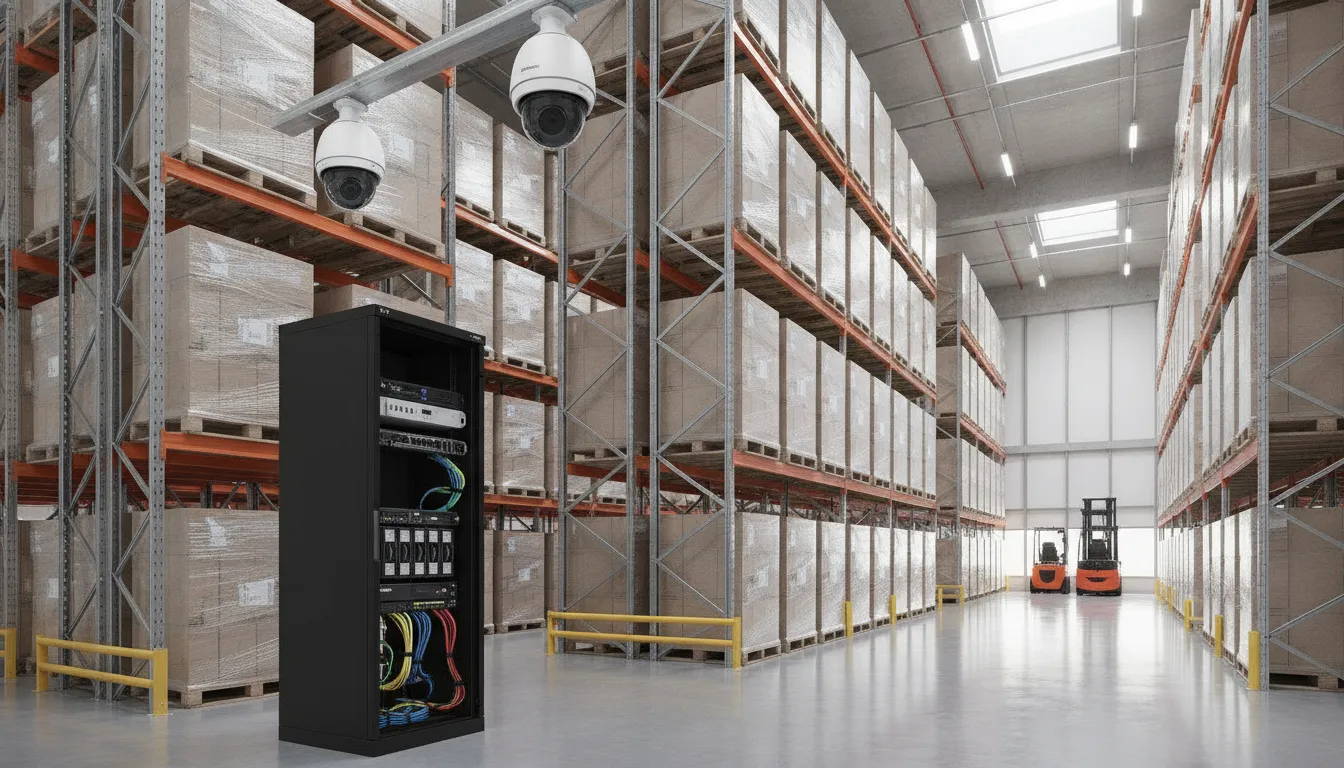
| NVR and storage | Record and retain footage from connected cameras, either on a network video recorder, approved storage appliance, or a hybrid platform. | Capacity and retention settings control how far back your team can search when an incident needs investigation. |
| Network | Moves video between cameras, recorders, software, and authorized viewing devices. | A properly planned network supports stable video transmission and helps the system remain responsive as more cameras are added. |
| VMS software | Provides the central interface for viewing, recording, searching, and managing video from multiple networked cameras. | A capable VMS gives operators one practical place to review events, manage permissions, and coordinate daily monitoring. Learn more about video management software and related tools. |
| Analytics | Analyzes video or associated metadata to help identify motion, intrusions, and other defined events. | AI analytics can reduce the burden of watching every screen and help direct attention to activity that deserves review. |
How recording quality affects the rest of the system
Video quality should match the job the camera must perform. A camera intended to identify activity at a distant gate may require different capabilities than one monitoring a well-lit checkout area. The Department of Homeland Security’s video-quality guidance recommends relating system performance to the intended surveillance use case, rather than treating maximum specifications as the only goal. See the NIST guidance on digital video for additional technical context.
Codecs also influence the balance between image quality, storage, and bandwidth. H.264 and H.265, also called HEVC, are commonly used to encode high-quality video while using network and storage resources efficiently. A professional design evaluates these tradeoffs alongside retention requirements, remote access, and future expansion. For smaller organizations, a properly planned small business video surveillance system can provide this same architecture at an appropriate scale.
How AI Video Analytics Upgraded Commercial Security Camera Systems
Traditional cameras create a valuable record, but a recording is most useful when a team can quickly find the event that matters. AI video analytics adds an active layer to commercial security camera systems by examining video as it is captured. Identifying defined activity, and helping staff focus on relevant alerts instead of watching every feed continuously.
That shift turns video from passive evidence into operational information. NIST guidance describes video analytics as a way to use stored metadata and other data points to support more efficient review and analysis. NIST research on video analytics supports the broader move beyond simple recording.
What AI analytics can detect
Depending on the camera, software, and configured rules, analytics can identify activity such as:
- Motion in a restricted area: The system can flag movement where activity is not expected, such as a secured entrance after business hours.
- Intrusion events: Virtual boundaries can help identify when a person or vehicle crosses into a protected zone.
- People and vehicles: Classification helps separate people, vehicles, and general movement, reducing alerts caused by irrelevant motion.
- Hazard events: Specific deployments may watch for defined conditions that require a prompt response, rather than treating every change in the scene as equally important.
These distinctions matter because a useful alert explains why attention is needed. A notification that identifies a person entering a loading area is more actionable than an undifferentiated motion alarm. Teams can then verify the live view, review recorded footage, contact a manager, or follow an established incident procedure.
From alerts to operational insight
AI-powered alerts can also reveal patterns across a property. A facility manager may learn which entrances receive the most traffic, when a lot is busiest, or where recurring activity occurs outside normal hours. Those observations can inform staffing, access policies, camera placement, and future security planning. Analytics should support human decision-making, not replace sound procedures or professional system design.
Results depend on the quality and placement of the cameras, the lighting and environment, the analytics settings, and the response process behind each alert. A professional assessment helps match detection goals to the right equipment and configuration. Explore ADP’s AI video analytics solutions to see how analytics can add intelligence to a broader commercial surveillance strategy.
How Much Does a Commercial Security Camera System Cost?
There is no responsible one-size-fits-all price for a commercial security camera system. The right investment depends on the property, security objectives, operating environment, and how much video the business needs to retain and review. A small storefront with a few entry points has different requirements from a multi-building facility, warehouse, or business with several locations.
Number and placement of cameras are usually the first cost drivers. A professional design considers entrances, loading areas, parking lots, restricted rooms, point-of-sale areas, and other locations where coverage matters. Adding cameras increases equipment and installation needs, but the goal is useful coverage rather than simply putting a camera in every available corner.
Resolution and camera capabilities also affect the system design. Higher-detail cameras may be appropriate where the business needs to identify faces, read activity around a doorway, or observe a wider outdoor area. Lighting, distance, weather exposure, and the intended viewing angle all influence which camera is suitable. Choosing equipment based only on a resolution label can leave gaps in real-world performance.
Storage and retention requirements add another variable. Businesses may store recordings locally, use cloud-connected storage, or combine storage methods. The amount of footage created depends on camera count, resolution, recording schedules, motion settings, and the desired retention period. A system that records continuously for a longer period generally requires more storage capacity than one configured for event-based recording.
AI analytics, monitoring, and integration can expand the system beyond basic recording. AI analytics may help identify defined activity or send more meaningful alerts. Some businesses also want video tied to access control and alarm management, with remote access for authorized users. These capabilities can add equipment, software, configuration, and ongoing service considerations, but they may make footage more useful to the people responsible for security.
Professional installation is another important part of the investment. Qualified installers plan cable routes, network requirements, camera positioning, system configuration, and user access. That work helps reduce blind spots and gives the business a system designed for its actual site instead of a collection of disconnected devices.
For that reason, a turnkey professional system should be viewed as a security investment that scales with site needs, not as a fixed retail purchase. An on-site assessment is the most reliable way to account for the property and produce an accurate quote. Businesses in Greenville and across South Carolina can schedule a consultation to discuss coverage, storage, analytics, monitoring, and future expansion without committing to an invented package price.
Can Commercial Security Camera Systems Scale as My Business Grows?
Yes. Scalability is one of the core strengths of a professionally designed surveillance system. A business can begin with the cameras and coverage it needs today, then expand monitoring as it adds employees, locations, entrances, parking areas, or inventory. The goal is to add capacity without throwing away the network, recording platform, or management process already in place.
A scalable design starts with the future in mind. During planning, a professional installer can account for likely expansion points, available network capacity, recording requirements, and the way managers will review video. That prevents a short-term installation from becoming an obstacle when the business changes.
- Add cameras in stages: Extend coverage to a new entrance, loading area, hallway, or remote building as operational needs develop.
- Expand storage appropriately: Increase local recording capacity or adjust cloud storage as camera count, resolution, and retention needs change.
- Preserve a consistent view: Manage additional cameras through the same platform when possible, rather than forcing staff to learn disconnected systems.
Wireless, PoE, cloud, and on-premise options
Expansion does not always require the same connection method at every site. Power over Ethernet, or PoE, can carry power and data through a single network cable, making it a practical choice for permanent camera locations with suitable cabling. Wireless cameras may help in locations where running cable is difficult, although signal strength, interference, and power access still need to be evaluated.
Storage can also be scaled through a cloud-based model, on-premise equipment, or a combination of both. Cloud storage can simplify access across multiple locations and reduce the need to maintain recording hardware at each site. On-premise storage can provide local control and may fit businesses with specific retention, bandwidth, or operational requirements. The right choice depends on the facility, network, security policies, and how much video the business needs to retain.
Phased deployment across multiple locations
For a growing company, the most practical approach may be a phased deployment. One location can establish the camera layout, user permissions, alert rules, and monitoring workflow. Once that process works, the same standards can be adapted for additional branches or facilities. Centralized access makes it easier for authorized managers to oversee several sites without treating every location as a separate project.
Professional design matters because scalability is more than adding devices. Cameras still need useful sightlines, reliable connectivity, secure access, and coverage that avoids blind spots. ADP Security Systems plans commercial systems to grow with business needs, whether you are protecting one expanding facility or building a consistent approach across locations. Explore small business video surveillance for a practical starting point for a growing operation.
Which Commercial Security Camera System Is Best for Your Business?
The right system depends on what you need to see, how quickly you need to respond, and which business processes should connect to the video. A retail store may prioritize clear views of checkout areas and entrances, while a warehouse may need coverage across loading zones, aisles, and perimeter gates. An office may focus on controlled entry and after-hours activity. Restaurants often need visibility into entrances, dining areas, drive-through lanes, and delivery access.
The goal is not to choose the camera with the highest resolution in every situation. The Department of Homeland Security recommends matching video quality and system performance to the intended surveillance use case. That means considering lighting, distance, movement, field of view, and the detail required to identify an event. A professional assessment can help prevent both underpowered coverage and unnecessary equipment costs.
| Business scenario | Key needs | Recommended system focus |
|---|---|---|
| Retail store | Deterring theft, monitoring entrances and checkout areas, reviewing customer and employee activity | High-detail cameras at transaction points, broad aisle coverage, reliable recording, and remote viewing |
| Warehouse or distribution site | Large spaces, loading docks, inventory movement, perimeter activity, and variable lighting | Long-range and wide-angle coverage, low-light performance, durable equipment, and scalable storage |
| Office or professional facility | Entry control, visitor activity, employee safety, and after-hours monitoring | Entrance identification, interior coverage, access-control integration, and event-based alerts |
| Restaurant | Entrance and dining-area visibility, drive-through or delivery access, employee safety, and incident review | Purposeful placement, weather-appropriate exterior cameras, and AI analytics where specific alerts add value |
Integration is also important. Video, access control, and alarm management can operate as a unified commercial security solution, giving staff a clearer view of what happened and supporting a faster response. For example, an access event can be reviewed alongside nearby camera footage instead of treated as an isolated alert. Explore ADP’s commercial security camera systems for a professionally designed approach.
Vendor history can provide useful context, but it should not replace a site-specific design. Providers may highlight credentials such as Swann’s 35-plus years of experience or Avigilon’s use by more than 100,000 organizations. Those signals may support confidence in a category, yet coverage, integration, usability, and ongoing support determine whether a system fits your business.
Remote Monitoring and Alerts: Watching Your Business From Anywhere
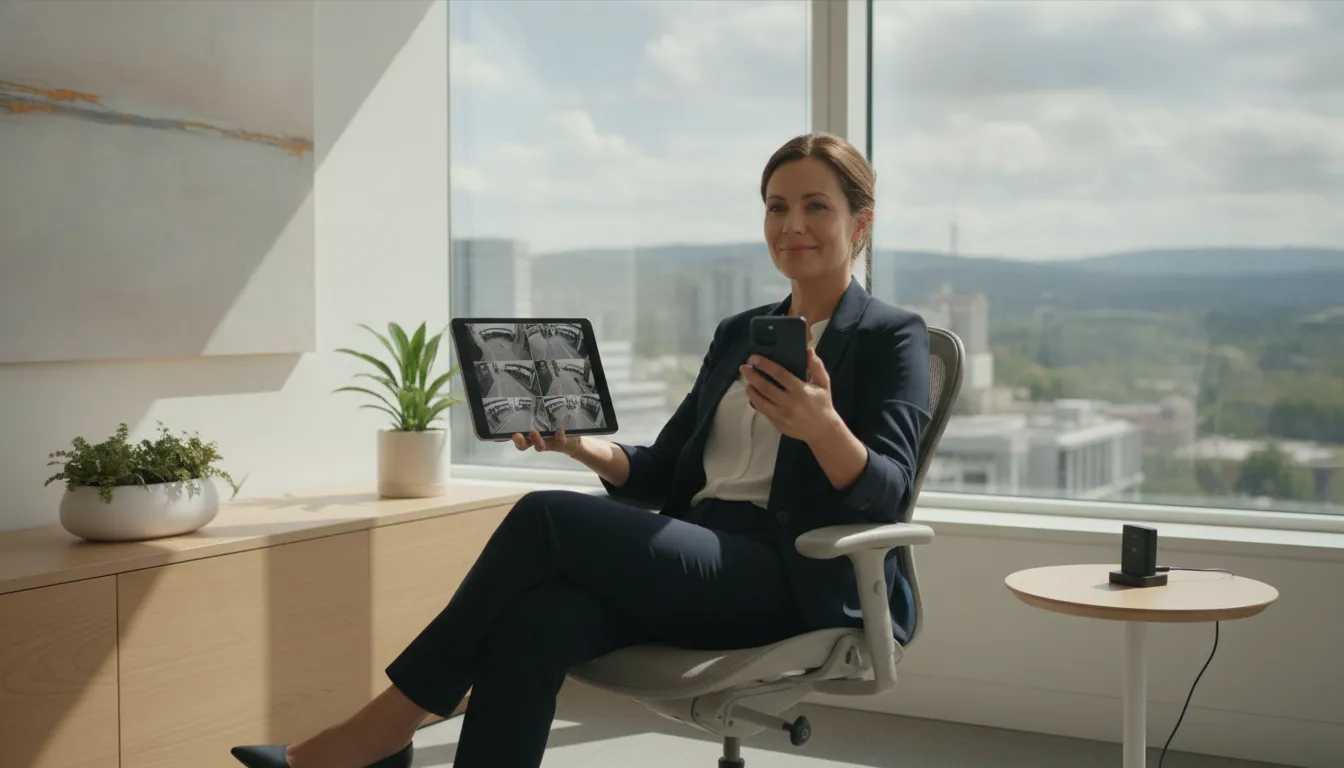
A commercial security camera system does more than record footage for later review. With secure internet and remote access, business owners and facility managers can check live conditions. Review recorded video, and respond to activity even when they are away from the property. ADP Security Systems designs systems for remote accessibility, allowing owners to monitor their sites from any location securely.
Remote access is most useful when it turns video into timely information. Instead of waiting for a problem to be reported, authorized users can receive an alert, open the relevant camera view, and decide what action makes sense.
What can remote users see and manage?
A Video Management Software (VMS) platform serves as the central interface for viewing, recording, and managing video from multiple networked cameras. From that interface, permissions can be configured for owners, managers, security personnel, or other approved users. Depending on the system design, users may be able to:
- View live feeds from one camera or several locations at once.
- Search recorded video by time, camera, or event.
- Receive push notifications or other alerts when defined activity occurs.
- Share relevant footage with authorized personnel when an incident requires review.
These controls help a multi-site operator maintain visibility without requiring every user to have unrestricted access. A professional deployment also considers network reliability, user permissions, camera placement, and the business’s operational priorities before remote access is enabled.
Alerts should support decisions, not create noise
Real-time notifications are most valuable when they are tied to meaningful events. An alert might prompt a manager to check an entry, investigate activity after hours, or confirm that an employee or vendor is accessing the correct area. Poorly configured alerts can become distracting, so the system should be tuned around schedules, zones, user roles, and the type of activity that matters to the business.
For businesses that need more than basic motion notifications, commercial video analytics can help identify defined events and direct attention to the most relevant footage. Remote monitoring does not replace a complete response plan, but it gives decision-makers faster access to the information they need.
Frequently Asked Questions
What is the best commercial camera security system?
The best system matches your property, operating risks, staffing, and growth plans. It should combine appropriately positioned cameras with dependable networking, recording or cloud storage, Video Management Software, secure remote access, and alerts that support a clear response process. Professional design is more important than choosing a camera based on resolution alone.
Which CCTV camera is best for commercial use?
There is no single best CCTV camera for every business. A camera should suit its location and purpose, such as identifying people at an entrance, viewing a wide loading area, or monitoring activity in low light. The right choice balances image quality, coverage, lighting, mounting conditions, network capacity, and privacy considerations.
How much does a commercial security camera system cost?
Cost depends on the number and type of cameras, installation complexity, cabling and network requirements. Storage duration, software, monitoring, and optional analytics or integration with access control and alarms. A professional assessment provides a more useful estimate than a generic per-camera price because it accounts for coverage goals and the existing infrastructure.
Can commercial security cameras be monitored remotely?
Yes. A properly configured system can give authorized business owners and managers secure remote access to live and recorded video from approved devices. Remote monitoring can support oversight across locations, while alerts help staff focus on events that require attention instead of watching every camera continuously.
Can a commercial security camera system grow with my business?
Yes, scalability should be part of the initial design. A system can be planned so additional cameras, storage, users, or locations can be added as operations expand, without replacing the entire infrastructure. Discuss future buildings, coverage areas, retention needs, and network capacity before installation to avoid costly redesigns.
What are the different types of commercial security cameras?
Commercial deployments typically combine a few camera styles: dome cameras for indoor coverage. Bullet cameras for focused outdoor views, and PTZ cameras that can pan, tilt, and zoom to follow activity. Many systems also include wider or more specialized models depending on the site. A professional assessment matches each camera type to its location and the level of detail the business needs to capture.
Build a Commercial Security Camera System That Works for Your Business
Every business deserves a surveillance system that is dependable, easy to manage, and built to scale as operations grow. The right design brings cameras, network capacity, storage, video management software. And AI-powered analytics together into one complete solution, so your team can monitor the property and respond with confidence.
ADP Security Systems designs, installs, and supports professional commercial security camera systems for businesses across South Carolina. A consultation starts with understanding your site, your risks, and the outcomes you want, then maps a system that fits both your budget and your operations.