How to Improve Audio Clarity on Outdoor Security Cameras
November 2, 2026
Home Security Installation Without Drilling: A Renter-Friendly Guide
November 3, 2026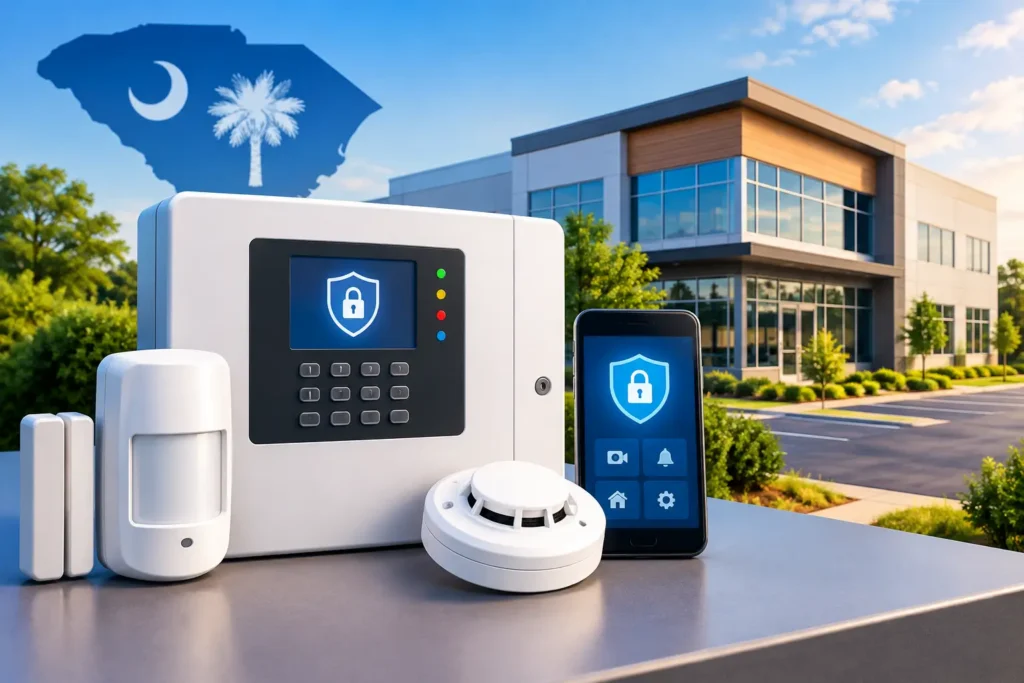
A commercial alarm panel review should begin with what happens after your doors close, not with a list of equipment features. A busy retail store, medical office, warehouse, school, or professional building may each need intrusion protection, but the risks, schedules, access needs, and response plans are different. The right panel gives your business a dependable way to detect trouble, communicate an alarm, and keep authorized people in control.
For South Carolina business owners and facility managers, the best choice is usually not the panel with the longest specification sheet. It is the system that fits the building, works reliably with professional monitoring, and can be supported by a local security partner when your needs change.
What a Commercial Alarm Panel Actually Does
The alarm panel is the working center of a commercial security system. It receives signals from devices throughout your property, including door contacts, motion detectors, glass-break sensors, panic buttons, environmental sensors, and other connected equipment. When a protected point is triggered while the system is armed, the panel follows the programming created for your facility.
That may mean sounding an onsite siren, sending a notification to designated users, communicating with a monitoring center, or all three. The panel also records activity, manages arming schedules, and identifies which area or device created an alarm event.
This matters because a commercial property is rarely protected by one simple on-off setting. A panel may need separate areas for a front office, stockroom, loading dock, server room, or leased suite. Employees may need access to certain areas during business hours, while managers retain control of higher-risk spaces. Good panel programming makes those distinctions clear without making daily operation difficult.
Commercial Alarm Panel Review: Features That Matter
A panel should make protection easier to manage, not create a new operational burden. When evaluating a system, start with the functions your business will use every day.
Partitioning for real business operations
Partitioning allows one panel to manage multiple independent areas. A restaurant, for example, may need to arm the dining area while employees are still working in the kitchen. A multi-tenant office building may require separate user codes and schedules for different suites.
Not every business needs extensive partitioning. A small office with one entrance and a consistent schedule may be well served by a simpler design. The goal is to avoid paying for complexity you will never use while ensuring the system can handle the way your team actually works.
User codes, schedules, and activity visibility
Individual user codes help you see who disarmed the system and when. That is useful for opening and closing procedures, employee turnover, and investigating an after-hours event. Rather than sharing one code among the entire staff, businesses can assign access according to job responsibilities and remove credentials promptly when someone leaves.
Scheduled arming can also reduce the chance that an employee forgets to secure the building at closing. It should be configured thoughtfully, however. A schedule that arms while cleaning crews, late deliveries, or maintenance teams are still onsite can lead to preventable false alarms.
Reliable alarm communication
An alarm panel must communicate even when a problem affects the property. Cellular communication is often a strong choice because it does not depend solely on a traditional phone line. Many commercial systems can also use internet-based communication or a combination of paths for added reliability.
The right communication method depends on the building, available services, and the level of protection required. A professional assessment can identify weak points, including equipment rooms with poor signal strength or network changes that could interrupt communication.
Expansion without starting over
Businesses change. You may add inventory, take over an adjacent suite, install new doors, or need protection for an area that was not part of the original plan. A panel with available expansion capacity can help your security system grow with the property.
Expansion is valuable, but it should not be confused with buying the largest system available. The better approach is to select a panel that meets current needs and leaves practical room for foreseeable changes.
The Panel Is Only One Part of Dependable Protection
A high-quality panel cannot correct poor device placement, rushed installation, or an unclear response plan. The system needs properly selected sensors, secure wiring or wireless connections, adequate backup power, and programming that reflects your building’s daily routine.
Consider a warehouse with multiple overhead doors. A standard motion detector alone may not provide the protection needed for every point of entry. Door contacts, interior motion detection, and a well-positioned keypad may work together to cover the space more effectively. In an office, a protected interior room holding records, medication, or technology may need its own detection and access rules.
The same principle applies to user training. The people opening and closing your business should know how to arm and disarm the system, what to do if a mistake is made, and whom to contact for support. Clear instructions are a practical form of false-alarm prevention.
Monitoring Turns Detection Into a Response Plan
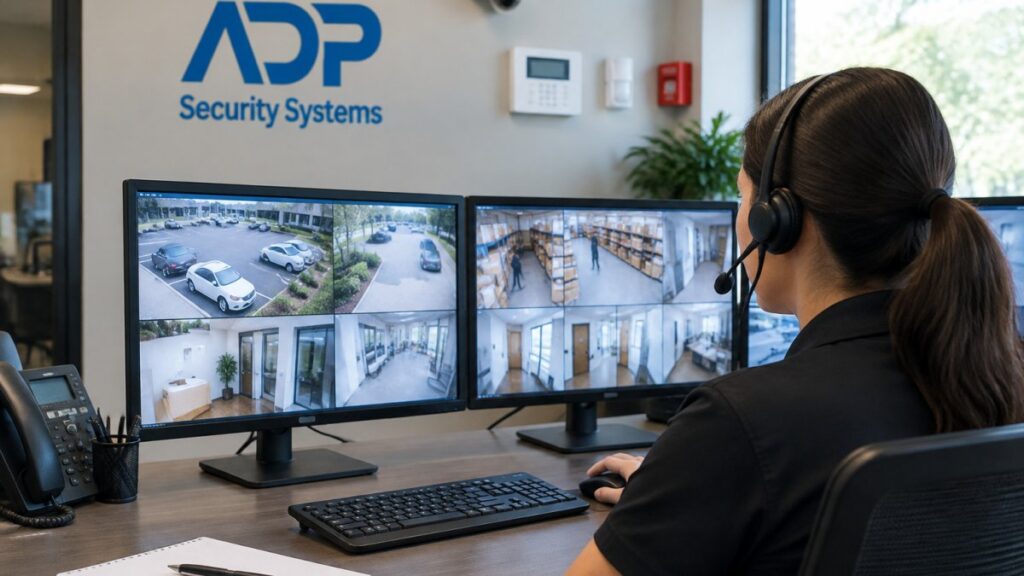
An alarm panel can alert people onsite, but professionally monitored protection adds a response path when no one is there to act. When the panel sends an alarm signal, trained central-station operators follow the response procedures established for the account. Depending on the event and plan, that can include contacting designated keyholders and dispatching emergency services.
For businesses that are closed overnight, operate across multiple shifts, or store valuable inventory, 24/7 monitoring provides reassurance beyond a local siren or smartphone notification. A notification is only useful if the recipient sees it, understands it, and can safely take action. Monitoring creates another layer of support when managers are unavailable, traveling, or handling an emergency.
Ask how the monitoring center handles communication interruptions, alarm verification, and account updates. It also helps to confirm that the provider can support your business after installation with service and scheduled maintenance. Security equipment should not be treated as a set-it-and-forget-it purchase.
Alarm Panels and Other Building Security Systems
Commercial alarm panels often work alongside video surveillance and access control, but each system has a distinct role. The alarm system detects an intrusion or unauthorized event. Cameras can help you see activity and document what occurred. Access control manages who can enter specific doors and when.
Integrating these systems can improve awareness, especially for properties with several entrances or high employee traffic. Still, integration should serve a clear purpose. A small professional office may benefit most from a straightforward alarm system with a few cameras. A larger facility with restricted areas may need more coordination between alarms, credentials, cameras, and reporting.
Fire alarm systems require separate attention. Commercial fire protection has specific code, inspection, and life-safety requirements. While business owners often discuss intrusion and fire protection together, the systems should be designed and maintained according to their respective requirements.
Questions to Ask Before Choosing a Panel
Before approving a proposal, make sure you can get straightforward answers to these questions:
- Can the system divide our building into the areas we need to arm separately?
- How will it communicate with the monitoring center if our internet service fails?
- Who can add, remove, and manage employee user codes?
- What backup power is included, and how will we know when service is needed?
- Can the system expand if we add doors, employees, or space later?
- What training, maintenance, and local support are included after installation?
These questions shift the discussion away from hardware alone and toward long-term dependability. They also reveal whether a provider has taken time to understand your operation.
Why Professional Installation Makes the Difference
Commercial security systems need more than devices mounted in the right places. They need a careful walkthrough, a clear understanding of vulnerable points, correct programming, thorough testing, and support after the work is complete. A professionally installed system can account for employee routines, delivery schedules, cleaning crews, building layout, and the physical conditions that affect sensors and communication.
ADP Security Systems brings more than 30 years of regional experience to commercial security and life-safety planning across South Carolina. A consultative assessment helps ensure the alarm panel, monitoring service, cameras, access control, and ongoing maintenance are selected for the property rather than pulled from a one-size-fits-all package.
The right commercial alarm panel is the one your team can use confidently at closing time and trust when the building is empty. Start with your risks, your routines, and the support you expect after installation, then choose a system designed to protect all three.