Professional Home Security Installation vs DIY Systems
June 18, 2026
Home Security Camera Installation Options
June 19, 2026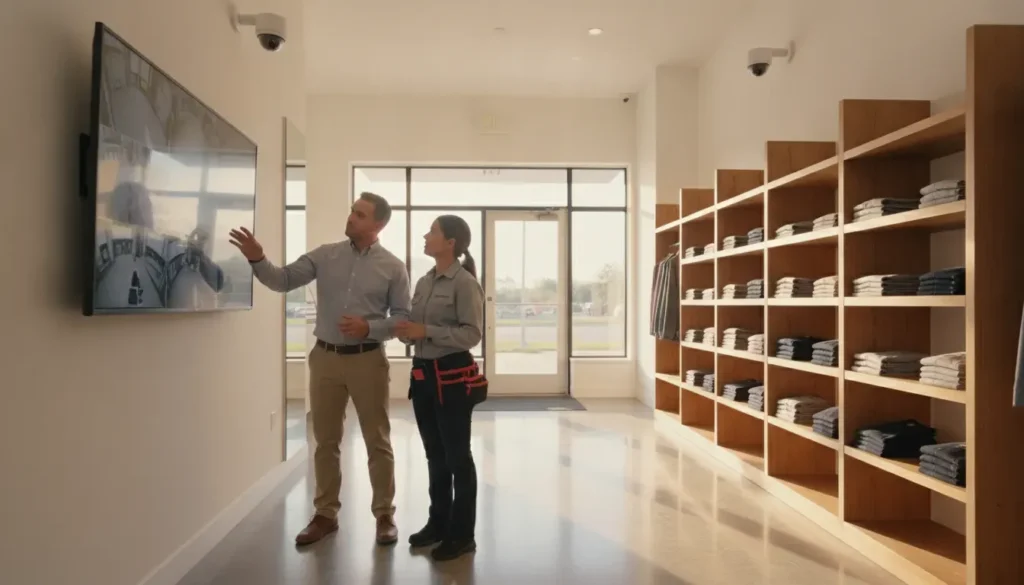
Choosing the right security cameras for your business in 2026 requires understanding more than just resolution specs and price tags. The market has evolved rapidly, with AI-powered video analytics, cloud-based storage, and edge computing reshaping what commercial surveillance systems can do.
This guide breaks down the best security cameras for business use by location, feature set, and budget. Whether you are protecting a retail store, warehouse, office, or multi-location operation, the right camera system starts with matching technology to your specific security needs.
What Are the Best Types of Security Cameras for Businesses?
Commercial security cameras fall into several categories, each designed for specific environments and use cases:
Bullet cameras are long and cylindrical, designed for focused, long-distance viewing. They work well for parking lots, perimeter fences, and warehouse aisles where you need to monitor a specific corridor or entrance from a distance.
Dome cameras feature a compact, dome-shaped housing that makes it difficult for subjects to tell which direction the camera is pointing. They are ideal for indoor environments like retail stores, lobbies, and office hallways where discreet monitoring matters.
PTZ (Pan-Tilt-Zoom) cameras offer motorized movement that lets operators pan, tilt, and zoom remotely. These are valuable for large open areas like parking lots, loading docks, and warehouse floors where you need both wide-area coverage and the ability to zoom in on specific activity.
Turret cameras combine the wide field of view of dome cameras with the durability of bullet cameras, making them a versatile choice for indoor and covered outdoor areas.
Fisheye cameras provide 360-degree panoramic coverage from a single lens. A single fisheye camera can replace multiple fixed cameras in open areas like retail floor plans, hotel lobbies, or open office layouts.
License plate recognition (LPR) cameras are specialized cameras optimized for reading vehicle license plates in varied lighting and speed conditions. They are essential for gated facilities, parking garages, and business parks.
Key Features to Compare in Business Security Cameras
Resolution and Video Quality
Resolution remains the most straightforward specification, but higher is not always better. A 4K (8MP) camera captures four times the detail of a 1080p camera, which matters when you need to identify faces or read license plates. However, higher resolution means more storage and bandwidth.
For most commercial applications, 4MP to 8MP cameras provide a good balance of detail and cost. Reserve 4K+ cameras for critical areas like entrances, cash registers, and parking lot access points.
Night Vision and Low-Light Performance
Many security incidents happen after dark. Traditional IR (infrared) night vision works well in total darkness but produces black-and-white images. Color night vision technology, available in newer camera models, uses ambient light or built-in white LEDs to capture full-color footage in low-light conditions.
For businesses with outdoor perimeter monitoring needs, look for cameras with Starlight or ColorVu technology that deliver usable color images in near-darkness.
AI and Video Analytics Capabilities
Video analytics can help a business focus on events that deserve attention rather than asking someone to watch every minute of footage. Modern AI-powered analytics include:
Intelligent motion detection filters out irrelevant movement like trees swaying or shadows, flagging only activity in defined zones. Depending on the system design, analytics can trigger alerts for after-hours movement, a vehicle entering a restricted zone, or activity near a delivery entrance.
People and vehicle detection distinguishes between humans, animals, and vehicles, reducing false alarms significantly compared to basic motion sensors.
Line crossing and intrusion detection creates virtual tripwires that trigger alerts when someone crosses a defined boundary. This is useful for perimeter security, restricted areas, and after-hours monitoring.
Object detection and removal alerts you when an object is placed in a monitored area (like a suspicious package) or when something is removed (like equipment from a storage area).
To understand how AI-powered video analytics are changing the security landscape, our guide on AI security cameras and what they mean for modern surveillance dives deeper into available technology.
Storage Options: Local vs. Cloud
Camera footage must be stored somewhere, and each option has trade-offs:
Local NVR (Network Video Recorder) storage keeps footage on-site. It avoids monthly fees and keeps data within your control, but requires physical security for the recorder and limits remote access speed. Most commercial NVRs support 8 to 64 channels with storage measured in terabytes.
Cloud storage sends footage to remote servers over the internet. It eliminates the need for on-site recorders, provides automatic off-site backup, and enables instant remote viewing from any device. The trade-off is ongoing subscription costs and dependence on internet bandwidth.
Many businesses choose a hybrid approach: local NVR for primary recording with cloud backup for critical alerts and events.
Wired vs. Wireless Camera Systems
Wired PoE (Power over Ethernet) cameras deliver both power and data through a single Ethernet cable. They offer the most reliable connection, no signal interference, and support higher resolutions over longer distances. Commercial installations typically use wired systems for primary coverage areas.
Wireless cameras offer easier installation and flexibility for temporary monitoring or locations where running cable is impractical. Modern Wi-Fi 6 cameras provide reliable connections, but signal interference and bandwidth sharing remain considerations for high-resolution multi-camera deployments.
How Much Do Business Security Cameras Cost?
Camera pricing varies widely based on resolution, features, and the overall system design. In 2026, typical ranges include:
Entry-level business cameras (2MP-4MP): $100-$250 per camera. Suitable for basic monitoring of low-risk indoor areas with standard daytime operation.
Mid-range commercial cameras (4MP-8MP): $200-$500 per camera. Include better low-light performance, weatherproof housings, and basic analytics. Most commercial installations fall in this range.
Premium cameras (8MP+, PTZ, LPR): $500-$2,000+ per camera. Offer 4K resolution, advanced AI analytics, motorized zoom, and specialized capabilities like license plate recognition.
Total system costs include cameras, NVR (typically $500-$3,000 depending on channel count), cabling, installation labor, and ongoing monitoring fees. A complete 8-camera system for a small business typically ranges from $3,000 to $8,000 installed.
For a detailed breakdown of what goes into a complete commercial system, see our small business security system cost guide.
Best Security Camera Placement for Commercial Properties
Camera placement matters as much as camera quality. Strategic positioning covers critical areas while avoiding wasted coverage:
Entry and exit points: Every door should have a camera positioned to capture faces entering and leaving. For best results, mount cameras at a slight downward angle at eye level rather than straight down from the ceiling.
Cash handling areas: Registers, safes, and cash counting rooms need dedicated coverage with enough resolution to identify currency and document transactions.
Parking lots and loading docks: Use PTZ or wide-angle cameras to cover vehicle and delivery activity. LPR cameras at entry gates track vehicle access.
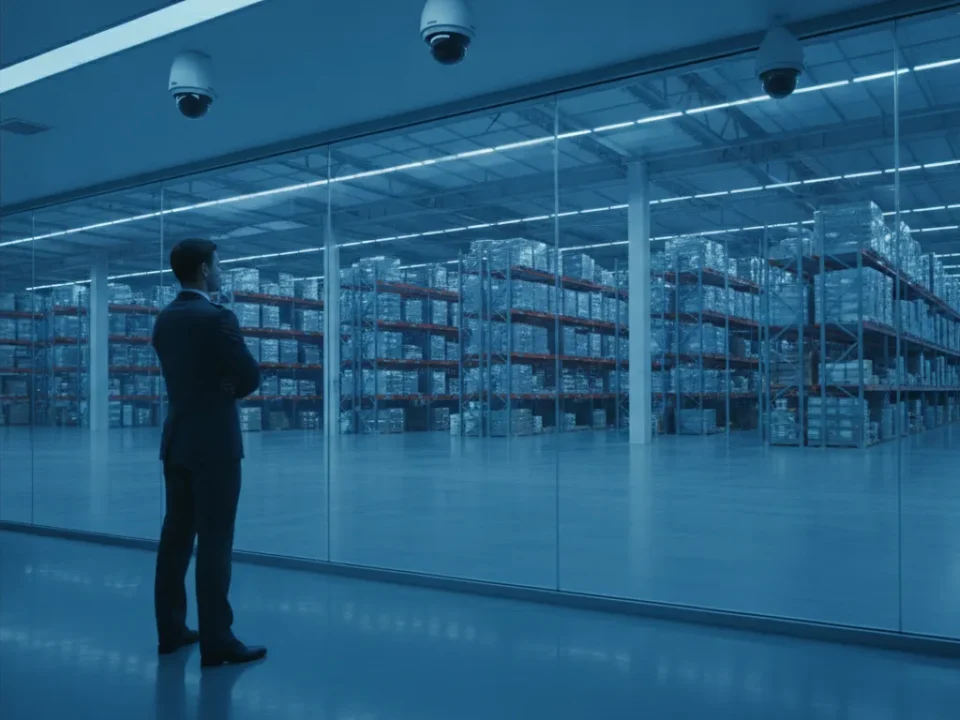
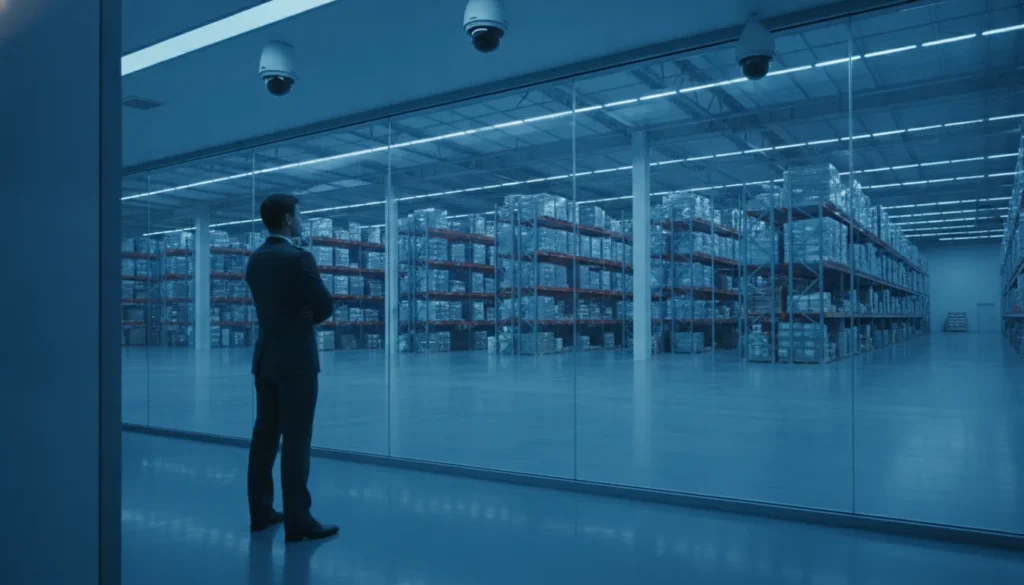
Storage and inventory areas: Aisle-facing cameras with wide coverage help track inventory movement and after-hours access.
Common areas and hallways: Dome cameras mounted at intersections provide complete corridor visibility without creating blind spots.
DIY vs. Professional Camera Installation
DIY camera systems from consumer brands offer lower upfront costs and the ability to install gradually. However, commercial-grade installations differ from residential setups in several important ways:
Professional installation ensures proper camera placement, cable routing, network configuration, and system integration. Experienced technicians understand how to position cameras for maximum coverage, conceal wiring to prevent tampering, and configure recording schedules and alert rules.
For businesses, professional installation typically includes system design consultation, structured cabling, network switch configuration, and integration with existing security infrastructure like alarm systems and access control.
If you are considering a DIY approach for a smaller setup, our business security camera installation checklist covers what to verify before and after installation.
How to Choose Between Different Camera Brands
The security camera market includes dozens of brands, but for commercial installations the choice typically comes down to a few factors:
System compatibility: Cameras from the same manufacturer or those supporting standard protocols (ONVIF) integrate more reliably than mixed-brand setups. If you have an existing NVR, choose cameras that are compatible.
Software and mobile app quality: Having great hardware with frustrating software defeats the purpose. Test the mobile app, alert configuration, and remote viewing experience before committing to a brand ecosystem.
Warranty and support: Commercial cameras should carry at least a 3-year warranty. Business-class brands like Hikvision, Dahua, Axis Communications, and Honeywell offer commercial support that consumer brands cannot match.
Integration with existing systems: The best camera system works with your existing alarm, access control, and monitoring infrastructure. Our guide on integrating security cameras with access control explains how unified systems provide better security outcomes.
What About AI and Video Analytics for Your Business Cameras?
AI-powered analytics represent the biggest change in commercial video surveillance in the past decade. Unlike traditional motion detection that triggers on any pixel change, modern AI analytics use machine learning models trained on millions of images to recognize specific objects, behaviors, and patterns.
Key analytics capabilities worth considering for 2026:
Facial recognition: Identifies known individuals and can alert on unknown persons in restricted areas. Privacy regulations vary by state, so consult your security provider about compliance requirements.
People counting: Tracks foot traffic for retail analytics, capacity management, and staffing optimization.
Heat mapping: Visualizes movement patterns and dwell times to understand how customers navigate your space.
Abnormal behavior detection: Flags unusual patterns like loitering, running, or sudden gatherings that may indicate security concerns.
Analytics should support a clear response plan. Decide who receives an alert, when they receive it, and what they should do next. Poorly configured alerts can become noise, while well-planned rules can make a camera system more proactive.
How Long Should You Keep Business Security Camera Footage?
Retention requirements vary by business type. General guidelines for 2026:
Retail and hospitality: 30-60 days for general surveillance. Point-of-sale footage should be retained longer (90 days minimum) for chargeback and fraud investigation.
Warehouses and logistics: 30-90 days. Shipping and receiving footage is essential for resolving delivery disputes.
Office buildings: 30 days is standard for general coverage.
Healthcare and regulated industries: Retention requirements may be dictated by HIPAA, insurance requirements, or state regulations. Check with compliance before setting retention schedules.
Storage capacity depends on camera count, resolution, frame rate, and retention period. A typical 8-camera system recording at 4MP, 15 fps, with 30-day retention requires approximately 8-12 TB of storage.
Get the Right Security Camera System for Your Business
The right security camera system protects your business assets, employees, and customers while providing the evidence you need when incidents occur. Whether you need a simple 4-camera setup for a small retail space or a comprehensive multi-location system with AI analytics, professional guidance makes the difference between cameras that simply record and a system that truly protects.
Contact ADP Security Systems for a Free Commercial Security Camera Consultation or call (864) 246-1006 to discuss your specific needs with our team.
ADP Security Systems has been installing and supporting commercial security camera systems throughout South Carolina for over 30 years. Our certified technicians handle everything from system design and installation to ongoing monitoring and maintenance.