Integrating Smart Locks With Security Systems
October 6, 2026
Business Alarm Lease Versus Purchase: Which Fits?
October 7, 2026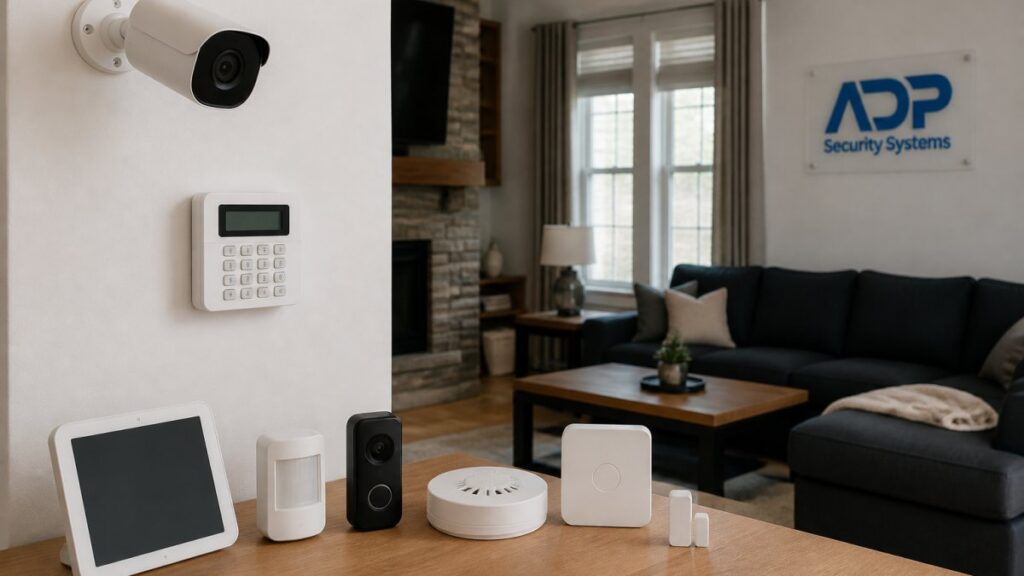
Table of Contents
- Real-Time Monitoring and Instant Alerts
- Smart Home Security System Features That Protect Your Property
- Remote Home Security Monitoring from Your Mobile App
- Understanding Smart Home Security System Costs
- Smart Home Security Privacy Risks and Data Protection
- Centralized Control and Device Integration
- System Reliability and Performance During Outages
- Frequently Asked Questions
Last Updated: October 6, 2026
Real-Time Monitoring and Instant Alerts
Smart home security systems deliver one of their most valuable benefits through continuous surveillance: when motion is detected at your door, a window opens, or someone approaches, you get an instant phone notification.
Real-time alerts mean you don’t wait until you return home to discover something went wrong.
Set up notification zones in your security app. Alert on motion near doors and windows, but disable alerts for areas like your driveway where passing cars trigger false alarms. This keeps you informed without notification fatigue.
Smart Home Security System Features That Protect Your Property
Modern smart home security systems combine multiple technologies into one integrated network, creating layered protection more effective than any single device.
Security Cameras and Video Doorbells
Video doorbells are often the entry point to smart security, letting you see who’s at your door before answering, whether you’re home or miles away.
Security cameras extend that visibility.
The real benefit isn’t just seeing what happened, would-be criminals know they’re being recorded.
Motion Sensors and Intrusion Detection
Door and window sensors alert you immediately when an entry point opens. A bedroom window sensor triggers an alert if someone tries to force it open at night, and a garage door sensor tells you if someone enters while you’re away.
Motion sensors detect movement inside your home.
False alarms waste police resources and can result in fines in some areas. Ensure your system is properly calibrated and that you understand which sensors trigger alerts versus silent notifications to your phone.
Smart Locks and Access Control
Smart locks eliminate hiding spare keys under doormats or in planters. You control who enters and when: unlock remotely for a contractor Monday morning and lock it after they leave, or let in a teenager who forgot their keys.
Access control logs show exactly who entered and when, valuable for multi-occupant households or rentals. You see the cleaning service arrived at 10 AM and left at 2 PM, exactly as scheduled.
Remote Home Security Monitoring from Your Mobile App
The mobile app transforms your security system into a tool you carry everywhere.
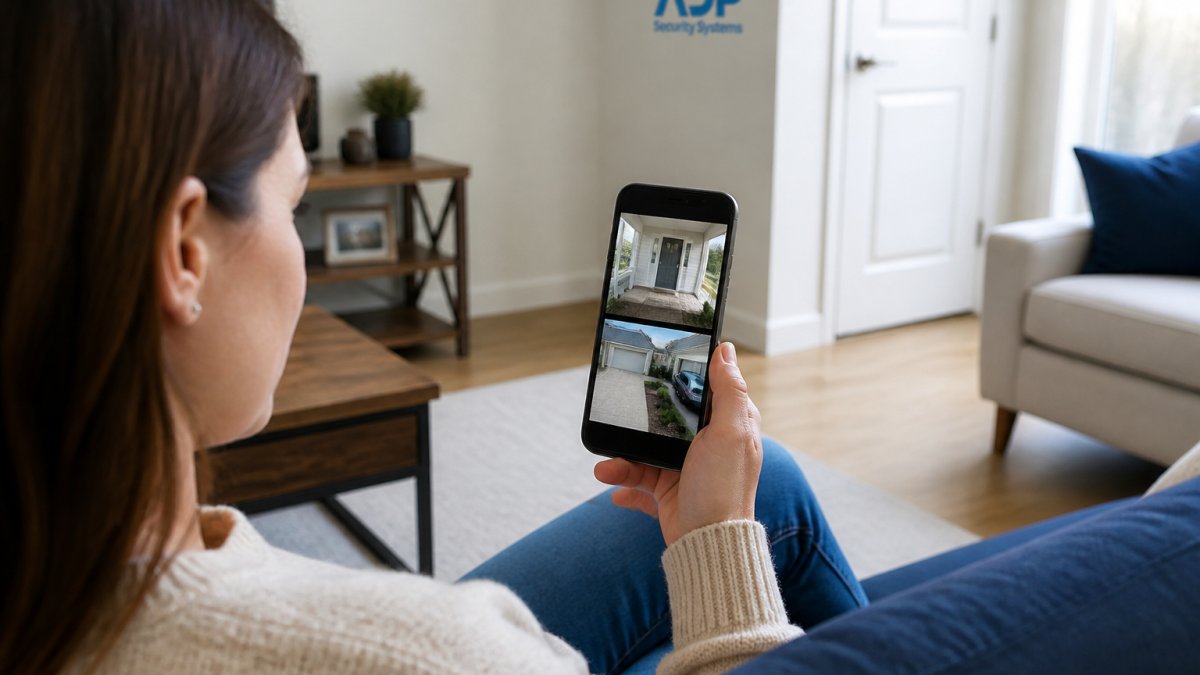
This remote access creates genuine peace of mind.
The app serves as your command center: adjust settings, view multiple cameras, receive alerts, and use two-way audio.
Understanding Smart Home Security System Costs
Most articles about smart home security quote a single sticker price and stop. That number is misleading: real cost of ownership is a stack of line items accumulating over years, and the gap between the cheapest and most expensive realistic setups can change which system makes sense for your home.
Here is the full cost stack to budget for, in the order most homeowners encounter it.
1. Equipment
This is the visible cost. A typical starter kit, one hub, two door/window sensors, one motion sensor, and a keypad, sits at the low end. Adding a video doorbell, two or three outdoor cameras, and a smart lock pushes the total into the mid-hundreds to low four-figures depending on brand and resolution.
2. Installation
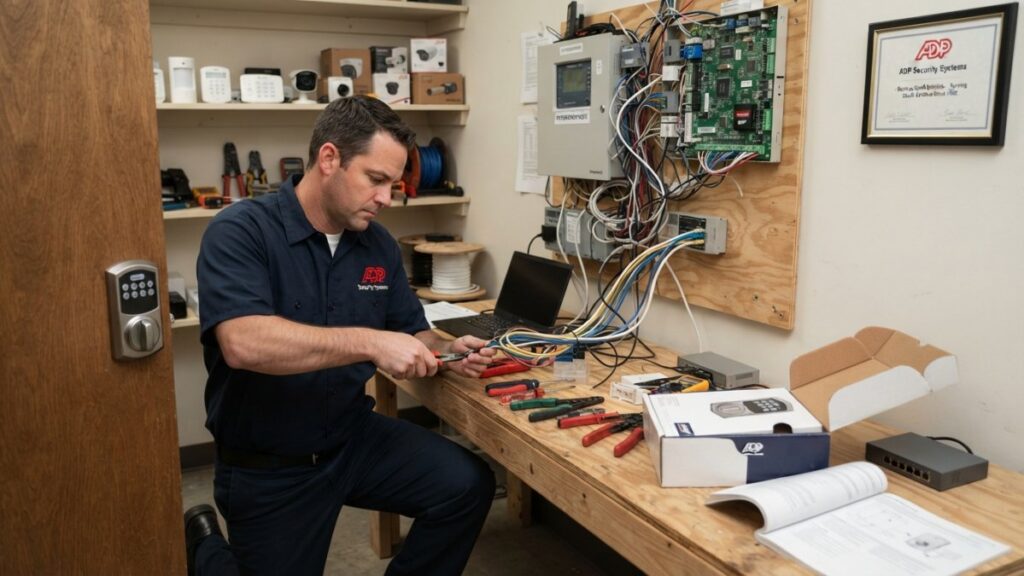
DIY installation is free but costs an afternoon per device, plus the risk of a poorly placed sensor triggering false alerts for months. Professional installation is typically a one-time fee per visit; price both before you commit. Older homes with existing alarm wiring can sometimes reuse it, but plaster walls, brick exteriors, or no attic access often cannot, changing the labor estimate.
3. Monitoring Subscription
This is the line item homeowners most often underestimate. Professional monitoring is billed monthly, priced by what you want the monitoring center to do:
- Self-monitoring (no subscription): You get app alerts. You call authorities yourself. Cost: $0/month, but you are the dispatcher, and you are not always awake or reachable.
- Basic professional monitoring: A central station receives alerts and calls you first, then dispatches if you do not answer. This is the most common tier.
- Full professional monitoring with cellular backup and video verification: The central station can view a clip to confirm a real event before dispatching, which reduces false-alarm fines and speeds police response in many jurisdictions.
Over five years, monitoring is frequently the largest single cost of ownership, larger than the equipment itself. Run that math before you buy.
4. Connectivity
If your system uses cellular backup, that radio is usually bundled into the monitoring subscription. If not, expect a separate monthly line item. Some systems also require a dedicated broadband connection or specific router band, a hidden cost if your internet plan is marginal.
5. Batteries and Replacement Parts
Every wireless sensor, keypad, camera, and backup battery has a service life. Door/window sensors run on coin or AA batteries needing replacement every one to three years; wire-free camera batteries need more frequent charging; the hub’s backup battery typically needs replacement every few years.
6. False-Alarm Fines
Many municipalities charge for repeated false alarms that trigger police dispatch. Amounts and thresholds vary, but the pattern is consistent: verify pet immunity, sensor placement, and notification logic before relying on police dispatch, or you may pay for your own calibration mistakes.
7. Replacement and Upgrade Cycle
Security cameras and hubs are not lifetime purchases. Manufacturers stop firmware updates for older hardware and app support eventually drops. Plan on five to seven years before at least part of the system needs replacing.
A Simple Way to Compare Systems
Add up, for each candidate system:
Get a Free Security Assessment →
- Equipment total
- One-time installation
- Monthly monitoring × 60 (five years)
- Estimated annual batteries and parts × 5
- Any required connectivity add-ons × 60
That five-year total is the number that matters. A system with cheap hardware and an expensive mandatory subscription frequently loses to pricier hardware with no subscription, or the reverse, depending on how much you value professional dispatch.
Ask any installer for the five-year total cost, not the equipment price. If they cannot produce it, that is your answer about how the system is priced.
ADP Security Systems can walk through this stack for your specific home layout and give you a quote.
Smart Home Security Privacy Risks and Data Protection
A smart security system is a network of internet-connected cameras, microphones, and access logs inside your home, a meaningful privacy trade-off most buyers never read past the marketing on. Here is a practical framework for evaluating and reducing that risk.
What Data Your System Actually Collects
Before comparing brands, know the categories:
- Video and audio from cameras and doorbells, including clips triggered by motion and, in some models, continuous recording.
- Access logs from smart locks and keypads, who entered, when, and with which code.
- Presence patterns inferred from arming/disarming, motion events, and geofencing.
- Account and device metadata, IP addresses, app usage, device identifiers.
Each category has a different risk profile. Access logs are low-risk if stored locally. Continuous audio from an indoor camera is high-risk regardless of where it is stored.
Account Security: The Highest-Leverage Fix
Most publicly reported camera breaches are not sophisticated attacks on the manufacturer but credential-stuffing attacks: someone takes a username and password leaked from an unrelated site and tries it against your camera account. The defenses are unglamorous and effective:
- Use a unique password for your security account. Never reuse one from email, banking, or social media.
- Turn on two-factor authentication if the app supports it. Prefer an authenticator app or hardware key over SMS where offered.
- Remove shared users who no longer need access, former roommates, contractors, ex-partners.
- Review active sessions and revoke devices you do not recognize.
- Keep the hub, cameras, and app updated. Firmware patches frequently close remote-access holes.
Local vs. Cloud Storage: A Real Trade-Off, Not a Winner
| Local storage (hub or NVR) | Cloud storage | |
|---|---|---|
| Who can access footage | You, and anyone with physical access to the device | You, and the vendor’s systems and staff |
| Survives home power/internet loss | Only if the recorder has battery backup | Yes, if your internet is up |
| Survives theft of the recorder | No | Yes |
| Subscription required | Usually no | Usually yes |
| Vendor data-sharing exposure | None | Depends on the vendor’s policy |
The right answer depends on your threat model: if your concern is a vendor mishandling footage, local storage wins; if it’s a burglar taking the recorder, cloud wins. Many households run both, local recording for everyday review, cloud clips for events.
What to Check in the Privacy Policy
Read for these specific items before you buy:
- Retention period. How long are clips kept by default? Can you shorten it?
- Third-party sharing. Does the vendor sell or share anonymized data, and can you opt out?
- Law enforcement access. What is the vendor’s policy on responding to subpoenas or emergency requests?
- Data location. Which country or region are recordings stored in?
- Deletion rights. Can you delete your footage and account data on demand, and is deletion verified?
If any of these are not answered in the policy, treat that as an answer.
Camera Placement and Audio
Two practical rules reduce risk more than any software setting:
- Do not point cameras into private areas, bedrooms, bathrooms, or anywhere a household member or guest has a reasonable expectation of privacy. This is both a privacy practice and, in some states, a legal exposure.
- Know your state’s audio recording rules. Some states require all-party consent to record audio. A doorbell camera with a microphone can create liability if it captures a conversation without consent. Check your state’s law before enabling audio on outdoor cameras.
Network Hygiene
Put cameras and the hub on a separate Wi-Fi network or VLAN from your computers and phones if your router supports it, limiting what a compromised camera can reach. Change the default admin password on the hub and any router you add, and disable unused remote access features, UPnP, port forwarding, and cloud viewing are common attack surfaces.
A camera that works without a password, or that ships with a default admin login you never changed, is a live stream waiting to be found. Change defaults on day one.
The Bottom Line
Privacy is not a feature you buy; it is a set of choices you make at purchase, at install, and every month afterward. The system that respects your data is the one whose policy you have read, whose account you have hardened, and whose cameras you have placed with intention.
Centralized Control and Device Integration
The real power of smart home security emerges when devices work together.
Set a “leaving home” routine that arms your security system, locks all doors, and adjusts your thermostat to save energy, and an “arriving home” routine that disarms the system and turns on lights.
Device compatibility matters more than having the newest equipment. A camera that doesn’t integrate with your other devices works in isolation but misses the benefits of a connected system.
System Reliability and Performance During Outages
A security system that depends entirely on internet connectivity becomes useless during an outage.
Quality systems have battery backup.
Cellular backup is increasingly important.
The right system depends on your needs, layout, and budget.
Get a free security assessment from ADP Security Systems and discover what protection makes sense for your home.
Frequently Asked Questions
Can smart home security systems actually prevent break-ins?
Yes. Visible security cameras, motion sensors, and smart locks deter burglars because they increase the risk of detection and capture. A monitored system with real-time alerts means emergency responders can be contacted within minutes of intrusion detection. However, no system prevents all break-ins, the goal is to make your home a less attractive target and ensure rapid response if a break-in occurs.
Do smart home security systems work if your internet goes down?
Most modern systems include battery backup and cellular connectivity (4G/GPS backup) so core functions like alarms and emergency alerts continue during internet outages. However, remote access through your mobile app and live video feeds require internet. Professional 24/7 monitoring can still reach you through cellular networks even if your home WiFi is down, ensuring continuous protection.
What’s included in smart home security system costs?
Costs typically include equipment (cameras, sensors, smart locks, hub), professional installation, and monthly monitoring fees. Some systems offer customizable maintenance schedules to keep equipment working reliably. Pricing depends on the number of devices, monitoring services, and your specific security needs. Contact ADP Security Systems for a free assessment.
Are there privacy risks with smart home security systems?
Connected security devices collect video and access data, creating privacy considerations. Key protections include strong passwords, enabling two-factor authentication, keeping firmware updated, and choosing systems with encrypted data transmission. Review the provider’s privacy policy to understand how data is stored and who can access it.