What Professional Fire Alarm Inspections Cost in the US
November 9, 2026
Outdoor Camera Reviews: What Matters Most
November 10, 2026
Last Updated: November 8, 2026
Quick Summary
The hidden costs of wireless home security subscriptions go beyond the advertised monitoring fee: equipment, per-camera cloud storage, activation charges, renewal price increases, and early cancellation fees are usually billed separately. Storage is priced per camera and scales with your camera count and retention window, so a four-camera plan can cost roughly four times a single-camera plan. Read the contract term and ask what still works if you cancel before you sign.
- Professional monitoring pays for alarm response only; storage and equipment are separate line items.
- Ask whether storage is priced per camera or per account before signing.
- Longer video retention is the most common reason a storage bill rises after year one.
- Many contracts run two to five years, and breaking one early can cost more than a year of monitoring.
- When a subscription ends, cloud video history is deleted after a short grace period.
Table of Contents
- The Real Price of Wireless Home Security: What the Sticker Misses
- Home Security System Monthly Fees: What the Monitoring Line Item Actually Covers
- Security Camera Cloud Storage Fees: The Per-Camera Charge Nobody Quotes Upfront
- Local Storage vs Cloud Storage Security Cameras: Which Costs Less Over Three Years
- Home Security Cancellation Fees: The Exit Cost of a Multi-Year Contract
- The Costs That Never Appear on the Quote: Activation, Equipment, and Renewal Increases
- What Happens to Your Footage and Features When the Subscription Ends
- Get a Free Security Assessment Before You Sign Another Contract
- Frequently Asked Questions
The Real Price of Wireless Home Security: What the Sticker Misses
The hidden costs of wireless home security subscriptions rarely show up on the sales page. That low monthly figure usually covers monitoring and nothing else, equipment, cloud storage, activation, and renewal increases sit outside it.
A wireless system looks cheaper upfront because the hardware is often bundled into the contract and paid monthly instead of all at once. That spreads the cost, but it also hides it.
- Equipment bundled into a monthly payment
- Monitoring billed separately from storage
- Activation charged once, then forgotten
Home Security System Monthly Fees: What the Monitoring Line Item Actually Covers
Home security system monthly fees pay for one thing above all: someone watching your alarms around the clock. To see what security cameras themselves cost per month, schedule a free consultation.
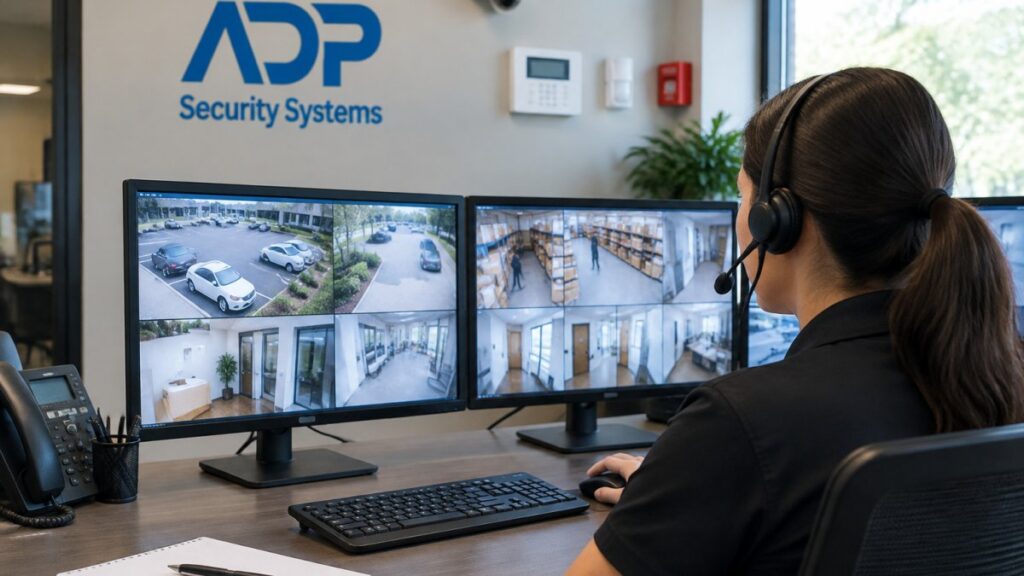
Professional monitoring means a trained team receives your alarm signals and responds. They call you, then dispatch police, fire, or medical help if needed.
Self-monitoring means alerts go to your phone. You decide what to do next. There is no dispatch unless you call for help yourself.
The trade-off is simple. Self-monitoring costs less. Professional monitoring responds when you cannot.
Professional Monitoring vs. Self-Monitoring Costs
Self-monitoring generally carries a lower recurring fee, but if your phone is off, silenced, or out of reach, no one acts on the alert.
Professional monitoring adds a monthly charge but puts a response team behind every signal. You can compare both models side by side on our professional monitoring versus self monitoring page to see which fits your household.
Security Camera Cloud Storage Fees: The Per-Camera Charge Nobody Quotes Upfront
Security camera cloud storage fees are billed per camera, and this is where budgets quietly break. A quote for one camera looks harmless; multiply it across four, six, or eight cameras and the number climbs fast.
Cloud storage keeps your video off-site. Clips upload over your Wi-Fi and stay available for a set number of days, your video retention period, which drives the price.
What Drives the Per-Camera Storage Charge
Four variables set the price, and you can choose a lower tier for each:
- Number of cameras. Storage is almost always priced per device, so a four-camera bundle can cost roughly four times a single-camera plan. Ask whether the price is per camera or per account.
- Retention window. Longer retention means higher storage tiers, and moving to a longer window is the most common reason a storage bill rises after the first year.
- Recording mode. Continuous recording costs more than motion-only clips because it stores far more footage.
A common mistake is assuming the monitoring fee includes storage. Often it does not: monitoring pays for someone to watch alarm signals, while storage pays for video to be kept and playable. They are separate line items on most wireless subscription plans, and storage is the one that scales with your camera count.
The Storage Checklist to Verify Before You Sign
Use this list like a closing checklist. Each item is a question with a dollar answer, and any missing answer is a reason to pause:
- Is storage priced per camera or per account? Per-account plans cap the number of cameras; per-camera plans do not.
- How many days of retention are included, and at what recording mode? Confirm the figure applies to continuous recording if that is what you intend to use.
- What does each additional camera cost per month? Get the number in writing for camera five and camera six, not just the bundle price.
- Is there a storage overage or upgrade charge? Some plans bill more when you exceed a data or clip limit.
- Does the plan include remote viewing, or is that a separate tier? Remote access is sometimes bundled with storage and sometimes sold as an add-on.
- What happens to stored clips if you downgrade or cancel? Retention terms usually shorten or end, and footage may be deleted after a short grace period.
- Are taxes and regulatory fees added to the storage line? These are frequently quoted separately.
Watch out: a sales page that advertises a low per-camera rate may be quoting the shortest retention tier at the lowest resolution. The same camera at full resolution and a longer window can cost materially more, so ask for the price at the settings you will actually use.
A Simple Way to Estimate Your Storage Bill
You do not need exact vendor pricing to see the shape of the cost. Estimate it as: (number of cameras) × (per-camera monthly rate at your chosen retention and recording mode) × 12 for the annual figure, then add the taxes and fees your quote lists separately.
Our security camera retention guide explains how to pick a realistic retention window before you commit, and the comparison below shows how that recurring storage line stacks up against buying local recording hardware once.
Local Storage vs Cloud Storage Security Cameras: Which Costs Less Over Three Years
Local storage vs cloud storage security cameras comes down to one question: do you want a recurring fee or a one-time purchase? Local recording uses a recorder and hard drive on your property that you buy once and own. Cloud storage trades that upfront cost for a monthly charge that never stops. The useful comparison is a like-for-like total cost of ownership calculation across several time horizons, so you can see the crossover point for your own camera count.
Build the Like-for-Like Comparison
To compare honestly, put the same system on both sides: the same number of cameras, retention window, and features (remote viewing, alerts, and playback). Then list every cost category on each side:
- Equipment. Cameras, recorder or hub, hard drive, and any required networking gear. On the cloud side, the camera and hub are the equipment; on the local side, add the recorder and drive.
- Installation. Professional installation is a one-time charge on either side. DIY trades that charge for your time and the risk of a misconfigured recorder.
- Storage. Local storage is the drive purchase, replaced when it fails. Cloud storage is the per-camera monthly fee, paid as long as you keep the subscription.
The Crossover Point, Explained Without Made-Up Numbers
Rather than quote vendor prices that change, use the structure of the calculation.
Run the calculation at one year, three years, and five years, because the answer changes with time. At one year, cloud often looks cheaper because the upfront equipment is lower. At three years, the recurring storage line has usually closed much of the gap. At five years, the local system has typically recovered its upfront cost and runs on maintenance alone, while the cloud bill continues uninterrupted.
| Factor | Local Storage | Cloud Storage |
|---|---|---|
| Upfront cost | Higher (recorder + drive) | Lower (camera + hub) |
| Monthly fee | None for storage | Per camera, every month |
| Footage access | On-site; remote with setup | Remote viewing included |
| Failure risk | Drive can fail; replace once | Depends on internet and plan |
| Cost behavior over time | Flat after purchase | Rises with cameras and retention |
| Exit cost | None | Footage may be deleted on cancel |
Neither wins outright. Local storage saves money long term but requires maintenance and a plan for off-site backup.
Watch out: a cloud quote that bundles monitoring with storage can look cheaper than a local system plus separate monitoring, but only if you actually need professional monitoring.
Our cloud storage versus local recording comparison walks through the trade-offs in detail, and the checklist above gives you the line items to plug into your own three-horizon estimate before you commit.
Home Security Cancellation Fees: The Exit Cost of a Multi-Year Contract
Home security cancellation fees can cost more than a year of monitoring. Many contracts run two to five years. Break one early and you may owe the remaining balance, sometimes plus a termination charge.
Read the contract term before you sign. Look for:
- Early termination fee amount
- Whether remaining months are owed in full
- Auto-renewal clauses
- Notice period required to cancel
A common mistake is signing a long contract to get cheaper equipment. The hardware discount is real, but the exit cost is real too. If you move or switch providers, that fee follows you.
The Costs That Never Appear on the Quote: Activation, Equipment, and Renewal Increases
Activation fees, equipment charges, and renewal increases are often the quiet costs.

Activation fee: a one-time setup charge to turn on monitoring. Ask if it is waived.
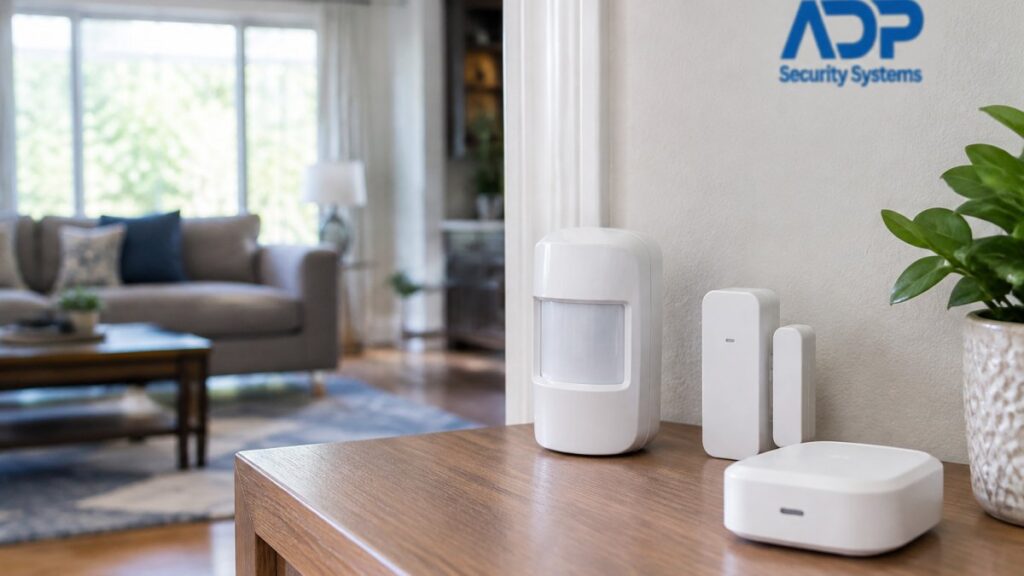
Equipment cost: sensors, cameras, keypads, and panels. Sometimes bundled, sometimes billed separately.
Renewal pricing: introductory rates often rise after the first term.
Price increases: many contracts allow annual increases. Check the cap, if any.
What Happens to Your Footage and Features When the Subscription Ends
When a subscription ends, most of your smart features stop working. That is the part few sales pages explain.
- Cloud video history is deleted after a short grace period
- Mobile alerts and remote viewing usually stop
- Professional monitoring and emergency response end
- The app may lock you out of live camera feeds
Your hardware still exists, but it may run in a limited mode. Some systems keep local recording. Others become little more than a doorbell.
This is why the exit plan matters as much as the entry price. Our guide on how to respond to alarm alerts shows what changes when monitoring lapses and how to stay covered.
Get a Free Security Assessment Before You Sign Another Contract
The honest way to price a wireless system is to add up every line: equipment, monitoring, storage, activation, renewal, and exit.
At ADP Security Systems, we have protected South Carolina homes and businesses for over 30 years.
Before you sign another contract, get the full picture. ADP Security Systems provides 24/7 alarm monitoring, customizable maintenance schedules, and expert installation across South Carolina.
Frequently Asked Questions
What hidden fees should I look for in a home security subscription?
Read the contract for activation fees, equipment charges billed separately from monitoring, per-camera cloud storage tiers, early termination penalties, and automatic renewal clauses that allow annual price increases. Ask whether taxes and regulatory fees are included in the quoted monthly rate. Request the full three-year cost in writing, not just the promotional first-year price, and confirm what happens to your equipment and footage if you cancel.
Do wireless security cameras work without a subscription?
Many cameras record to a local SD card or a home recorder and stream live video to your phone without any recurring fee. What you typically lose is cloud video history, AI-based person detection, and cellular backup. If you want professional monitoring with emergency response, that service almost always carries a monthly charge. Decide which features you actually use before assuming a subscription is mandatory.
What happens to recorded footage if I cancel my subscription?
In most cases, cloud-stored clips are deleted after a short grace period once billing stops, and you may lose access to the account entirely. Export anything you need before the cancellation date. Local storage avoids this problem because the recordings sit on hardware you own. Confirm the deletion timeline in writing, since retention windows vary by provider and plan tier.
Is a no-monthly-fee security system cheaper in the long run?
It depends on how much you value monitoring. A subscription-free system has a higher upfront equipment cost but no recurring fee, so the three-year total can be lower. A monitored system costs more over time but includes 24/7 response, cellular backup, and maintenance. Build a like-for-like comparison that includes equipment, installation, storage, and any maintenance charges before deciding.