How to Secure Retail Storefronts After Hours
September 9, 2026
Medical Pendant Feedback Families Can Trust
September 13, 2026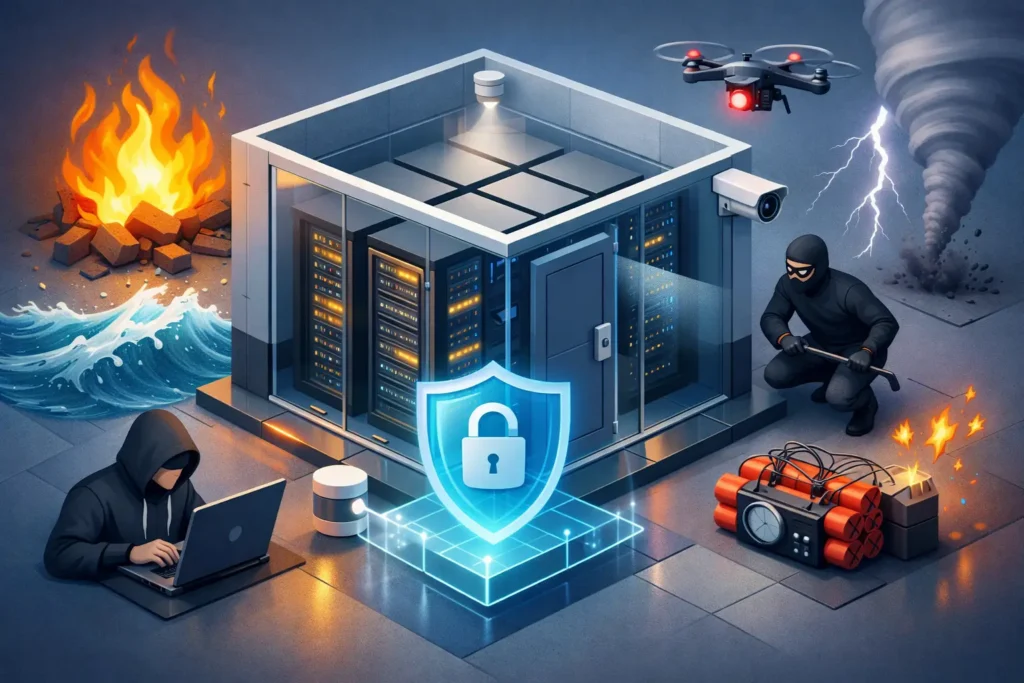
A server room can be one locked door away from a serious business interruption. A misplaced key, an unauthorized visitor, a small electrical fire, or an unnoticed rise in temperature can affect far more than the equipment in the room. It can interrupt communication, payment systems, customer records, operations, and the services your team relies on every day. Knowing how to protect server rooms means planning for both deliberate threats and ordinary failures before they become costly emergencies.
For South Carolina businesses, the right approach is rarely a single device or one policy. Effective protection layers physical security, environmental safeguards, fire detection, reliable power, and professional monitoring around the systems that keep the business moving.
Start With a Risk Assessment of the Room
Every server room has different exposure points. A small office may have network equipment in a converted storage closet, while a larger facility may operate a dedicated data room with multiple racks, backup systems, and third-party vendors who require occasional access. The protection plan should match the room’s purpose, the value of the equipment, and the impact of downtime.
Begin by looking at who can enter, how they enter, and what happens after hours. Consider the room’s location in the building, nearby plumbing, windows, loading areas, electrical panels, and shared walls. A room beside a break area or janitorial closet can face risks that a purpose-built space does not.
It also helps to identify the systems that would be affected if the room were unavailable for an hour, a day, or longer. This gives business owners and facility managers a clear basis for deciding where to invest. Not every server room needs the same level of access control or monitoring, but every room should have a deliberate security plan.
Control Exactly Who Can Get In
The most common weakness in server-room security is overly broad access. If every manager, employee, contractor, or cleaning crew can enter the room, it is difficult to know who was present when equipment is moved, disconnected, damaged, or tampered with.
Electronic access control gives you more accountability than a traditional key. Authorized employees can use a credential, keypad code, or other approved method to enter. Access can be limited by person, day, and time of day. For example, an IT employee may need around-the-clock access, while a vendor may only need temporary entry during a scheduled service visit.
Access records are just as valuable as the lock itself. When an issue occurs, facility managers can review entry activity instead of guessing who had access. If an employee changes roles or leaves the company, their credential can be removed without the expense and uncertainty of recovering keys or rekeying doors.
Physical details still matter. The door should be solid, self-closing, and properly latched. Do not prop it open for convenience. If the room has a window, consider whether it creates a viewing opportunity or an entry point. Cabinets and racks holding critical equipment may also need their own locks, especially in rooms accessed by multiple technical teams.
Use Cameras for Verification, Not Just Recording
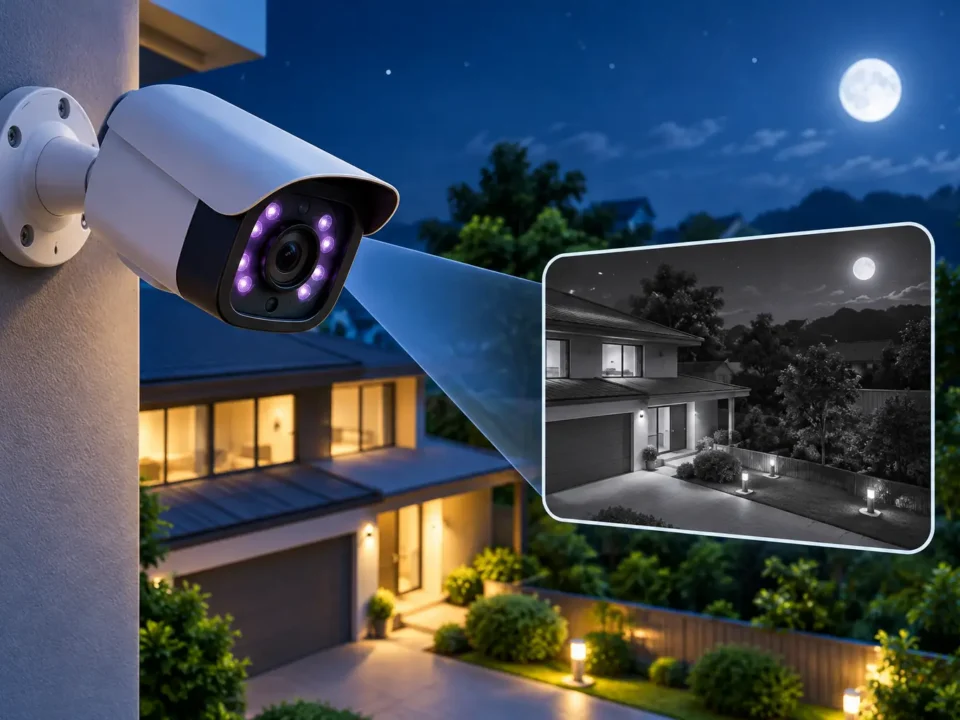
Security cameras add another important layer by showing what happens at the server-room entrance and within appropriate areas of the room. A camera aimed at the door can confirm who entered and whether someone followed an authorized employee inside. Interior coverage can help document service work, equipment deliveries, and activity around racks.
Camera placement should protect accountability without creating unnecessary blind spots. The view should clearly capture faces at entry points, and lighting should support usable video at all hours. Cameras should not be blocked by an open door, storage boxes, or newly installed equipment.
Remote viewing can be especially helpful for business owners and facility managers who are not always on-site. However, cameras are not a substitute for access control. Video may show that a problem happened, while properly managed access can reduce the chance that it happens at all.
Protect the Room From Intrusion After Hours
A server room may sit inside a building protected by a general burglar alarm, but the room itself deserves separate consideration. If a break-in occurs, an intruder may not know which equipment is most valuable. They may cut cables, take devices, or cause damage while searching for items to steal.
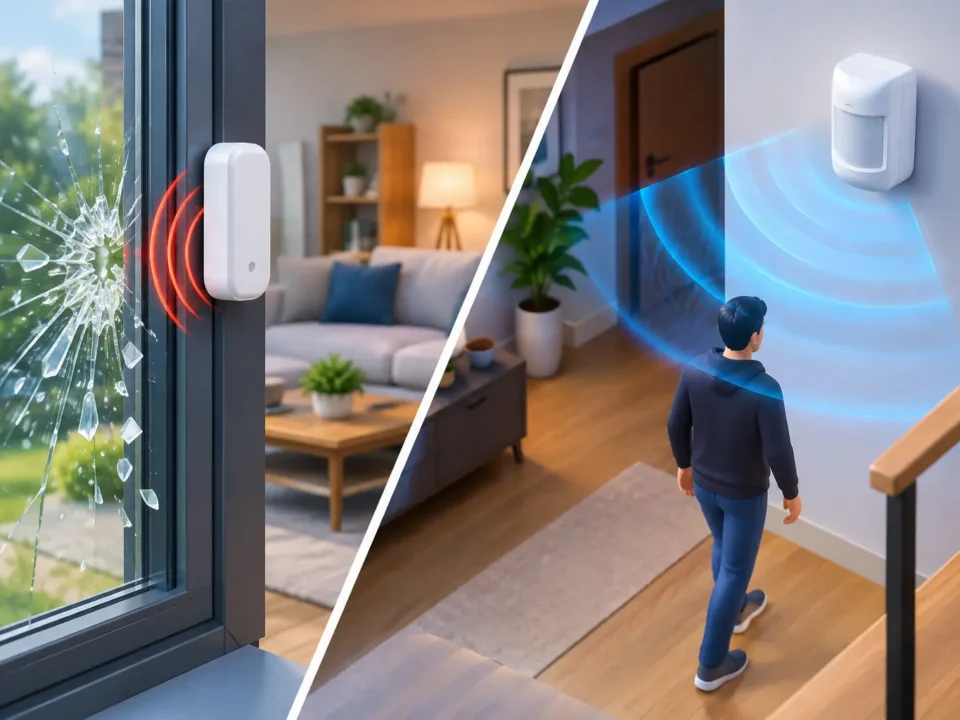
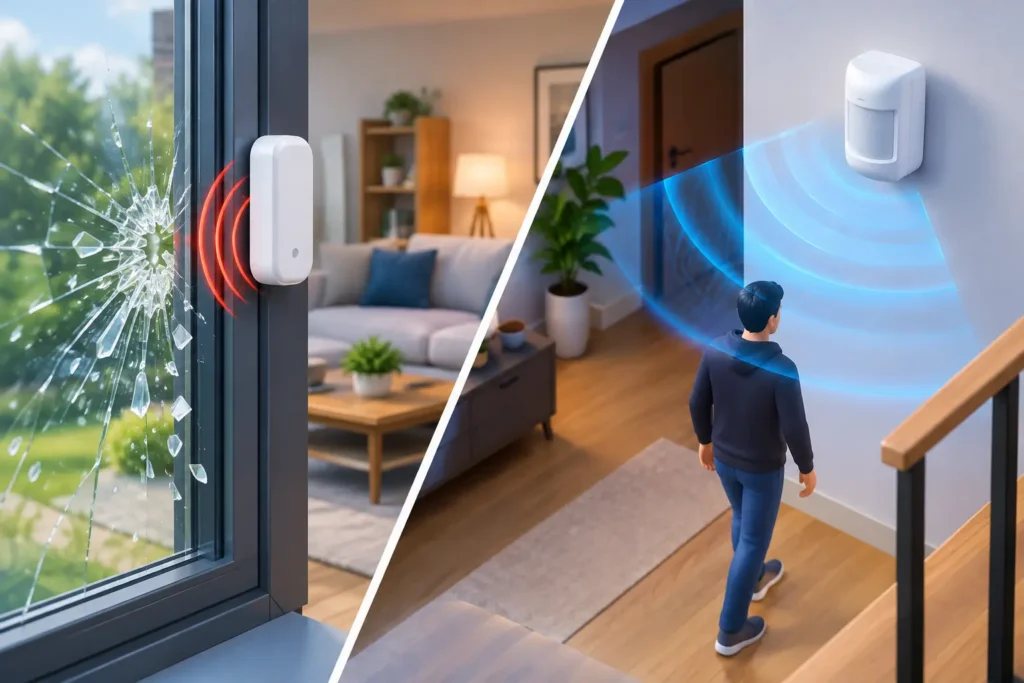
Door contacts, motion detection, and alarm integration can create an additional alert if someone enters the server room without authorization. The best setup depends on how the building is used. A busy office with authorized evening staff may need a different schedule and arming plan than a warehouse office that closes at 5 p.m.
Professional 24/7 alarm monitoring provides another measure of reassurance. An alarm signal should not depend on one employee noticing an app notification or answering a late-night phone call. Clear response procedures, current call lists, and properly maintained equipment help ensure that alerts reach the right people when time matters.
Address Fire, Smoke, Heat, and Water Risks
Server rooms are full of powered electronic equipment, making early fire detection essential. Standard building fire protection may be required, but the exact needs of a server room depend on local code requirements, room size, equipment load, occupancy, and the building’s existing fire alarm system. A qualified fire-safety professional can help determine the appropriate detection and notification approach.
Heat is often a quieter threat. Servers generate significant heat, and cooling failures can quickly cause equipment to shut down or shorten its lifespan. Temperature monitoring should alert designated personnel before conditions reach a critical level. The alert threshold should be set thoughtfully: too high and there is little time to respond; too low and repeated nuisance alerts may cause staff to ignore a real warning.
Water is another overlooked concern. Avoid storing supplies, drinks, cleaning materials, or anything that can leak in the room. Inspect for pipes above the ceiling, nearby restrooms, roof vulnerabilities, and HVAC condensate lines. Where the risk justifies it, water sensors near floor level can provide early notice of a leak before it reaches equipment.
Keep Power Problems From Becoming Downtime
Power loss, surges, and electrical faults can take a server room offline even when the equipment itself is untouched. Uninterruptible power supplies can give systems short-term power during an outage and provide time for an orderly shutdown. For businesses that cannot tolerate extended disruption, a generator or other backup-power strategy may be appropriate.
These systems require maintenance and testing. A battery backup that has never been inspected may not perform as expected during an actual outage. Your plan should also account for the equipment connected to the server room, including network switches, phone systems, security equipment, and cooling components. Protecting only the server while leaving supporting equipment unpowered may still interrupt operations.
Build a Clear Response Plan
Technology works best when employees know what to do with an alert. Assign responsibility for access administration, alarm notifications, temperature warnings, camera review, and vendor coordination. Keep this information current, particularly after staffing changes.
A useful response plan should address at least five situations:
- An unauthorized entry attempt or forced door
- A fire alarm, smoke condition, or sprinkler activation
- A temperature or cooling-system alert
- A water leak or flooding concern
- A power outage or equipment failure
For each event, identify who receives the alert, who can enter the room, who contacts service providers, and when leadership should be notified. Keep emergency contact details available outside the server room as well as in a secure digital location. If the room is inaccessible, a printed plan inside it will not help.
Maintain the Protection You Put in Place
A server room can become less secure gradually. Access credentials stay active after an employee leaves. A camera view is blocked after a rack is moved. A door closer weakens, a battery ages, or equipment is added without updating the cooling plan. Scheduled inspection and maintenance catch these changes before they create gaps.
Review access permissions regularly, test alarm and notification paths, confirm camera views, and inspect the physical condition of doors, locks, and racks. Coordinate changes with IT, facilities, and security teams so that a new system installation does not accidentally create a security or fire-safety issue.
For many businesses, professional installation and ongoing service simplify this process. ADP Security Systems helps South Carolina organizations evaluate commercial security, access control, video, fire alarm, and monitored protection based on the real risks at their facility.
The goal is not to make a server room difficult for authorized people to use. It is to make sure every entry is intentional, every hazard is detected early, and every alert has a dependable path to action. A careful assessment now can protect the systems your employees and customers depend on when the unexpected happens.