Biometric Access Control: Pros, Cons and Best Uses
June 23, 2026
Alarm Companies Near Me: How to Vet a Provider
June 24, 2026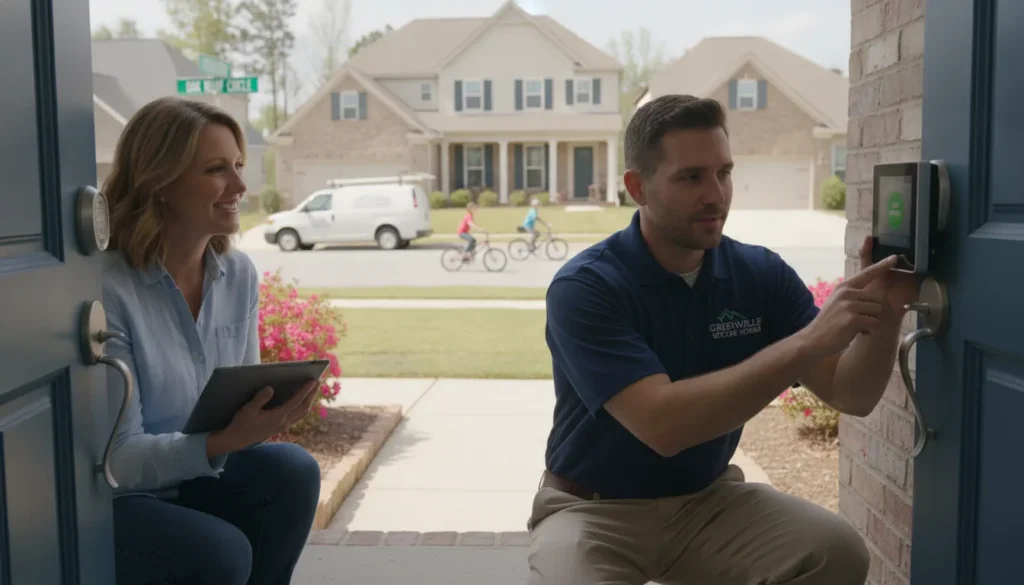
Greenville homeowners do not need to send questions about entry sensors, camera placement, or alarm monitoring to a distant call center. A local home security company can assess the actual layout of a home, explain the available options in person, and remain accountable after installation. ADP Security Systems has operated from Greenville since 1995 and is headquartered at 525 Woodruff Rd, giving local households a nearby source for professionally installed security and connected-home protection.
Contact ADP Security Systems to request a local home security consultation.
Choosing a security provider is not only a decision about equipment. It is a decision about who will design the system, install it correctly, monitor it around the clock, and help when needs change. This guide explains how to compare Greenville providers, what a complete residential system may include, and which questions reveal whether a company is prepared to support your home for the long term.
Why Does a Local Home Security Company Matter?
Short answer: A local provider combines professional security technology with nearby, accountable service from people who understand the community and can tailor protection to the property.
A home security system works best when its design reflects the home rather than a generic equipment bundle. Greenville properties range from older houses with distinctive doors and windows to newer homes built around open living spaces and connected devices. A local consultation gives a technician the opportunity to identify likely entry points, discuss daily routines, and recommend equipment based on the building instead of assumptions.
Local accountability also matters after the system is active. When homeowners know where a company operates and who stands behind its work, they have a clearer path for questions, maintenance, upgrades, and troubleshooting. ADP Security Systems is an owner-operated, family-owned provider founded in 1995. Its Greenville headquarters at 525 Woodruff Rd is not a temporary sales territory; it is the base from which the company serves local and regional customers.
Local knowledge supports a practical system design
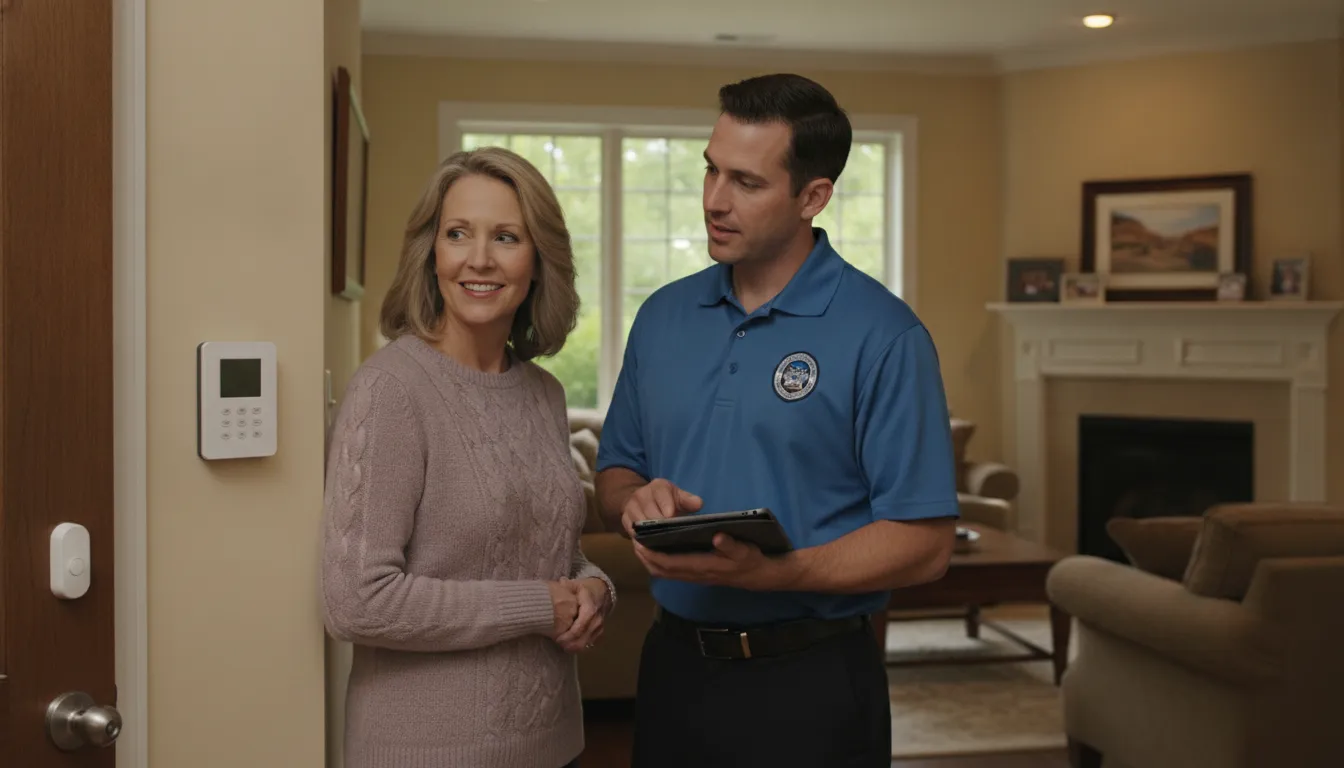
A useful consultation starts with how residents use the home. The technician can discuss which doors are used most often, where pets spend time, whether family members arrive on different schedules, and which areas would benefit from cameras or motion detection. That conversation helps separate essential protection from features that do not fit the household.
- Property-specific planning: Door, window, motion, and camera placement can be based on the home’s actual layout.
- Nearby accountability: Homeowners have a local company to contact for support, maintenance, and future changes.
- Connected protection: Security devices can be planned alongside compatible locks, lighting, thermostats, and other smart home features.
- Long-term continuity: An established local provider can support additions and adjustments as the household changes.
Ownership shapes the customer relationship
Family ownership and owner-operated leadership create a direct line of accountability. A provider rooted in the Greenville community has a practical reason to build lasting relationships rather than focus only on the initial sale. That structure can be especially valuable when a homeowner wants to add a camera, update a sensor, or understand a notification months or years after installation.
Learn more about the company’s history and local leadership on the ADP Security Systems about page.
What Should a Complete Home Security System Include?
Short answer: A complete system should combine appropriate intrusion sensors, an easy-to-use control panel, professional installation, 24/7 monitoring, and optional cameras or smart home controls that fit the household.
There is no single equipment list that is right for every residence. The strongest starting point is a layered design. Sensors identify activity at important entry points, the control panel gives residents a simple way to manage the system, and professional monitoring adds around-the-clock response support. Cameras and automation can then extend visibility and control where they provide a clear benefit.
Core alarm components
Residential alarm systems may use door and window sensors, motion detectors, a control panel, a keypad or touchscreen, an interior siren, panic buttons, and backup power. Each component has a distinct purpose. Entry sensors identify openings, motion detectors add interior coverage, and the panel coordinates system activity. Backup power helps the system continue operating during a power interruption.
A professionally designed system places these components intentionally. Installing a sensor on every possible opening may not always be the most useful approach, while leaving a key entry path unprotected can create a gap. The design should balance the home’s layout, household routines, and desired level of coverage.
Video surveillance and remote access
Residential video surveillance can add visual context around entrances, driveways, and other selected areas. Remote viewing through a mobile device lets a homeowner check cameras when away, while integration with the alarm system can bring alerts and controls into a more coordinated experience. Camera selection and placement should consider the area that needs to be viewed, lighting conditions, and the purpose of the camera.
- Entry awareness: A camera near a primary entrance can help residents see who is approaching the home.
- Selected-area visibility: Cameras can cover specific exterior or interior areas where visual confirmation is useful.
- Remote viewing: Mobile access can help homeowners check the property when traveling or away for the day.
- Alarm integration: Connected systems can make it easier to review security activity and manage devices together.
Professional installation and testing
Equipment is only useful when it is positioned, configured, and tested correctly. Professional installation gives the provider an opportunity to verify sensor communication, confirm camera views, configure the control interface, and show residents how to use the system. It also provides a clear point of contact if something needs attention later.
ADP Security Systems provides professional installation and residential security options designed around household needs. A consultation can clarify which combination of alarm devices, cameras, monitoring, and connected controls is appropriate.
How Does 24/7 Monitoring Support a Household?
Short answer: 24/7 monitoring provides continuous alarm oversight so trained monitoring personnel can process system signals and coordinate the appropriate response when an alarm event occurs.
A monitored alarm system adds a layer beyond a local siren or phone notification. When the system sends an alarm signal, monitoring personnel can process the event according to established procedures. That support is available around the clock, including overnight, during work hours, and while residents are traveling.
Monitoring does not replace thoughtful system design. It depends on correctly installed equipment, reliable communication, accurate account information, and household members who understand how to use the system. A good provider explains what happens when an alarm is triggered, how to update contact information, and how residents should handle accidental activations.
Questions to ask about monitoring
Homeowners should understand the monitoring arrangement before choosing a provider. Clear answers help set realistic expectations and make it easier to compare services on more than price.
- Alarm process: Ask what happens after the monitoring center receives a signal and what information residents should keep current.
- System communication: Ask how the alarm communicates and whether the setup requires a home phone line.
- Backup planning: Ask how backup power and communication options support the system during interruptions.
- Ongoing support: Ask whom to contact for testing, service, account updates, or changes to the home.
ADP Security Systems offers 24/7 monitoring as part of its integrated approach to residential protection. Its service model also includes consultation, professional installation, maintenance, and technology integration, giving homeowners one provider for the security lifecycle.
Discuss professional installation and 24/7 monitoring with a Greenville security specialist.
How Can Smart Home Integration Improve Security?
Short answer: Smart home integration can connect compatible locks, lighting, thermostats, and other devices with security controls, helping residents manage selected home functions from one coordinated platform.
Home automation is most valuable when it solves a practical problem. A connected lock can support entry management, lighting controls can make it easier to adjust selected lights, and thermostat integration can add convenient temperature control. When these features work with the security platform, residents can manage several everyday functions without switching among unrelated systems.
Start with useful routines, not a long device list
Before adding automation, identify the routines that matter most. A family may want to confirm that a compatible door is locked, adjust selected lights, or check the thermostat from a mobile device. Another household may prefer a simpler alarm system with only a few connected features. The right design is the one residents will understand and use consistently.
- Smart locks: Compatible locks can add convenient control for selected doors.
- Lighting controls: Connected switches, dimmers, or bulbs can support scheduled or remote adjustments.
- Thermostat control: Integration can make temperature management available through the connected platform.
- Garage and water options: Compatible devices may extend control or awareness to other selected household systems.
Integration should be planned during the consultation
Discussing smart home goals early helps the provider confirm compatibility and avoid a patchwork setup. The consultation should cover which devices already exist, which functions the homeowner wants to control, and how those controls will appear in everyday use. Professional setup and instruction can also reduce confusion after installation.
ADP Security Systems supports smart home integration alongside residential security. Homeowners who want to compare alarm, camera, automation, and other protection options can review the company’s broader security and safety services.
How to Compare Greenville Security Providers
Short answer: Compare providers by local history, system design process, installation quality, monitoring, contract terms, support, and the ability to integrate useful technology without overselling equipment.
A quote is important, but it should not be the only comparison point. Two proposals may include different levels of coverage, installation, monitoring, support, or equipment. Ask each provider to explain the purpose of the recommended components and what is included after the system is installed. Clear explanations make it easier to identify genuine value.
Look for verifiable local roots
A local address and established operating history are meaningful trust signals. ADP Security Systems was founded in 1995 and operates from its headquarters at 525 Woodruff Rd in Greenville. It is family-owned and owner-operated, which gives homeowners a specific local business behind the system and service relationship.
Review terms before making a decision
Long-term commitments can limit flexibility, so homeowners should ask for a clear explanation of contract and monitoring terms. ADP Security Systems offers residential security without requiring long-term contracts. That differentiator can matter to households that want professionally installed and monitored protection without a lengthy obligation.
Use a consistent checklist during consultations:
- Design rationale: Can the provider explain why each recommended sensor, camera, or control belongs in the plan?
- Professional installation: Who installs and tests the equipment, and how will residents learn to use it?
- 24/7 monitoring: How are signals handled, and what should the household expect during an alarm event?
- Flexible terms: Are long-term contracts required, and are all ongoing obligations explained clearly?
- Service continuity: Who handles maintenance, troubleshooting, and future additions?
- Smart home fit: Can useful compatible devices be integrated without making the system unnecessarily complex?
Consider connected safety needs
Security is one part of a household safety plan. Families supporting an older adult or a person with mobility limitations may also want to explore personal emergency response options. ADP’s related offerings include medical alert systems and fall detection. These services serve a different purpose from an intrusion alarm, but considering them together can help a family identify its broader safety priorities.
Ask for a room-by-room explanation
A proposal is easier to evaluate when the provider connects each recommendation to a clear purpose. Walk through the plan by area rather than reviewing only a total equipment count. For the front entrance, ask what detects an opening and whether a camera would provide useful context. For less-used doors or windows, ask how the suggested coverage fits the household’s habits. For interior spaces, discuss where motion detection is useful and how residents or pets move through the home.
The same approach applies to connected devices. A smart lock, light, or thermostat should support a routine the household actually wants to manage. If a feature does not address a stated goal, ask why it is included. This conversation helps the homeowner understand the design and gives the provider an opportunity to refine it before installation.
Plan for daily use and future changes
A system should be straightforward for everyone who needs to use it. Ask the provider to explain arming and disarming, mobile access, alerts, alarm procedures, and how to request service. Identify who needs access and whether different household members require different instructions. Clear training is part of a successful professional installation, not an optional extra.
Also discuss foreseeable changes. A future renovation, new exterior door, additional camera, or connected lock may affect the design. A well-planned platform can provide a sensible path for selected additions without making today’s system more complicated than necessary. Comparing providers on both current fit and future support gives homeowners a more complete view than comparing equipment prices alone.
Frequently Asked Questions About Local Home Security
Short answer: The best provider is one that answers practical questions clearly, recommends a system suited to the home, and explains installation, monitoring, smart home options, terms, and support before work begins.
What makes ADP Security Systems a local Greenville provider?
ADP Security Systems is headquartered at 525 Woodruff Rd in Greenville, South Carolina. The family-owned, owner-operated company was founded in 1995 and has built its service model around consultation, professional installation, monitoring, maintenance, and technology integration.
Does ADP Security Systems require a long-term residential contract?
No long-term contract is required for ADP Security Systems residential security service. Homeowners should still review the complete proposal and ask questions about equipment, installation, monitoring, and any ongoing service terms before deciding.
Can a home security system include smart home controls?
Yes. Compatible smart home integration can connect functions such as locks, lighting, thermostats, garage controls, and selected water-management devices with the security platform. Available options should be confirmed during a consultation so the design fits the home’s devices and daily routines.
Why choose professional installation instead of a generic kit?
Professional installation supports property-specific equipment placement, system configuration, testing, and resident instruction. A technician can design coverage around the home’s layout and verify that sensors, cameras, controls, and monitoring communication work as intended.
These answers provide a starting point, but the consultation is where homeowners can address details specific to their property. Bring a list of important entrances, desired camera views, household routines, existing smart devices, and any concerns about ongoing support. A clear discussion makes it easier to build a practical system without unnecessary complexity.
Talk With a Local Home Security Company in Greenville
Short answer: A local consultation is the next step toward a professionally installed, monitored security system designed around your Greenville home and household priorities.
Choosing a provider is easier when the company can explain its recommendations, terms, and support in plain language. ADP Security Systems brings verified Greenville roots, family-owned and owner-operated accountability, professional installation, 24/7 monitoring, no required long-term residential contracts, and smart home integration to the conversation.
Prepare for the consultation by noting the doors and windows used most often, any areas where cameras may be helpful, the smart devices already in the home, and the people who will operate the system. Ask how each proposed component supports a specific goal. The result should be a system residents can use confidently and a provider they know how to reach when questions arise.